

Leaderboard
-

jayc
Moderators4Points6248Posts -


NoGi
HOF Member2Points5858Posts -


sdlTBfanUK
Moderators1Points2346Posts
Popular Content
Showing content with the highest reputation on 06/03/24 in all areas
-
3 pointsIt is my great pleasure to announce a Hall of Fame (HOF) inductee. Congrats @NoGi !! Nogi was the original owner, and moderator of this great forum. Posting limits for Nogi has been increased so he can make valuable contributions here without having to delete previous content. I personally would like to see what other mad scientist stuff he has in store. And show me what you can do with that 3D printer you have. Thanks @Cesar for adding our new HOF member.3 points
-
1 pointNew, when i left i shut down everything. This is my first tank back. I've forgotten so much lol1 point
-
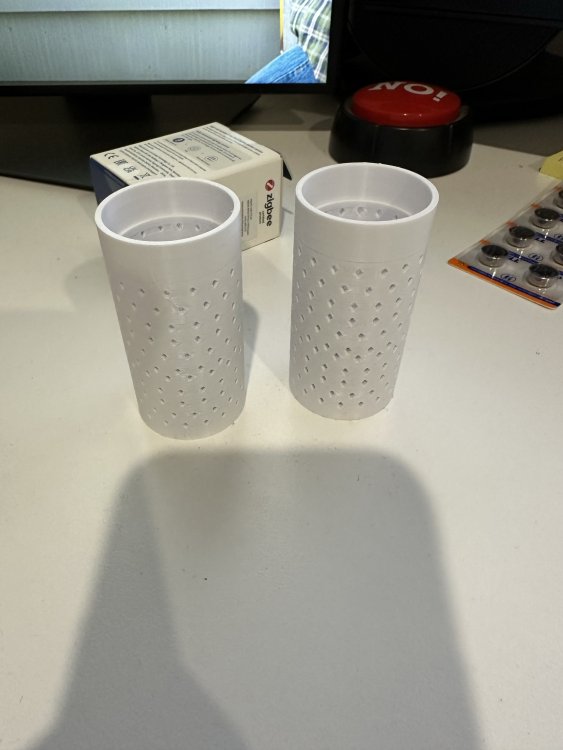
1 pointThanks team. This was my final design and print. No more shrimp being sucked up into the 407 now.
 1 point
 -
1 point
-
1 point
