Leaderboard
-


sdlTBfanUK
Moderators1Points2346Posts
Popular Content
Showing content with the highest reputation on 05/31/24 in all areas
-
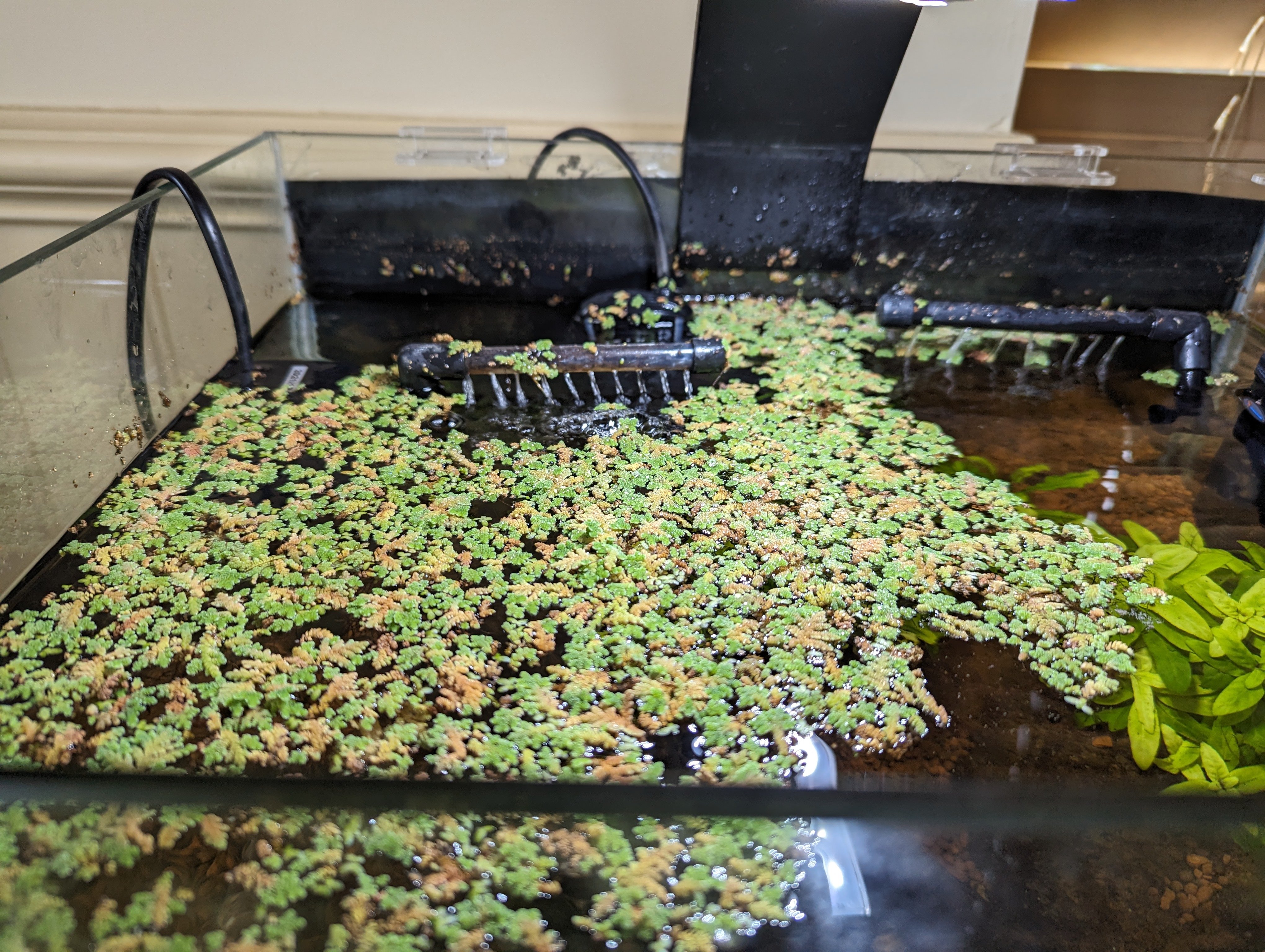
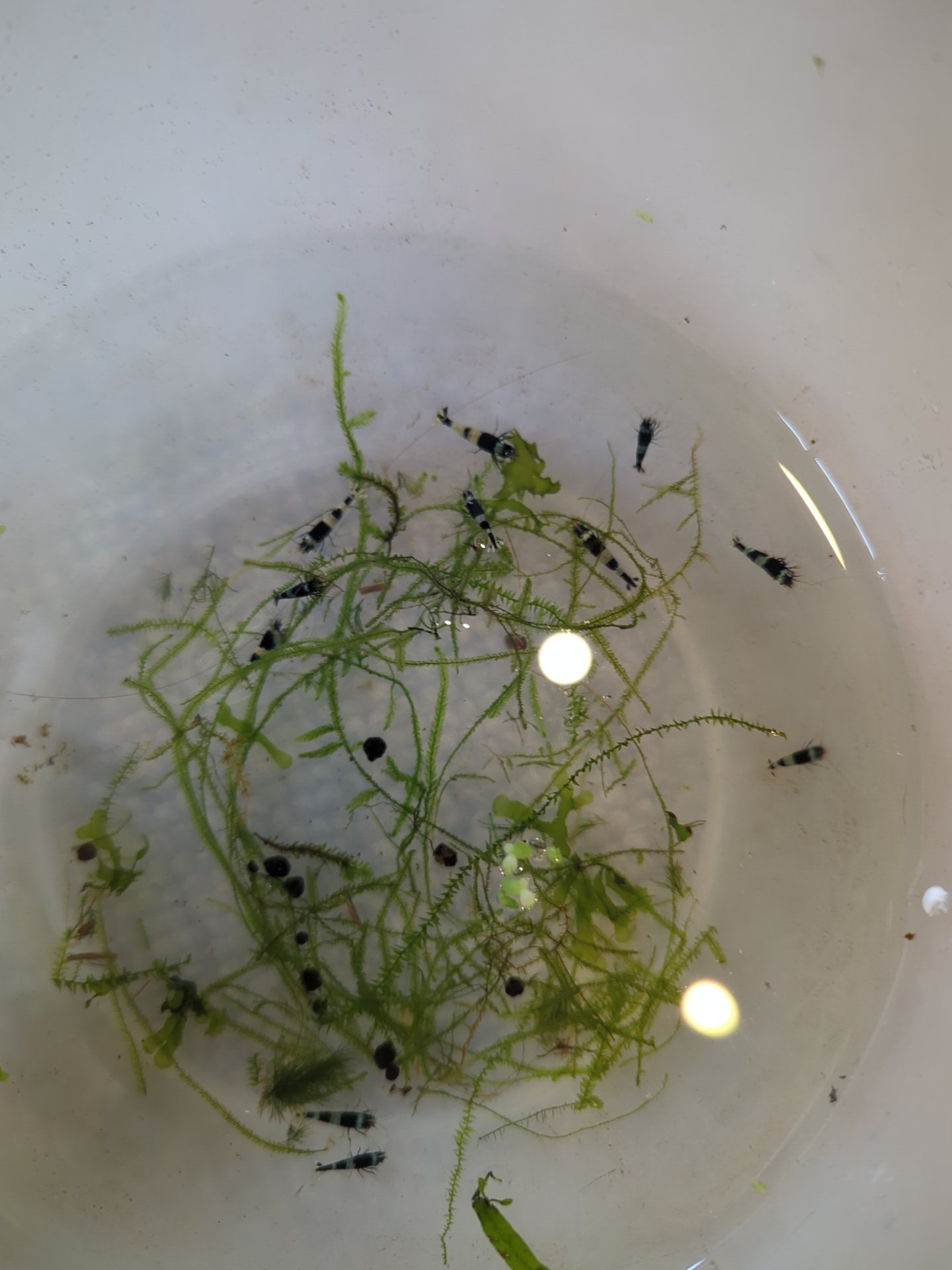
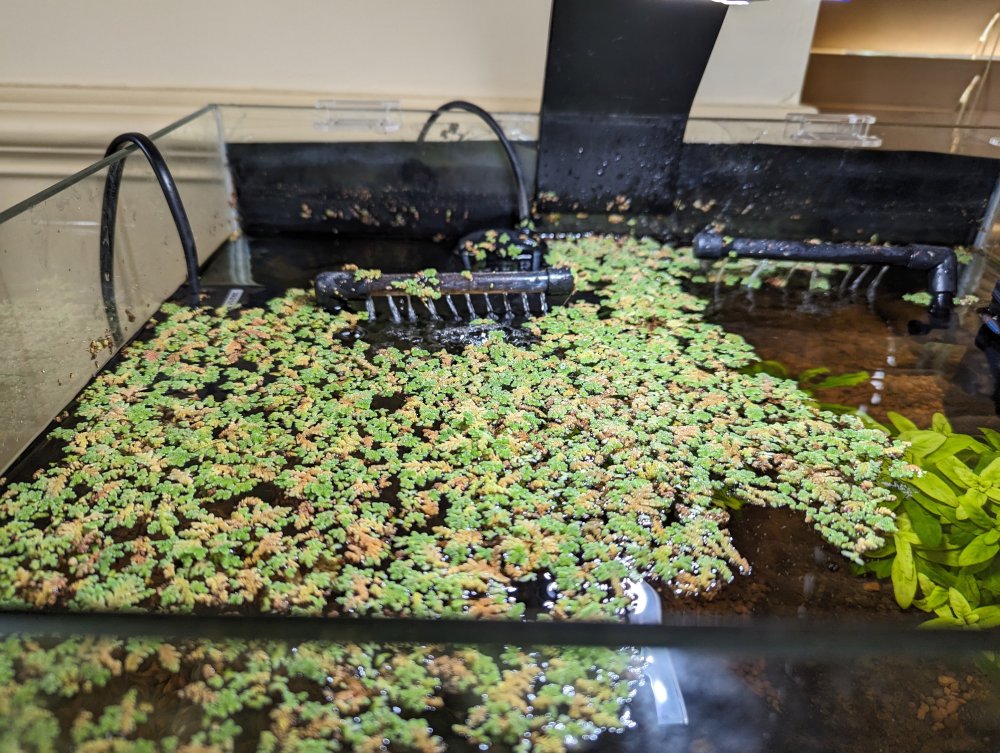
Here is a photo of the floating plant (Azolla). Looks great! I am probably tempting fate by even mentioning this but the first shrimp arrived yesterday and went into the tank today, fingers crossed.............. Pandas and shadow Pandas, I ordered blue bolts and shadow pandas so I may be getting the blue bolts next week free as it was the sellers (ebay) error, but at this stage it is one day at a time - will these survive even. Keep your fingers crossed for me please! I have to say I am enjoying seeing them in the tank even though black isn't the easiest to see in my tank as the background is black? The parameters are a bit off, GH 7 the main one thats off, but hopefully the 24 hours slow drip will have paid off and the parameters of the sellers tanks were generally close to mine, hence I got them from them for that reason. I guess it will be a 'black and blue' tank as there is no-one selling red ones at the moment, but blue bolts are my favourite and as long as they survive, well thats a bonus on the last attempt anyway so I'll take that as a win! Maybe sometime further down the line I may get back to what I had before??? Not rushing anything this time.
 1 point