Leaderboard
-

ineke
HOF Member1Points9026Posts
Popular Content
Showing content with the highest reputation on 08/15/23 in all areas
-
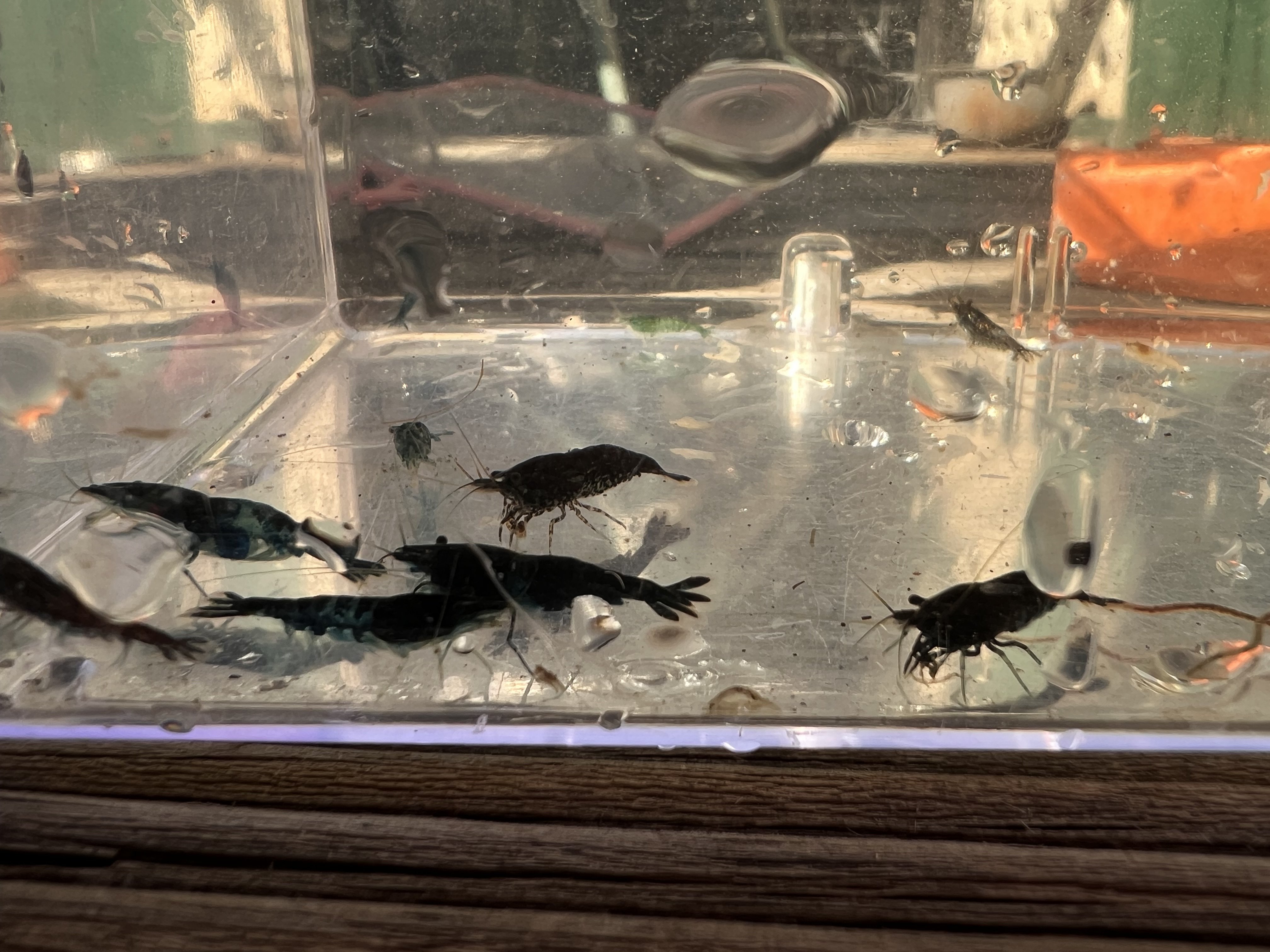
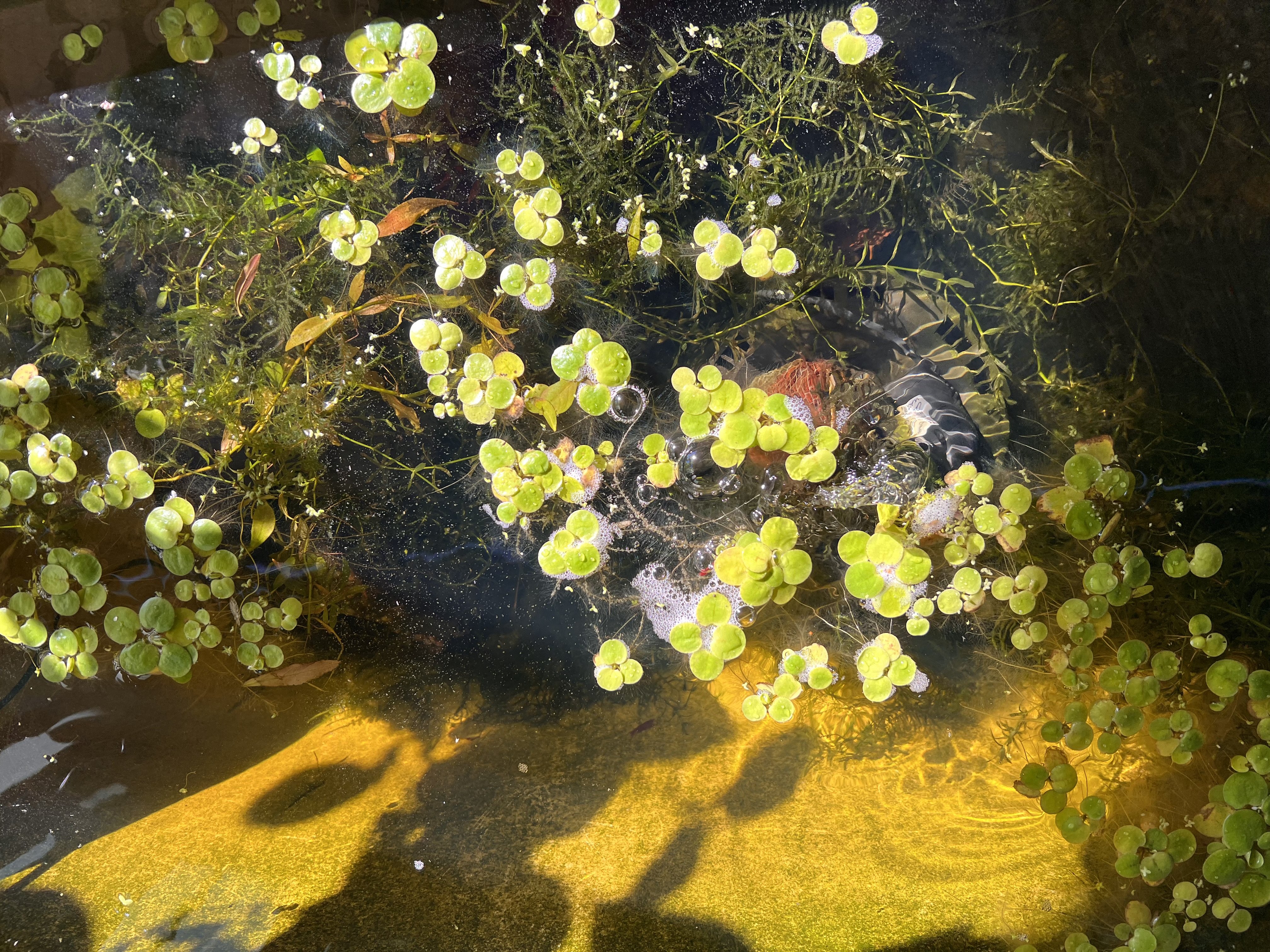
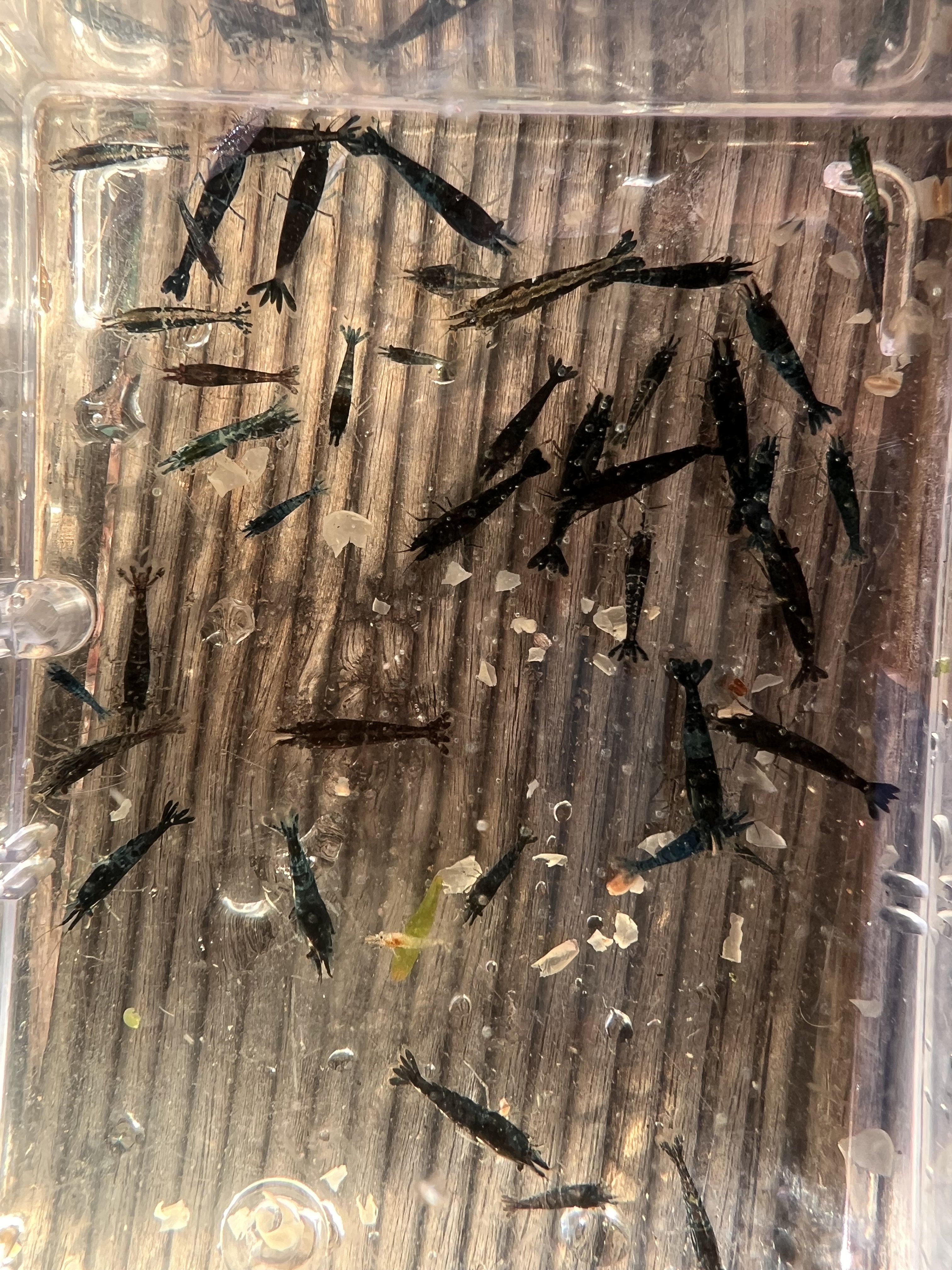
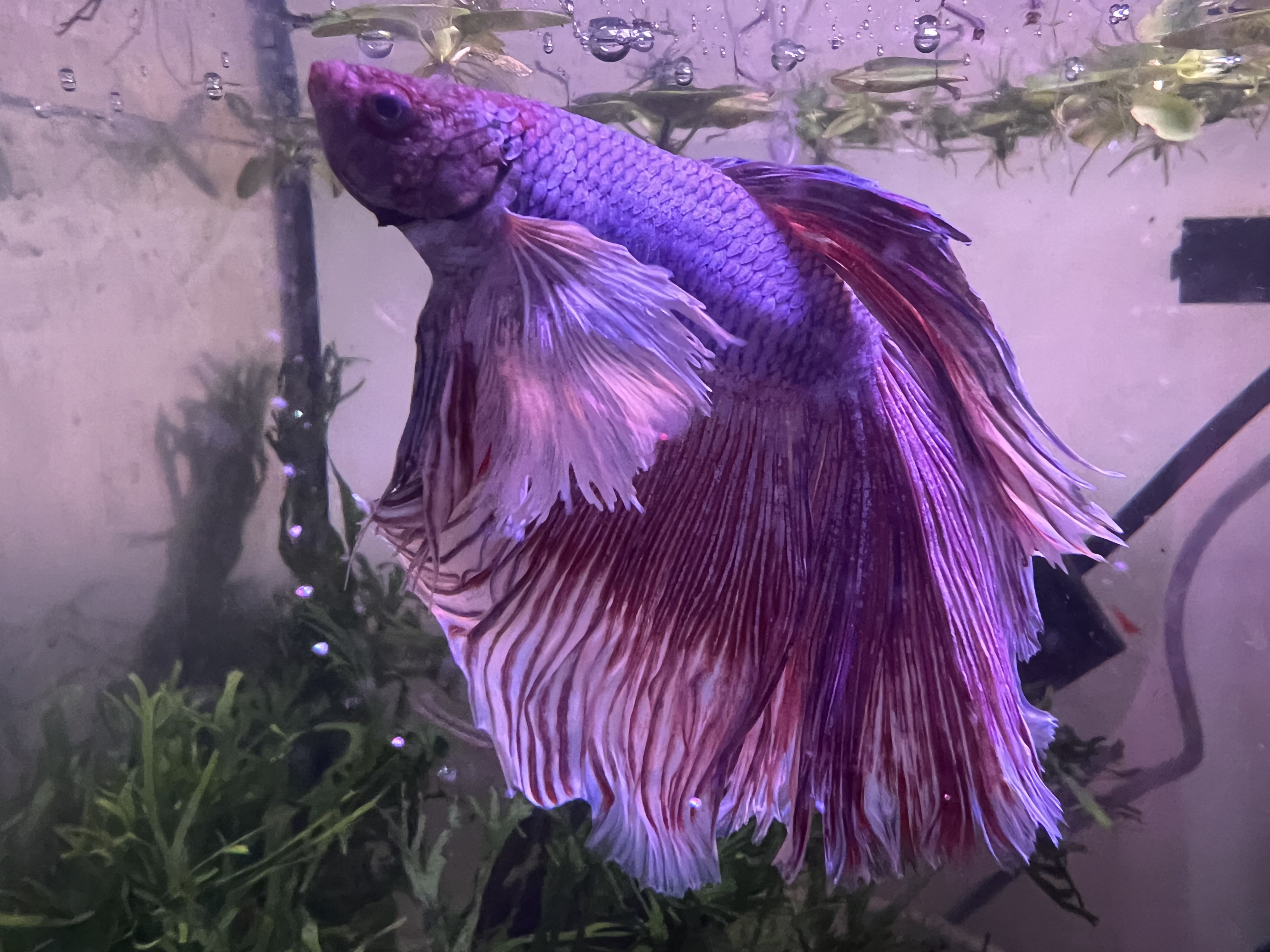
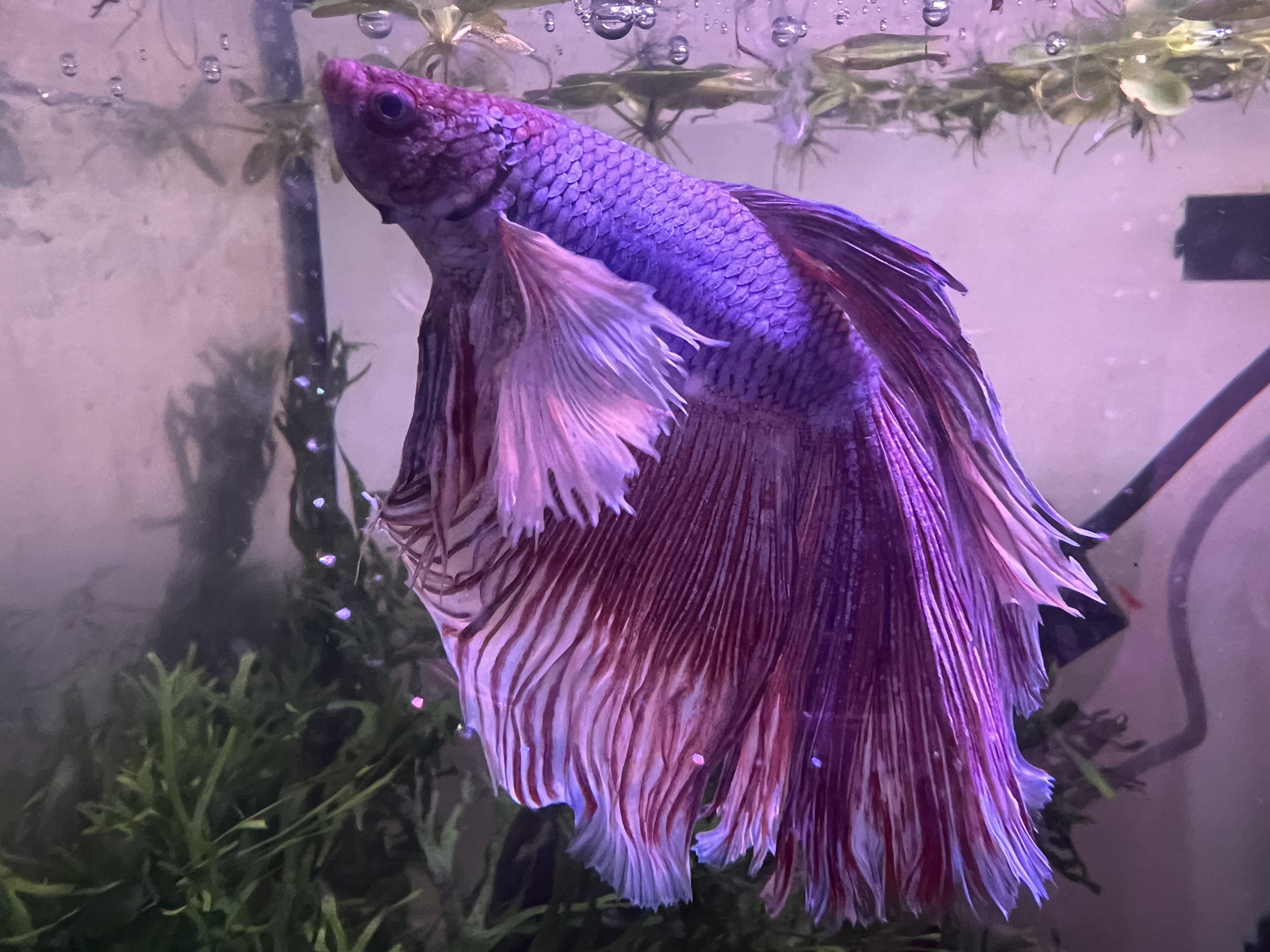
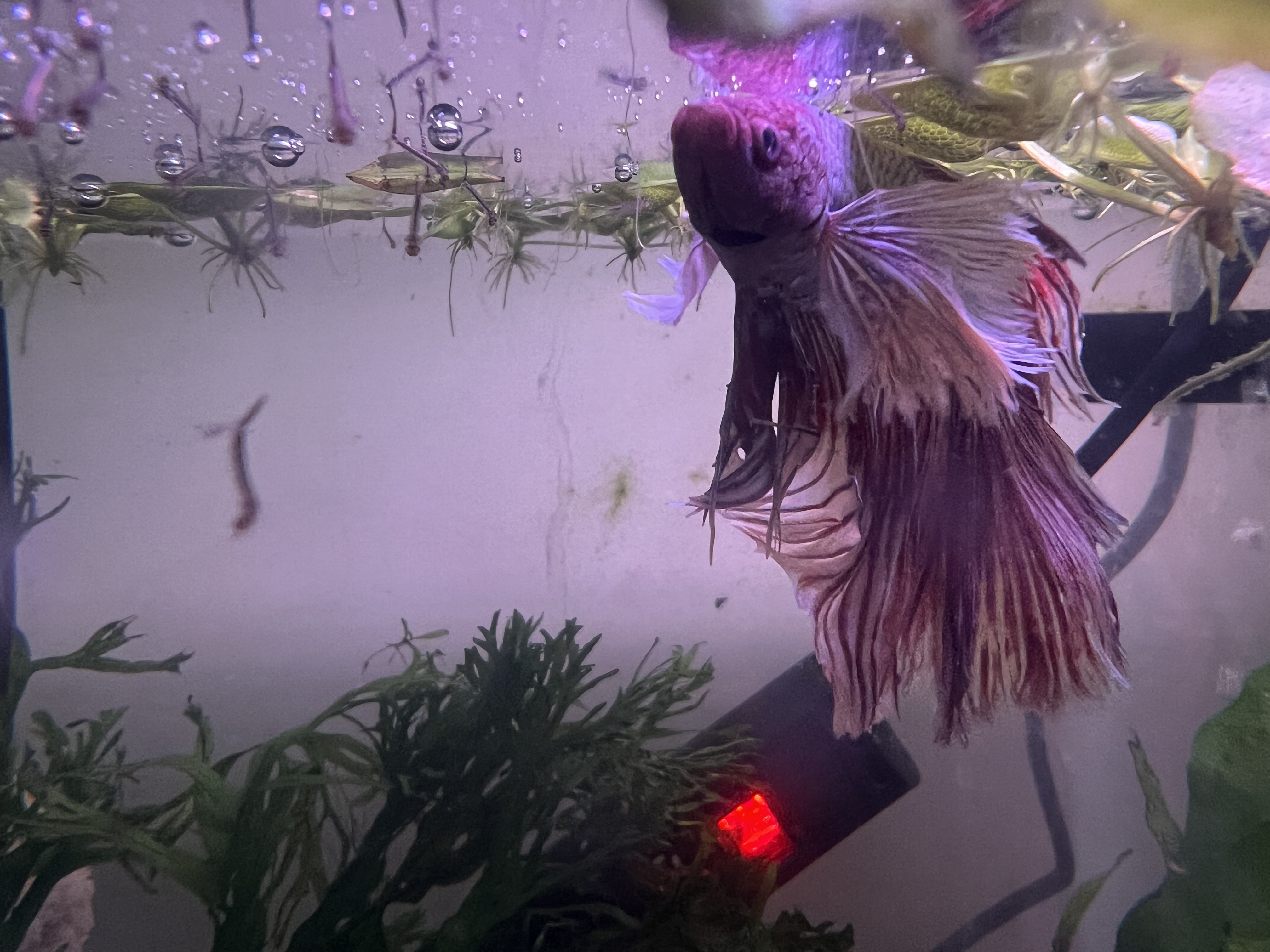
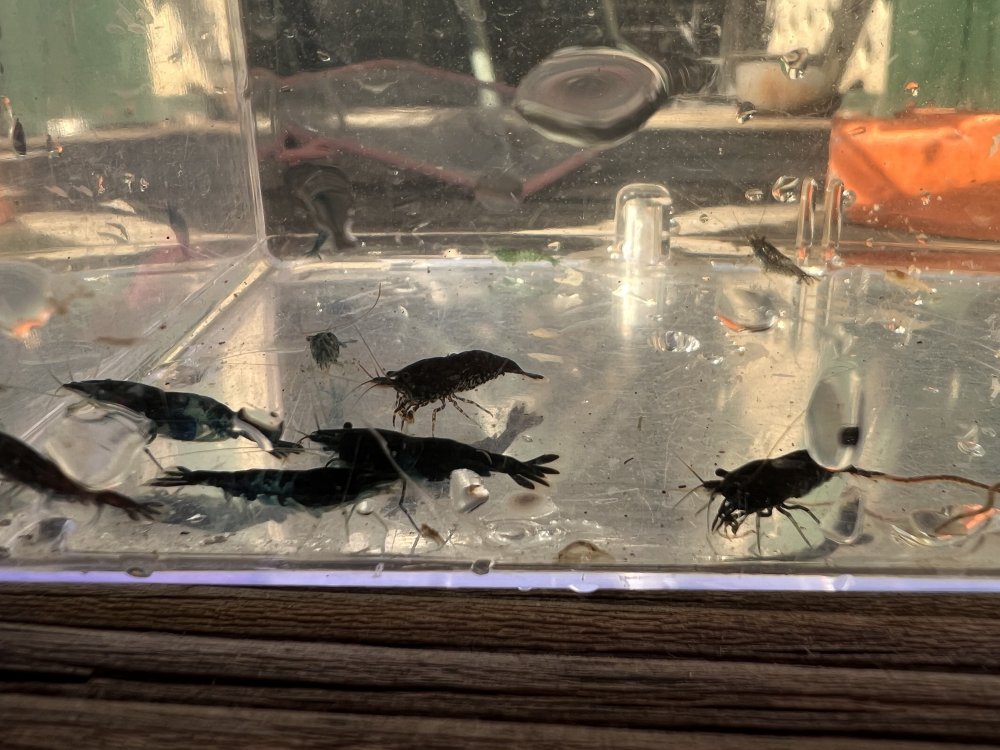
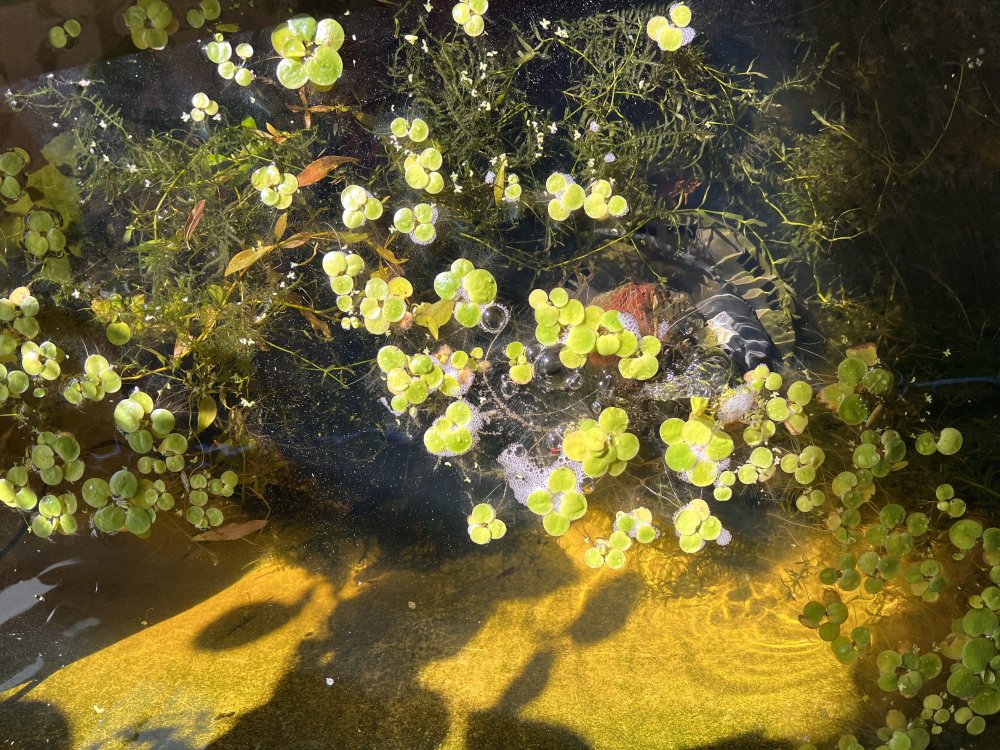
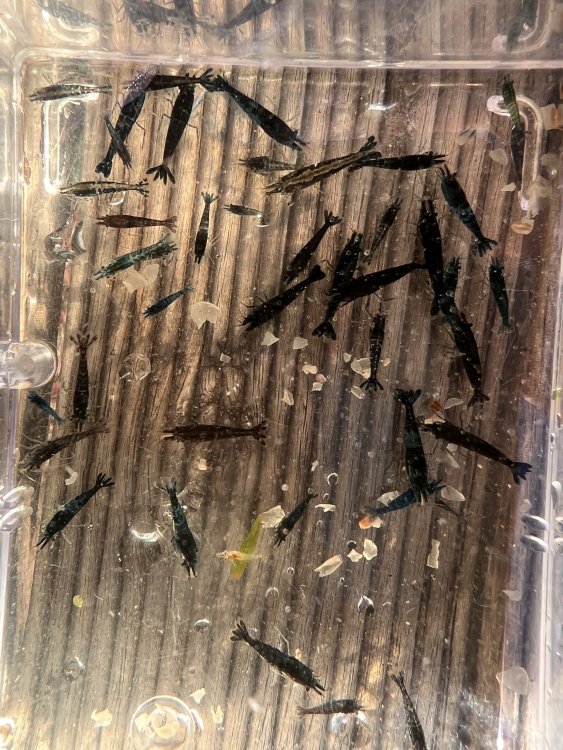
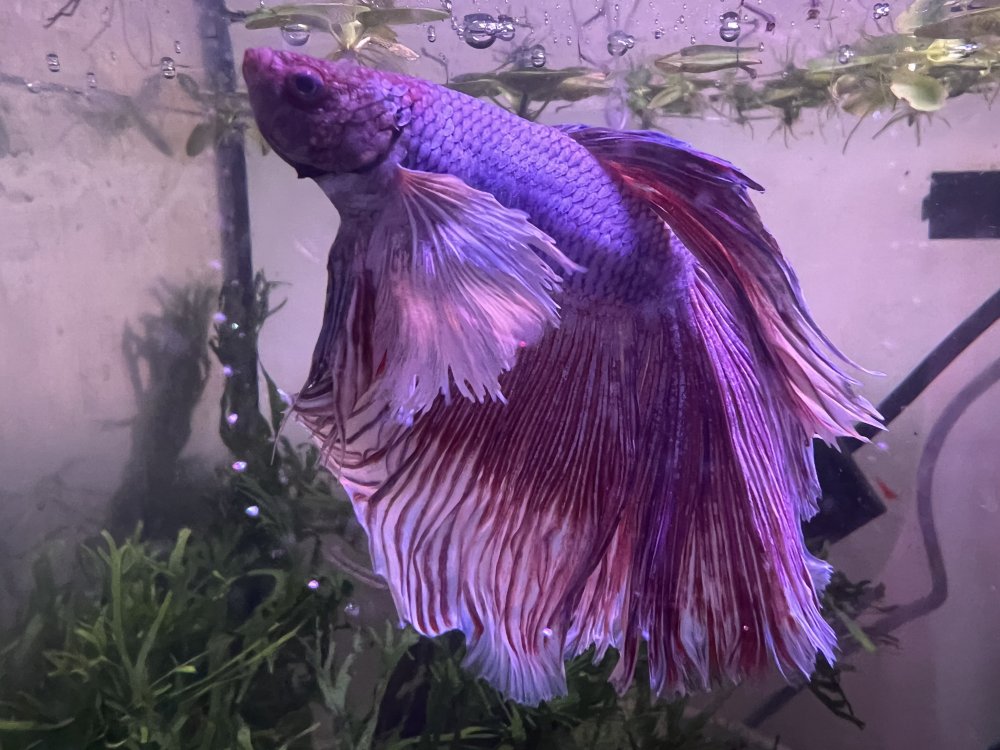
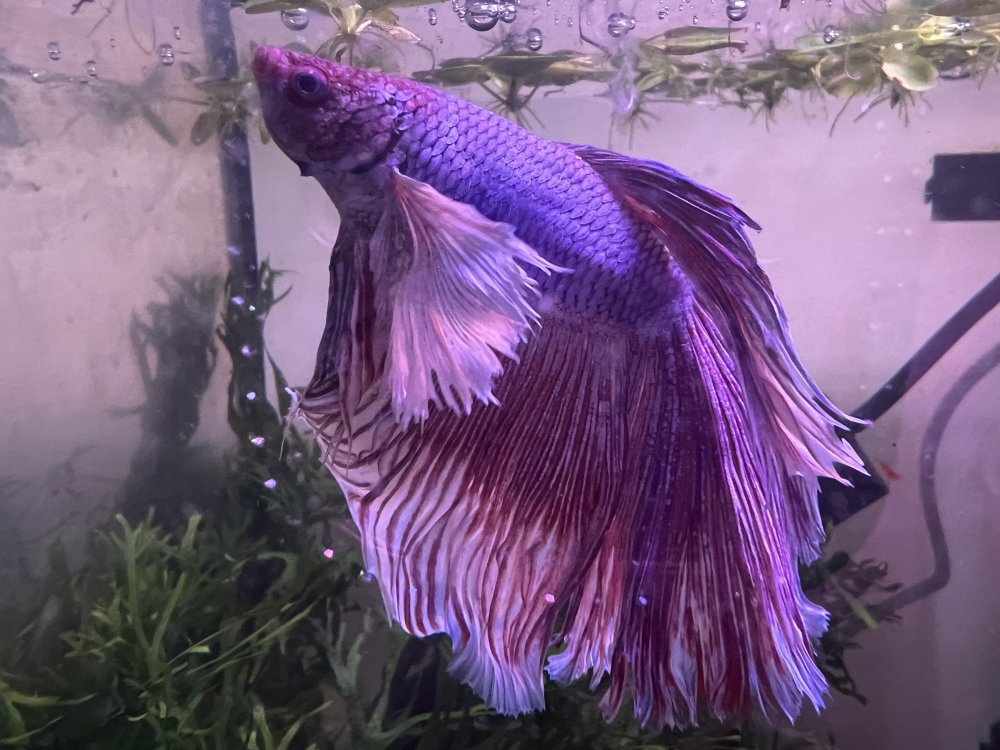
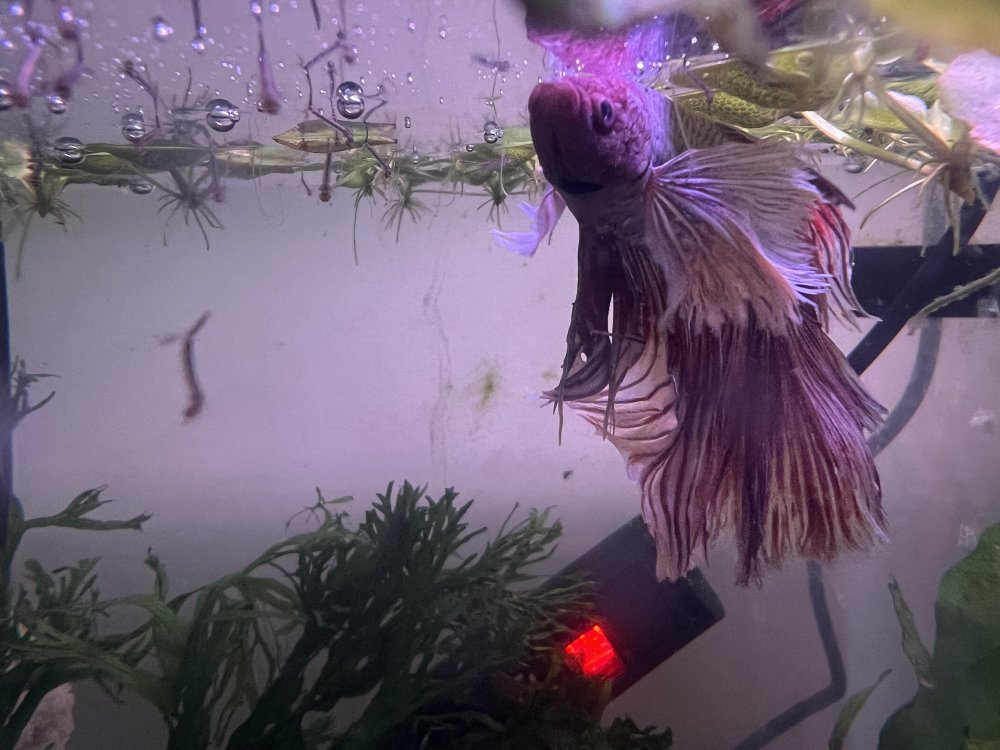
1 pointHello again, I just caught out some blue/ black shrimp from the pond, unfortunately it was only 2C so they are a bit cold and I couldn’t get the blue to stand out in the picture. They are just left to breed and need culling but basically they are just left to have a good life so colour isn’t important. Next time I see some nice blues I will take a better picture I caught out 60 last week for the shop and the blue stood out beautifully once they were in a warm tank. The Betta was just fed some live mosquito larvae and was stalking them. Not the best pictures but shows his lovely long fins. He rests on the plants in between catching his dinner. I have also shown the bathtubs and my mulberry plants. Anyone with access to a mulberry tree can grow them very easily and quickly. I just trim a few stems leaving only the top leaf and stick them straight into the pot. The main thing is to keep them moist. Water daily in summer and fertilise each change of season. Mine all come from my original plant bought back in 2013 and have kept my shrimp in mulberry heaven since then. A big plus is getting to eat the mulberries while cutting the leaves off. They fruit twice yearly so a win all round looks like the pictures didn't upload oops! The betta
 1 point