Skip to content
View in the app

A better way to browse. Learn more.

Shrimp Keepers Forum

A full-screen app on your home screen with push notifications, badges and more.

To install this app on iOS and iPadOS
  1. Tap the Share icon in Safari
  2. Scroll the menu and tap Add to Home Screen.
  3. Tap Add in the top-right corner.
To install this app on Android
  1. Tap the 3-dot menu (⋮) in the top-right corner of the browser.
  2. Tap Add to Home screen or Install app.
  3. Confirm by tapping Install.

Leaderboard

Popular Content

Showing content with the highest reputation on 07/04/23 in all areas

  1. Artishrimps
    1 point
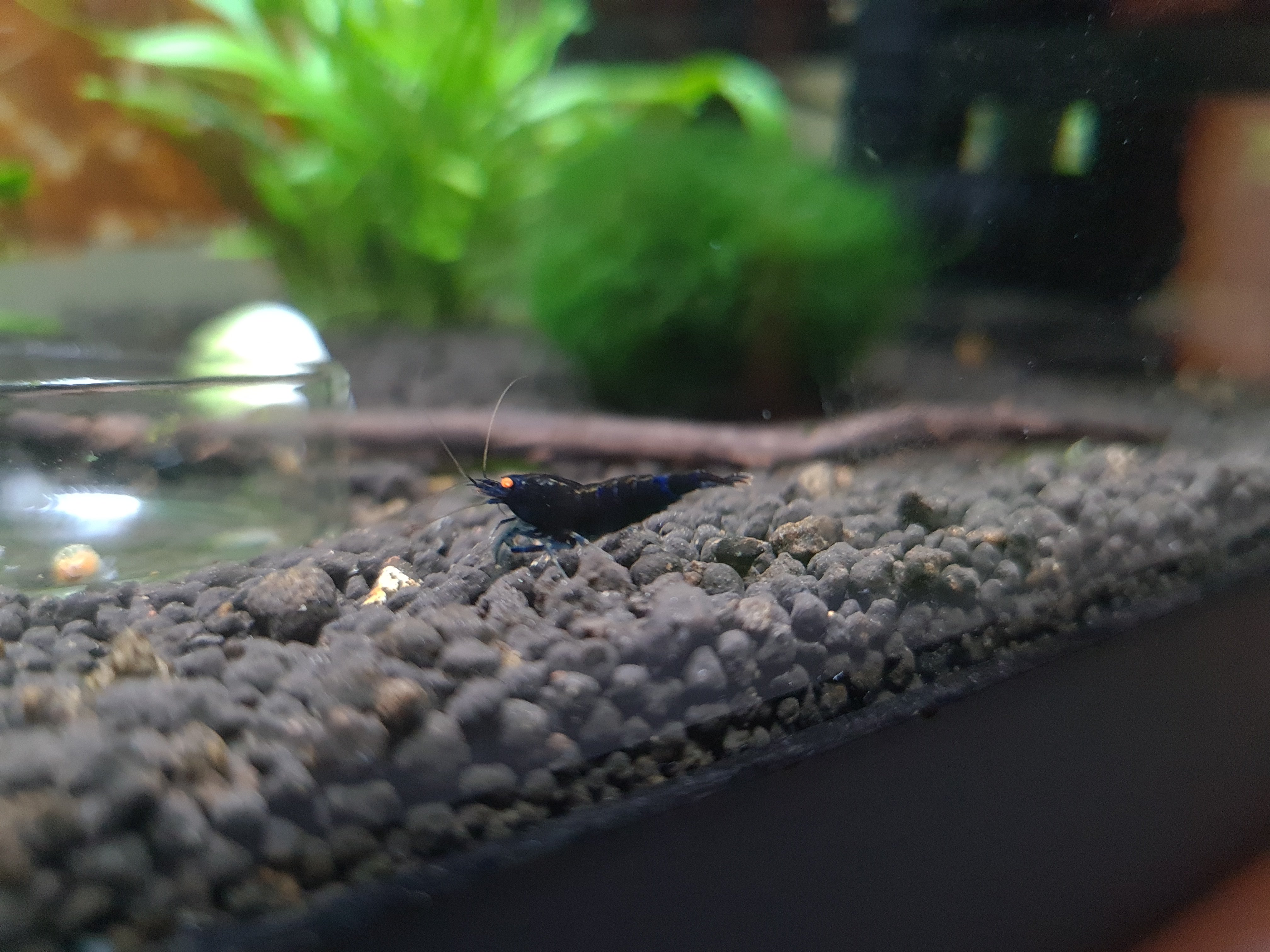
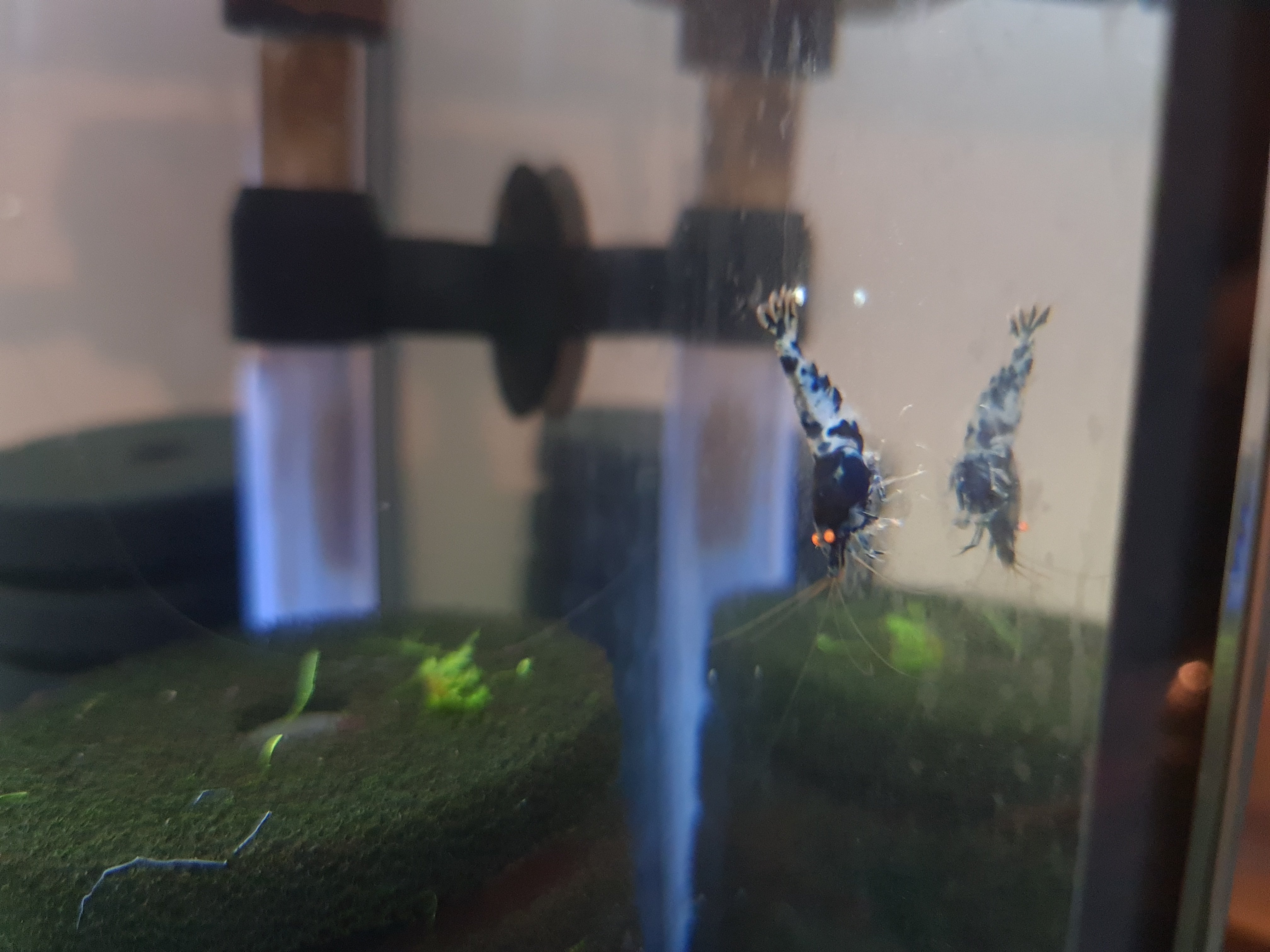
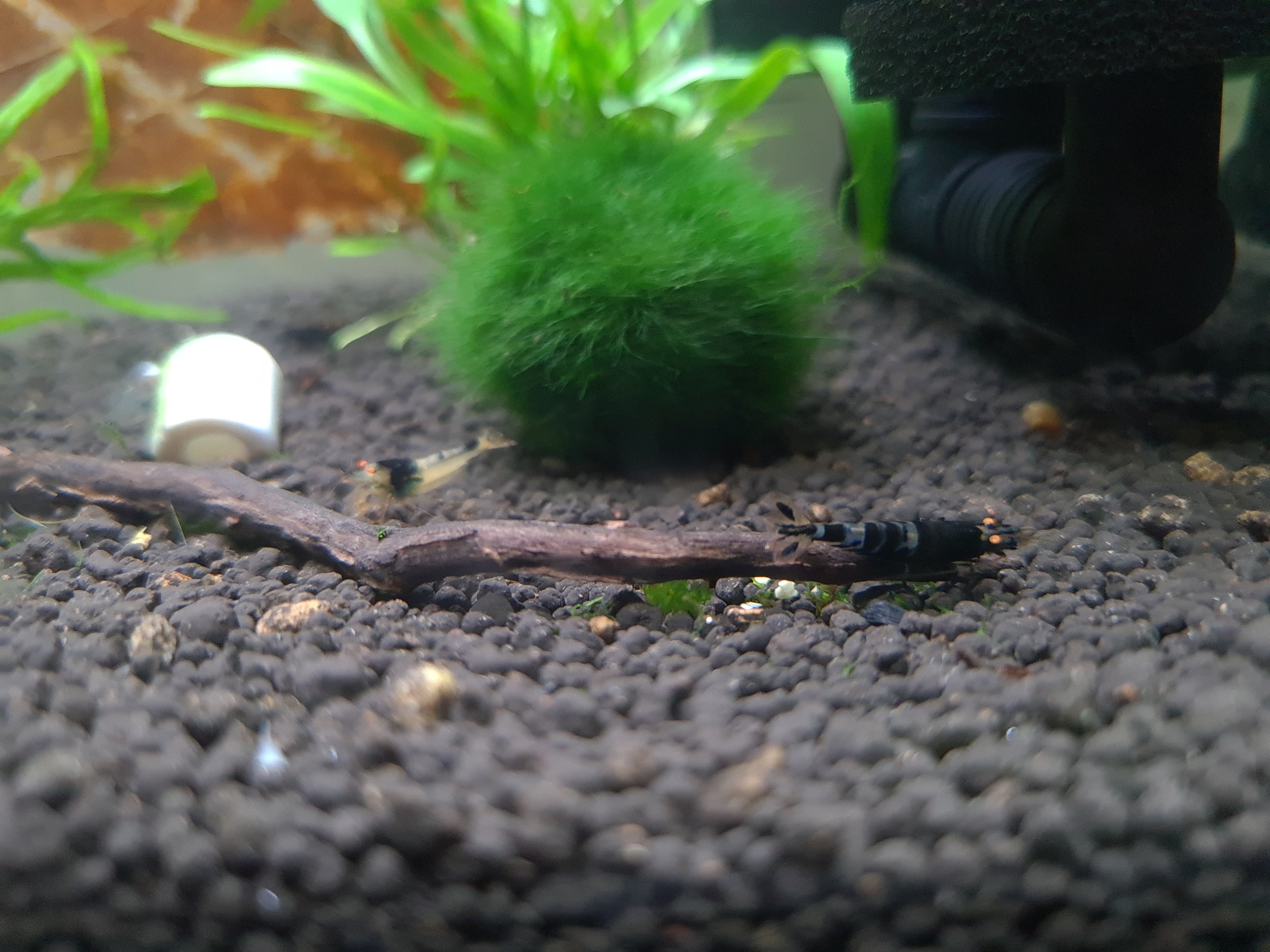
    I tried again and could add 3 picture. Here they are.
  2. sdlTBfanUK
    1 point
    In your initial photo the head and part body looks brown, maybe it is just the photo, it doesn't look like any sort of problem to worry about. It definitely looks in the shell and shiney and the shrimp looks nice and healthy. Once the photos are in the 'attachments box' (uploaded) when adding to the post you need to also press 'insert' bottom right of that box to get the photos in the post? There is a file size limit so if the photo file size is too big it may not let it be added. I have not used facebook so don't have a log-on to see those videos. It will be interesting to see what the new batch look like.

Account

Navigation

Search

Search

Configure browser push notifications

Chrome (Android)
  1. Tap the lock icon next to the address bar.
  2. Tap Permissions → Notifications.
  3. Adjust your preference.
Chrome (Desktop)
  1. Click the padlock icon in the address bar.
  2. Select Site settings.
  3. Find Notifications and adjust your preference.