Leaderboard
-


Shrimp_shrimP
Members3Points13Posts -

micky196977
New Member1Points3Posts -


sdlTBfanUK
Moderators1Points2346Posts
Popular Content
Showing content with the highest reputation on 03/28/21 in all areas
-
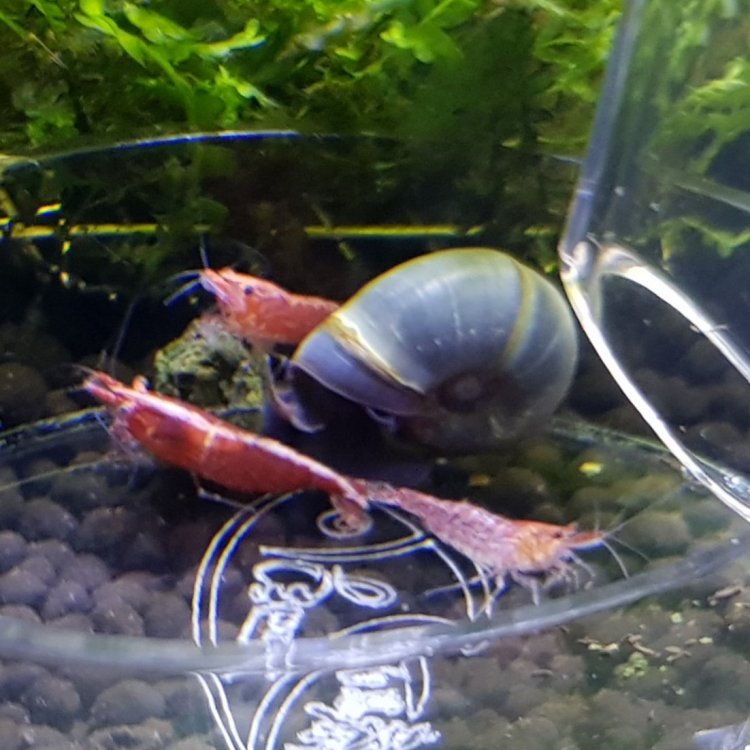
3 pointsHello, I've just recently started keeping red cherry shrimp. I thought it's time I join a shrimp forum so here I am ? currently I have 9 red cherry shrimp and 1 blue ramshorn snail in a planted setup. Hello to everyone and nice to meet you. Ps. Here's a pic of some of them
 3 points
 -
1 pointWelcome to the forum and hopefully you will find lots of interesting information and people here! I hope everything is going well with your new adventure? It would be great to hear more about your setup, is it a small tank ordo you only have a few shrimps because you are just starting out. That is a lovelly blue snail in the photo and the 2 larger reds look great with the stripe down the back! Look forward to hearing more! Simon1 point
-
1 pointHi Jayc, many thanks sorry for the late reply iv'e been away and just returned, always nice to meet people. Regards Micky1 point