Leaderboard
-


sdlTBfanUK
Moderators3Points2346Posts -

Flynn002
Members1Points10Posts -

Ludwiggg17
Members1Points28Posts
Popular Content
Showing content with the highest reputation on 09/27/20 in all areas
-
1 pointI'll try quarantining them starting tomorrow morning and try to keep an eye out if there is any development on their condition.1 point
-
1 pointI wouldn't want to commit using those photos, and I don't know what a healthy shrimp of that type looks like to be honest. I would expect some discolouration from shipping etc, but that same thing could also have made them sick as you say. When I looked up pictures on google all the shrimps were a cloudy light brown so they are naturally cloudy and maybe just lost some colour in transit, see if anything changes in a day or two? Can you remove them and keep them separate for maybe a week, even in a bucket etc, using tank water as they have acclimated to that already! Of course catching and moving them again will stress them even more............ Simon1 point
-
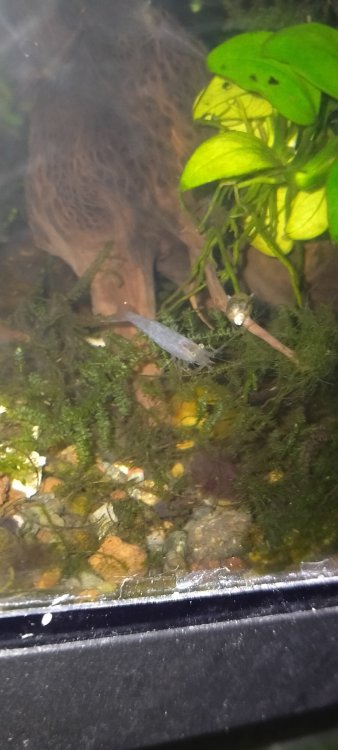
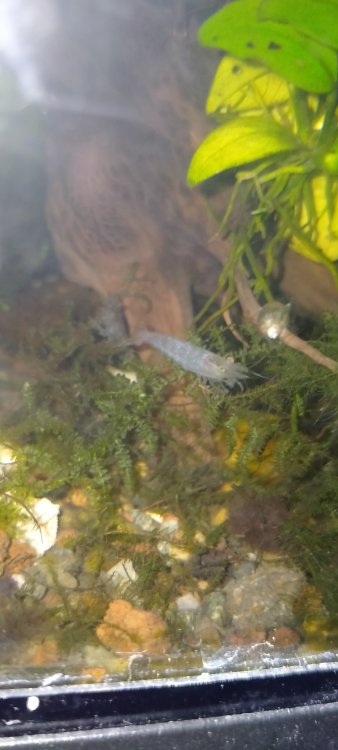
0 pointsHello everyone, i got 5 C. typus at 7:00 p.m. (UTC+8). They were stuck for a day or so from shipping before i received them and i got worried some of them would've died. In some kind of miracle 4 of them survived. When i got them acclimated to my tanks i took some time to observe them and i noticed some of them had this pale white look on their bodies and immediately got worried because i know i could endanger my other shrimp. Sorry for low res pics i'll try to get more shots tomorrow Here are two pictures of one of them:
 0 points