Leaderboard
-

Subtlefly
Members2Points97Posts -

Crabby
Members2Points652Posts -

LCM94
Members1Points33Posts -


sdlTBfanUK
Moderators1Points2346Posts
Popular Content
Showing content with the highest reputation on 07/11/20 in all areas
-
2 points
-
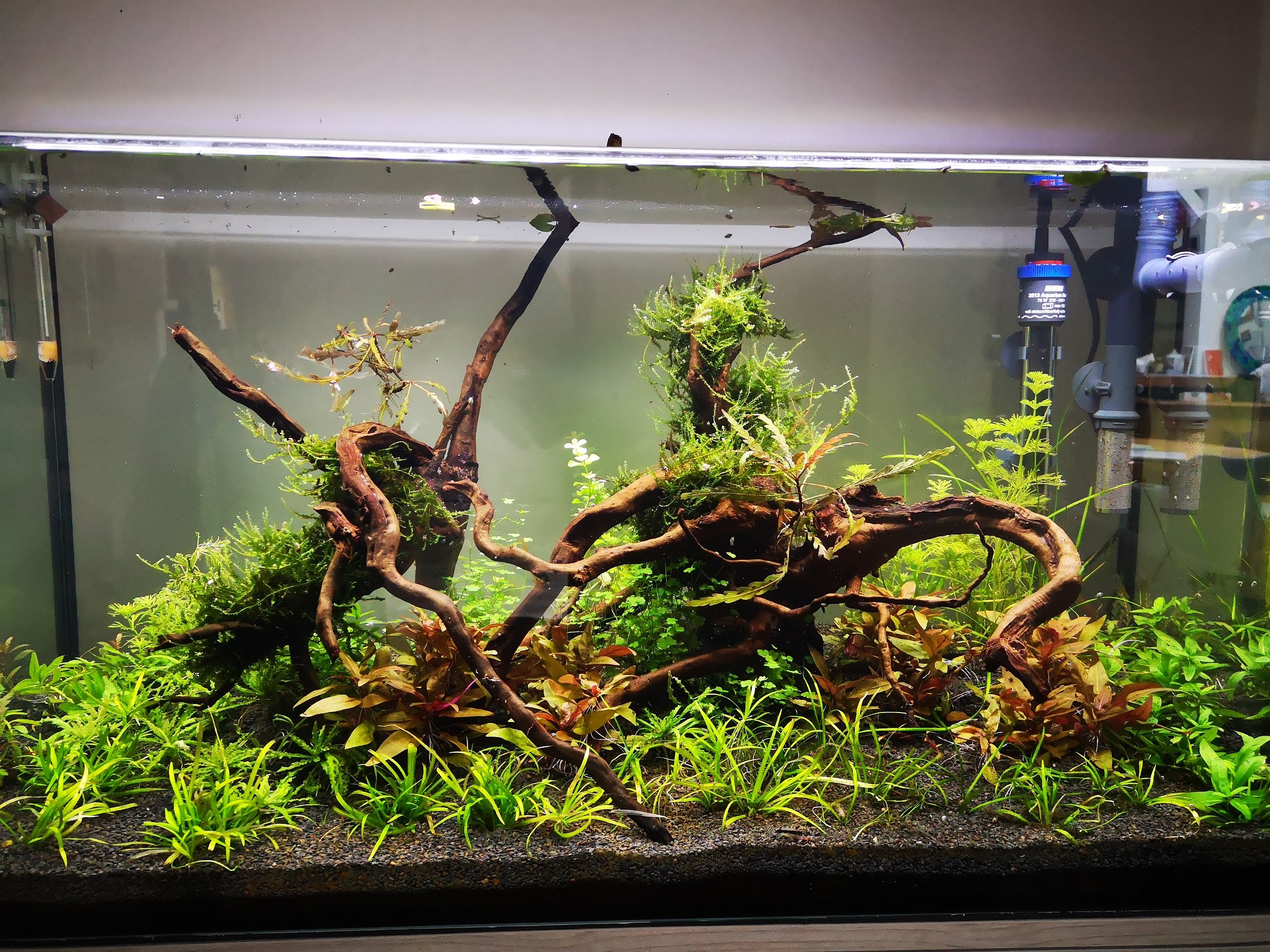
1 pointJust noticed you said 'thinking of adding tigers, would caridina work as well?' or something of the sort, just checking that you are aware that tigers are a species of the genus caridina? Those parameters should work brilliantly though for tigers and probably most other dwarf caridina (as opposed to like aussie natives or amanos and stuff). Tank looks fantastic!1 point
-
1 point
-
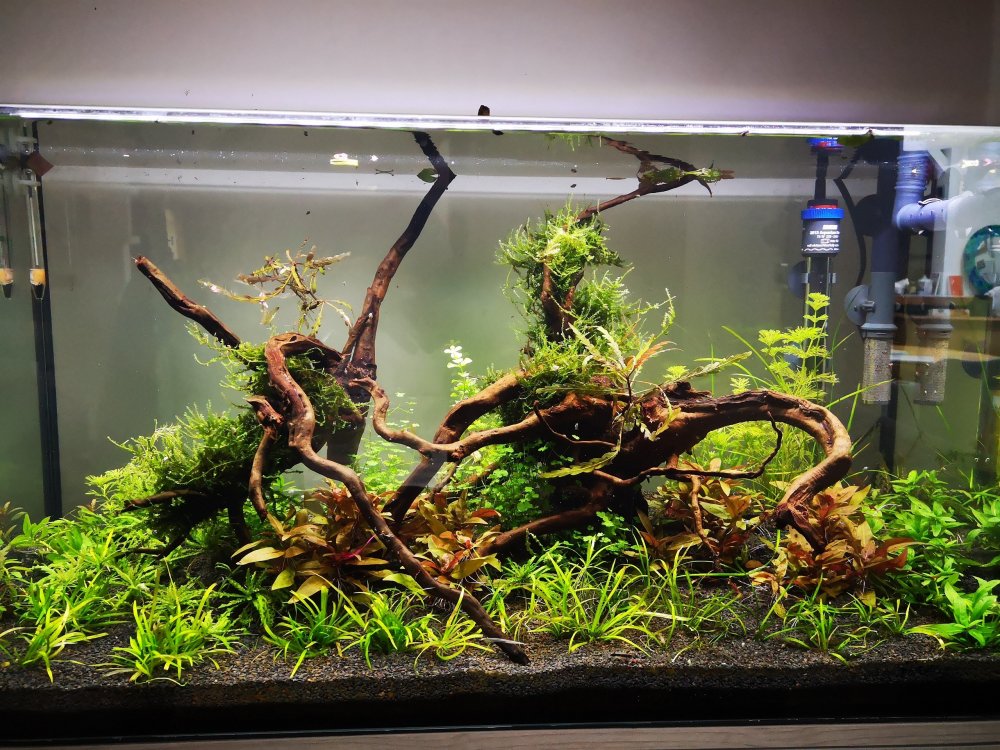
1 pointThat looks great and I'm sure shrimps will be very happy exploring and grazing in there. I look forward to hearing how it goes this time. I don't think anyone over here is sending shrimps (or fish) at the moment so I am not planning to get anything here soon, the fish are doing well in that tank, and there is 1 red steel shrimp survivor which shows itself occassionally? Simon1 point
-
1 pointnow the upload seems to be working with a 2Mb file ... but initially 6Mb seemed to big (popup with a "-200" error message, whatever that means ?)
 1 point
 -
 1 pointEpic ! LOL, your cat ! Just sitting there watching all the fuss.1 point