Leaderboard
-

Subtlefly
Members3Points97Posts -

LCM94
Members2Points33Posts
Popular Content
Showing content with the highest reputation on 07/10/20 in all areas
-
1 pointnow the upload seems to be working with a 2Mb file ... but initially 6Mb seemed to big (popup with a "-200" error message, whatever that means ?)
 1 point
 -
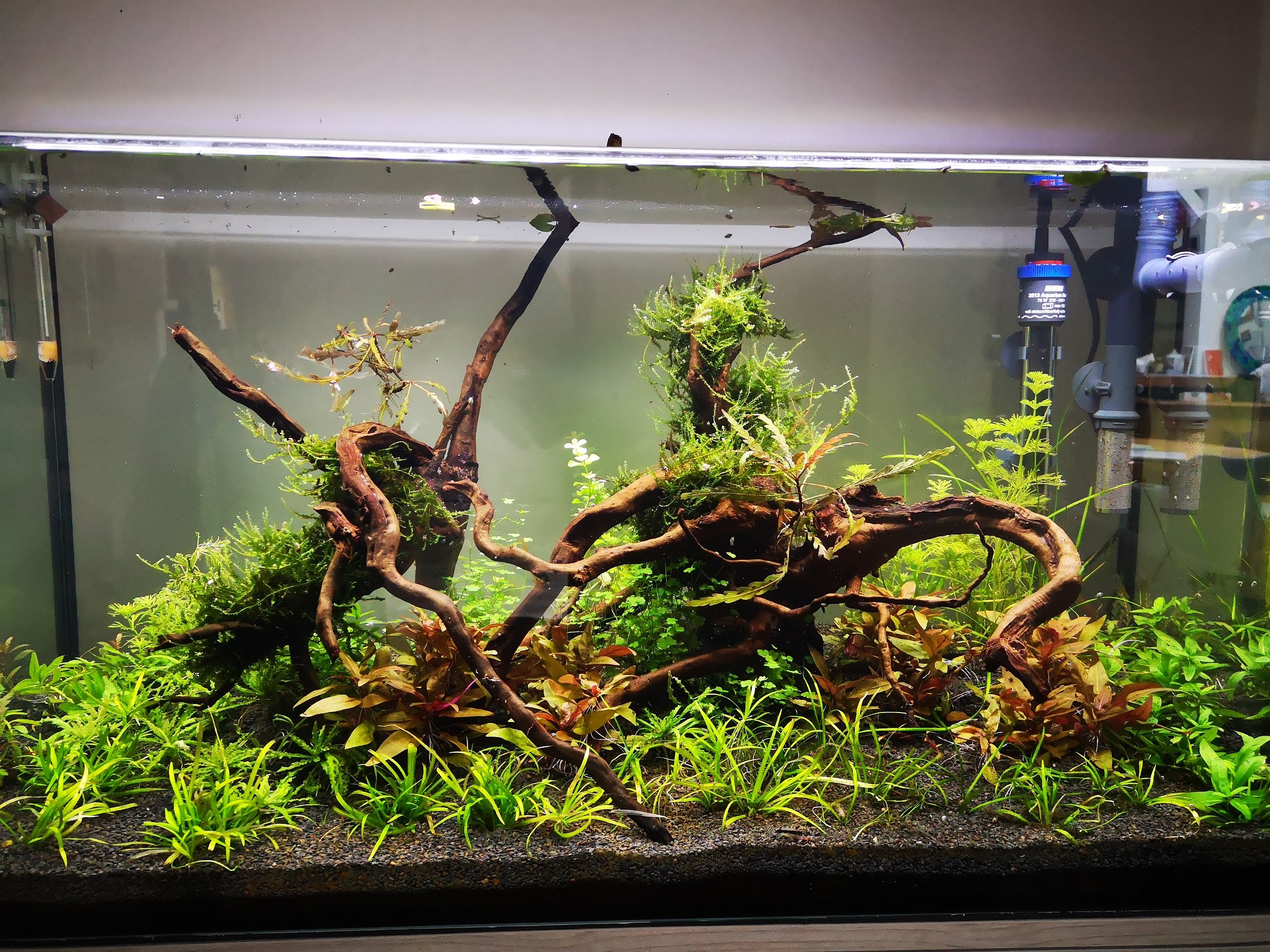
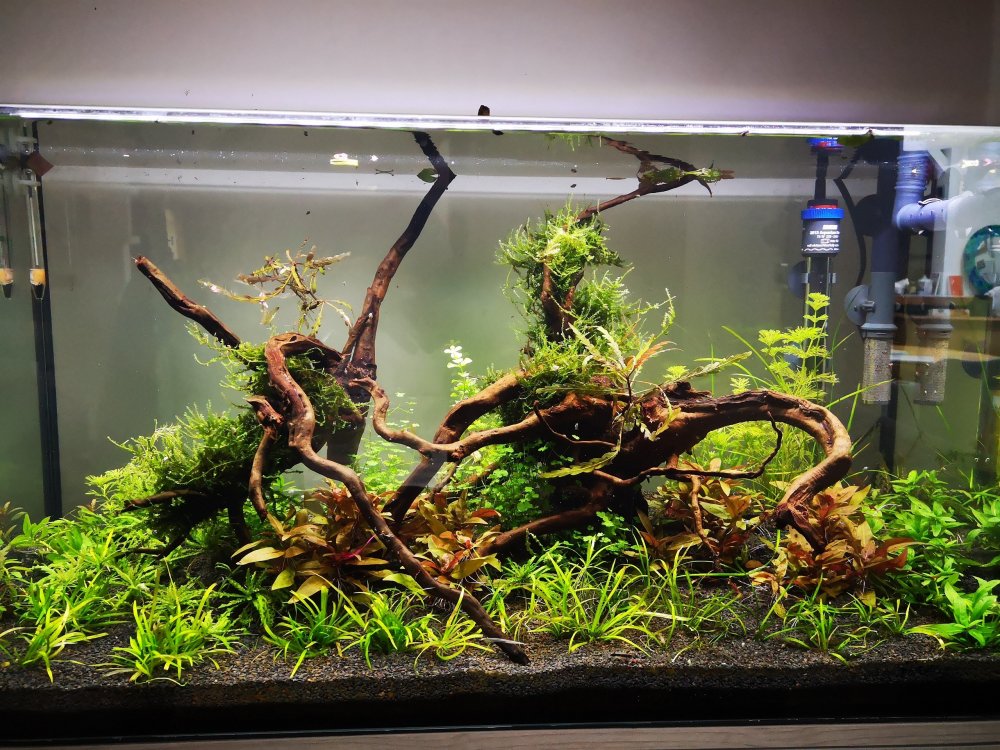
1 pointHello, I have totally redone my tank: removed substrate & woods. Cleaned the inside of the tank. I just kept most of the plants, cleaned them in tap water, cut out the roots. I put in a new substrate: JBL Manado Dark (neutral substrate) I added spider wood after cleaning them off Almost a month now has passed and parameters are pretty much stable. I still use osmosis water (ph = 6 to 6.5). I had a question though: - If I set the correct ppm parameters, normally Ph should stay stable? - I was thinking of introducing Tiger shrimps (that should be fine) but what about caridinas? I guess that would work as well? PS: seems that I can't upload a file of 6Mb? Even 2Mb1 point
-
1 pointTank should be ready soon! There was a bit of a delay with talk of an 8mm tank. Apparently the 8mm starphire glass is hard to source so we are back on track with 10mm glass. I DIY bent and annealed my ADA and cheap VIV glass lily pipes and it worked fine. So all systems go!1 point
-
1 point
-