Leaderboard
-

kms
Members3Points334Posts -

jayc
Moderators3Points6248Posts -


sdlTBfanUK
Moderators1Points2346Posts -

Martin
New Member1Points2Posts
Popular Content
Showing content with the highest reputation on 10/30/19 in all areas
-
2 points
-
2 points
-
Thanks for your answer. Anyway, I have about 30 TT together with Bloody Merries in a 60 l (15 gallons) tank. Nice piece of wood and moss is recommanded. They are strong and hard in terms of water conditions because I use just tap water. A few are more yellowish but most of them have a nice "golden" color.1 point
-
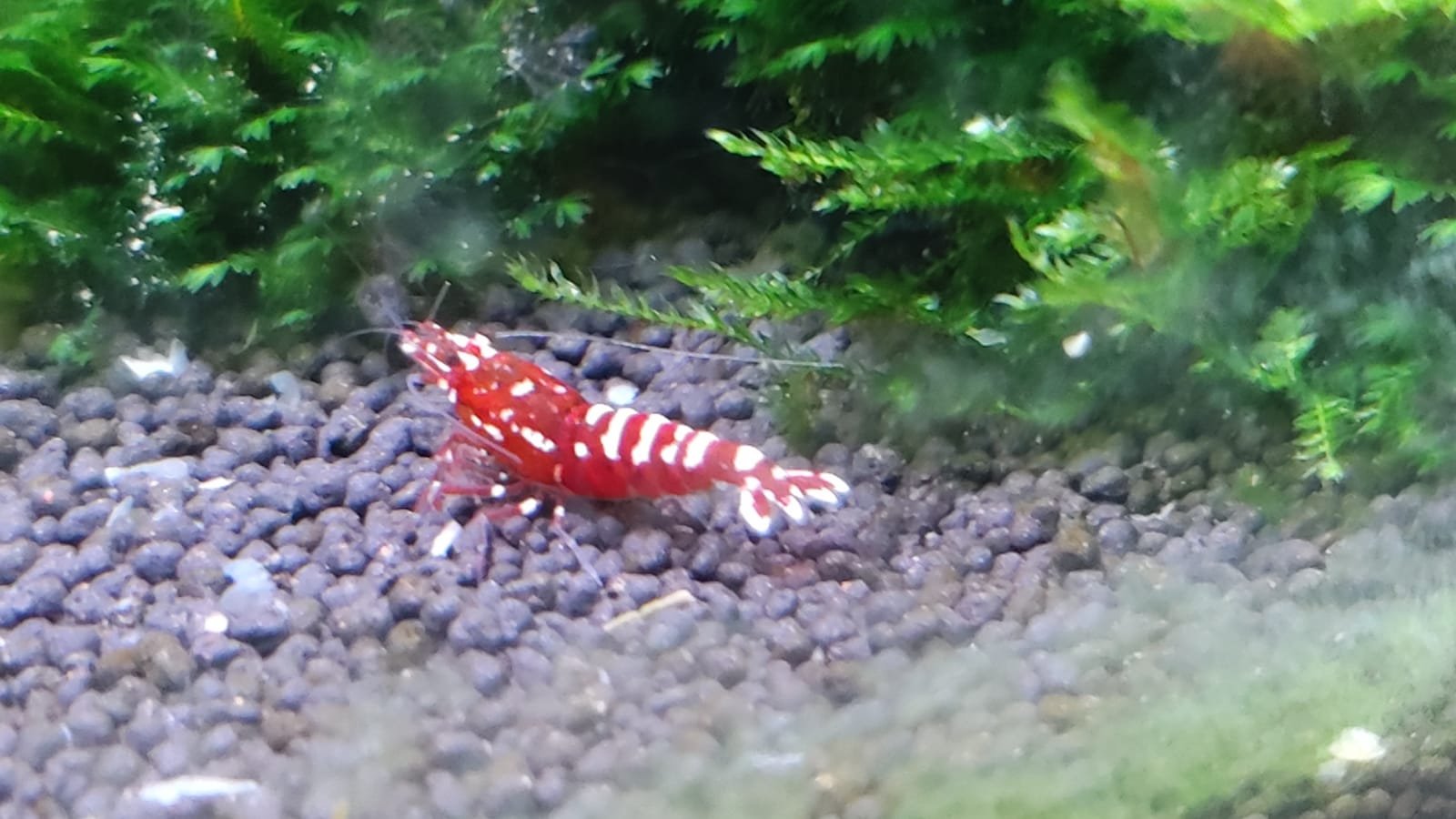
1 pointI've had these shrimps since the 21st of this month, they seem ok, eating and active, when you come very close to the tank, they know and swim away.1 point
-
1 pointGreat photo of a stunning shrimp! Hope it is all going well now and things have settled down? Simon1 point
-
TTs are Caridina Serrata. Tiger Shrimps are Caridina Cantonesis. There are similarities, but there is a significant difference between the two for them to be classed in different species. So until the Tang Ties are officially renamed, they will remain as Caridina Serrata.1 point