Leaderboard
-


sdlTBfanUK
Moderators1Points2346Posts
Popular Content
Showing content with the highest reputation on 12/30/18 in all areas
-
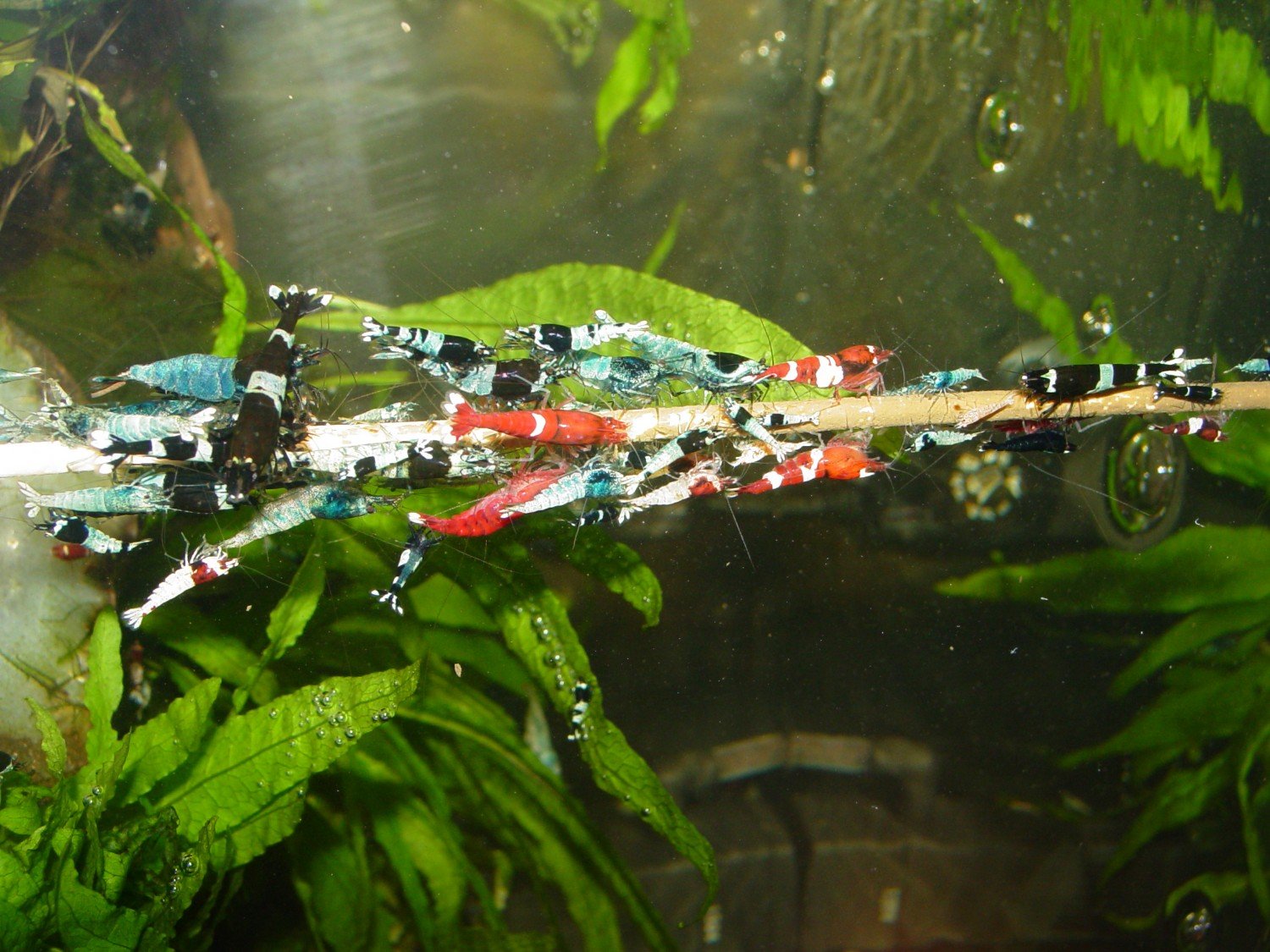
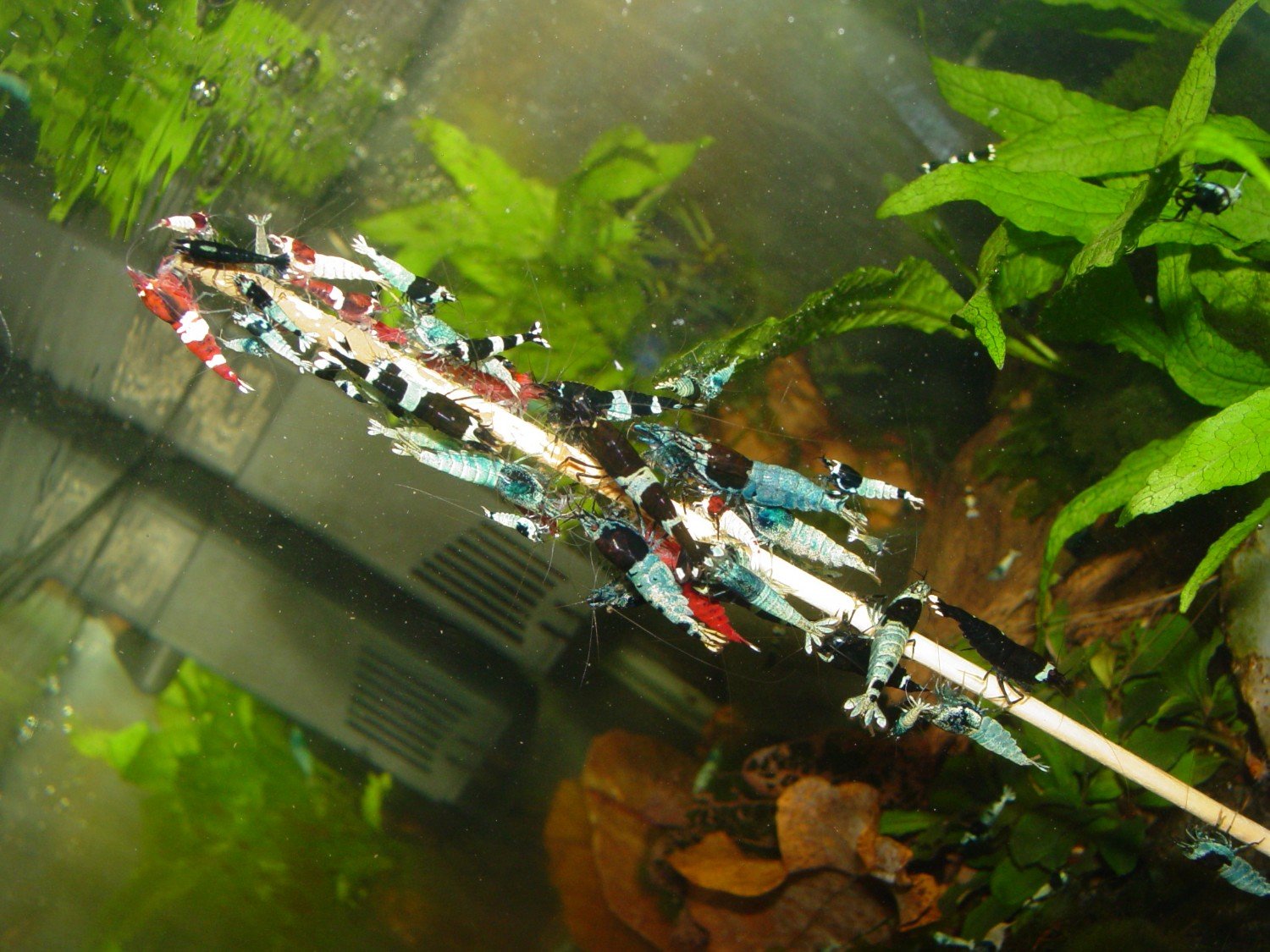
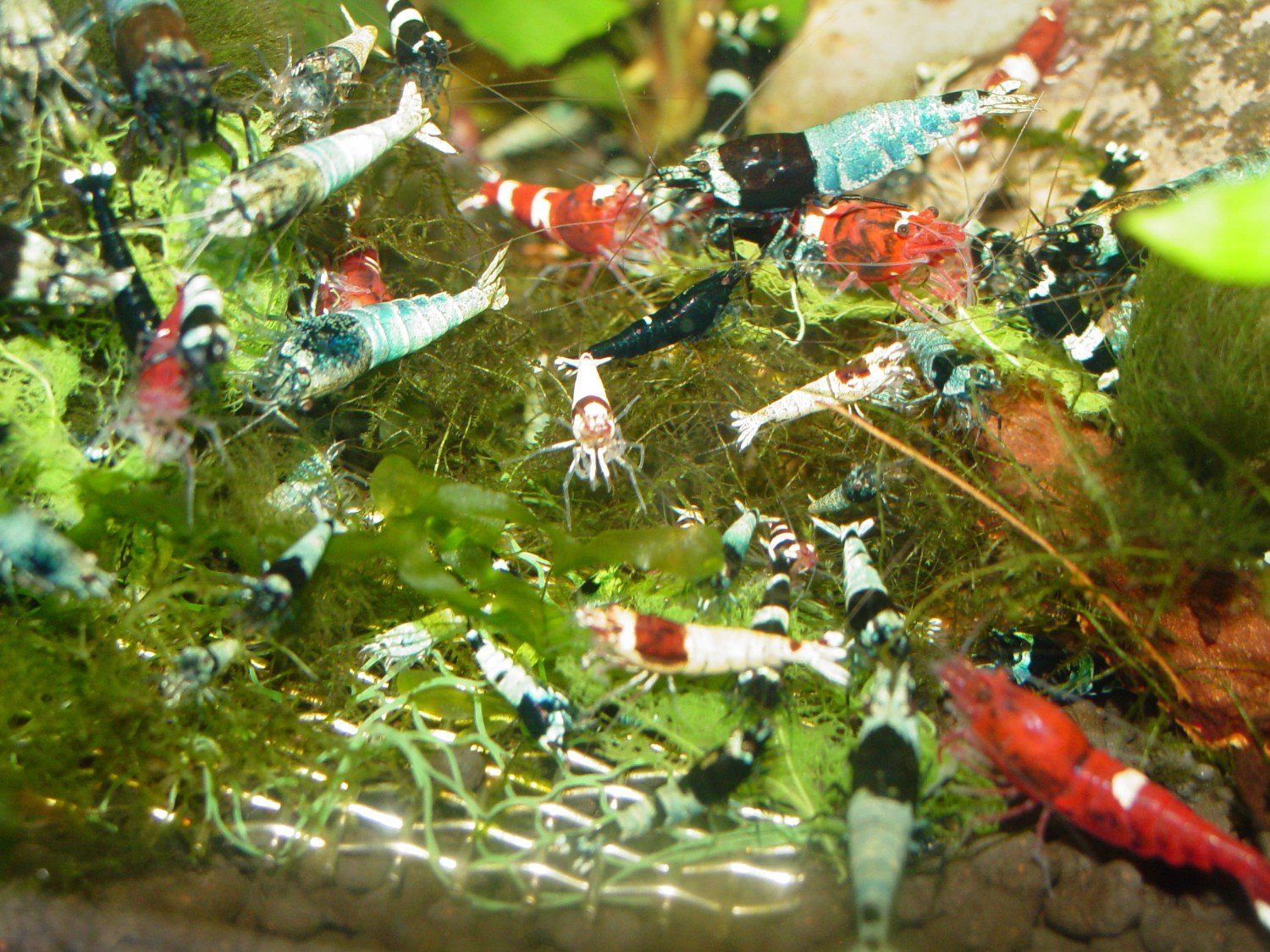
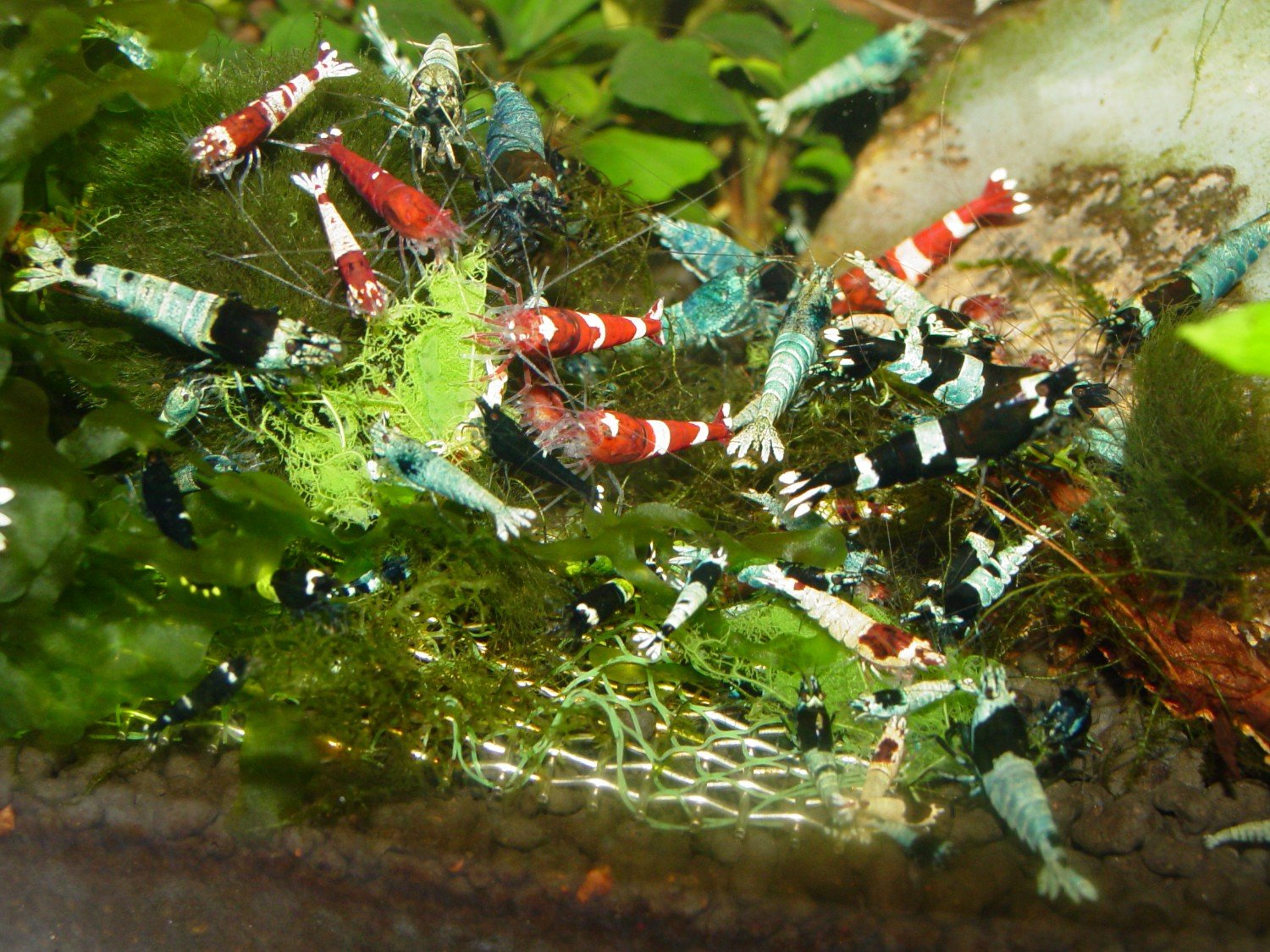
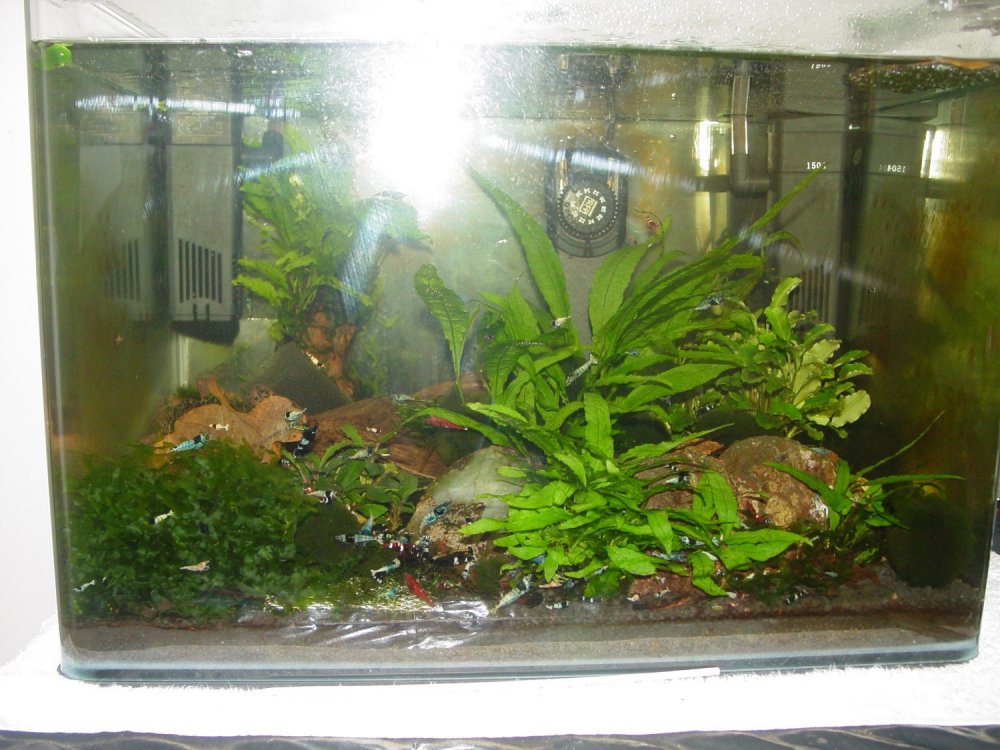
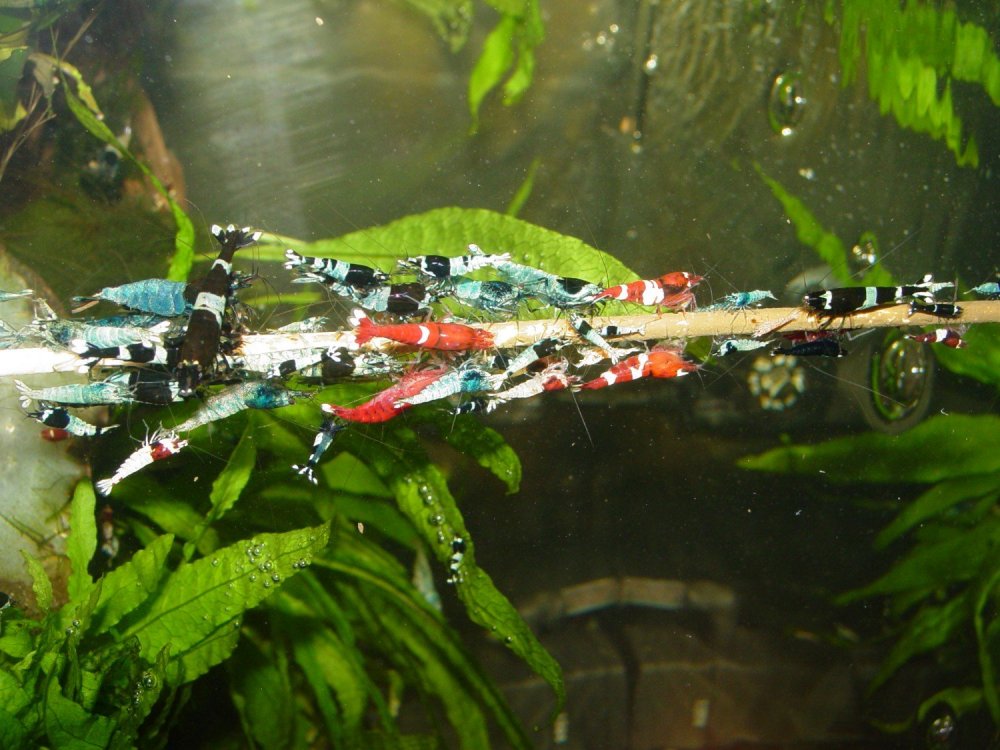
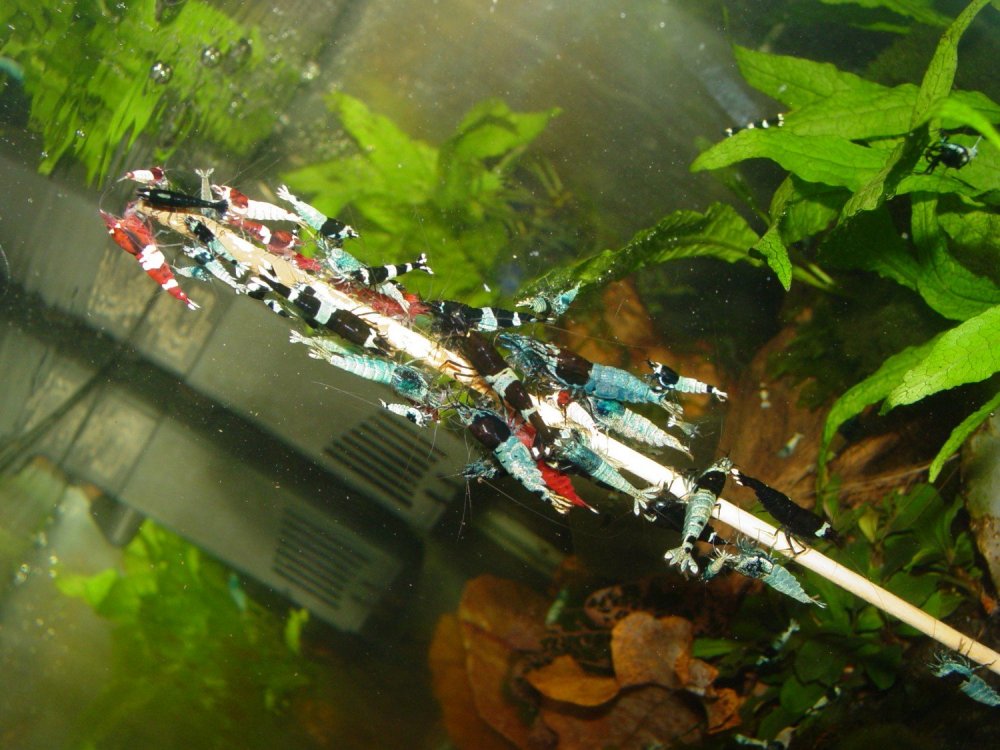
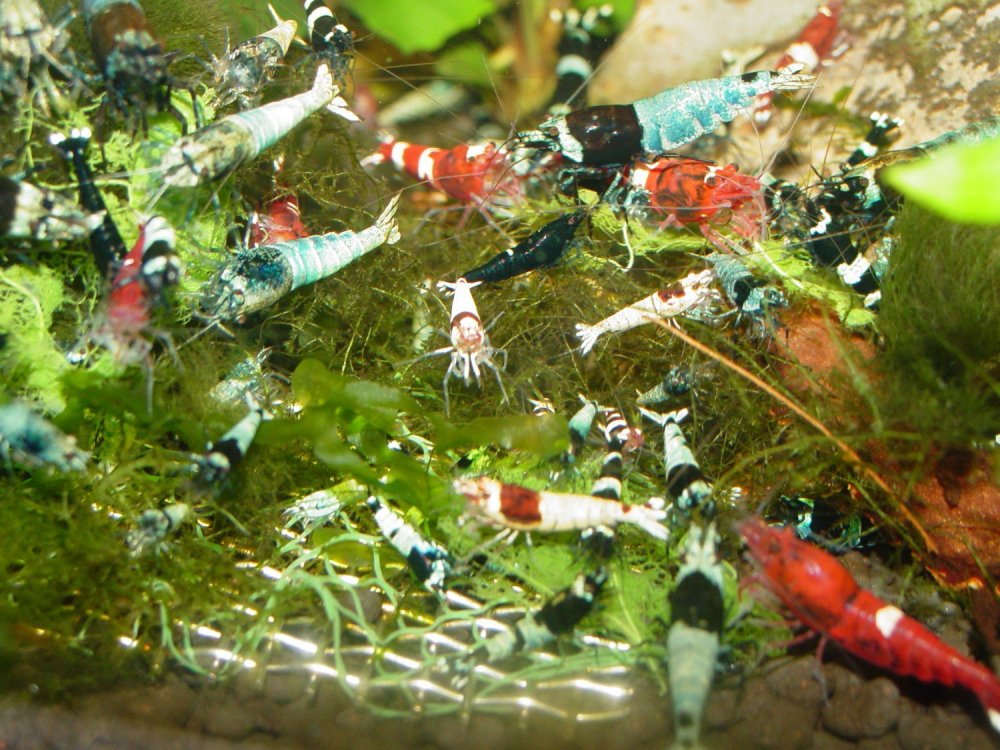
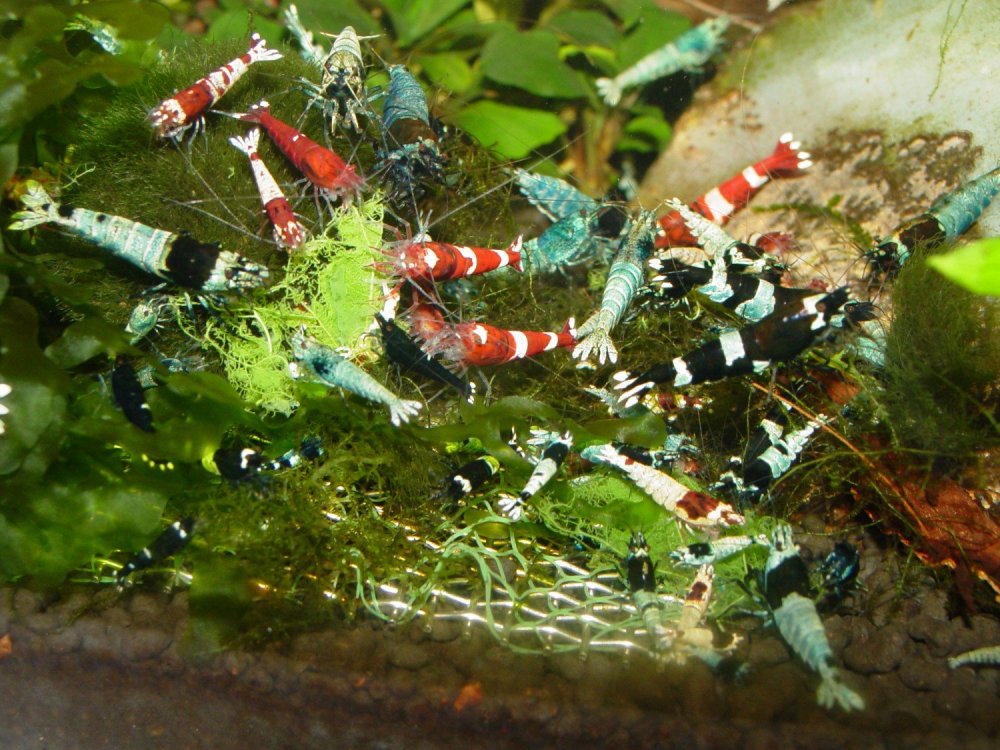
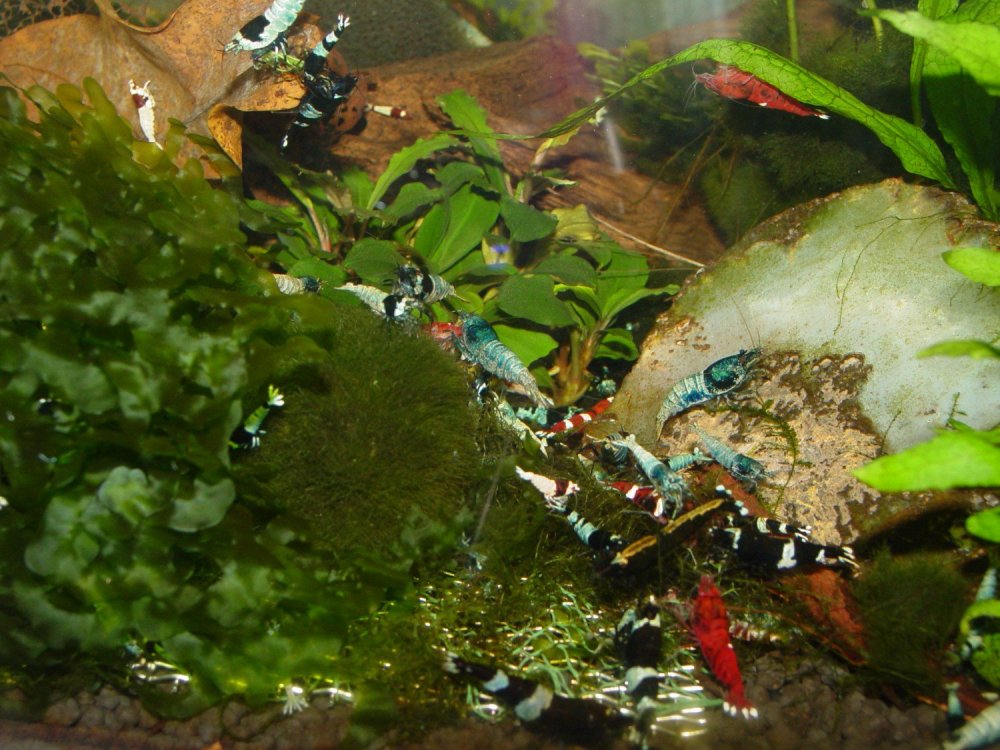
I have been using the camera and thought I would post some update pictures as the original item was done about 3 months ago. I have tried to take similar photos to the originals so that a comparison can be made and everything is working well still with the zerowater jug tap water (as alternative to RO water), in fact too well as you can see from the photos (sorry about the flash in the first one). All the water parameters have stayed steady (and good) through out and the only thing I have had to start doing is cleaning the filter sponges twice a week due to explosion in the number of shrimps, and culling a few each week for same reason, but may need to increase that!!!! Simon
 1 point