Leaderboard
-

nicpapa
Members1Points84Posts -

jayc
Moderators1Points6248Posts -
.thumb.jpg.2d91df5bb63ed260a68dcbf30fda5171.jpg)
richiep
Members1Points94Posts
Popular Content
Showing content with the highest reputation on 08/11/18 in all areas
-
You're welcome. Sometimes I blab on about things, and some of those times it helps people. ?1 point
-
It was you jayc who found the problem I only acted on your advise of which I find myself indebted to you once more, it's people like you that make this forum with your 100% commitment thanks again my friend Richie1 point
-
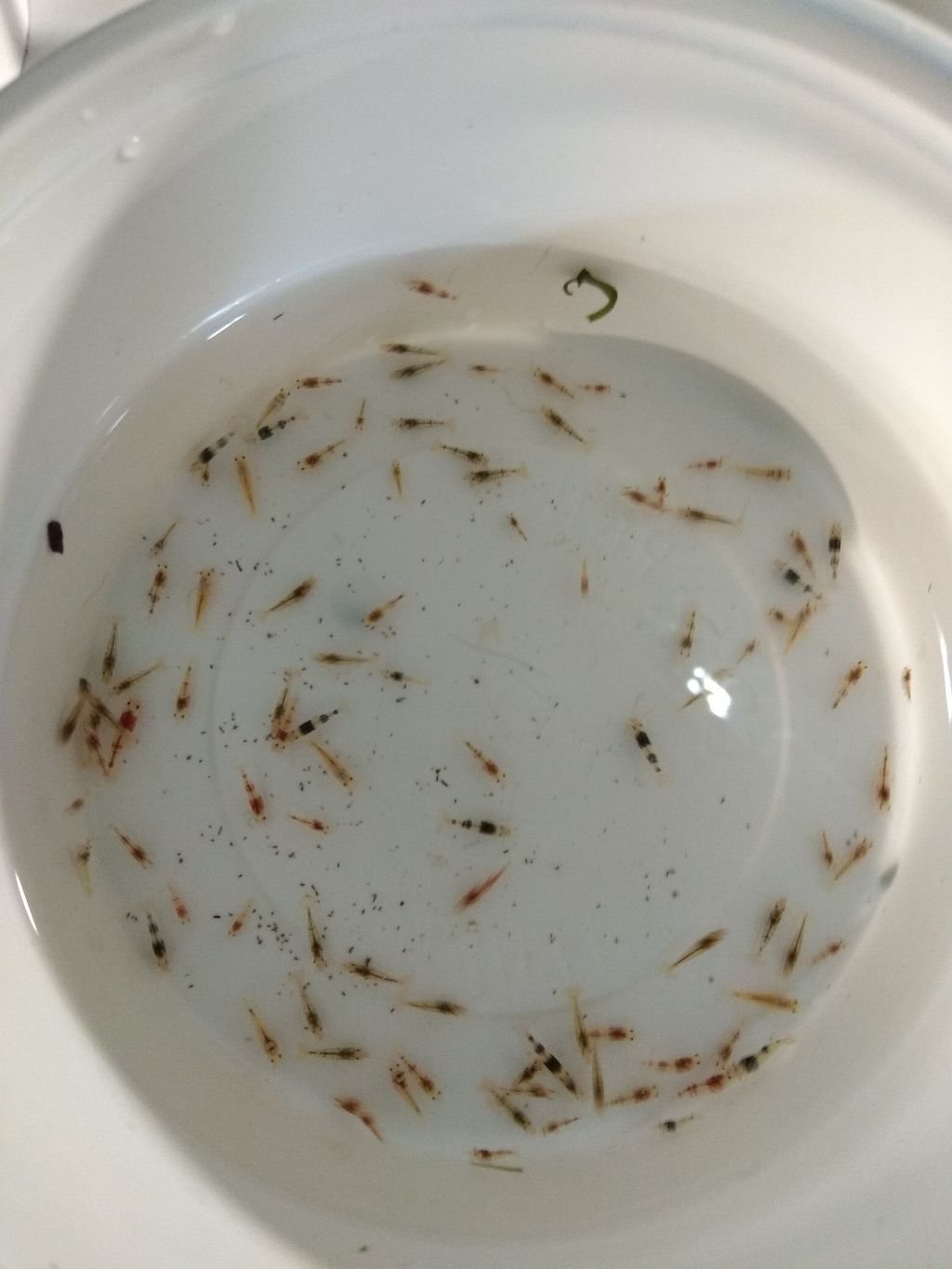
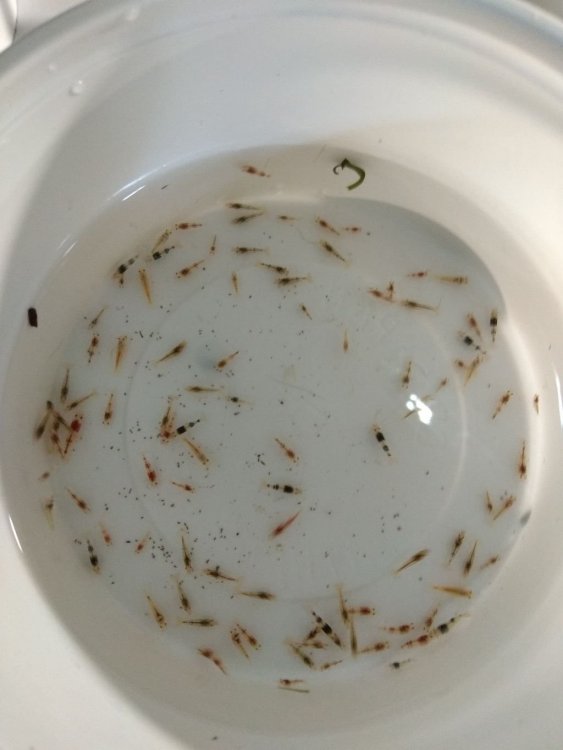
1 pointmoving hybrids to another tank and let the taiwan pinto babies grow faster. I moved around 200 babies to 100lt tank. I will see how i do it after growing up.
 1 point