Leaderboard
-

Guppy_Guide
New Member1Points1Posts -

Tukie
Members1Points9Posts
Popular Content
Showing content with the highest reputation on 06/07/18 in all areas
-
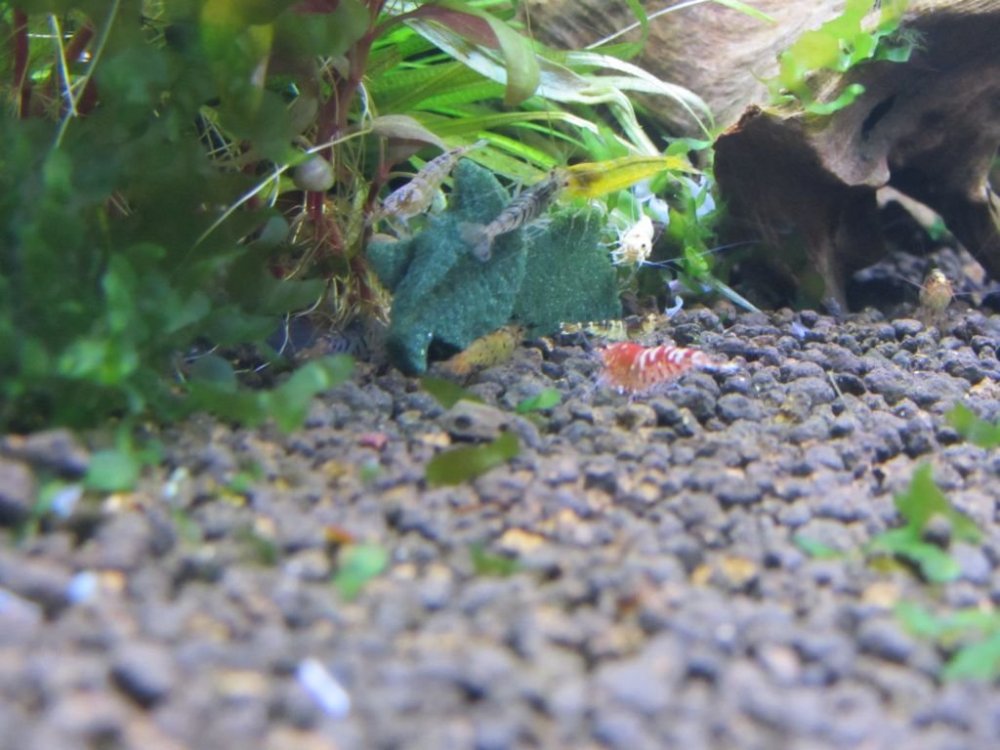
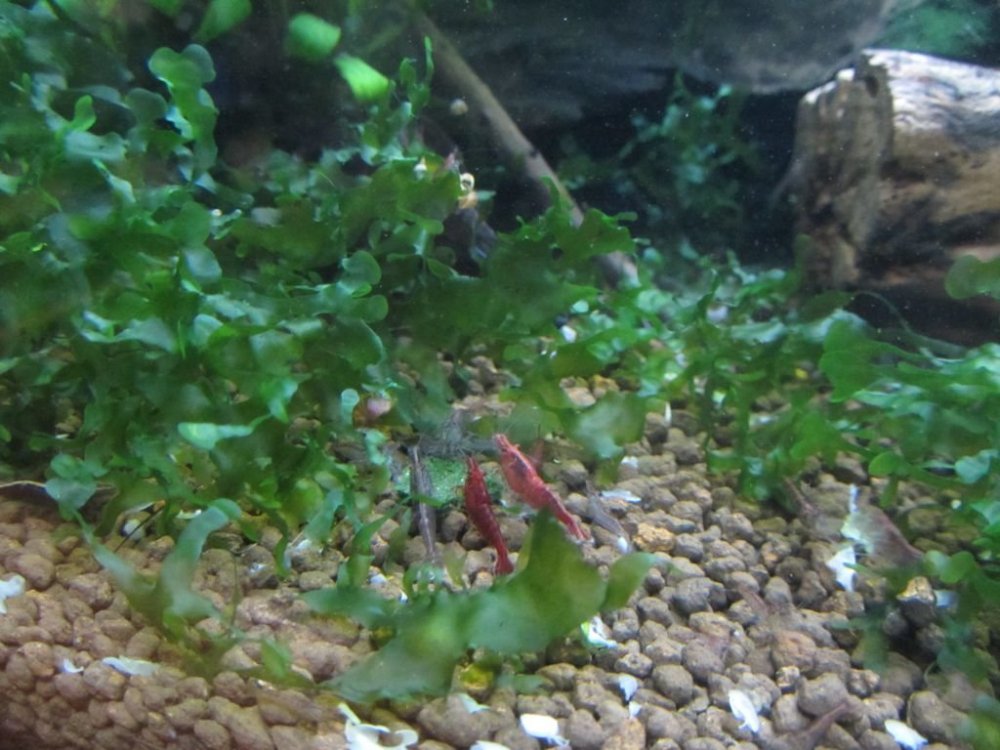
I tried this recipe out today after finally making it to the health food store. I did replace one teaspoon of cholerra with a teaspoon of spirulina and added some powdered up freeze dried bloodworms. One thing I would mention is anyone who has hayfever, beware when you're powdering up the pollen. I was sneezing up a storm! They went crazy for it in my red cherry/ninja shrimp tank as that one has a ton of shrimp and bristlenose in there. It's also been well received in the taitibee tank but they didn't swarm quite as much as it's a big tank with few shrimp so lots of biofilm available.
 1 point
 -
I’m curious to know the Chlorine level, if 1-2 drops of Prime was sufficient enough to remove that. 1 gal is too small for anything really and you’re going to experience drastic and unstable water parameters because of it. 10% water change isn’t much considering it’s only 1 gal of water and this can also affect oxygen levels in the water as well... don’t be afraid to change 90% of the water 1-2x a week. Whatever water you add in make sure that it’s within 4F degrees of the tanks current temp as to reduce temp shock. Other things to check.. diet and perhaps additional research on the type of shrimp in terms of temp, filtration, etc.1 point