

Leaderboard
-
Cesar
Administrators1Points255Posts -

WhySoCRS
Members1Points115Posts -
.thumb.jpg.2d91df5bb63ed260a68dcbf30fda5171.jpg)
richiep
Members1Points94Posts
Popular Content
Showing content with the highest reputation on 02/22/18 in all areas
-
We now have our very own SKFAquatics Mobile App, available for both iOS and Android devices! Android Link: https://play.google.com/store/apps/details?id=com.tapatalk.skfaquaticscomforumapplicationstapatalk iOS Link: https://itunes.apple.com/us/app/shrimp-keepers-forum/id1345051883?mt=8 I have been testing it out over the last few weeks, having a dedicated app for SKF is AWESOME! Feel free to post questions about how to use the app here or if you want to just PM me that is cool too. Now go download the new SKFAquatics Mobile App and take SKF with you on the road, upload pictures and chat with us if your idle! ;)1 point
-
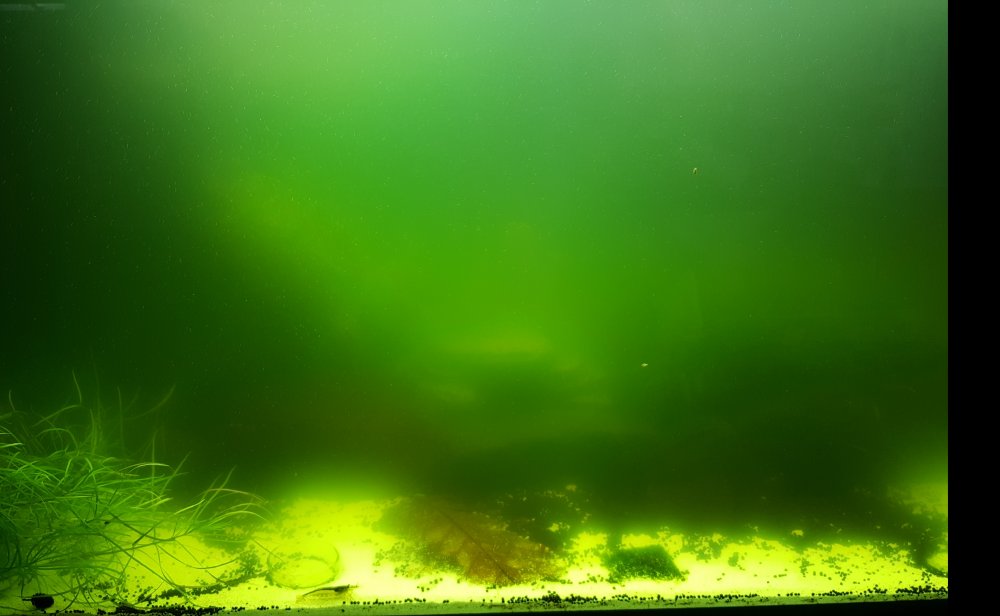
1 pointok here we go this is the 3rd day after starting the green eating sterilaizer you can see a difference form the photo above
 1 point
 -
Nice piece of driftwood, look nice with some dwarf hair grass planted around it.1 point
