Leaderboard
-
.thumb.jpg.2d91df5bb63ed260a68dcbf30fda5171.jpg)
richiep
Members2Points94Posts -

jayc
Moderators1Points6248Posts
Popular Content
Showing content with the highest reputation on 02/11/18 in all areas
-
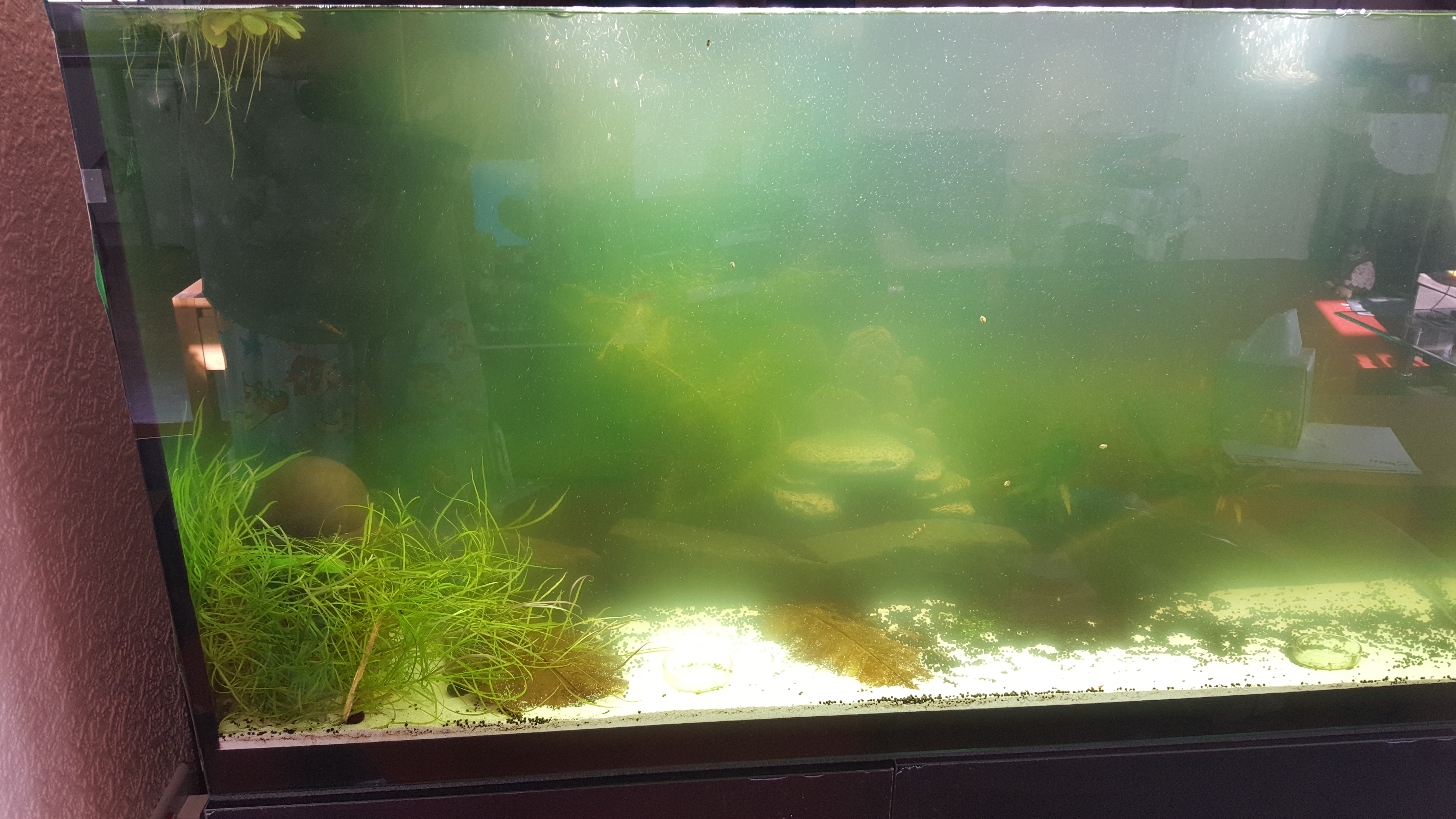
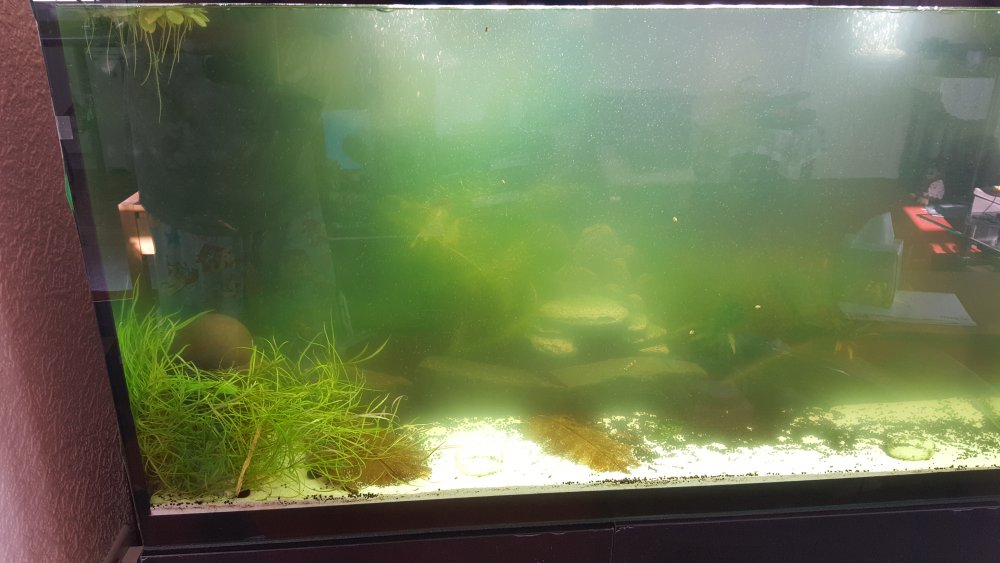
1 pointIf anything jayc it's got a bit worse. I have ordered chemi-pure will be with me Tuesday. In the evening you can't see anything in the tank it's as if it get worse then. Thanks for staying with me on this it's much appreciated, The write up on chemi-pure sounds as if it will do the trick Cheers richie
 1 point
 -
1 pointQuick update I can get chemi-pure over here so I may have to go down that route Richie1 point
-
1 pointPack it full with filter media. - that will slow the flow a bit. And you increase biological filtration. 800L/hr is with an empty canister with no filter media restriction. Add a mesh pre-filter to the inlet. - You will need it anyway to avoid shrimplets getting sucked up. Spraybar placement - You can angle the spraybar to shoot against the glass wall, and slightly upwards. This will have an effect of reducing flow by half, but not really if you know what I mean. The glass wall of the tank just slows the water flow down to the rest of the tank. Spraybar holes - Drill more holes in the spraybar, and/or widen the existing holes. You should have some drill bits that should do that easily. But do the above suggestions first, as you can't undo this. Lengthening the spraybar has the same effect as you are increasing the number of holes. Use any combination above or all of them and you will find an 800L/hr canister will be perfect for shrimp.1 point