

Leaderboard
-

Kaylenna
Members2Points219Posts -

Kingo
Members1Points82Posts -

Baccus
Members1Points1365Posts -

jayc
Moderators1Points6248Posts
Popular Content
Showing content with the highest reputation on 11/23/17 in all areas
-
2 pointsIf you've got lots of mulberries, I'd recommend eating them yourself. They're quite good when ripe. You can also freeze them for later or use them in things like smoothies and compotes, sauces, jams, wine etc. Your shrimp won't make much of a dent in the berry glut ?. And you have to be a tad careful about adding things with high sugar content to tanks - it can cause a bacterial flare.2 points
-
1 point
-
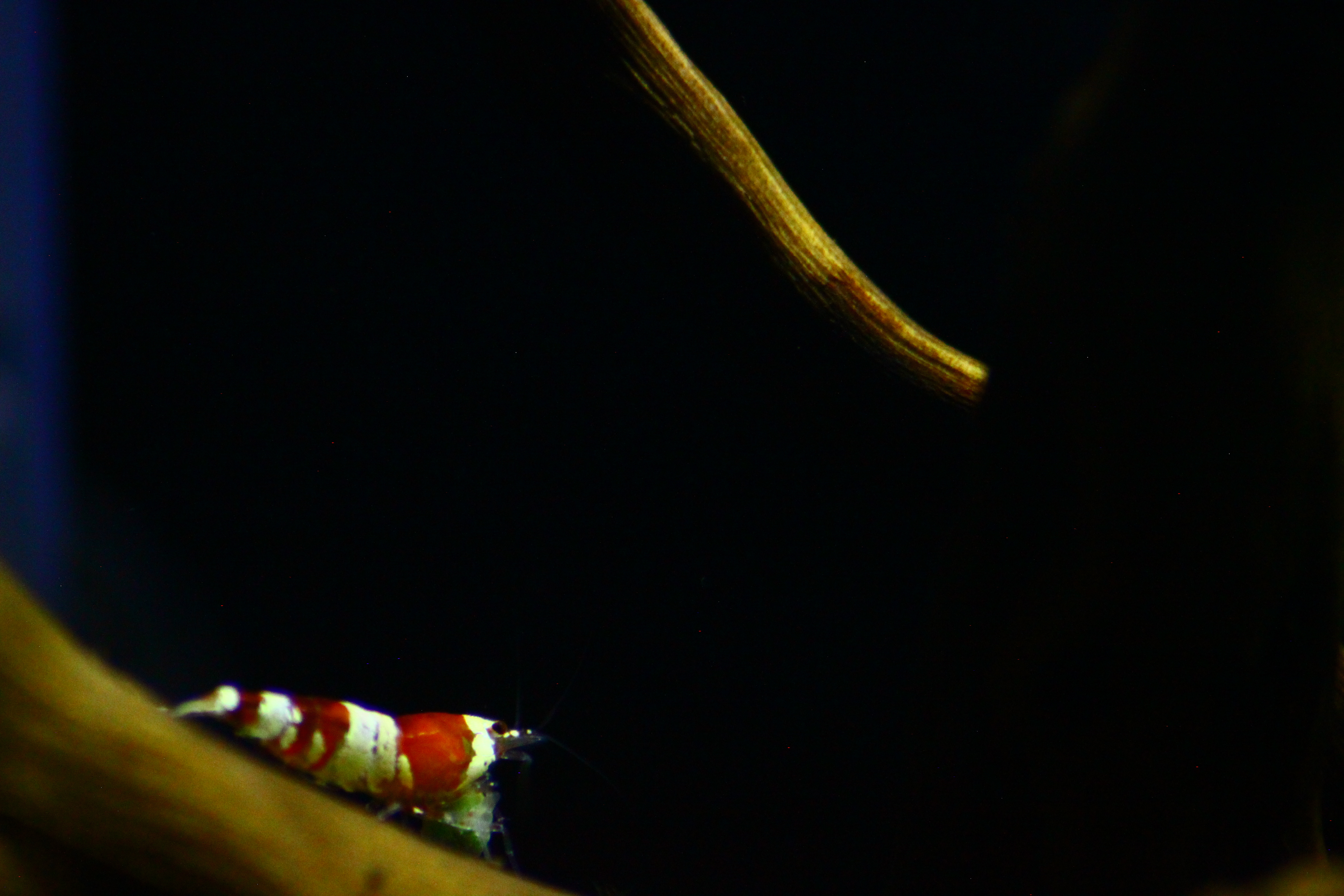
1 pointMy mulberry tree currently has a glut of fruit, so much so all the wild birds, fruit bats and even my dogs have no hope of eating all the fruit. So I was wondering if anyone had given mulberry fruit to their shrimp/ fish. If so was it better to give them fresh or has anyone tried drying them? I have no idea which exact breed of mulberry I have but the fruit starts off white but gets gradually pink to dark purple when overripe. Before anyone says its a standard mulberry the fruit even when very dark does not stain. I also have a true white mulberry where the fruit starts off white and when ripe goes a solid deep white. I often give my shrimp leaves from both mulberrys but have never tried them on the actual fruit before.1 point
-
1 pointMate, just wanted to thank you for your efforts in this thread! Such a wealth of information in one spot. Keep up the great work legend!1 point