Leaderboard
-

Baccus
Members2Points1365Posts -

MargC
New Member1Points2Posts
Popular Content
Showing content with the highest reputation on 09/09/17 in all areas
-
1 point1 point
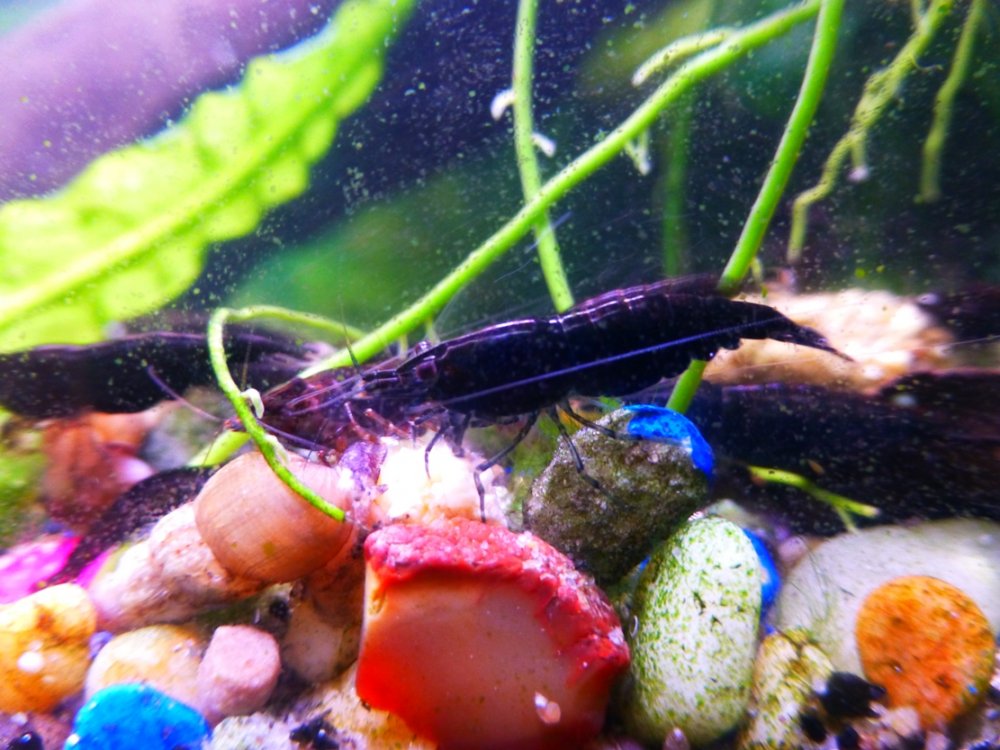
1 pointI think I may have worked out how to resize but its going to make a mess of my desktop temporarily posting pic to it. so here goes
 1 point
Hello Everyone, Thanks for including me in your shrimp group. My husband and I live in North Bend, OR, which is near the coast. It is cool and rainy most of the year, which makes it harder to ripen tomatoes, but easier to grow lettuce... Except for the slugs and snails! My childhood was in N. Carolina, where I spent many happy hours playing in the creek collecting mosquito fish and tiny crayfish. I learned to my dismay (when I added some to my 10 gallon) that mosquito fish are rude fin nippers and don't make peaceful community tank members. I had a stroke 10 years ago at age 47 from a car wreck and have been left side paralyzed since then. However, my patient husband helps me with my aquarium projects. I have 2 tanks, both freshwater planted, a 14 and a 55 gallon. We have hard, high pH well water, so that has been a challenge. I would really like to get some Cardinal Sulawsi Shrimp, since I hear they like those water conditions. However, they are expensive and hard to find. Anyway, I welcome any suggestions and want to keep learning.1 point
1 point
1 pointHello Everyone, Thanks for including me in your shrimp group. My husband and I live in North Bend, OR, which is near the coast. It is cool and rainy most of the year, which makes it harder to ripen tomatoes, but easier to grow lettuce... Except for the slugs and snails! My childhood was in N. Carolina, where I spent many happy hours playing in the creek collecting mosquito fish and tiny crayfish. I learned to my dismay (when I added some to my 10 gallon) that mosquito fish are rude fin nippers and don't make peaceful community tank members. I had a stroke 10 years ago at age 47 from a car wreck and have been left side paralyzed since then. However, my patient husband helps me with my aquarium projects. I have 2 tanks, both freshwater planted, a 14 and a 55 gallon. We have hard, high pH well water, so that has been a challenge. I would really like to get some Cardinal Sulawsi Shrimp, since I hear they like those water conditions. However, they are expensive and hard to find. Anyway, I welcome any suggestions and want to keep learning.1 point