

Leaderboard
-
John.
Members2Points141Posts
Popular Content
Showing content with the highest reputation on 08/27/17 in all areas
-
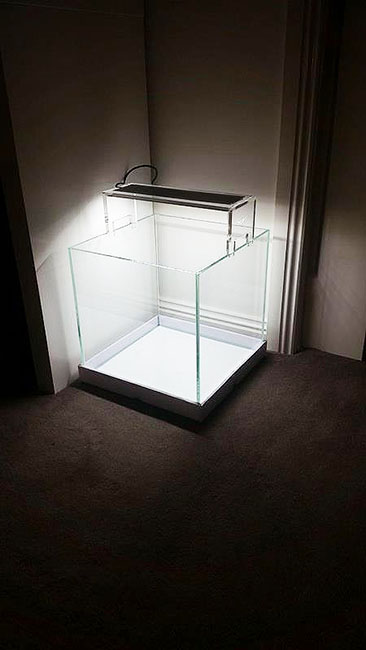
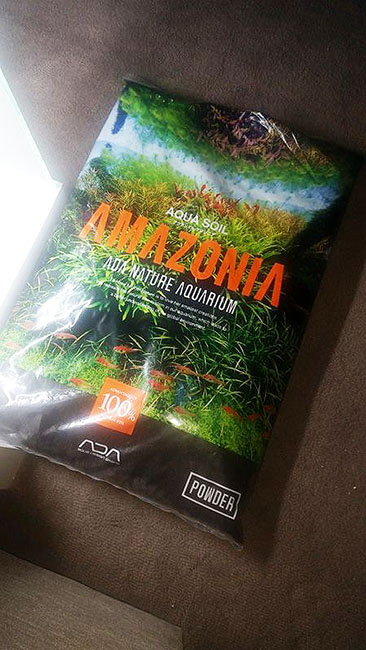
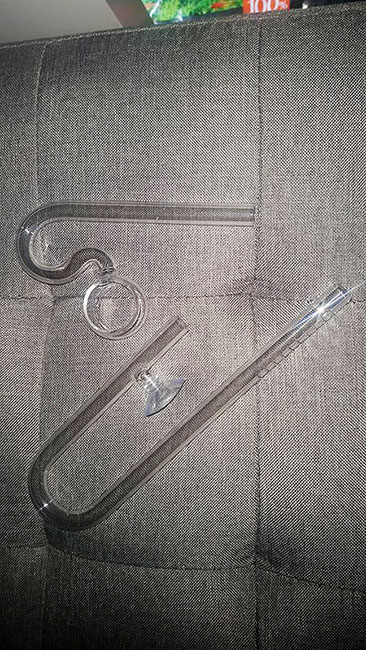
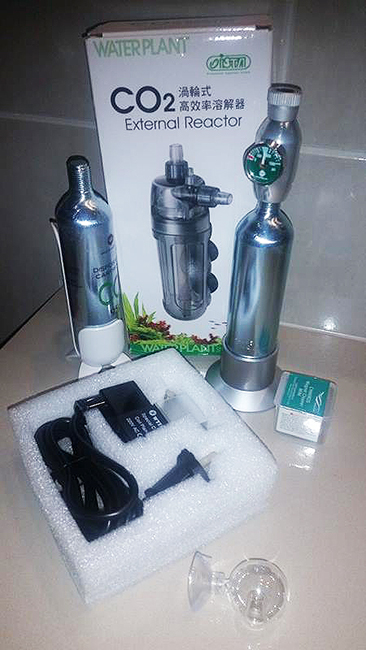
I've not had an aquarium for some time, ab1 out three years. I saw NoGi selling a Disposable Co2 Regulator, I decided then and there that I would purchase his Co2 Regulator and set-up a brand new tank. - So Thank-You NoGi :P The plan is to set-up an ADA Style cube, plant it out, and stock with some Reasonable Quality CRS, some Boraras Brigittae & a few Otocinclus... I will update this post as I acquire more items, and update the thread with images of any progress made. Please feel free to make any suggestions, ask any questions you may have, or even post images of planted cubes that look awesome as I need much inspiration :p Cheers, John. ______ Purchased: Mr Aqua - Low Iron 30cm Cube. Chihiros Aquasky LED Glass Lilypipe Set Glass CO2/PH Checker CO2 Regulator CO2 Solenoid. CO2 In-Line Atomiser ADA Amazonia Powder To Buy: Eheim 2213 & Clear Hose. CO2 Hose CO2 Buble Counter. Hydor 200w In-Line Heater Hardscape Materials - Wood/Rock Plants & Moss - Tissue Cultured Shrimp & Fish. Power Boards, Timers, Etc. To Make: ADA Style Stand.
 1 point
 -
**6 months later** Life & work took over but now back on track. The stand is now finished, painted Grey/Granite with a Satin Clear & Gloss white interior. Currently tossing up if I use that wood, or go with some stone; hardest decision ever! - But I'm thinking this wood will be better suited in a 2' tank :P1 point