Leaderboard
-

Jarad
Members2Points446Posts -

LaxLogic
Members1Points24Posts -
fishmosy
Members1Points4594Posts
Popular Content
Showing content with the highest reputation on 02/04/17 in all areas
-
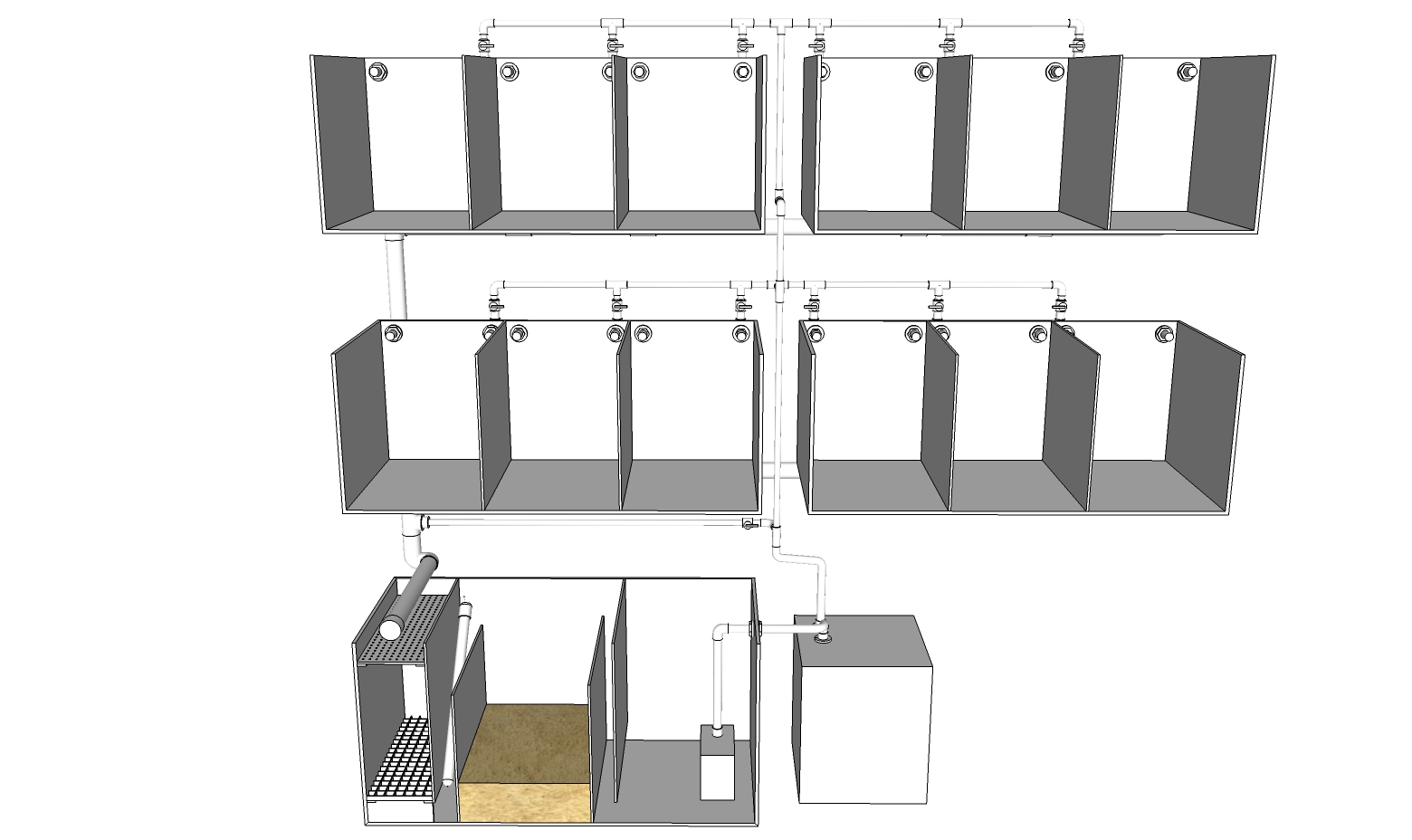
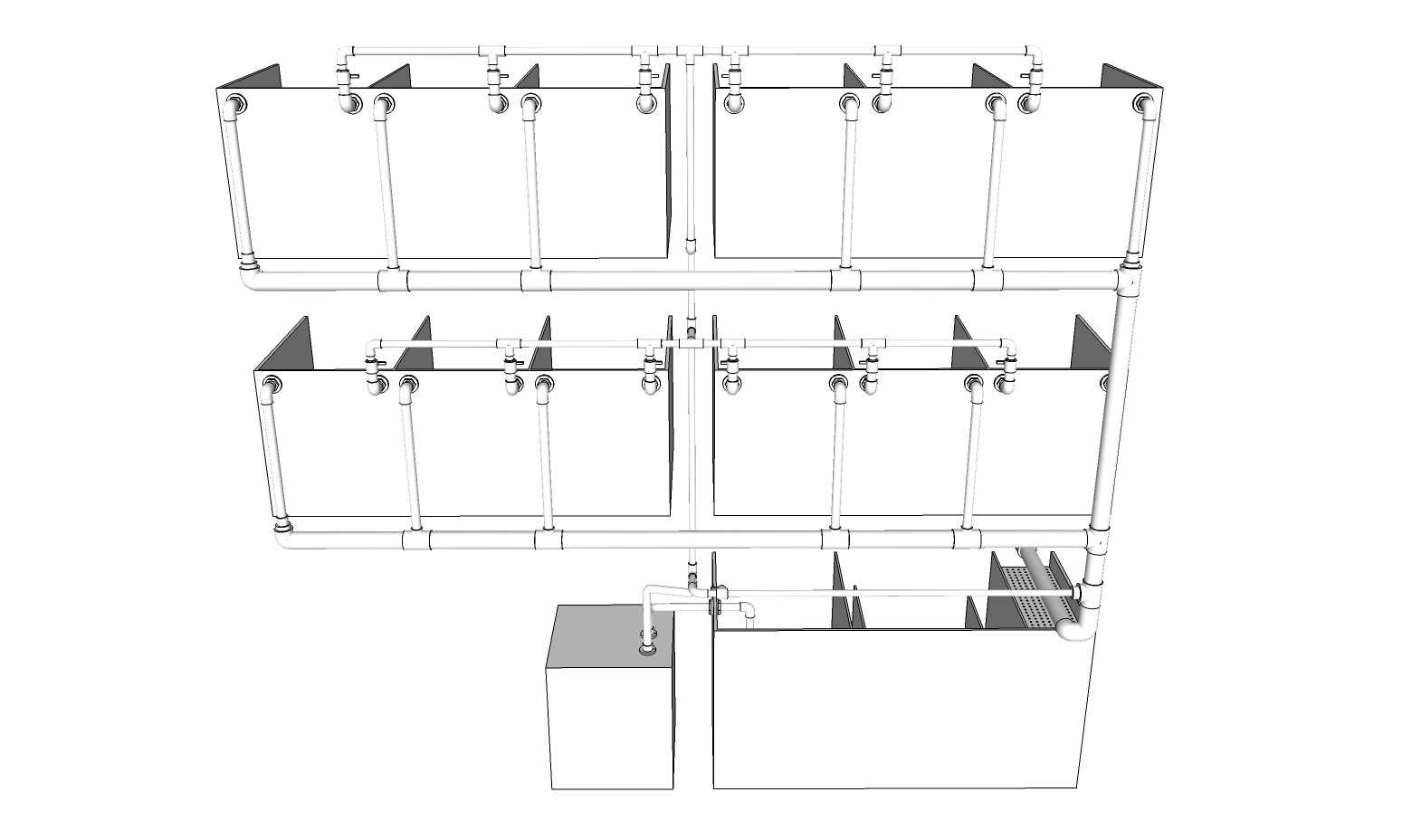
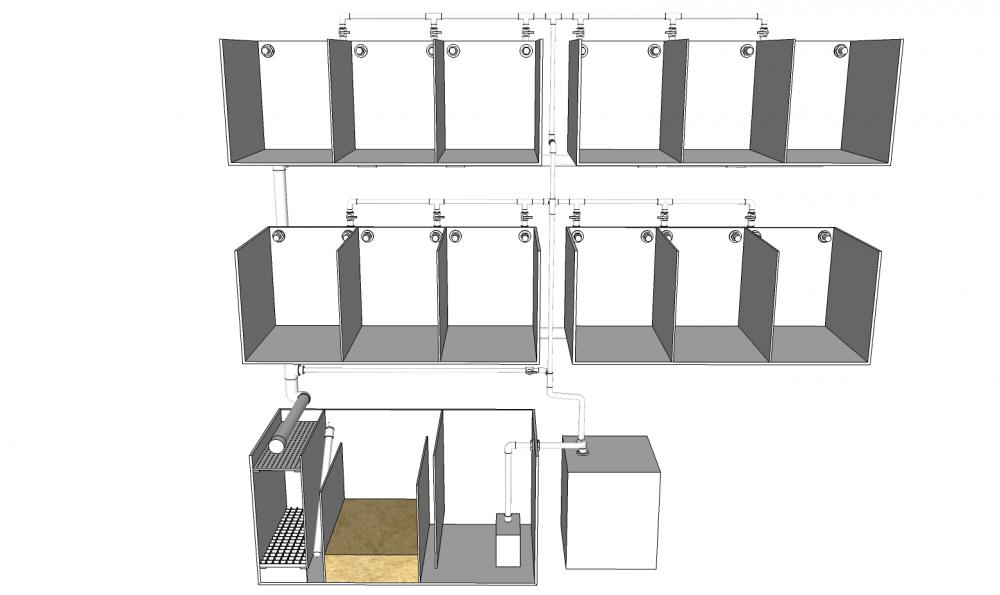
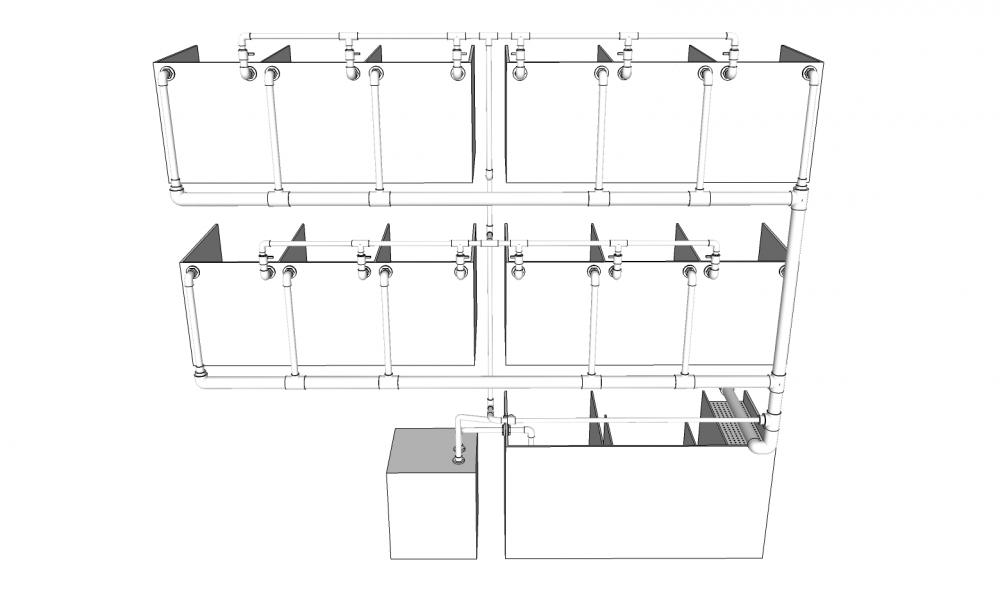
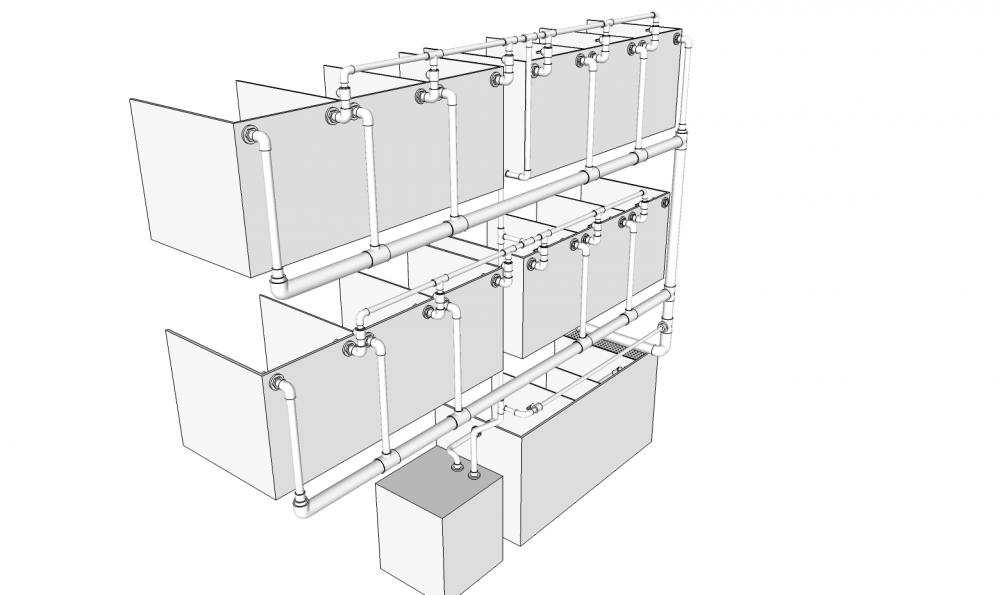
2 points3D modelling is complete, This is not the final design and still needs a few changes but it does reflect the system as a whole.
 2 points
 -
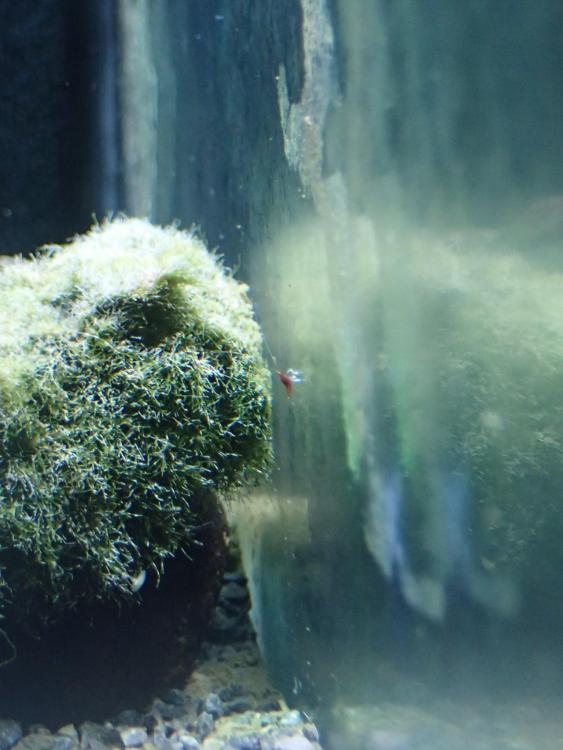
1 pointMy cardinals have bred. Pretty chuffed as I thought it would take them a bit longer. The adults are highly cryptic, hopefully these new bubs will be less inclined to hide away.
 1 point
 -
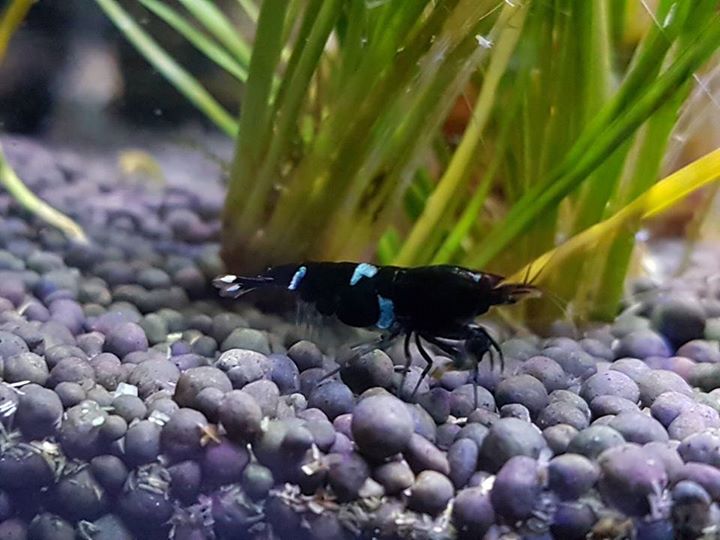
1 pointHere is another video of my old CRS tank. Sadly this one did crash in the end. I am reasonably certain it was because I started dosing with CO2. The driftwood I used to make the "tree" was also found. I did boil it but I am willing to be this also caused the tank some problems. Either way enjoy my old CRS tank! I kind of want to get CRS again and give it another try but I also really want Tibees... So hard to choose! (I might get both and aim for red tibees/pinto) Sorry for the music. It synced up so I couldn't resist.1 point