Leaderboard
-


NoGi
HOF Member2Points5858Posts -

Letsgetsteve
Members1Points5Posts -

jptan
New Member1Points2Posts
Popular Content
Showing content with the highest reputation on 01/27/17 in all areas
-
2 pointsI'm trialing a new process for SKF Aquatic t-shirts. The old method of me buying and keeping until people wanted them didn't work. Doing them in bulk doesn't really work well either with my time commitments so I am trialing some on demand printing. I'll keep reviewing providers in an effort to keep costs down but for now these guys are usually pretty good. Please note that as this is based in the US, pricing is in USD$. I've priced them all at the lowest point their system will allow me to go. Check out our new designs here.2 points
-
1 point
-
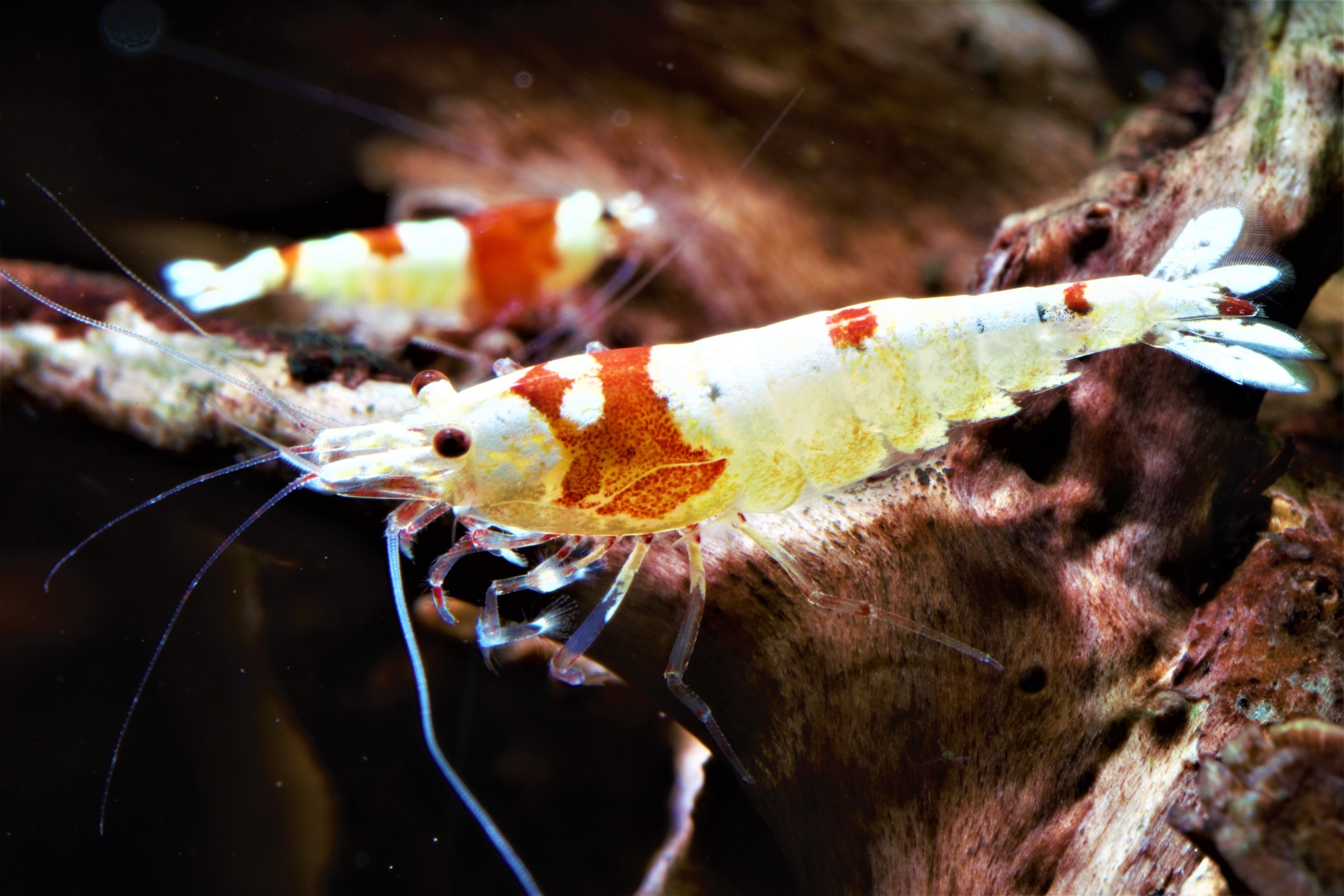
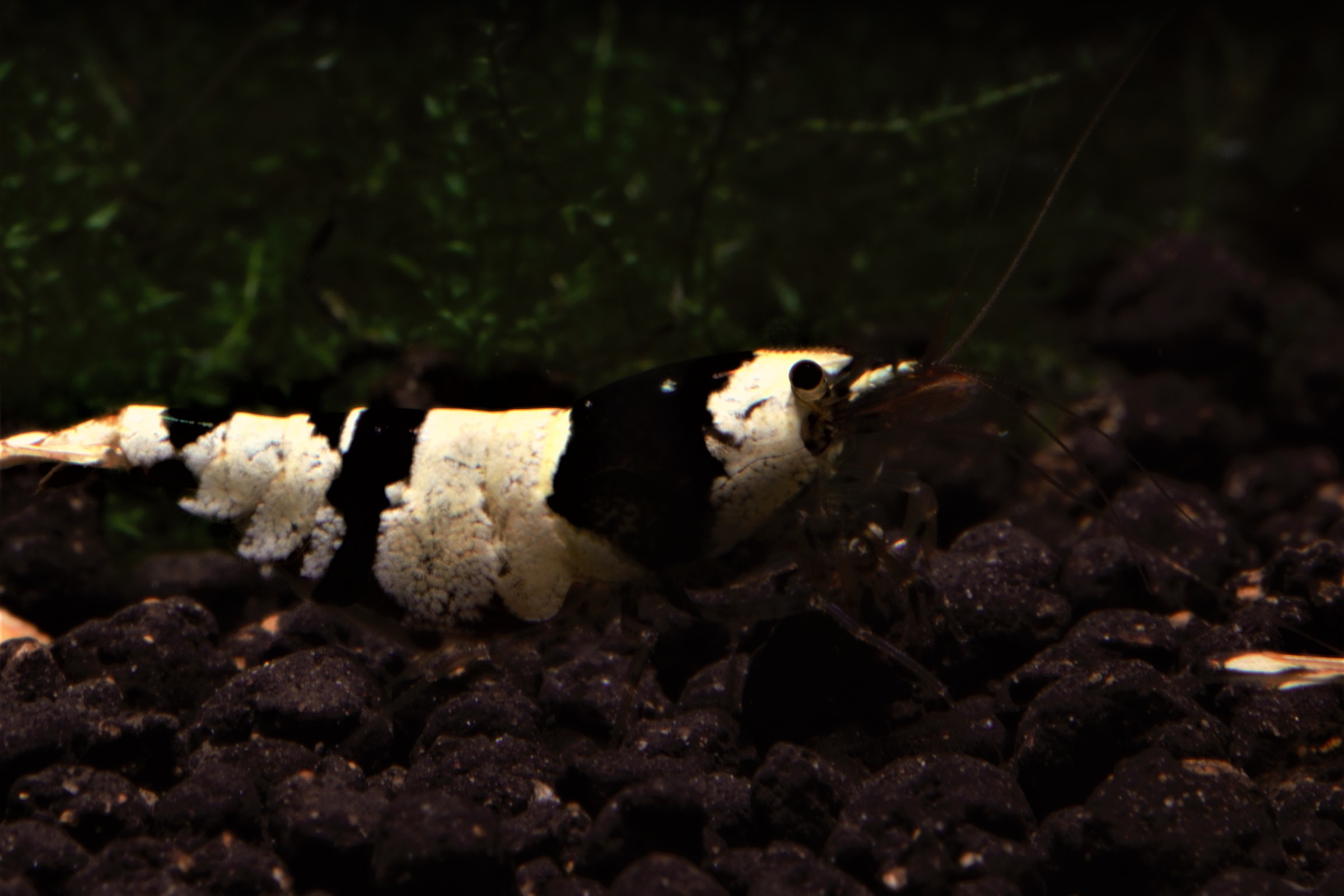
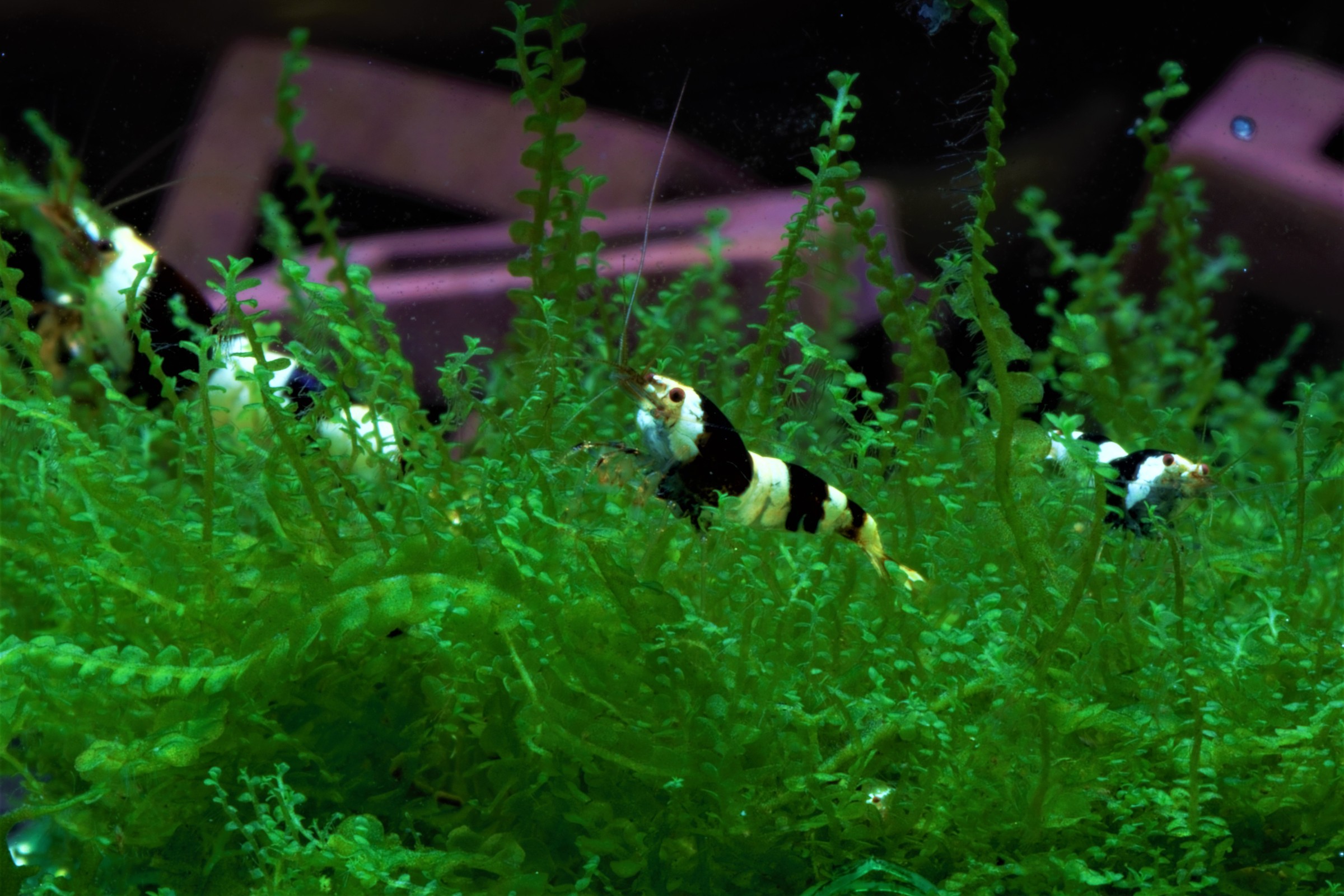
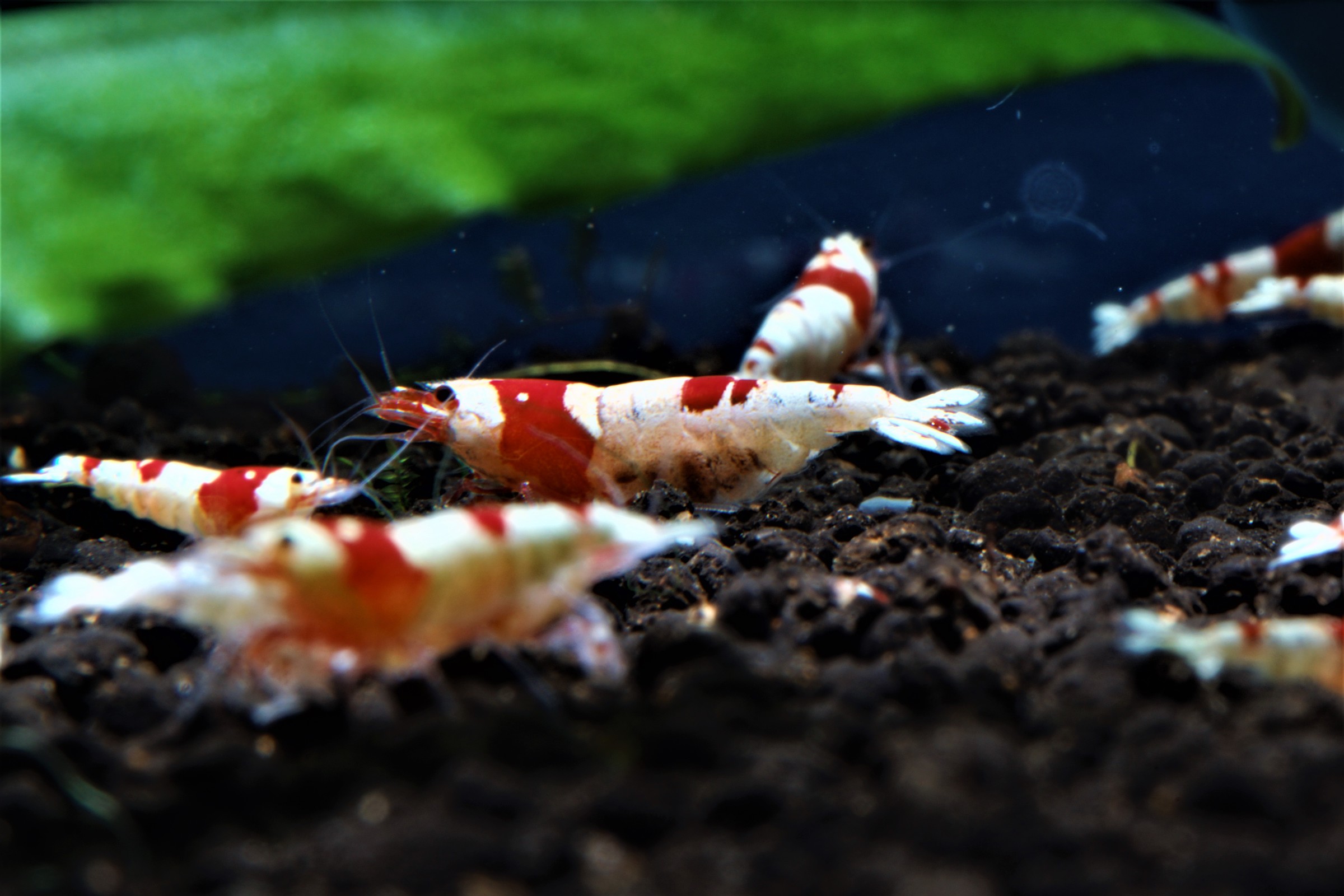
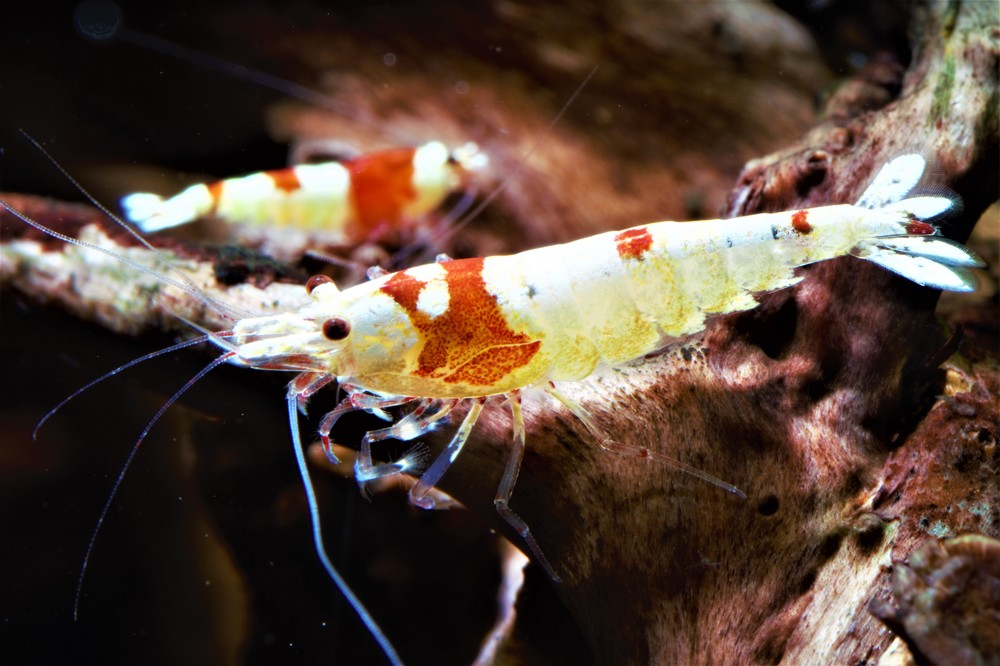
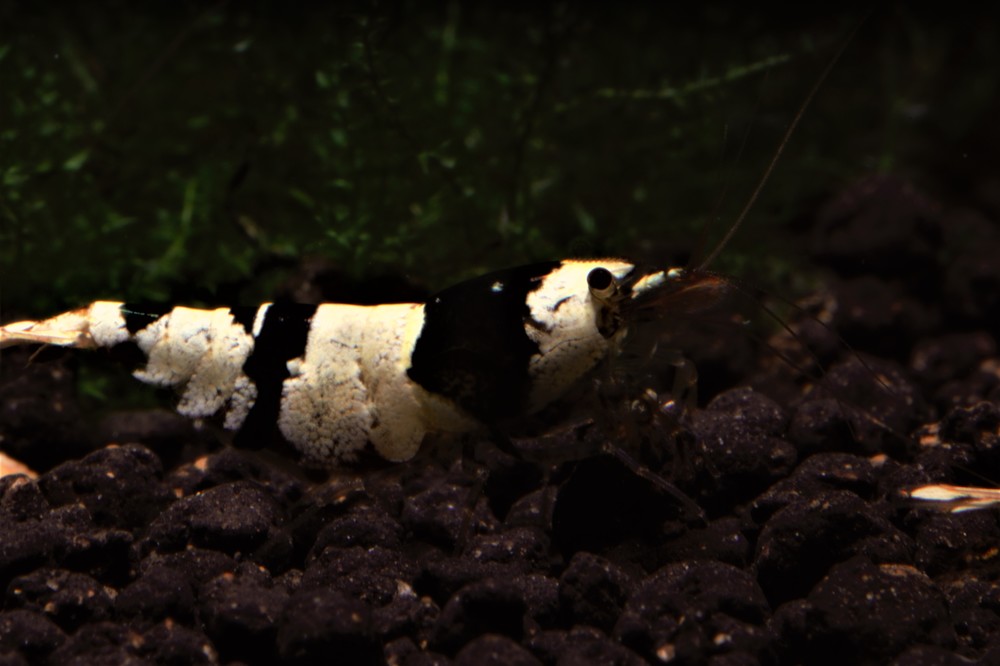
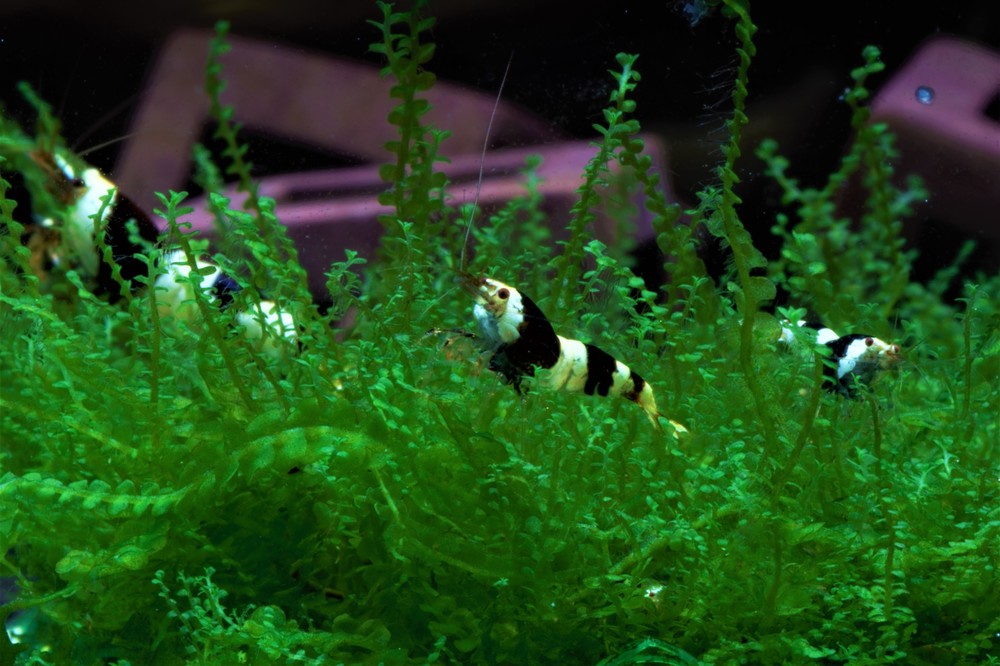
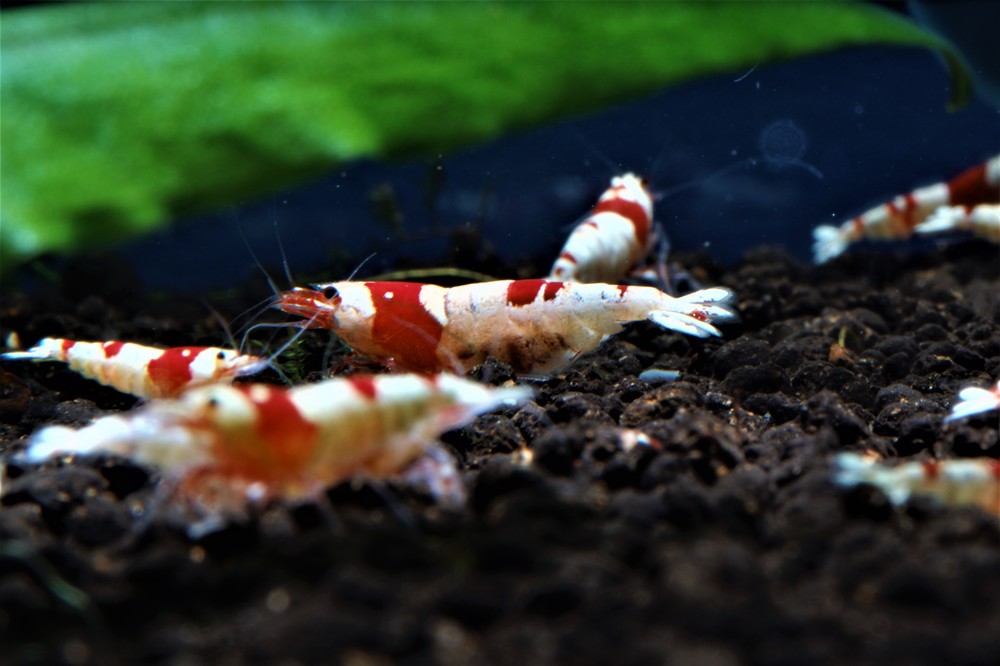
1 pointSo we started keeping shrimp at the beginning of the summer and are doing well with our Caridinas and I just got stuff to take some pictures of them. Really good information on this board (sorry that we are more the lurker peeps then super active) as well as some great help from some locals who are now our friends really helped with our success! We are still sorting out issues with our neo's but now that we found our phosphate issue (over 20ppm in the tanks!) we should have those colonies kicking pretty darn soon. Let me know what you think and any tips on photographing the shrimp would be appreciated!
 1 point