Leaderboard
-

Disciple
Platinum Members2Points2092Posts -

fishmosy
Members1Points4594Posts -

Mr. F
Members1Points22Posts -

buck
Members1Points758Posts
Popular Content
Showing content with the highest reputation on 11/27/16 in all areas
-
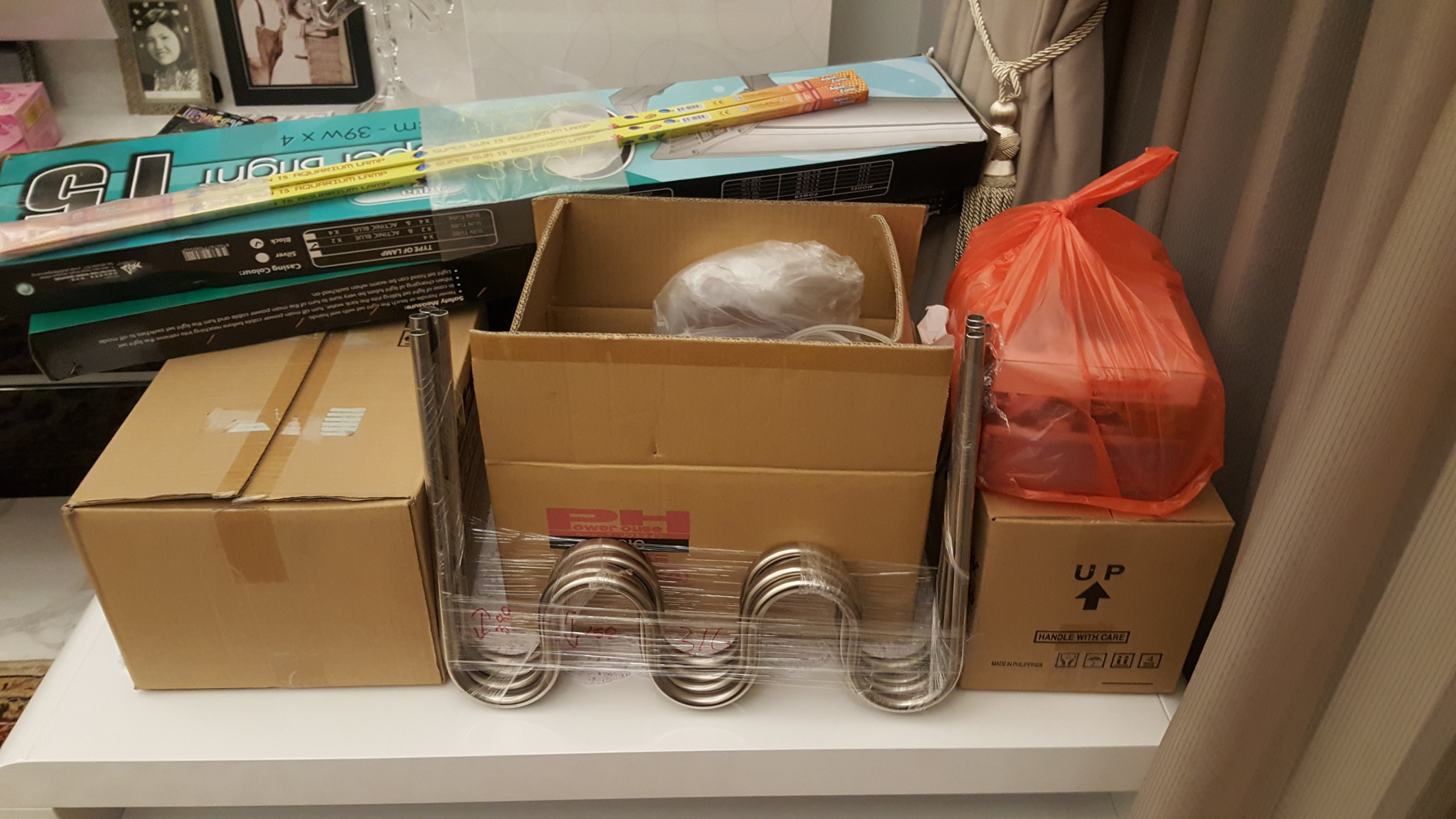
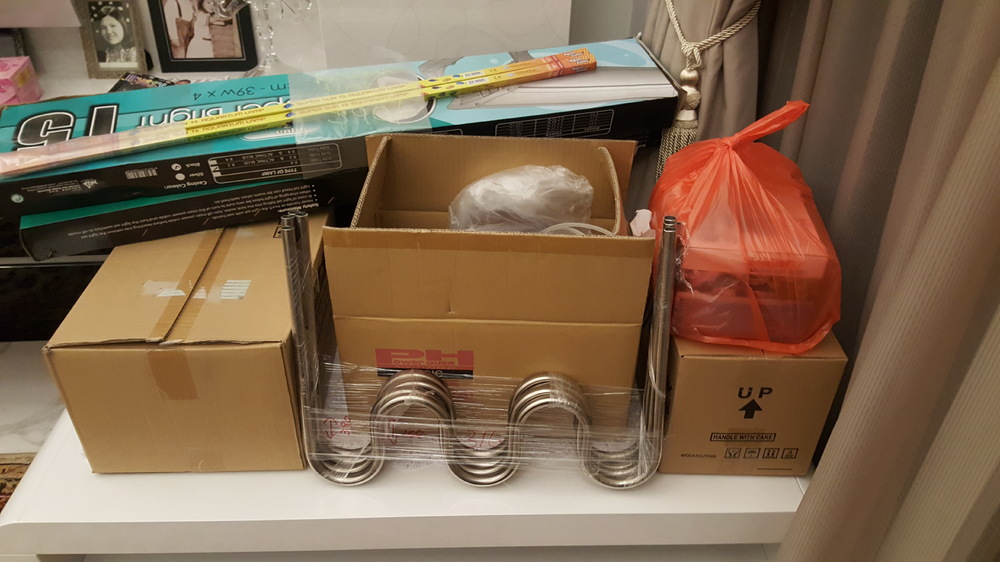
2 pointsTanks will be deliverd in the next 10days so i did a bit of shopping. Can't wait to get it set up and going.
 2 points
 -
 1 pointWork has started on this. Post any irregularities here along with any articles that need fixing up.1 point
 -
1 pointBought some cardinal shrimp from John aka @JPN07 shrimp arrived in perfect health and with a little extra bonus. Much appreciated mate.1 point
-
1 pointNo, I don't think petsmart or petco will. You're gonna wanna find an LFS. If they don't, ask who among them orders the livestock and request some Neocaridina on special order (if they'll do that). Otherwise, it's usually very safe to ship shrimp if you know what you're doing. The temps that matter are below 20F and above 90F, but can be solved by a 72hr heat or cold pack, respectively. Aside from those usually no issues in shipping. Many great shippers in the US. I would include my self in that list. Lmk if you have any specific colors of neos you'd like and I can point you in the right direction of a reliable breeder/shipper.1 point
-