Leaderboard
-
fishmosy
Members3Points4594Posts -


NoGi
HOF Member2Points5858Posts -

Madmerv
Members1Points219Posts
Popular Content
Showing content with the highest reputation on 10/25/16 in all areas
-
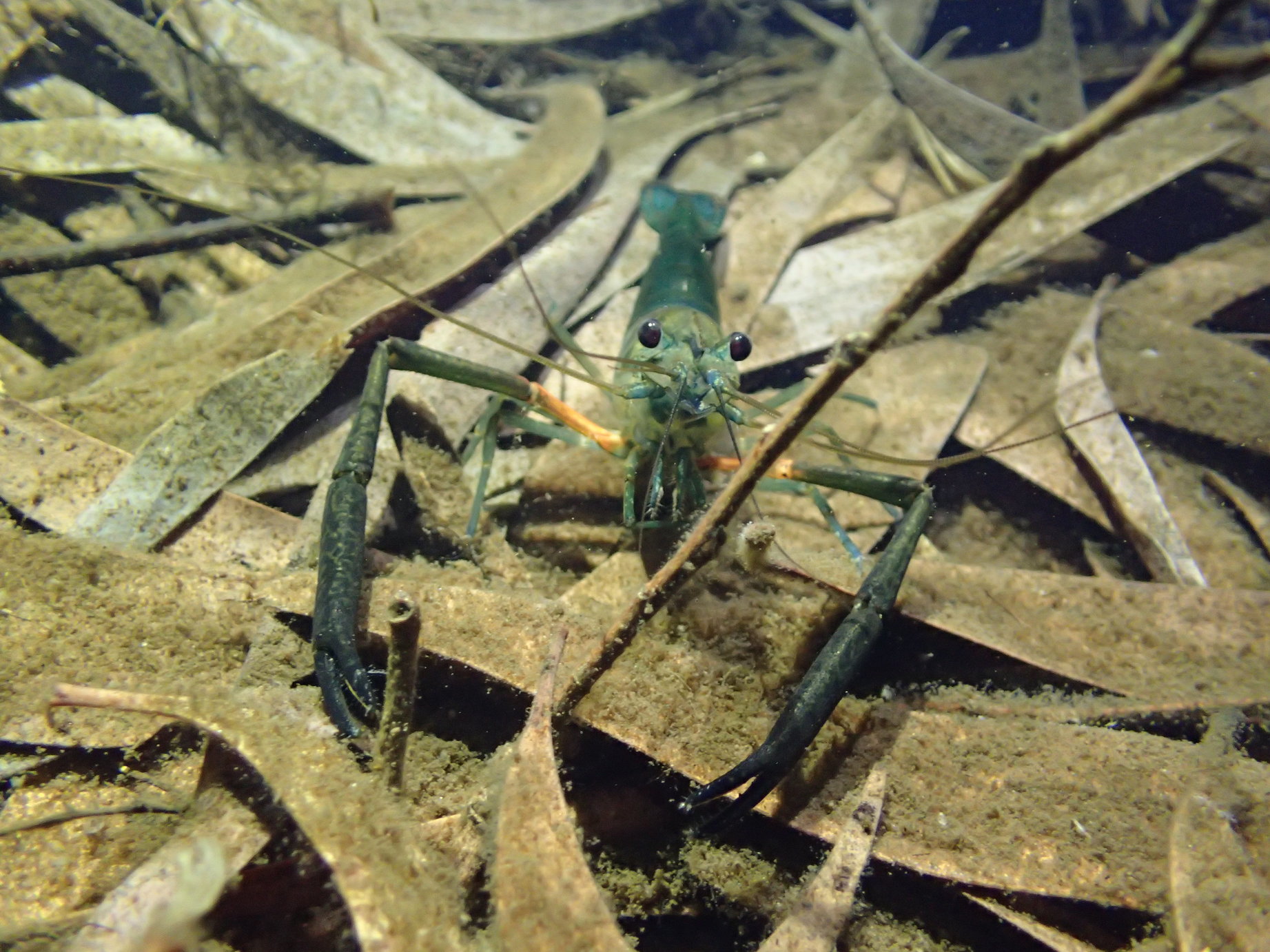
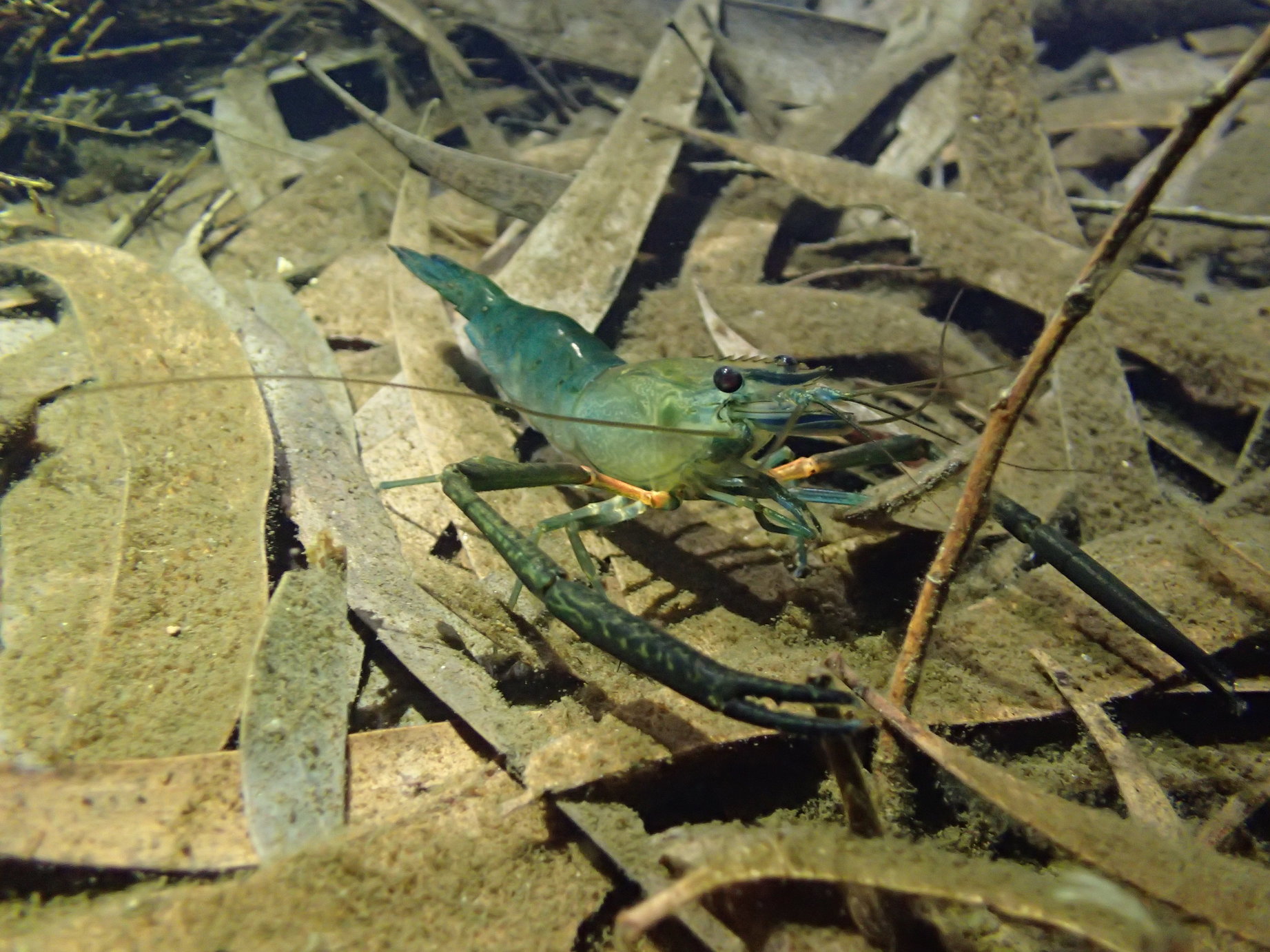
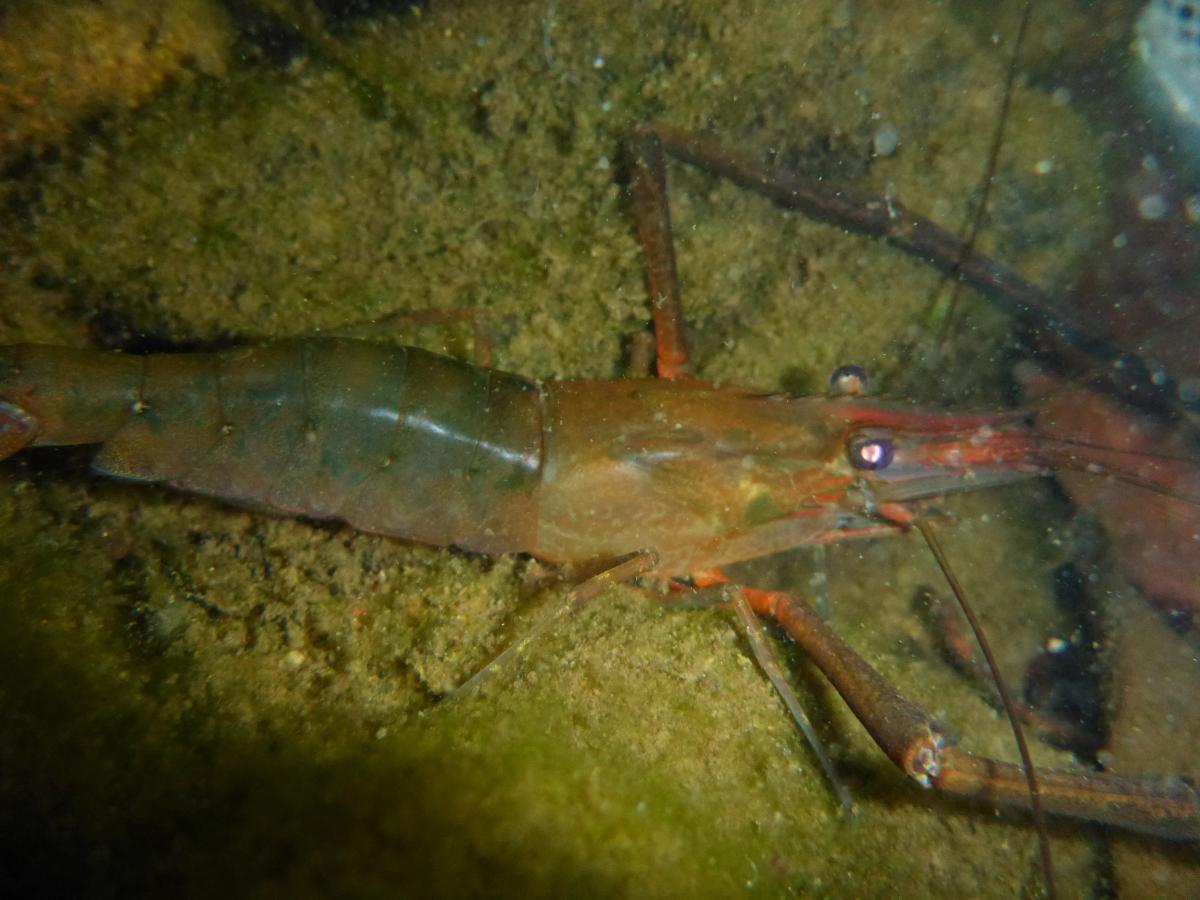
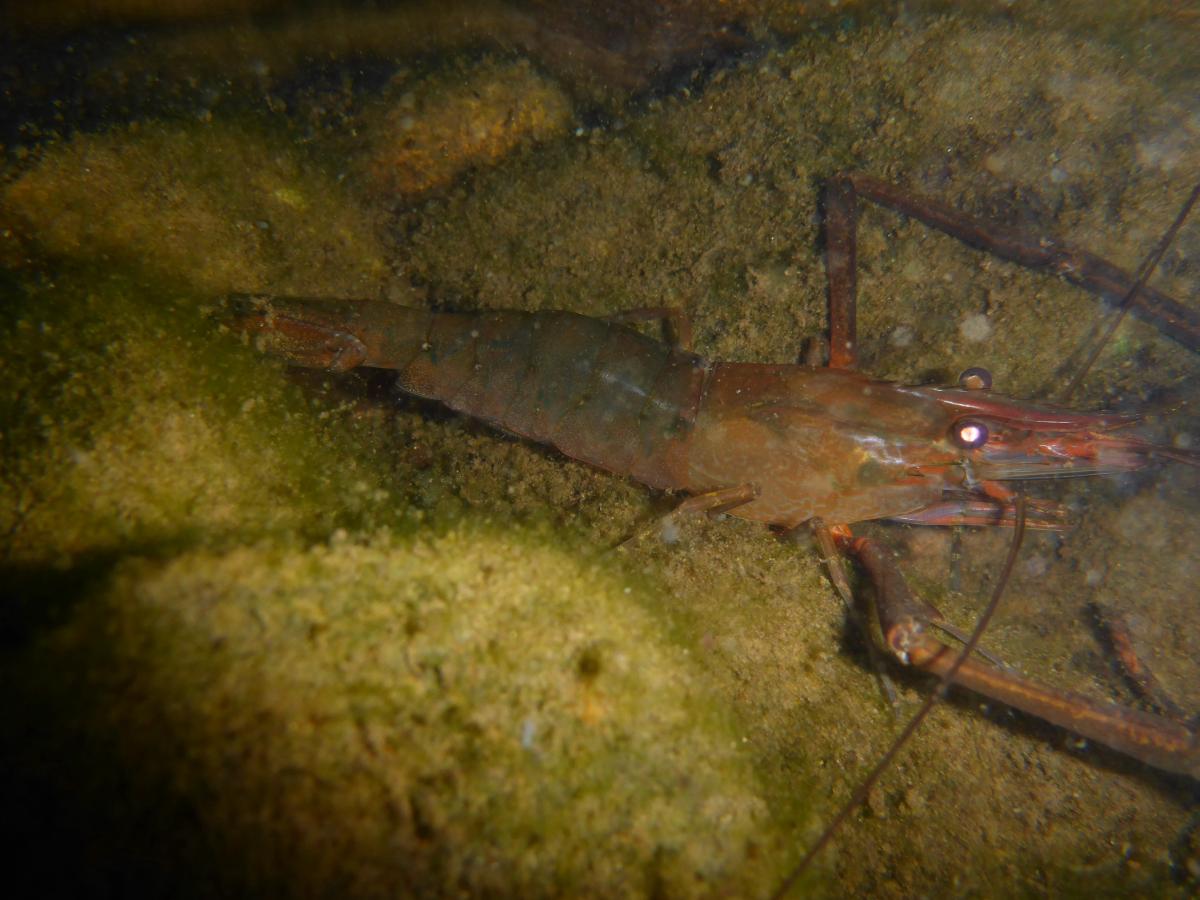
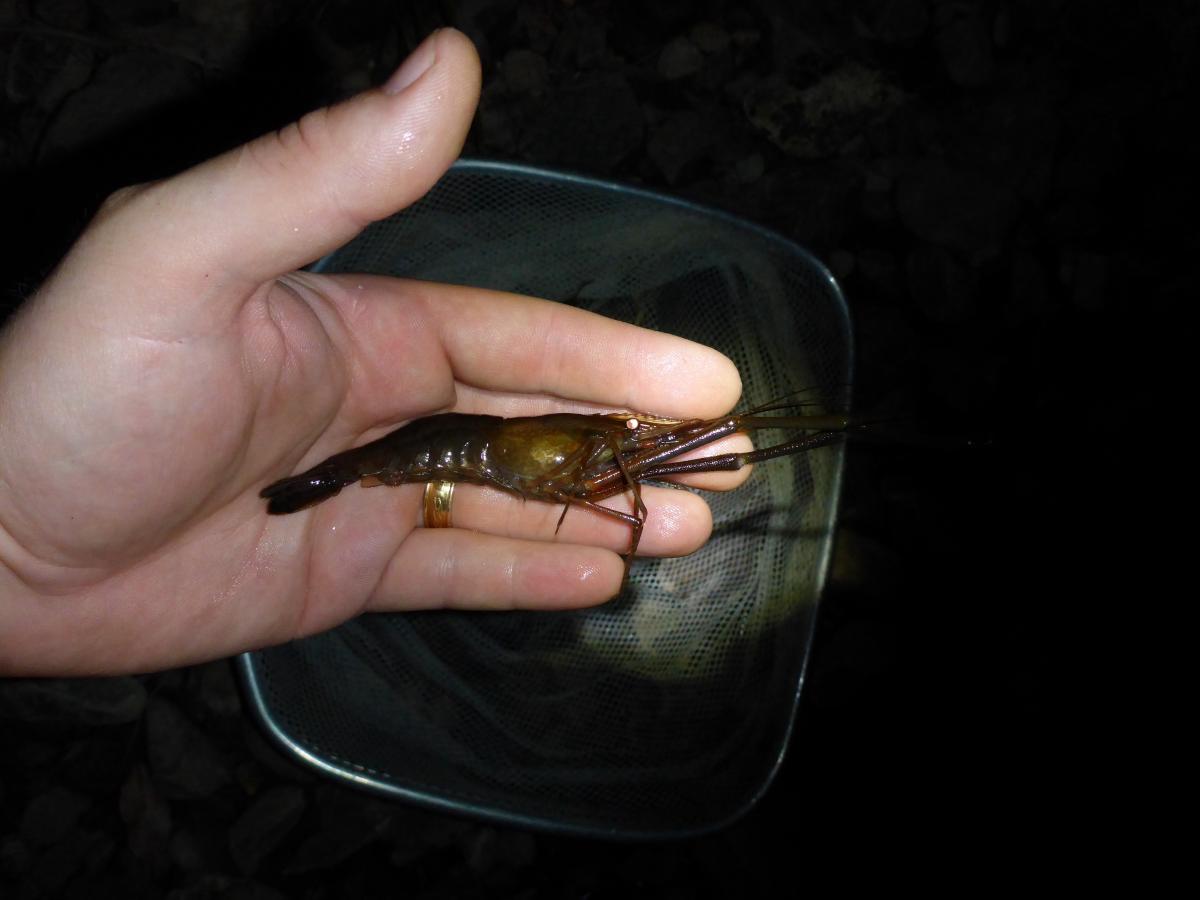
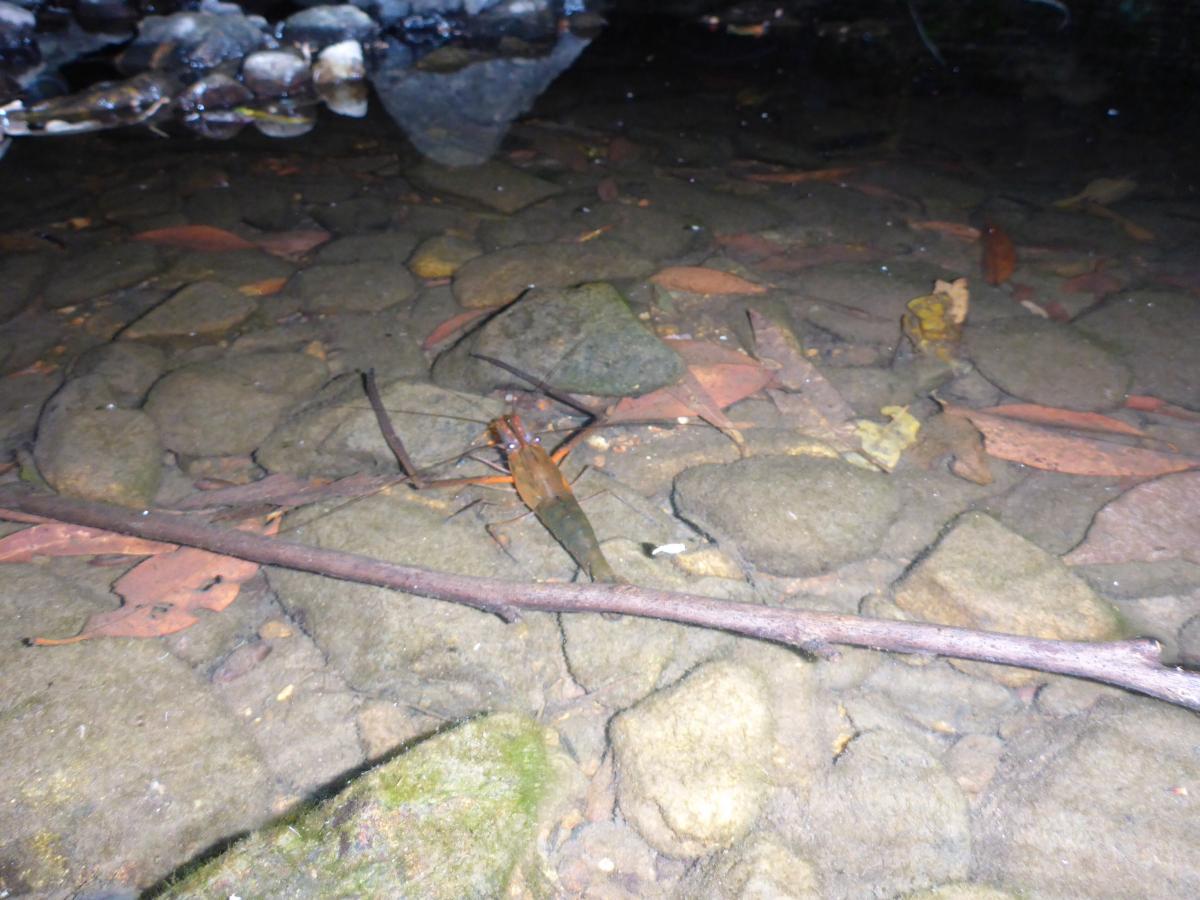
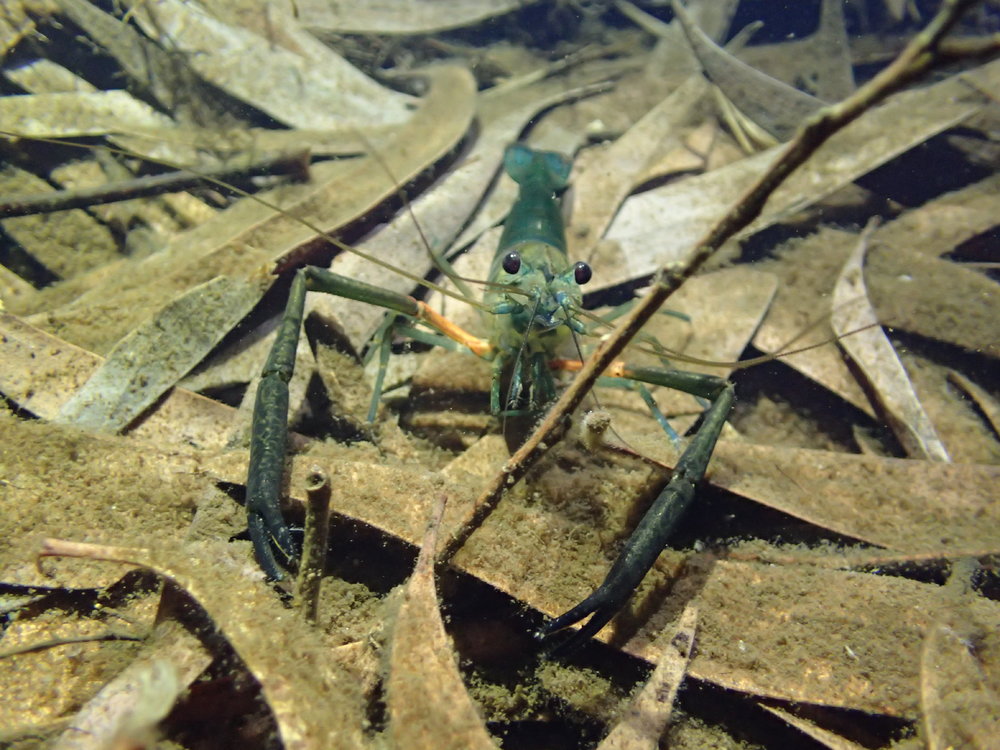
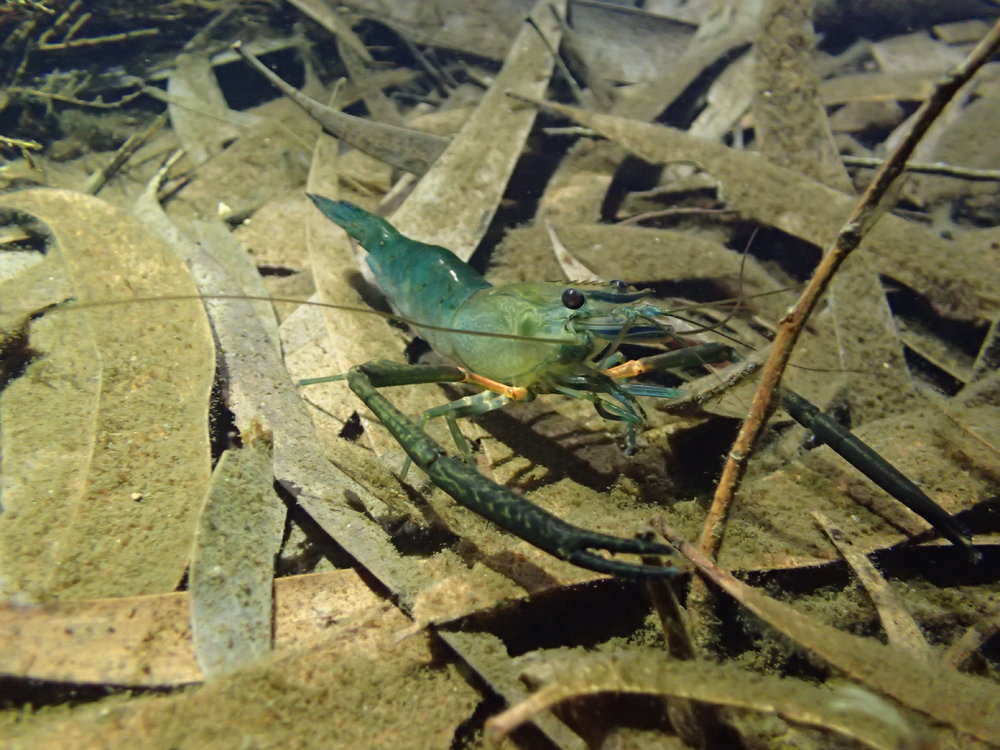
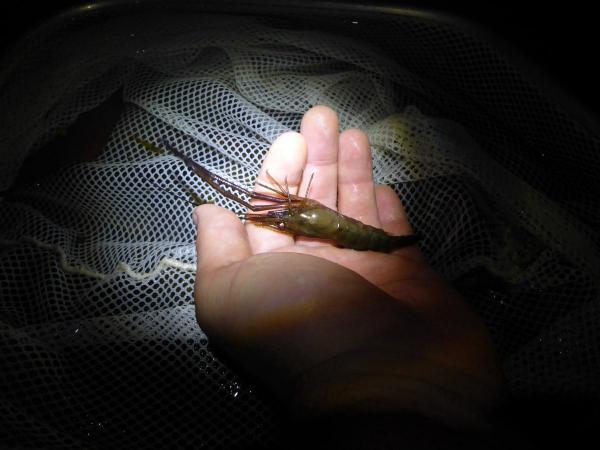
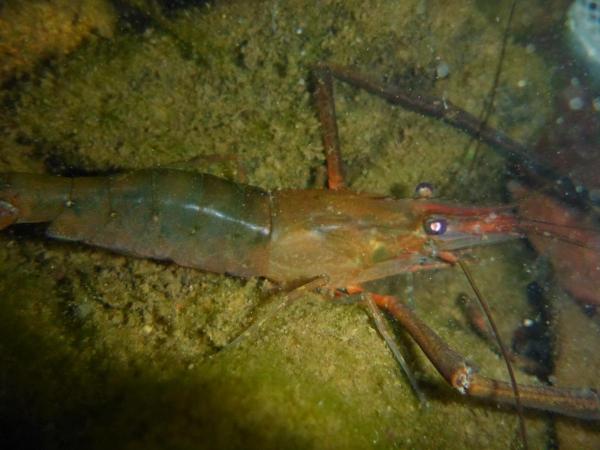
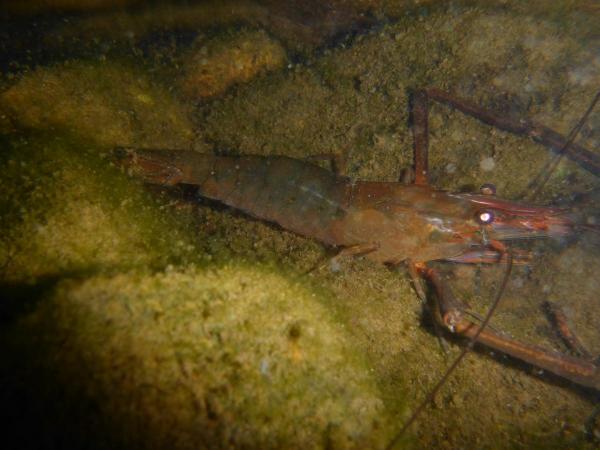
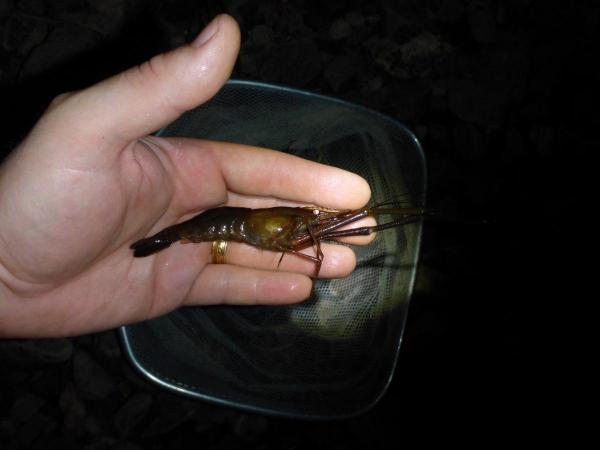
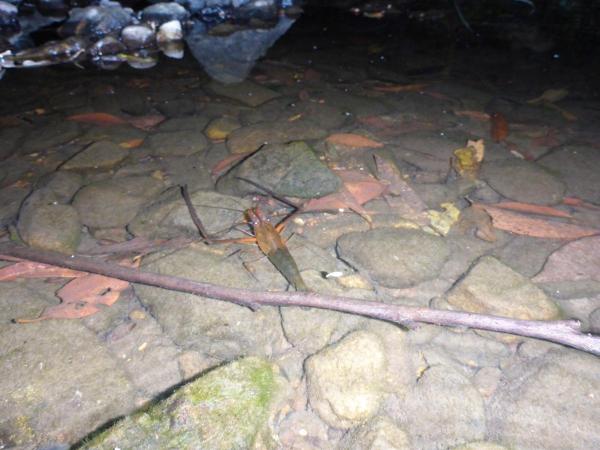
1 pointSome shots of a male Macrobrachium cf. tolmerum from a coastal creek near Cairns
 1 point
 -
1 pointI think you did bloody well. Led should be fine for what you want. Are you planning to put the mesh at the intake or before the pump section?1 point
-
1 pointThis guy was found in a coastal creek flowing directly to the ocean. Typical very soft water, similar to the water parameters in freshwater creeks around Cairns. Neutral pH. I've found the same species locally (Coffs Harbour) as reported in the field trip section, including water parameters. Its not any more or less difficult to collect and keep than other Australian native shrimp - the same rules apply. I think the freshwater crayfish are the difficult ones - from memory many (all?) Euastacus spp. (aka spiny crayfish) are protected.1 point
-
1 point
-
1 point
-
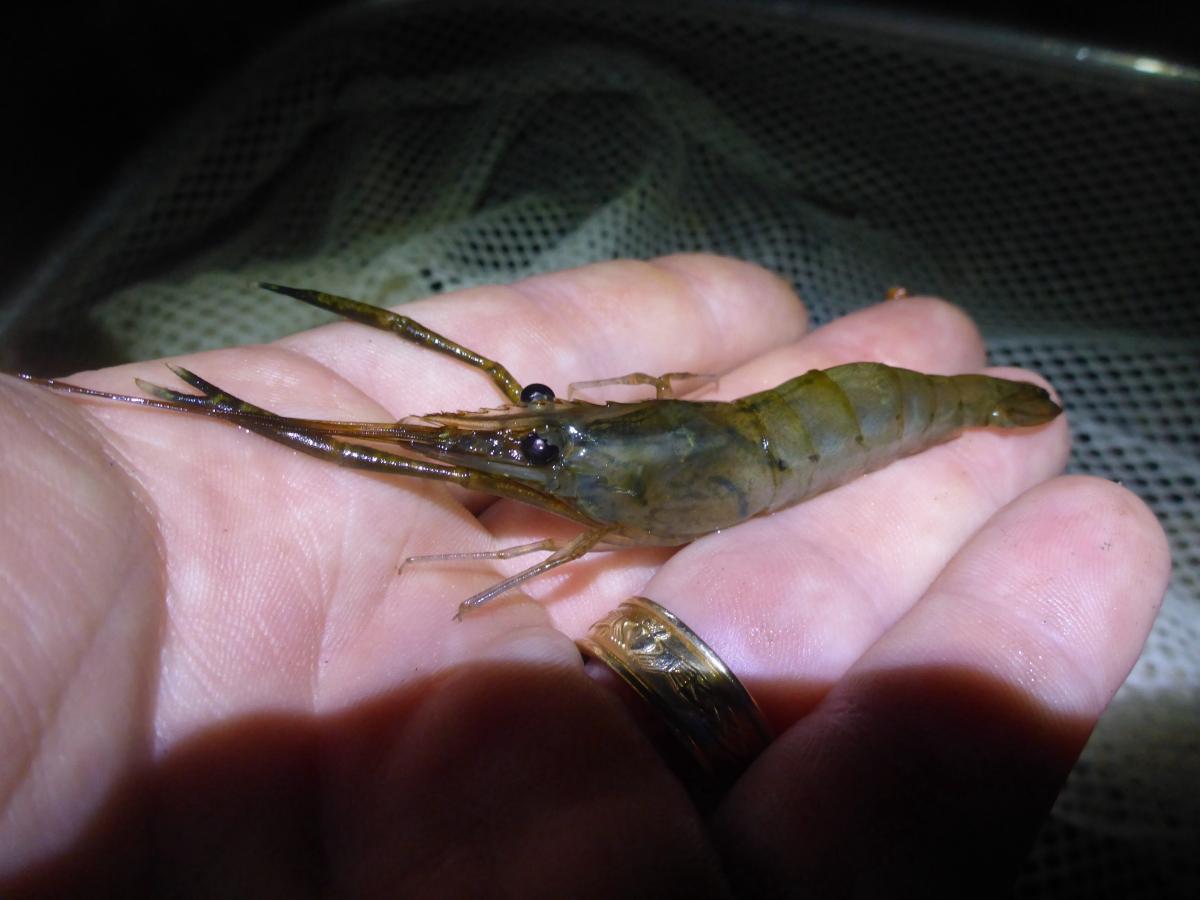
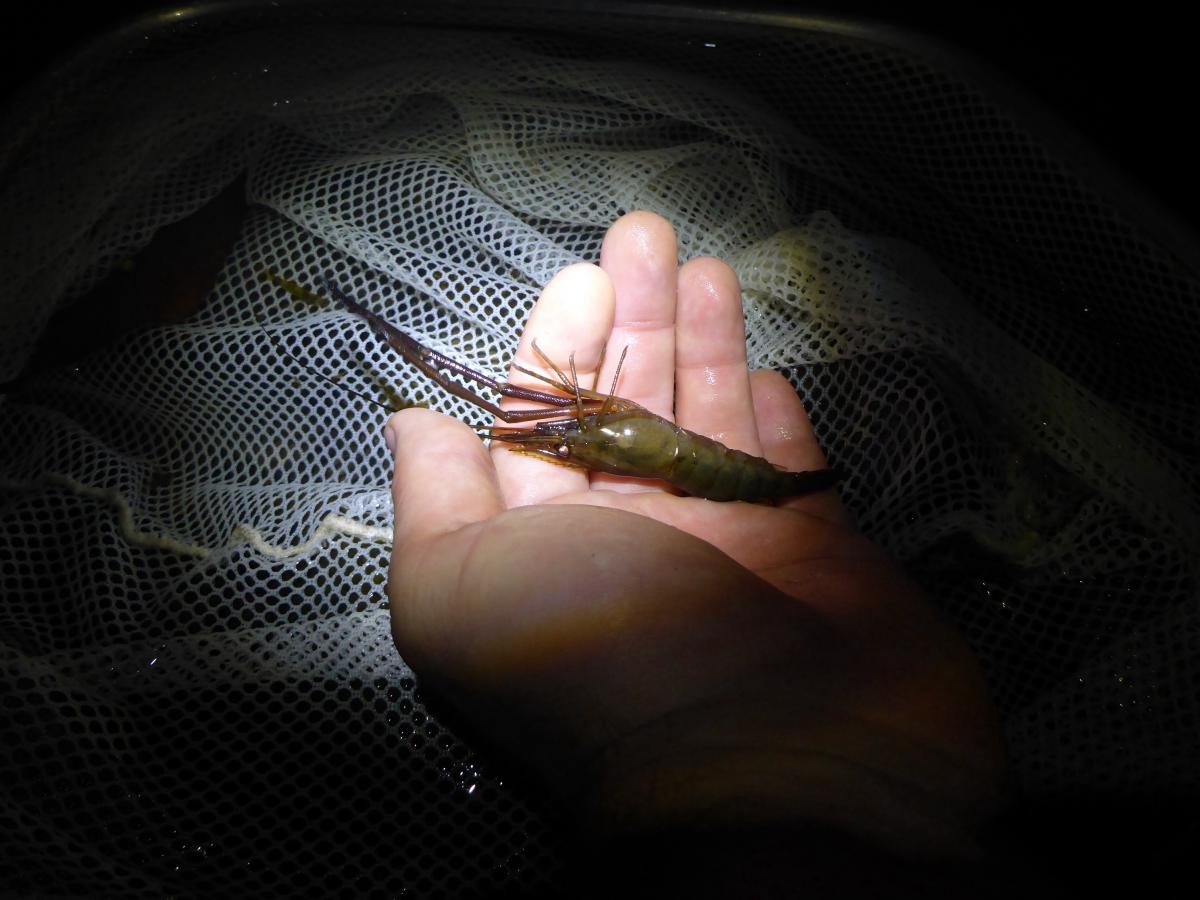
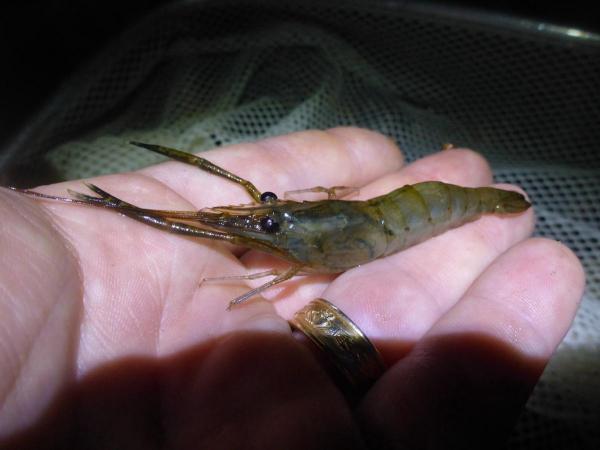
1 pointSome more pics from latest trip I'm disappointed because I wasn't able to catch the biggest dominant male. Too quick. His nippers were at least a third longer again than this guy. Had another eel follow me around too, about 1.5 metres long, probably 100mm diameter. They are so inquisative. Any splashing in the water and they are there.
 1 point