Skip to content
View in the app

A better way to browse. Learn more.

Shrimp Keepers Forum

A full-screen app on your home screen with push notifications, badges and more.

To install this app on iOS and iPadOS
  1. Tap the Share icon in Safari
  2. Scroll the menu and tap Add to Home Screen.
  3. Tap Add in the top-right corner.
To install this app on Android
  1. Tap the 3-dot menu (⋮) in the top-right corner of the browser.
  2. Tap Add to Home screen or Install app.
  3. Confirm by tapping Install.

Leaderboard

Popular Content

Showing content with the highest reputation on 07/13/16 in all areas

  1. NoGi
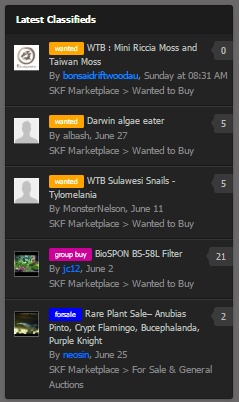
    Summary: Make it easier to see new classifieds via the sidebar widgets Description: To improve our classifieds system, it would be good to present what's new in a consolidated view in the sidebar. View full item
  2. NoGi
  3. MutedUziel
    Hello everyone, I am new to the hobby and am planning my first tank. I am very excited to learn from passionate and informed people. I will humbly accept any advice you have to offer. ~Shawn~

Account

Navigation

Search

Search

Configure browser push notifications

Chrome (Android)
  1. Tap the lock icon next to the address bar.
  2. Tap Permissions → Notifications.
  3. Adjust your preference.
Chrome (Desktop)
  1. Click the padlock icon in the address bar.
  2. Select Site settings.
  3. Find Notifications and adjust your preference.