Leaderboard
-

kizshrimp
Members1Points506Posts -

Callan
Members1Points261Posts
Popular Content
Showing content with the highest reputation on 06/21/15 in all areas
-
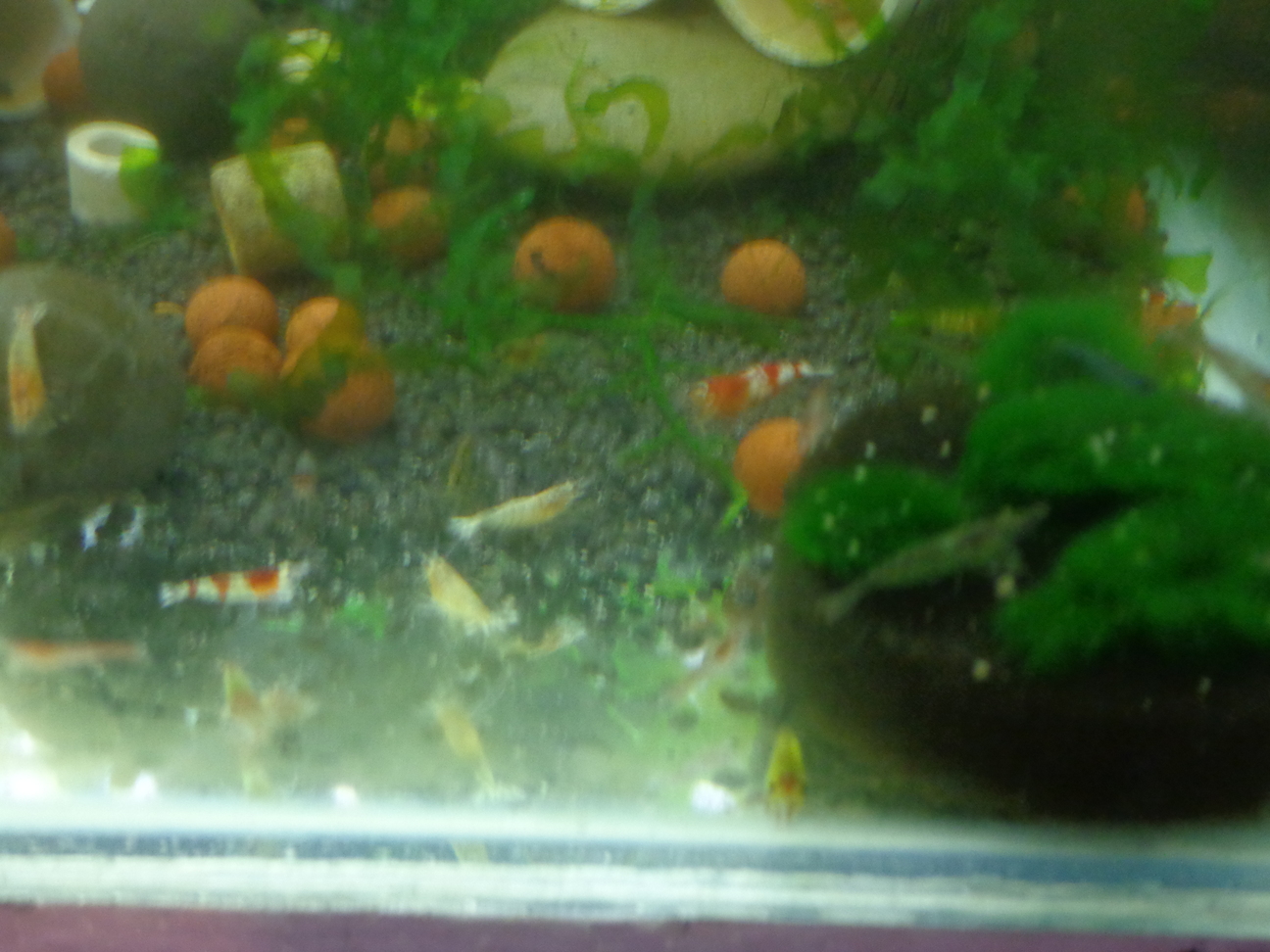
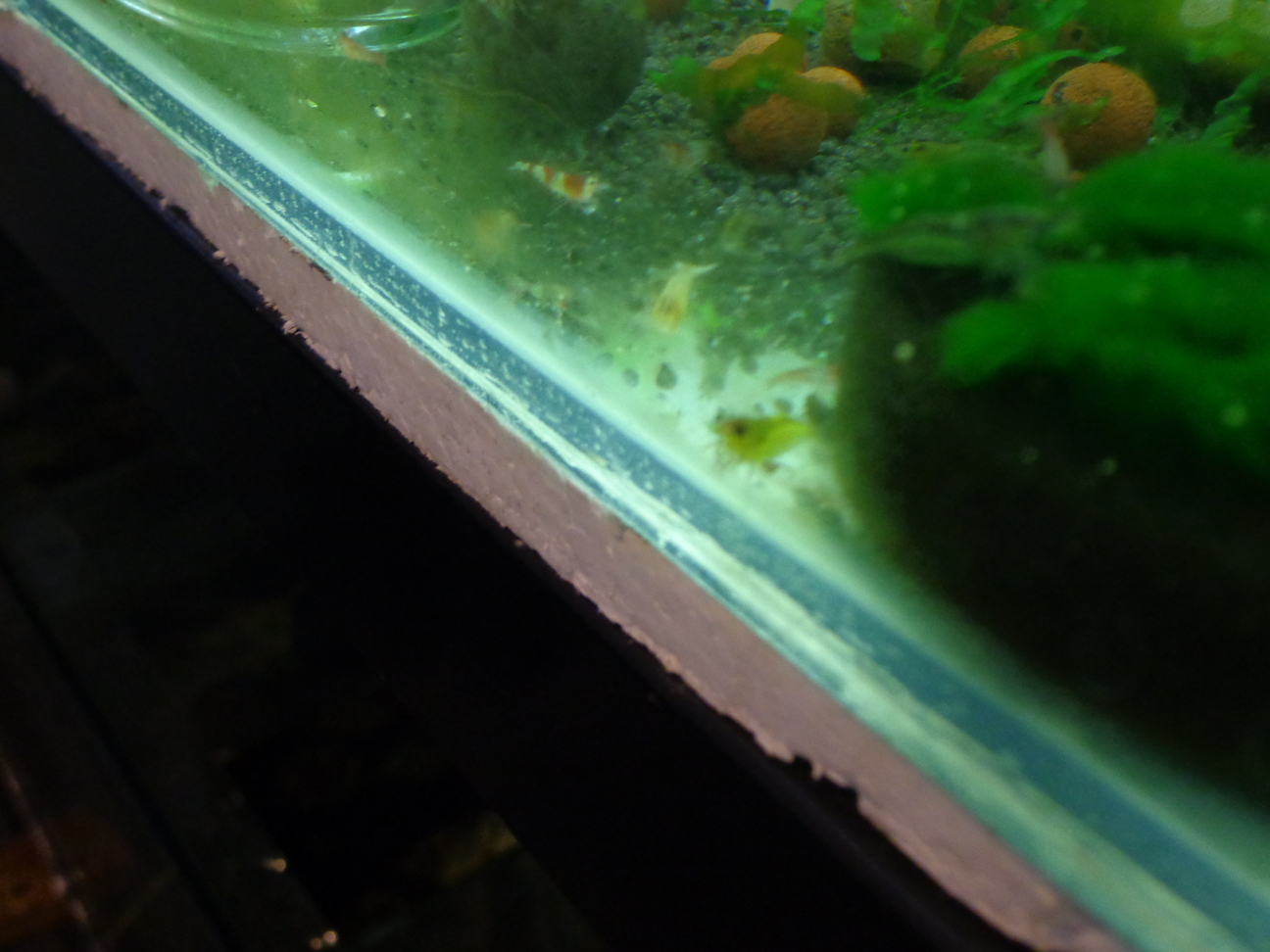
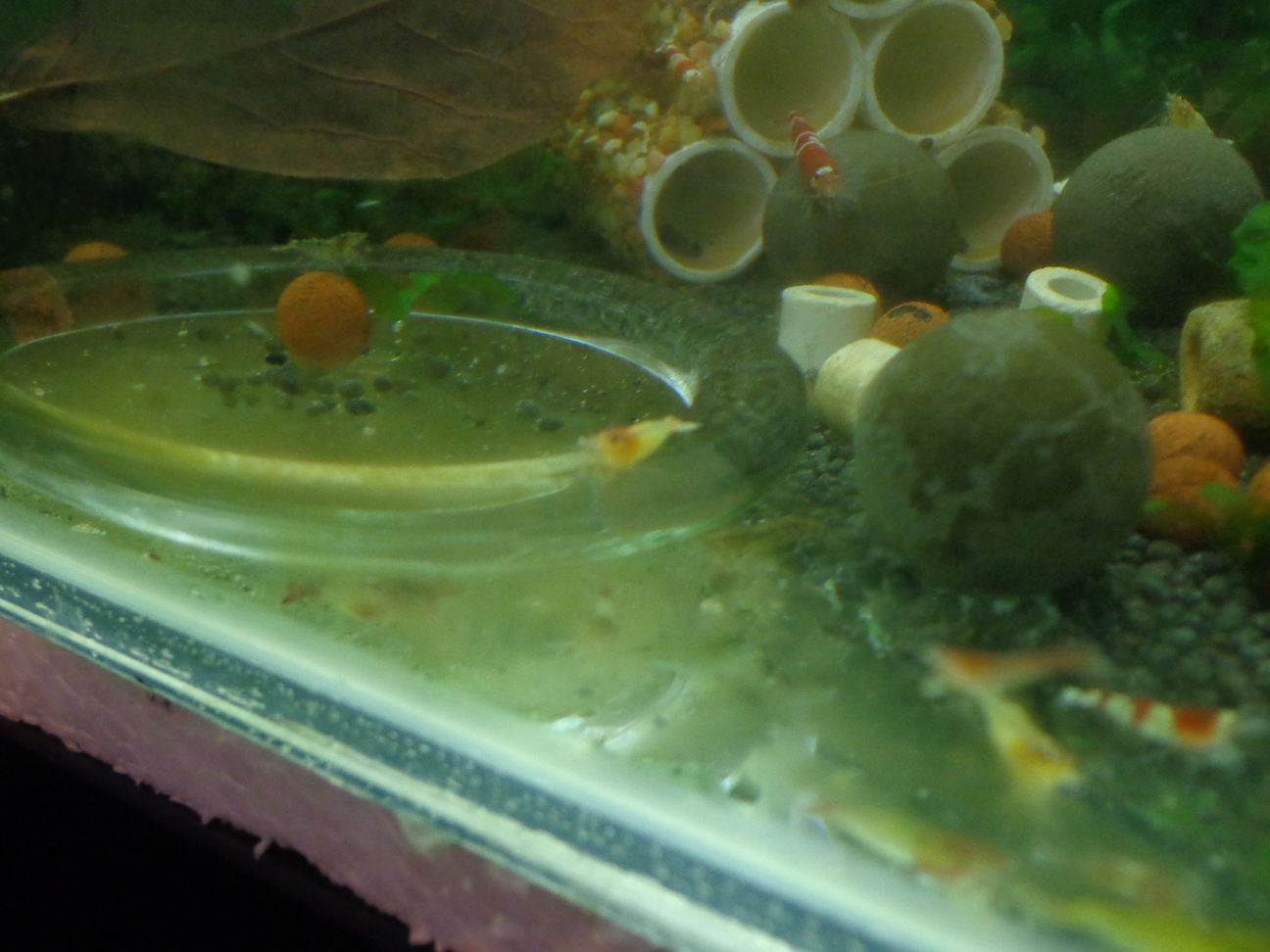
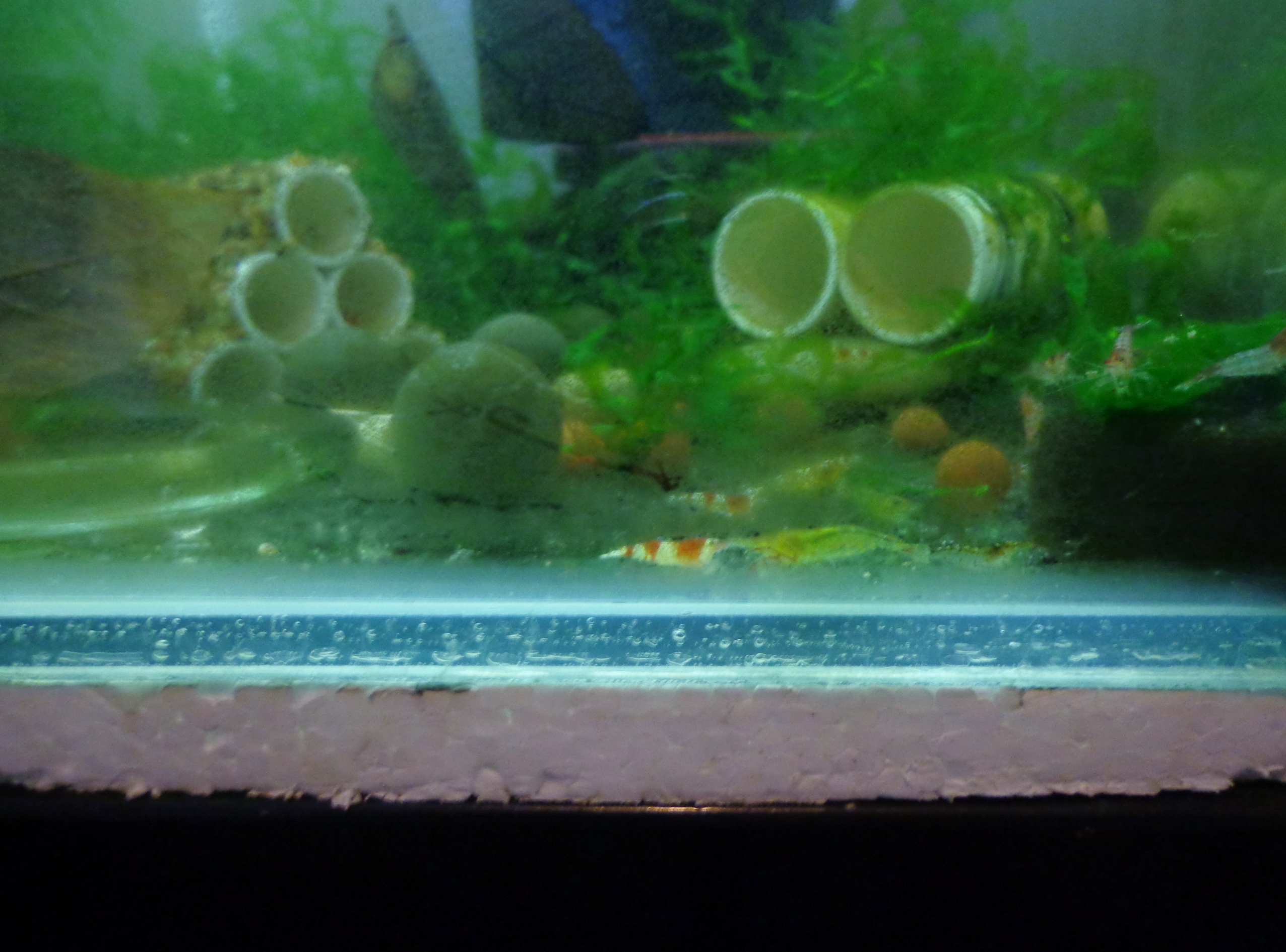
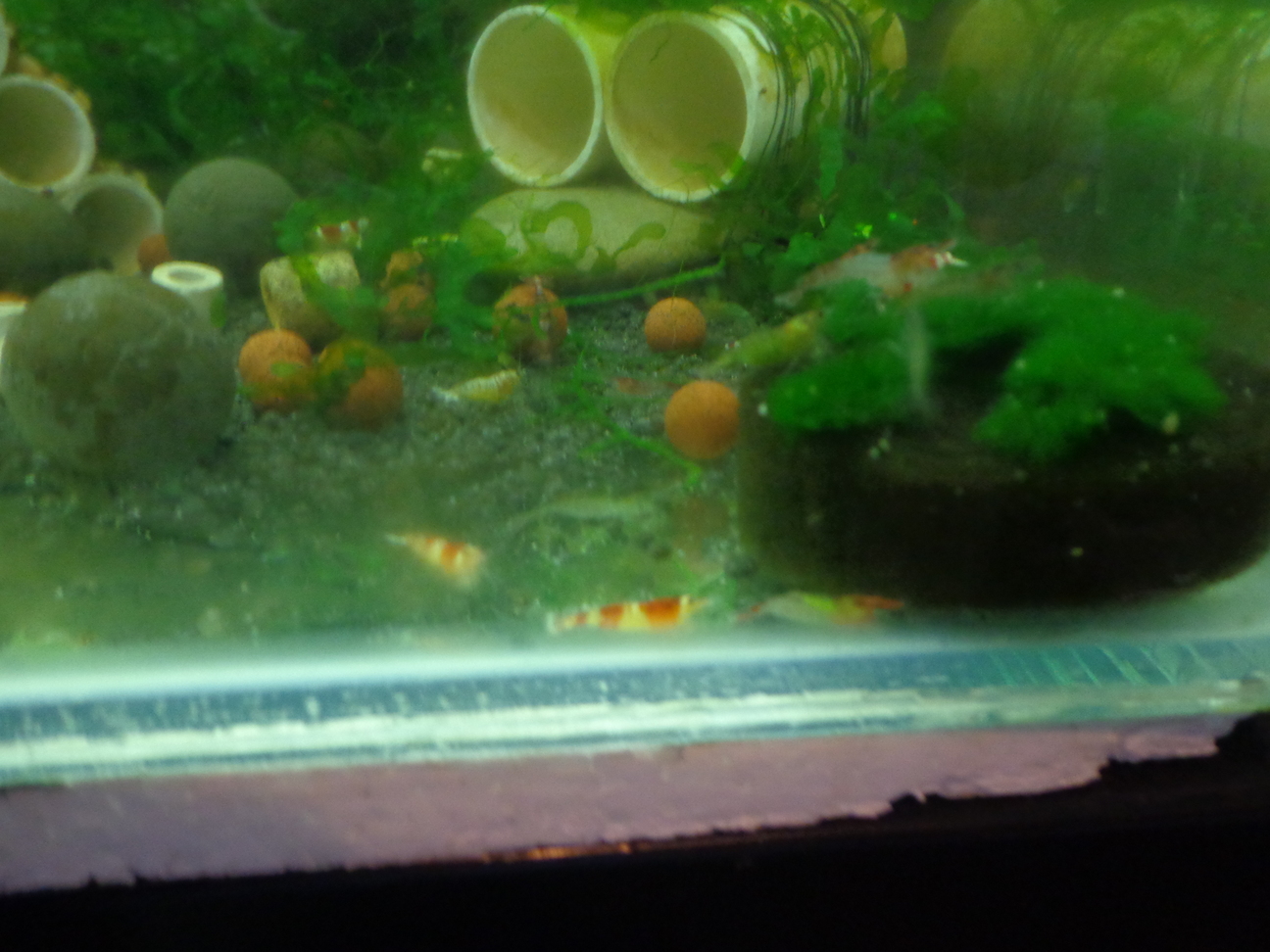
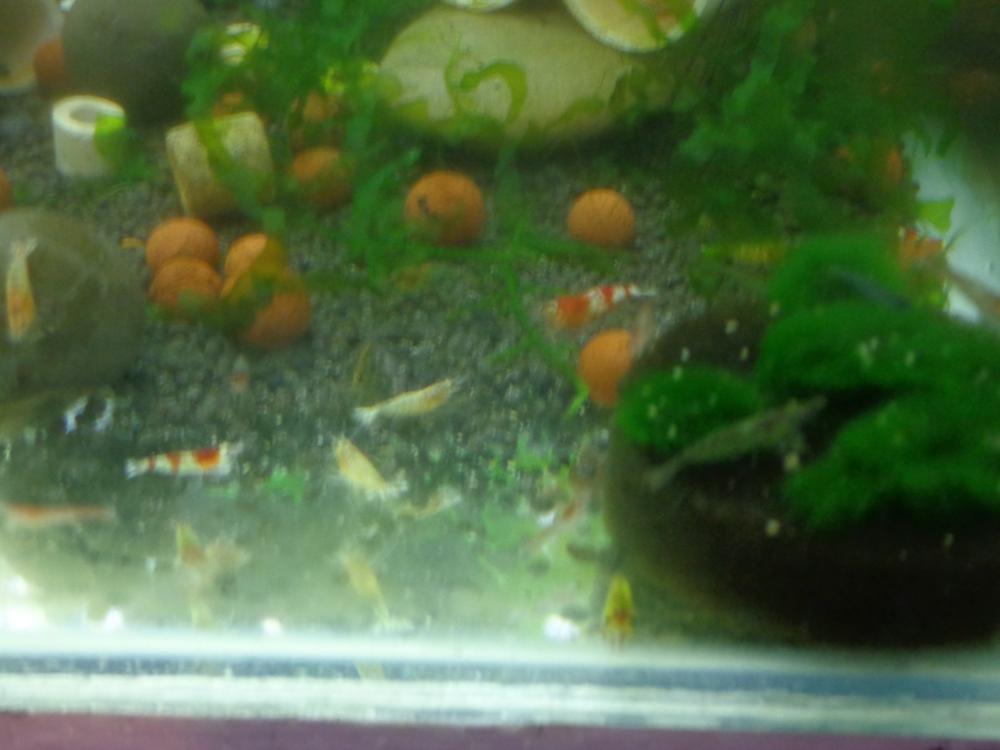
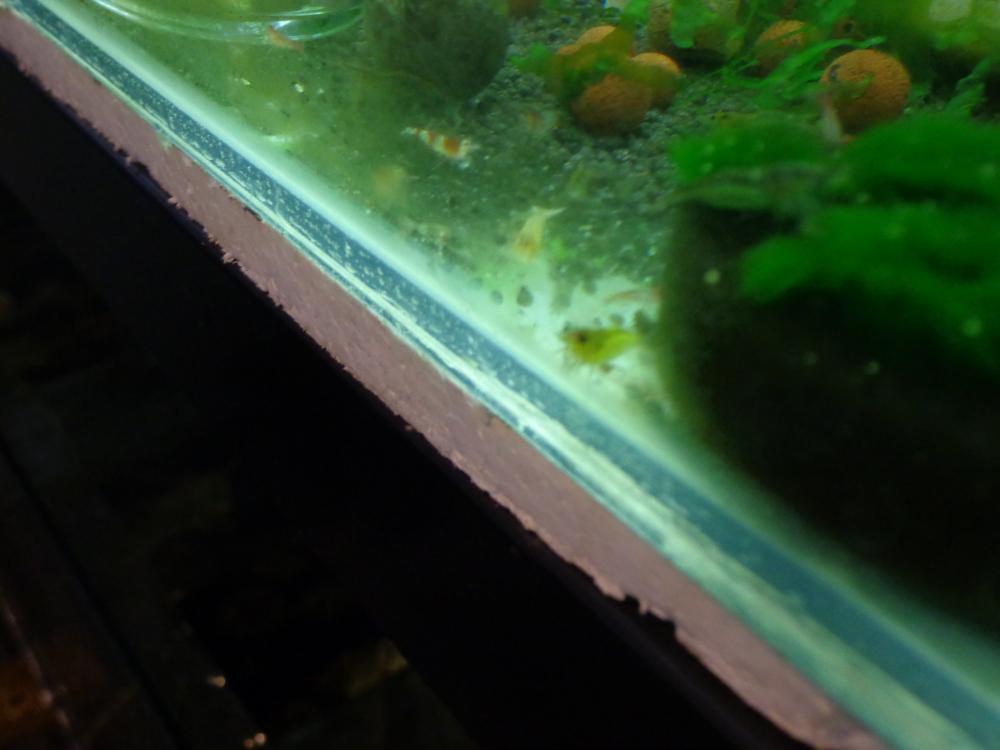
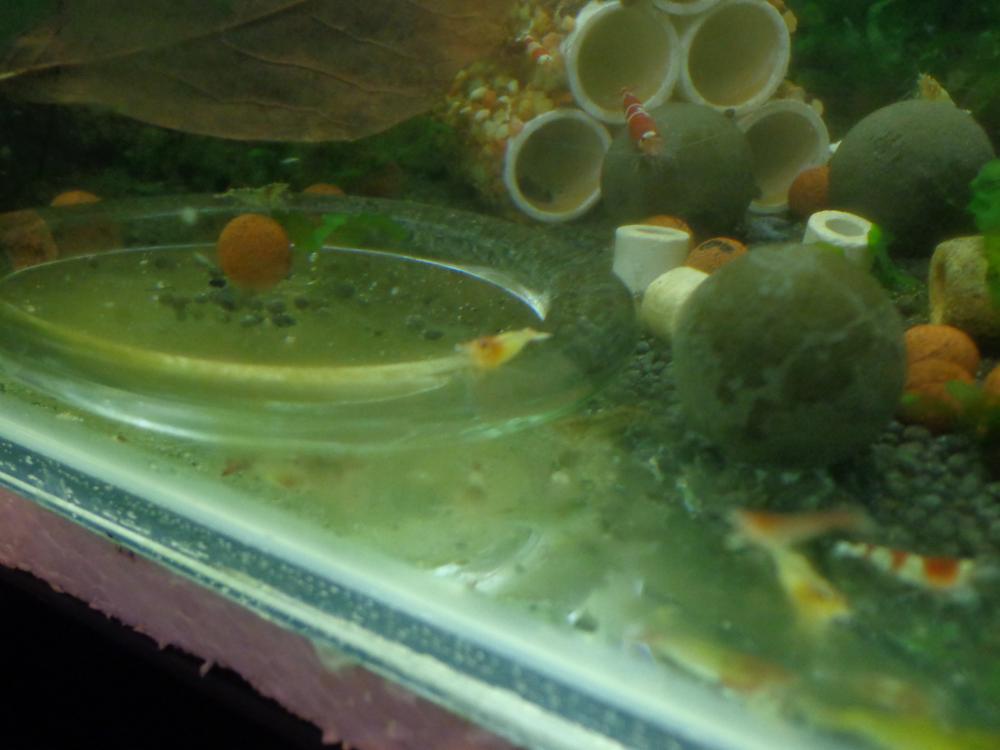
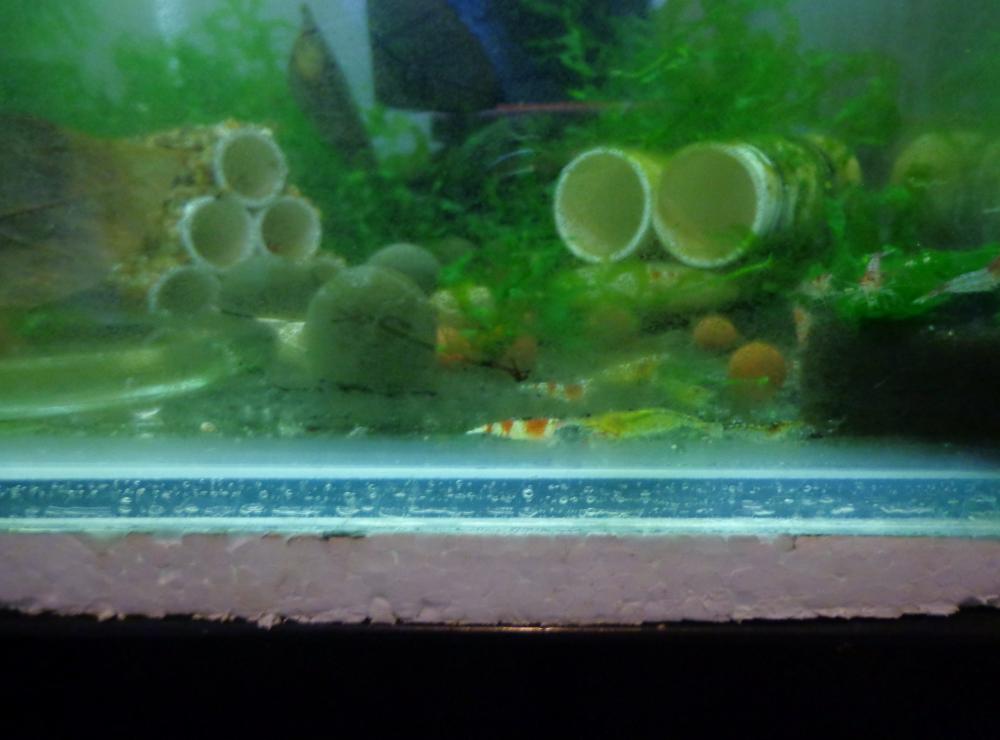
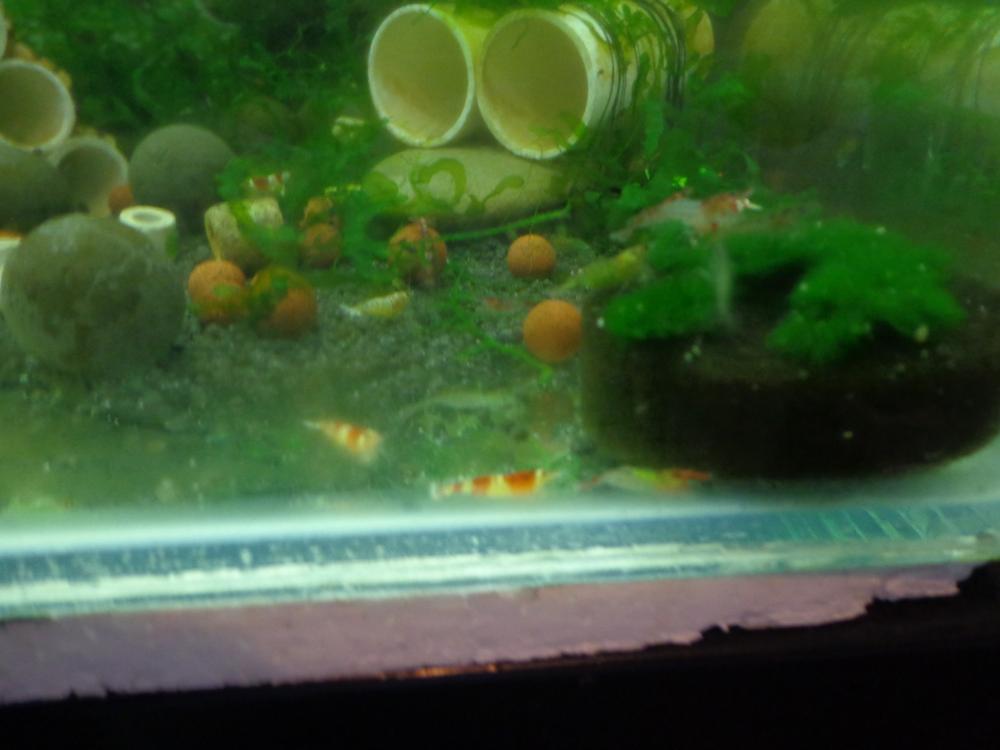
1 pointI was culling some blue gene red rilli today from my shrimp tank and I noticed an unusual looking blue gene red rilli. Well I think it is!!!! It has a yellow tinge through the body, a slightly yellower head, a red dot on top of its head and it has red legs. I don't know how it has happend or what it was breed from, other than it was in with my blue gene red rilli. Apologises for the quality of the photos, my poor photographic skills and the glass on the inside of the shrimp tank never gets cleaned, but anyway they are good enough to give you a look and get your opinions. I may be wrong but I can't see how it isn't from my rilli,s. Pic 1: Side Shot Pic 2: You can see red dot on it's head Pic 3: Better photo of side on shot on glass feeder Pic 4: Another side on shot and I know it's a bit hard to see but you can see red legs This is another pic and it is to the left of the blue gene red rilli on the moss. This moss mysteriously started growing out of the top of an air filter sponge, so I just cut it of the sponge to save it. I have no idea what it is. It just started growing. Maybe someone can ID it as well. Look forward to hearing what you all think.
 1 point
 -
1 pointIf you are seeing nitrates then nitrite is being converted. That is a good thing, the sooner the better.1 point