Leaderboard
-

wot_fan
Members3Points194Posts -

OzShrimp
Members2Points4102Posts -

newbreed
Members1Points3152Posts -

GotCrabs
Members1Points1430Posts
Popular Content
Showing content with the highest reputation on 05/30/15 in all areas
-
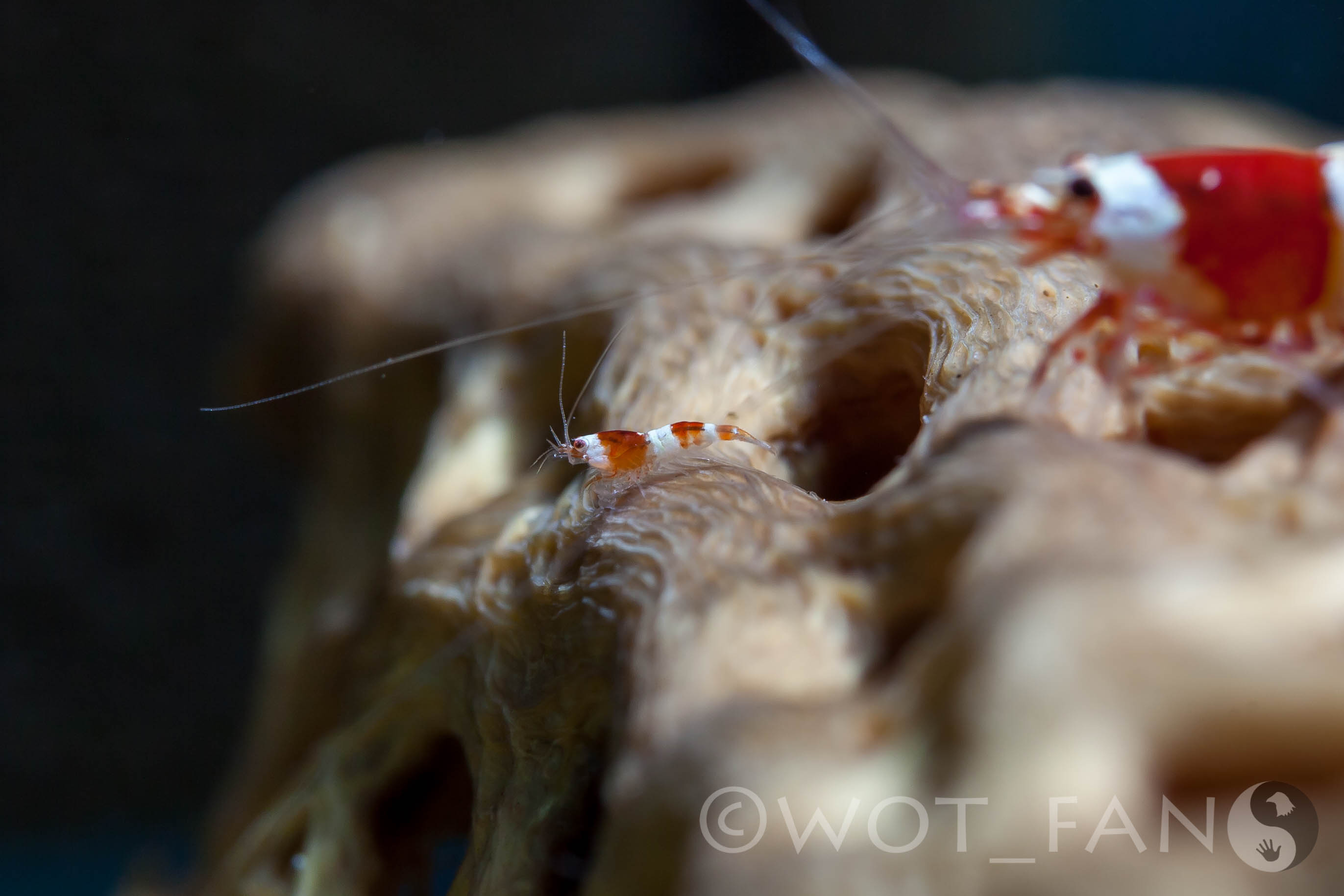
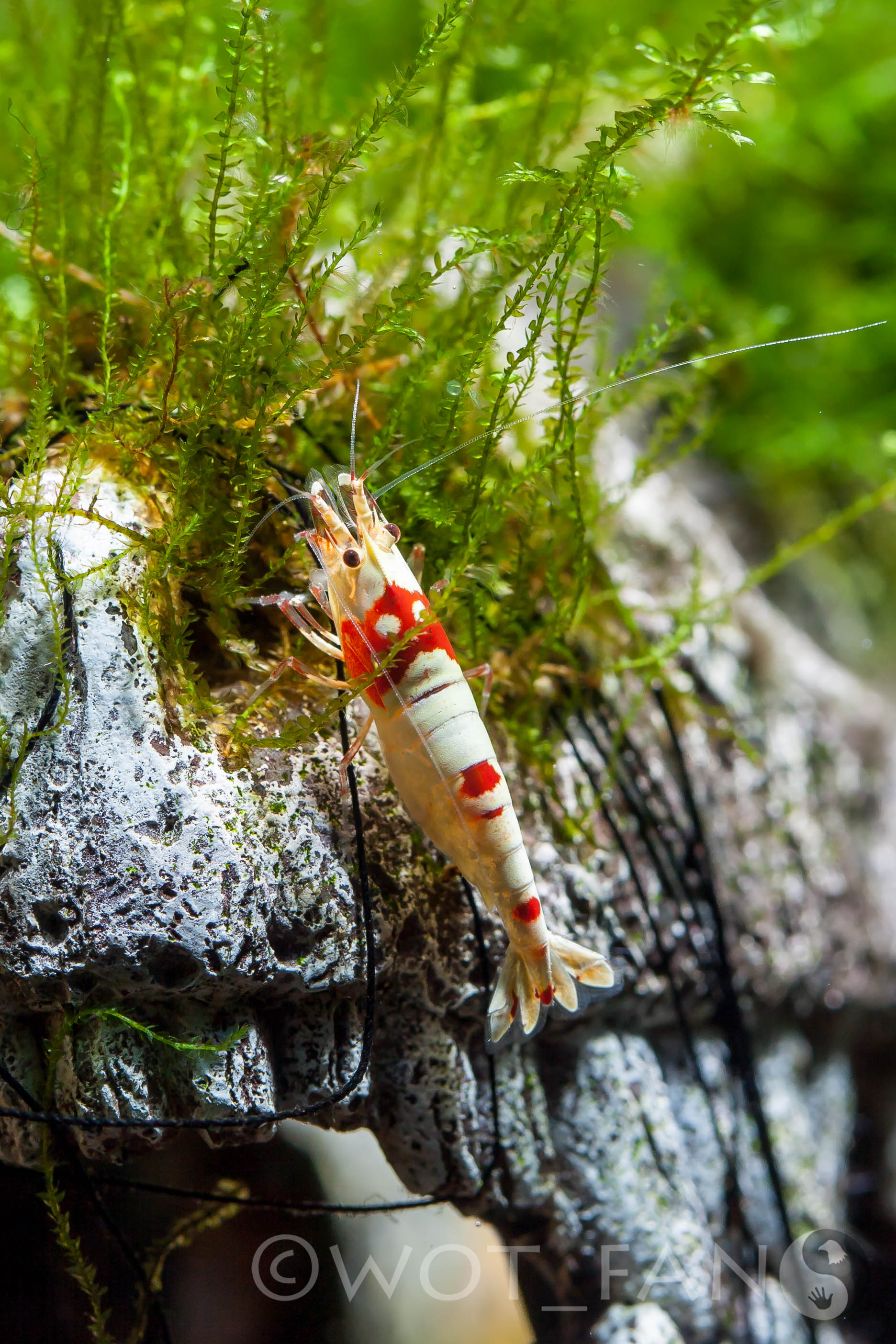
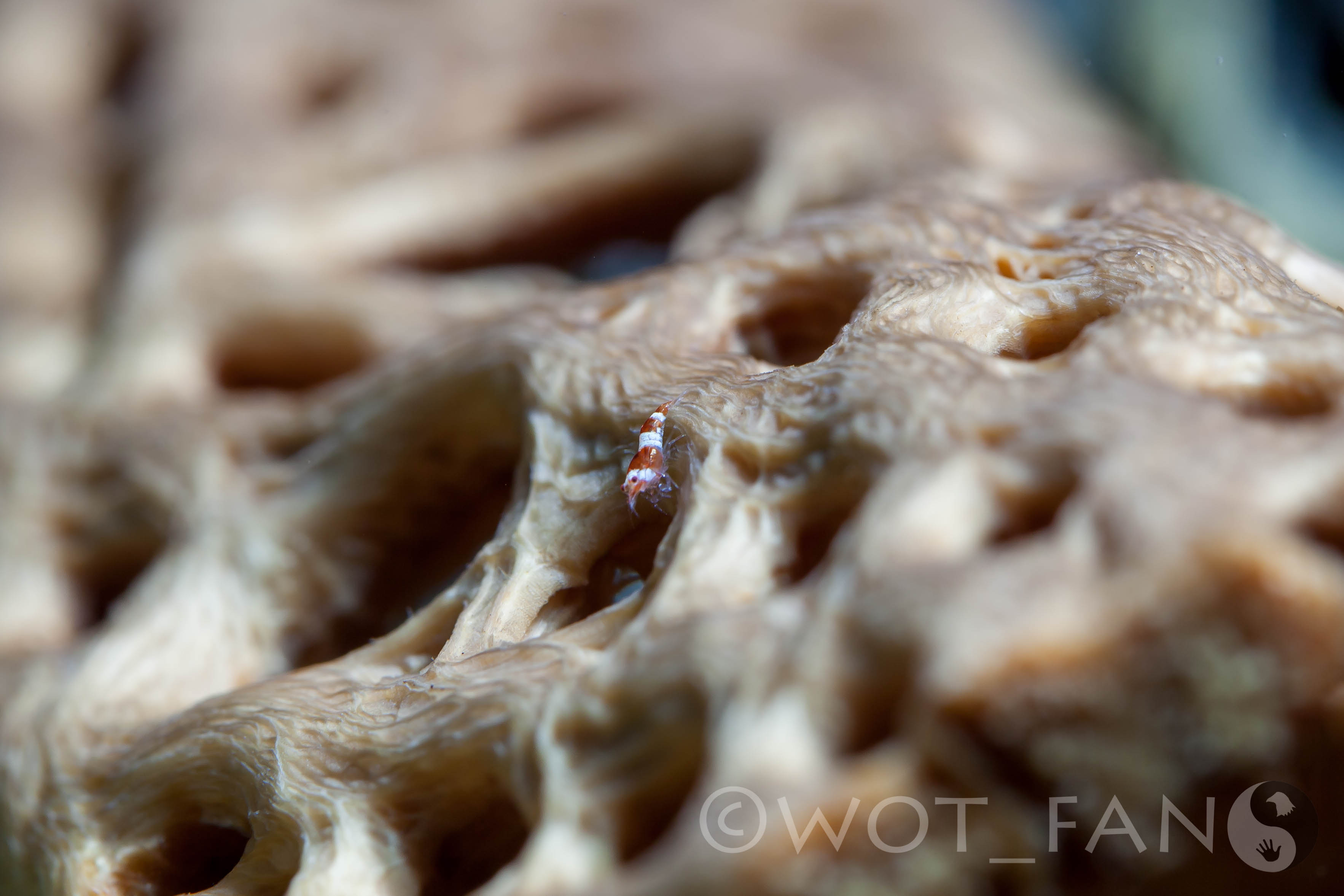
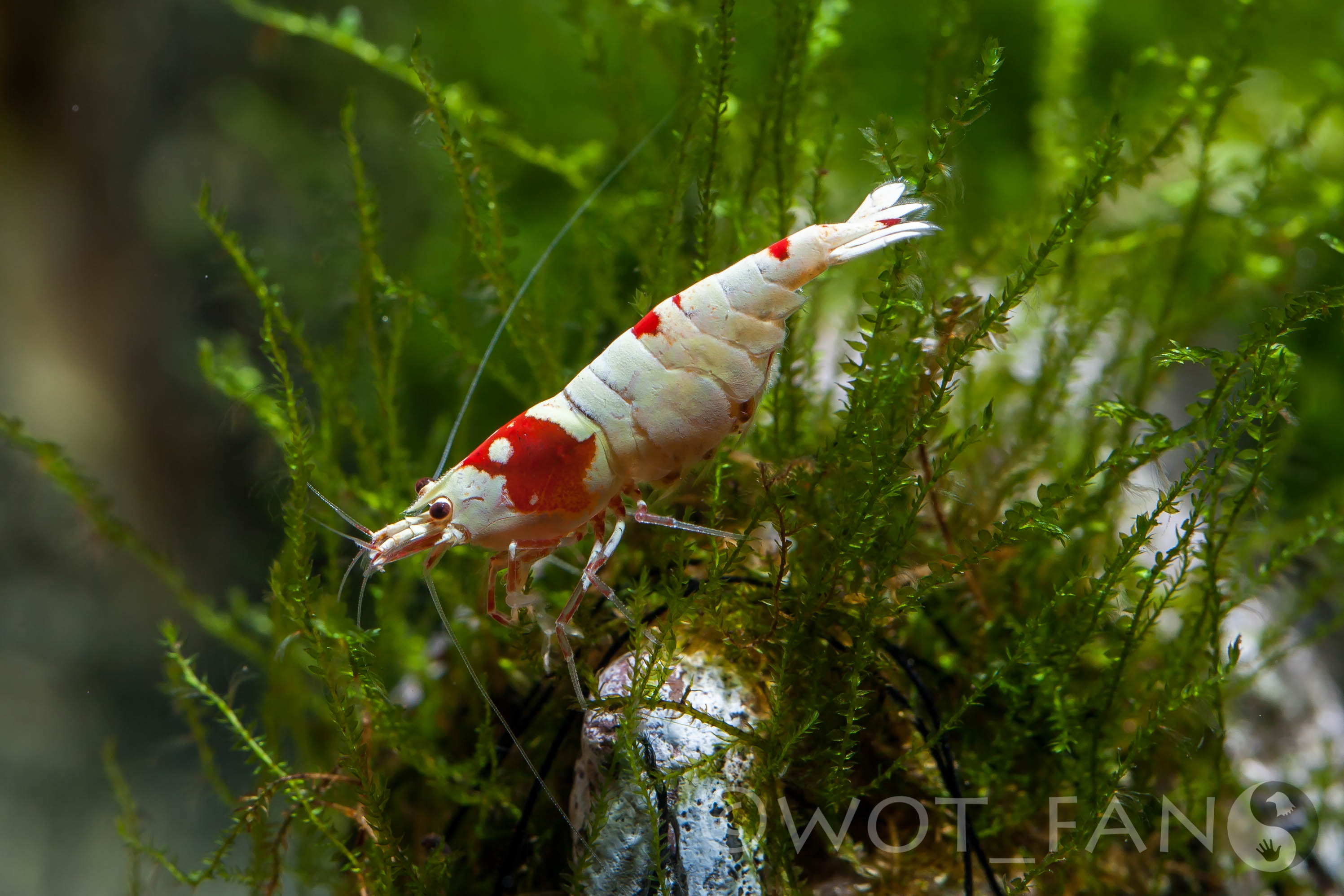
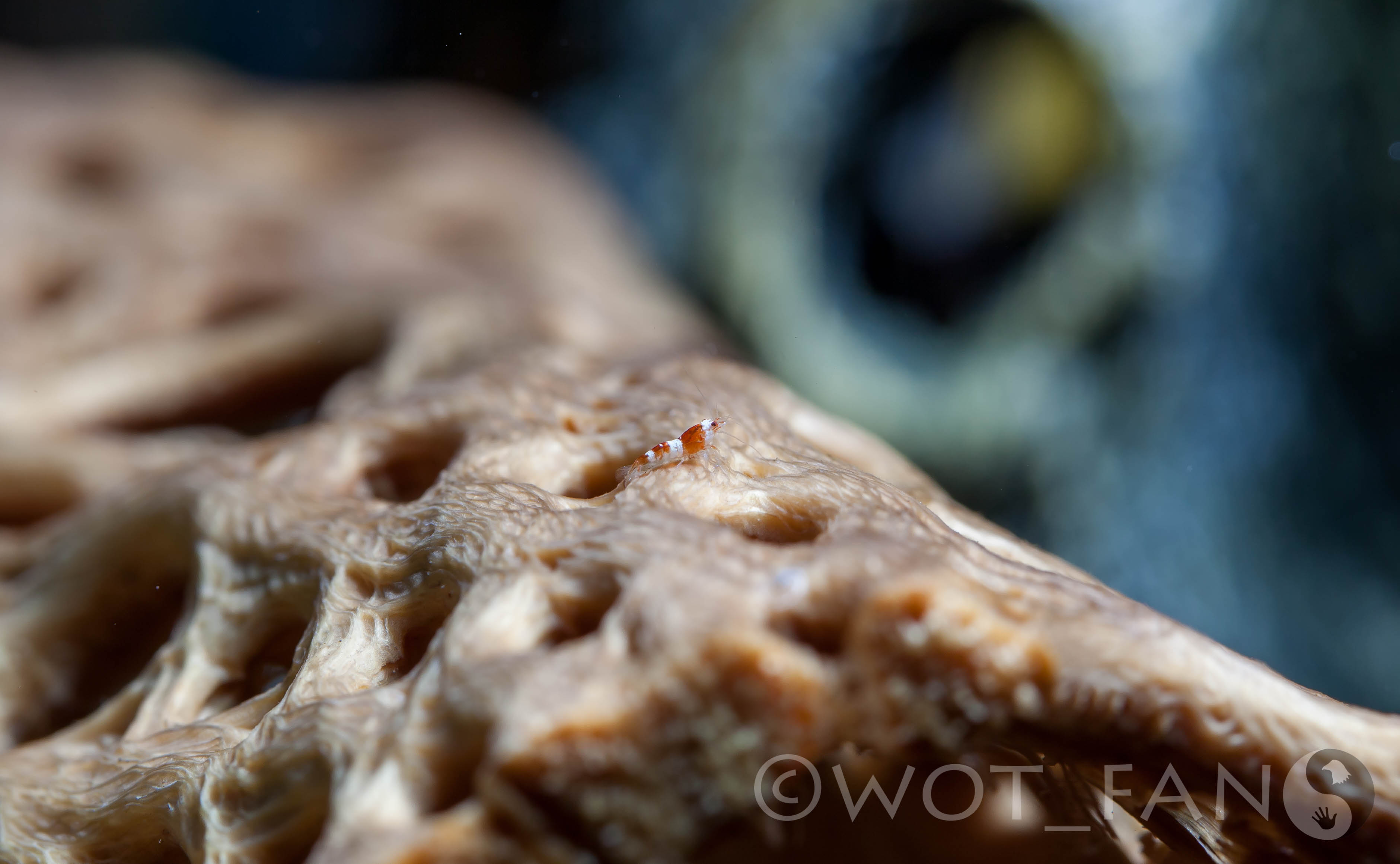
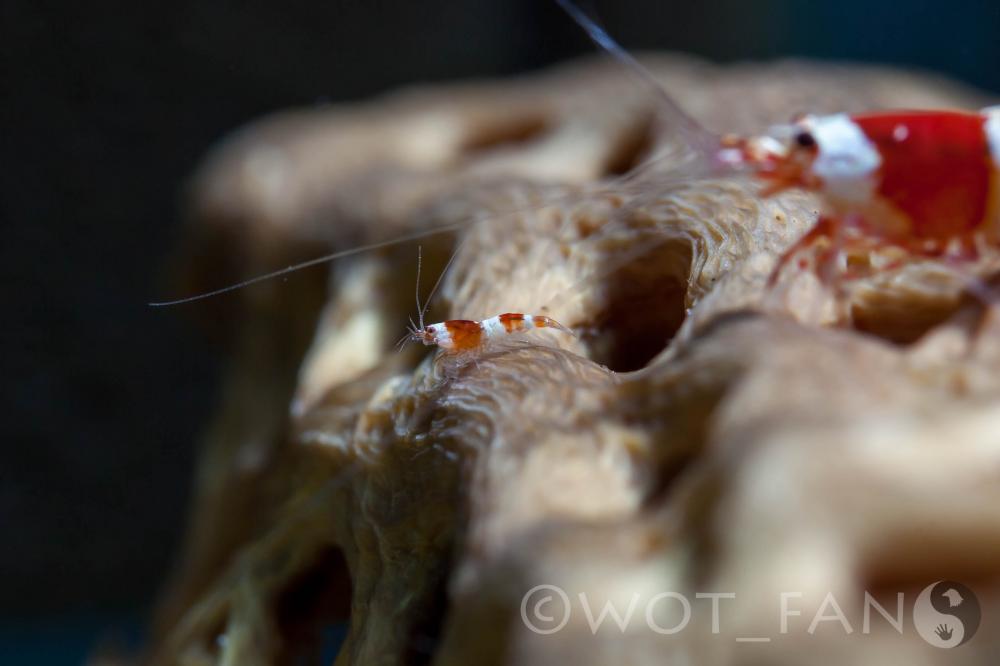
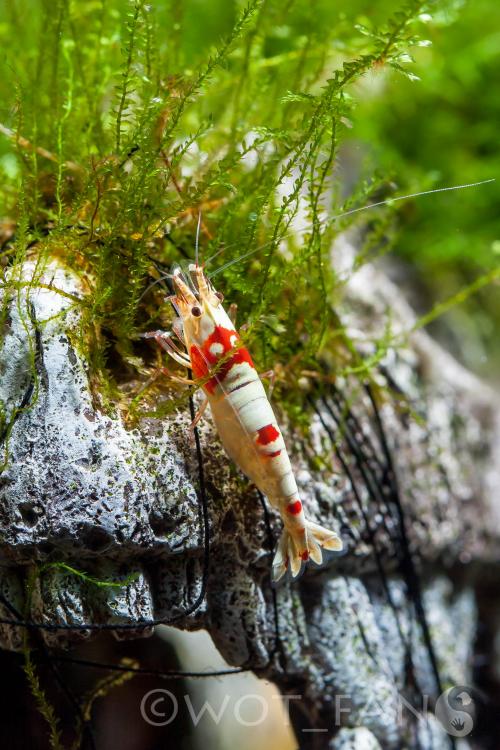
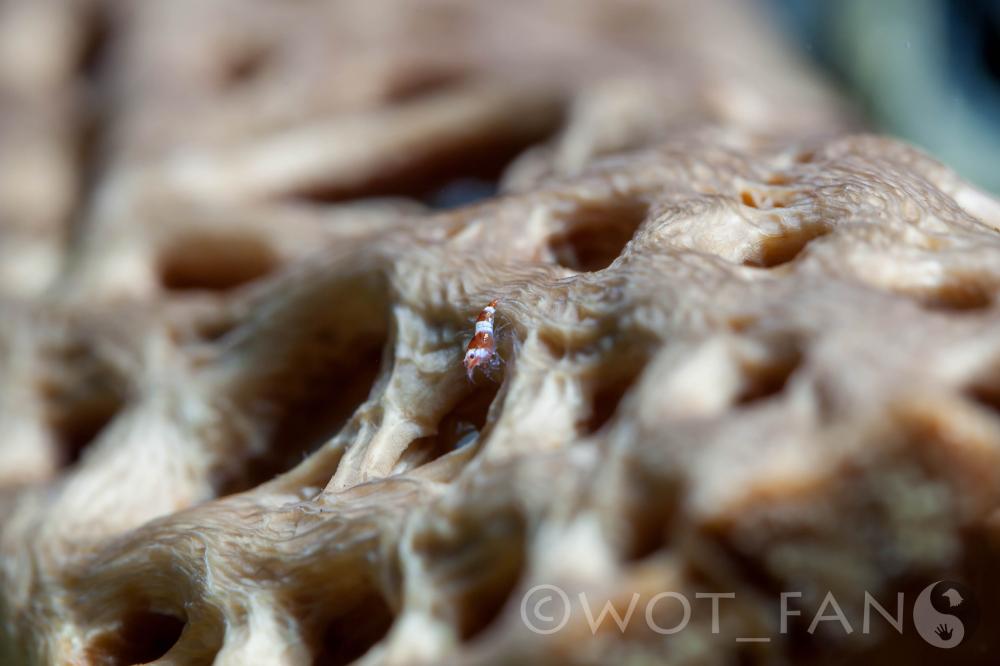
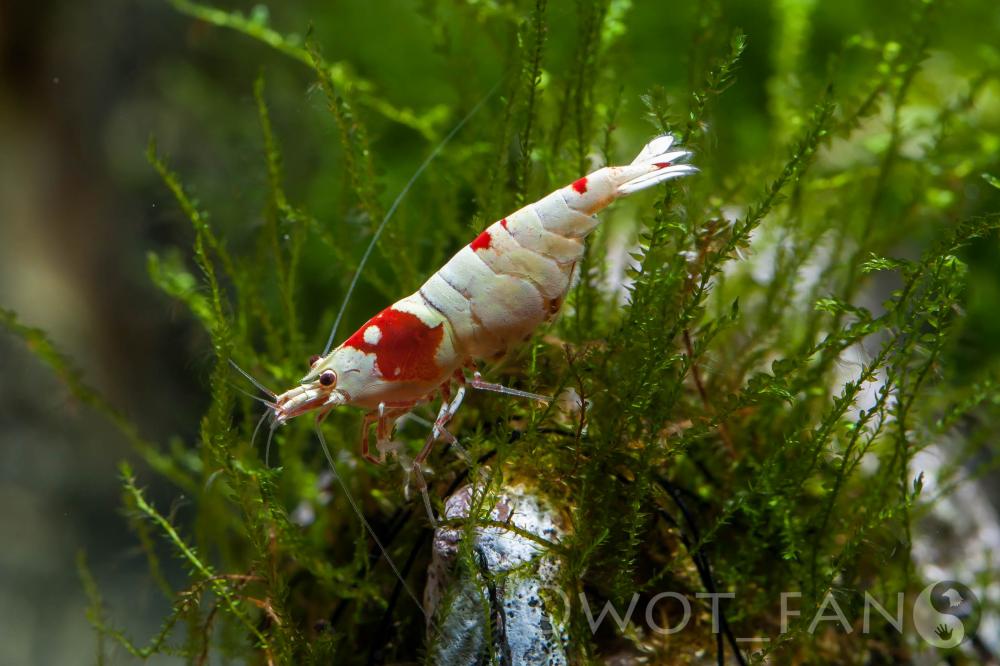
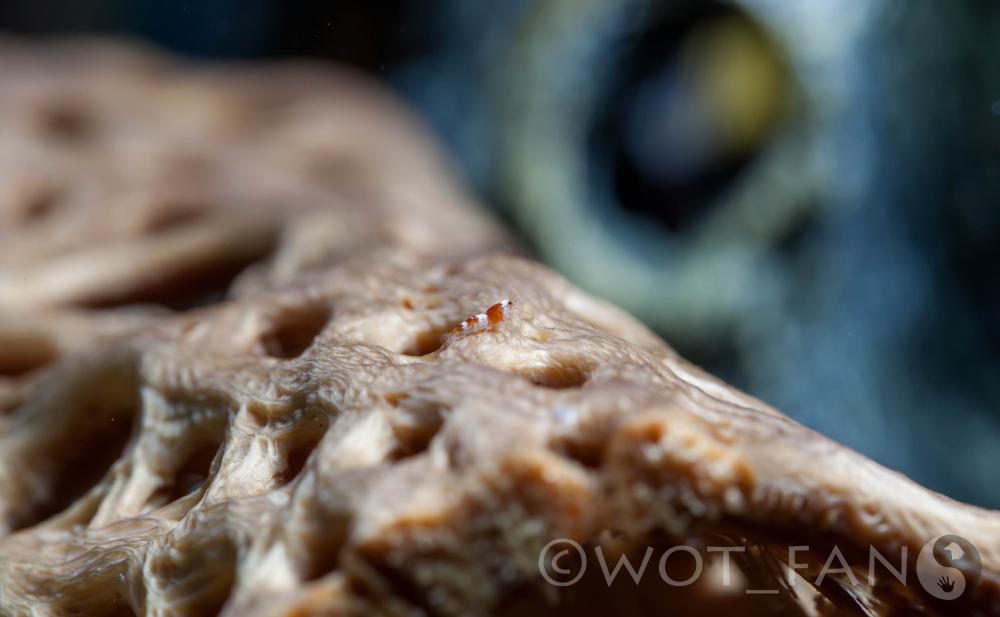
I had a little time this evening so I broke out the camera and flashes. I got a couple decent shots of one my berried females. I expect her eggs to hatch any day now :D. I was also able to get a few pics of shrimplets.
 2 points
 -
 1 point1 point
Thanks Disciple :). She may be my best looking CRS. The white on her is more dense than that on any of my other shrimp. I am really looking forward to seeing her babies. She berried 23 days ago so it shouldn't be too much longer :D.1 point
1 point
1 point1 point
Thanks Disciple :). She may be my best looking CRS. The white on her is more dense than that on any of my other shrimp. I am really looking forward to seeing her babies. She berried 23 days ago so it shouldn't be too much longer :D.1 point
1 pointuntil
Hey everyone, The next Shrimp Club Victoria meeting is running Sunday 31st May from 12:30 - 4:00pm at the Aquarium Society of Victoria Building. Trade Table, Presentations, meet other breeders and keepers. Great opportunity to share your experiences, float ideas with other keepers and maybe find a bargain on the trade tables too. Interstate breeders very welcome!!! Hope to see you all there! :)1 point
I never realised that I had juvi Bristlenose until I did a rescape and looked in the cave to find a bunch of eggs, I quickly put the cave back in the tank and the Dad jumped back in fanning, within a day or two there they were, haha.1 point