Leaderboard
-
Fábio Silva
Members3Points6Posts -

inverted
Members2Points605Posts -


NoGi
HOF Member1Points5858Posts -

larrymull
Members1Points273Posts
Popular Content
Showing content with the highest reputation on 03/28/15 in all areas
-
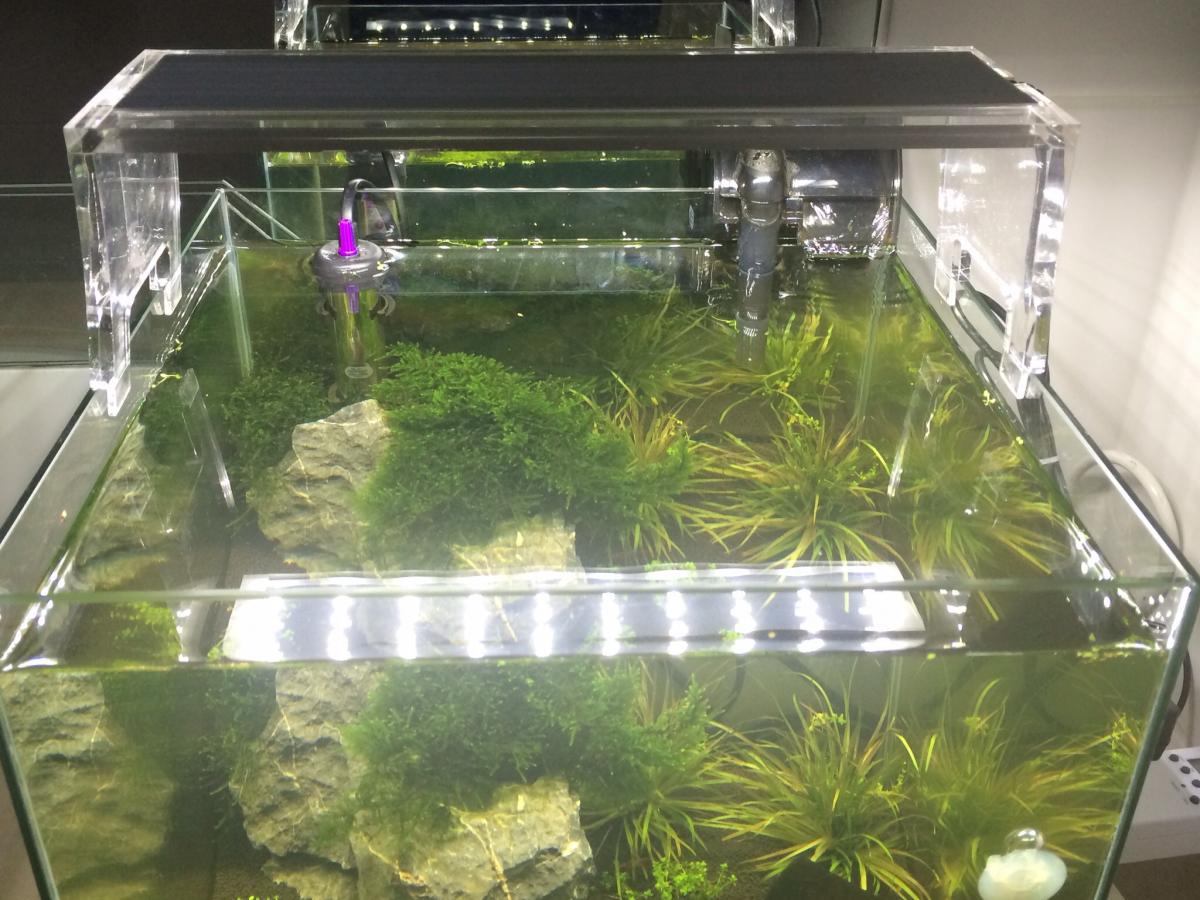
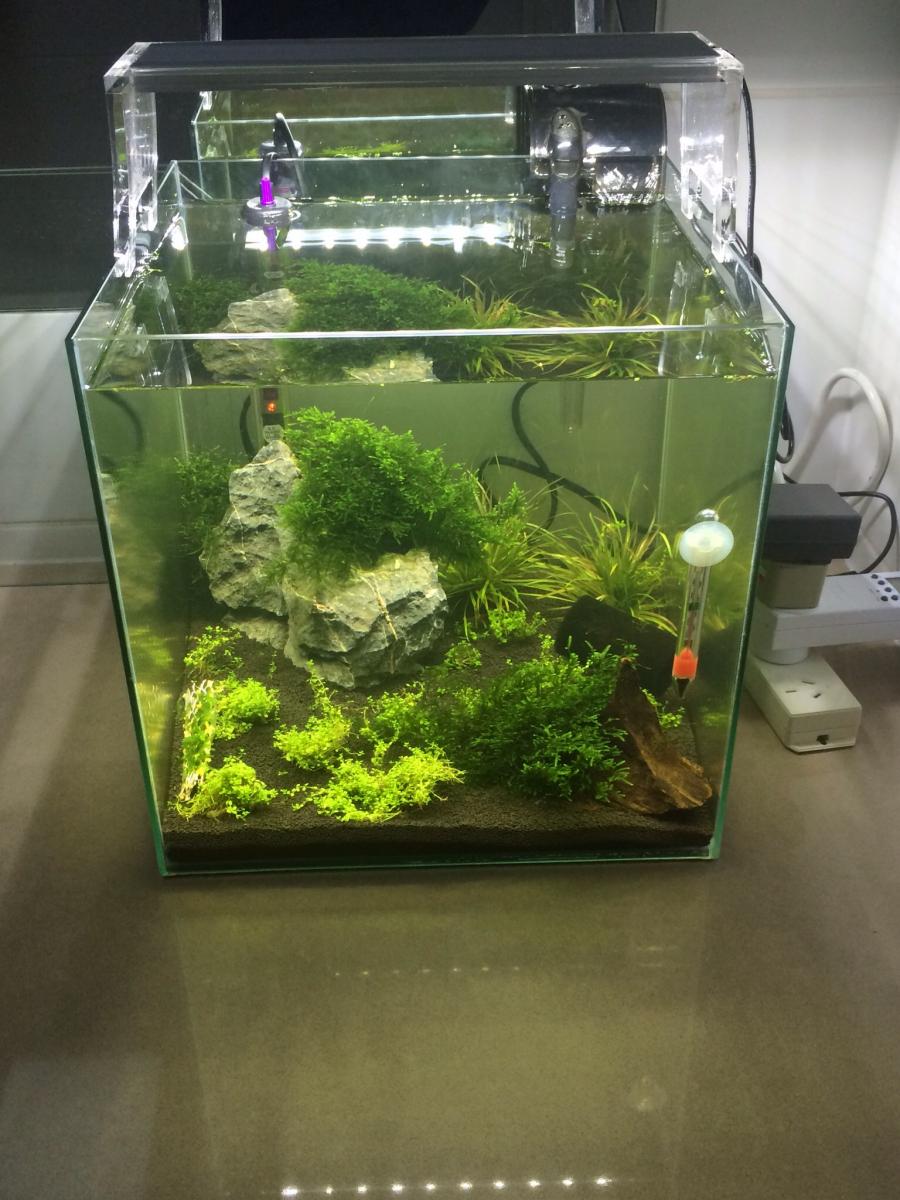
Hello people. Just to share one of my tanks, enjoy. Thanks Fábio Silva2 points
-
Drinking Kahlua and milk White Russians!1 point
-
 1 point
 -
1 point
-
1 pointI use bacter ae.... It creates a lot of biofilm.... My shrimp hardly eat anything I put in the tank because they have enough. Can't say I noticed them getting high1 point
-
1 point
-
 1 point
 -
Thank you. Red tibees are amazing, I love mine. Here in Europe they don't are soo much too. Tibees and taitibees are the future ;). Thank you Squiggle.1 point
-
 1 pointIt shouldn't burn. If it is burning and turning black, you're doing it wrong. Keep moving it over the heat, and never leave it stationary for too long. Don't stick the plastic into the fire, but rotate it just above the flame. I have bent perspex tubes over a gas stove just fine, without staining the perspex. If you have a heat gun, even better. Use that instead. What you want to do is to try to bend the legs out like in the picture below. (apologies for it's simplicity). _____________ | | / \1 point