Leaderboard
-

ShrimpDesigns
Members2Points62Posts -
revolutionhope
Members2Points1179Posts -

smicko
Members1Points849Posts -

Squiggle
Members1Points10433Posts
Popular Content
Showing content with the highest reputation on 03/13/15 in all areas
-
2 pointsBeen breeding these guys for about 2-3 years now at A and S grades. Finally I have picked up some nicer shrimps and have decided to start culling for better colour and pattern. They are living on a high co2 environment so the breeding process is very slow. I will be keeping a journal on here of my shrimp and there colouration. Here is a picture of my best shrimp to start it off. Louis2 points
-
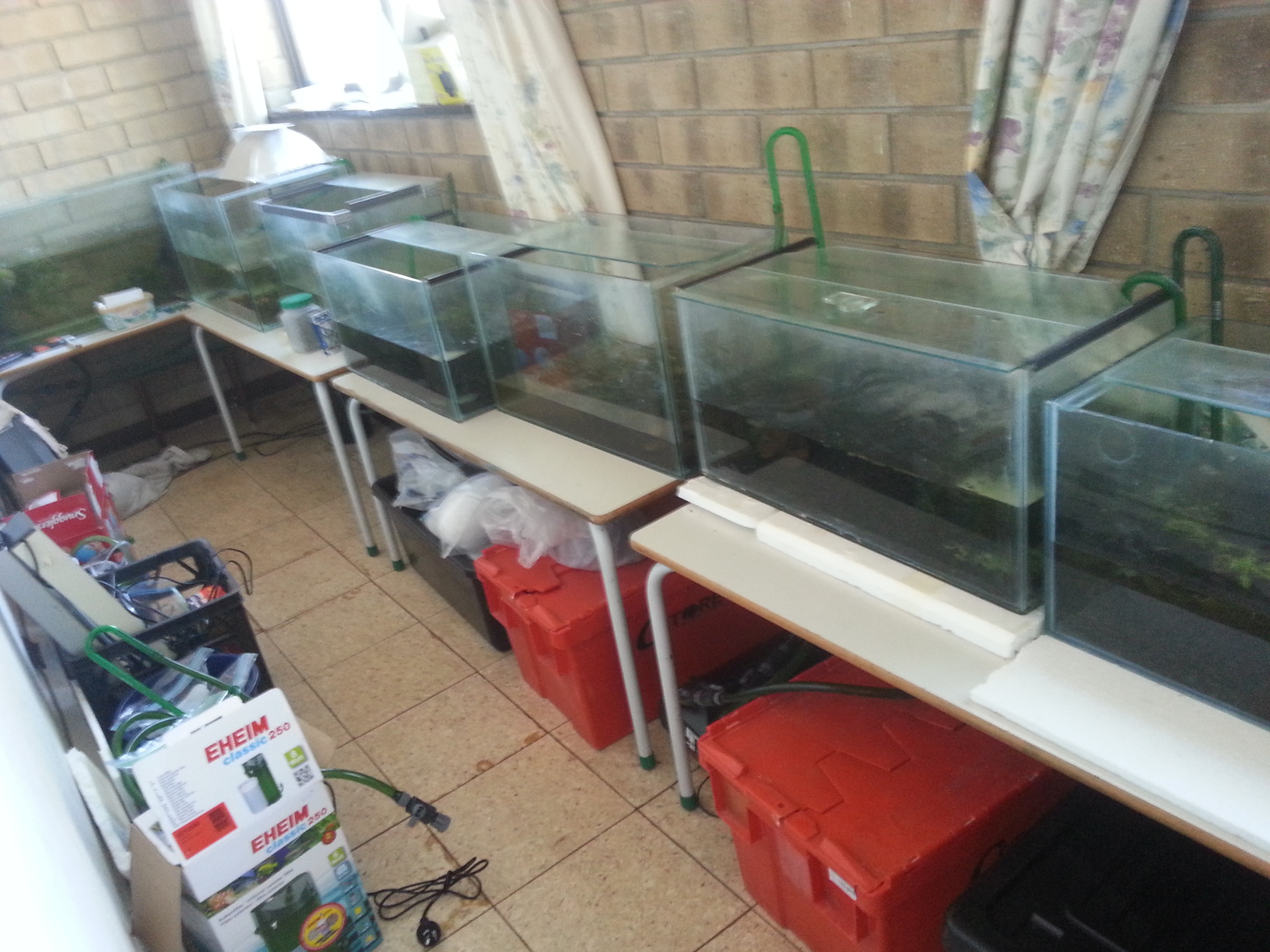
2 pointsmay as well share.. their new very own home! - equipped with the best junior primary schooltables money can buy.
 2 points
 -
1 point
-
1 pointI've been working towards this for a while now & some interesting results have come from it. Introducing the Skunk Head Pinto! I only have about 5 of these at the moment but I will be separating them to line breed & hopefull in a few (dozen) generations I will have them breeding true.1 point