Skip to content
View in the app

A better way to browse. Learn more.

Shrimp Keepers Forum

A full-screen app on your home screen with push notifications, badges and more.

To install this app on iOS and iPadOS
  1. Tap the Share icon in Safari
  2. Scroll the menu and tap Add to Home Screen.
  3. Tap Add in the top-right corner.
To install this app on Android
  1. Tap the 3-dot menu (⋮) in the top-right corner of the browser.
  2. Tap Add to Home screen or Install app.
  3. Confirm by tapping Install.

Leaderboard

Popular Content

Showing content with the highest reputation on 07/06/23 in Posts

  1. Subtlefly
    https://youtube.com/shorts/5xpfmt7wFP4?feature=share
  2. Artishrimps
    1 point
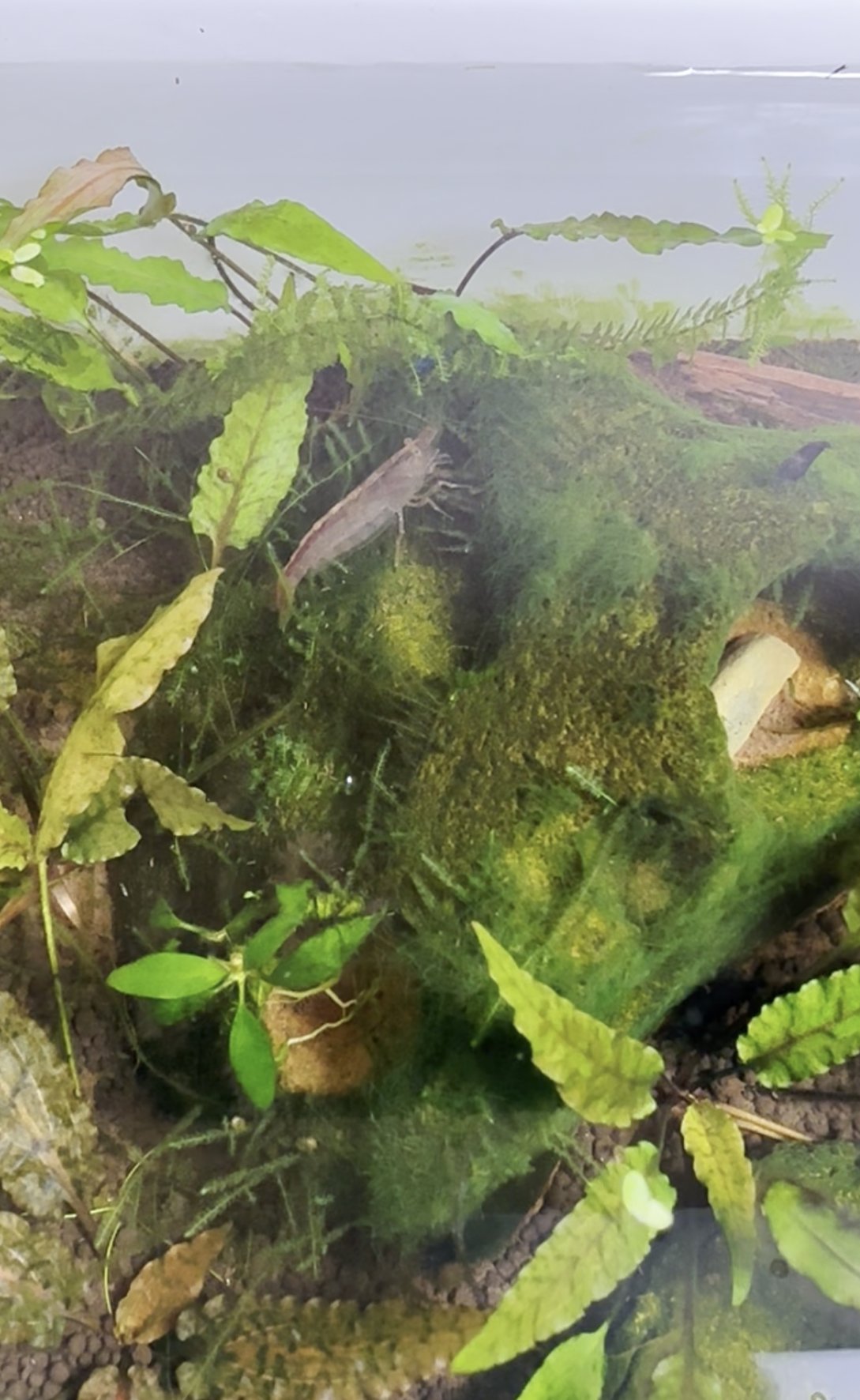
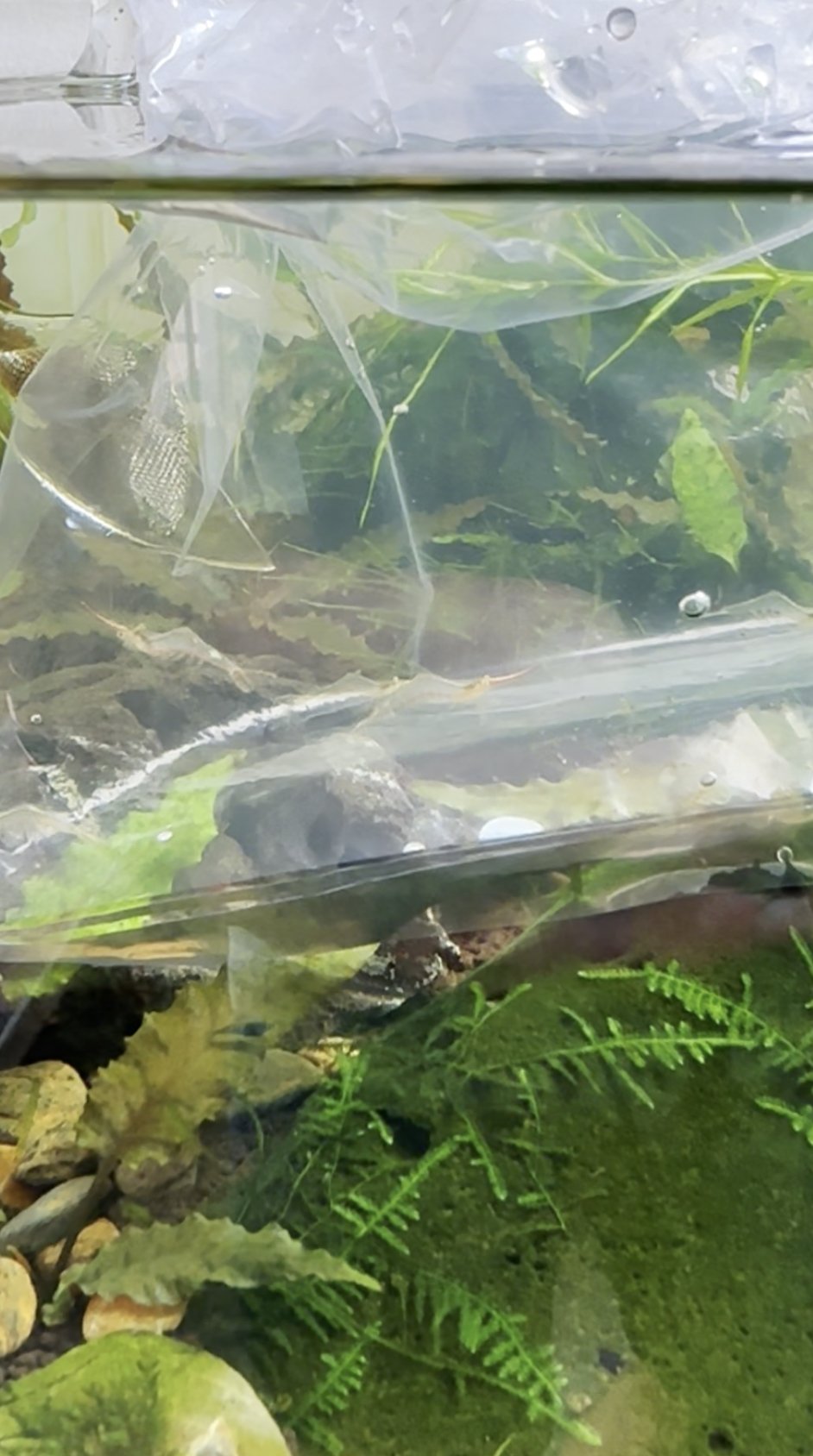
    Yes, i like them and thats what matters ☺️. Still didnt receive them 😔 getting a bit worried. I have the tracking number and they are already traveling since monday. So tomorrow will be the 4th day. When i ordered in the Netherlands it arrived within 2 days. Did pay a lot of travelcosts also, so i dont really know why this takes so long. Hope they will all be still alive 🙏.

Account

Navigation

Search

Search

Configure browser push notifications

Chrome (Android)
  1. Tap the lock icon next to the address bar.
  2. Tap Permissions → Notifications.
  3. Adjust your preference.
Chrome (Desktop)
  1. Click the padlock icon in the address bar.
  2. Select Site settings.
  3. Find Notifications and adjust your preference.