Skip to content
View in the app

A better way to browse. Learn more.

Shrimp Keepers Forum

A full-screen app on your home screen with push notifications, badges and more.

To install this app on iOS and iPadOS
  1. Tap the Share icon in Safari
  2. Scroll the menu and tap Add to Home Screen.
  3. Tap Add in the top-right corner.
To install this app on Android
  1. Tap the 3-dot menu (⋮) in the top-right corner of the browser.
  2. Tap Add to Home screen or Install app.
  3. Confirm by tapping Install.

Leaderboard

Popular Content

Showing content with the highest reputation on 12/15/22 in Posts

  1. jayc
    Well done. This is what SKF is all about, helping new and Pro shrimp keepers alike.
  2. markie
    Im verry verry glad and thank full that i meet you masters thank you for everything knowledge,cheer up to me, and strength to keep this shrimp alive 🙏🙏🙏 if this will going to succeed for many months i need to level up to sulawesi after this hehehe thanks masters 🙏🙏🙏
  3. markie
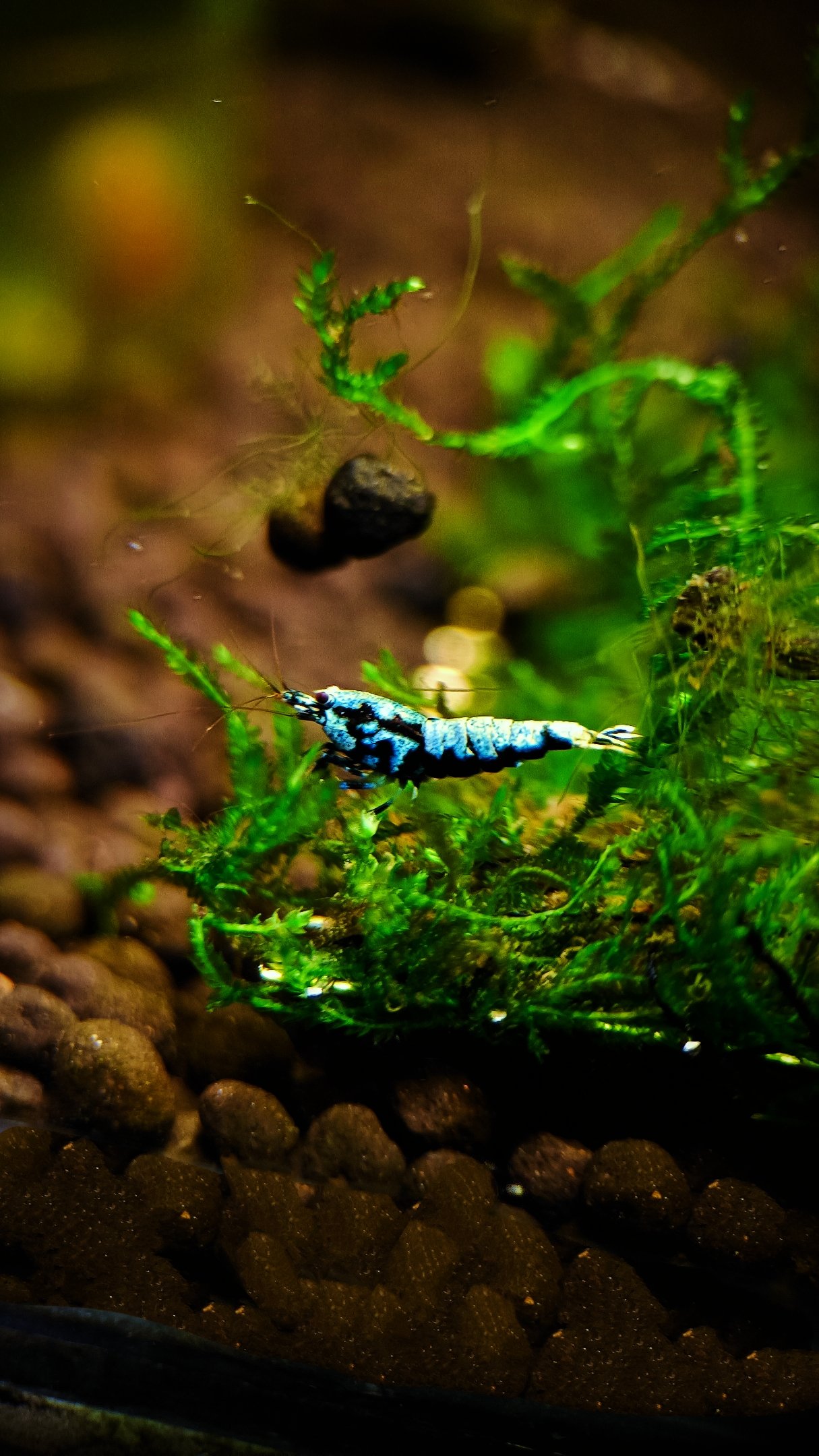
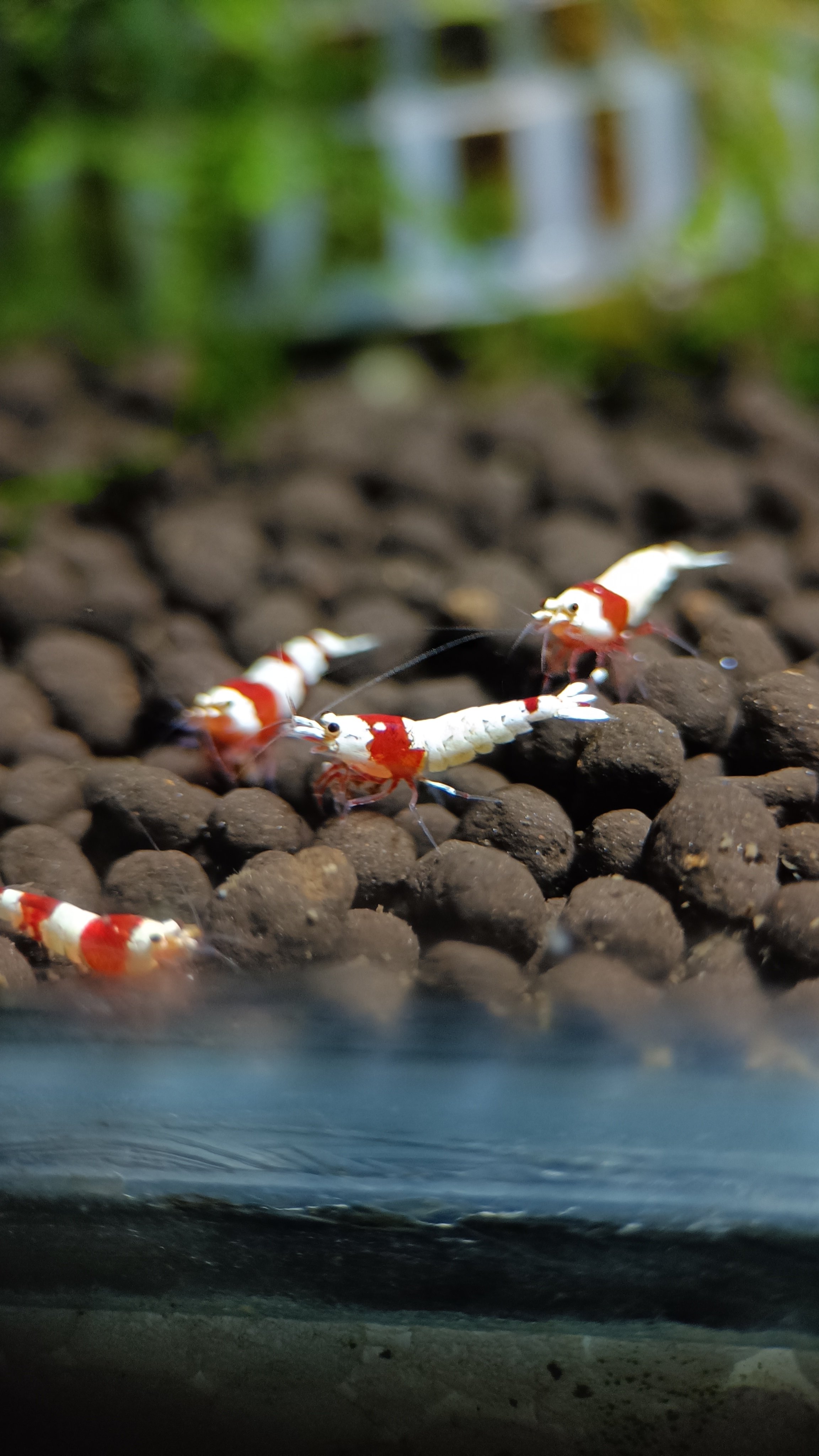
    Hi masters good day I think my tank is stable now they are all alive now and no death per day. May i know what shrimp is this? Thanks 🙏🙏🙏
Account

Navigation

Search

Search

Configure browser push notifications

Chrome (Android)
  1. Tap the lock icon next to the address bar.
  2. Tap Permissions → Notifications.
  3. Adjust your preference.
Chrome (Desktop)
  1. Click the padlock icon in the address bar.
  2. Select Site settings.
  3. Find Notifications and adjust your preference.