Leaderboard
-

herrwibi
Members2Points48Posts
Popular Content
Showing content with the highest reputation on 10/17/22 in Posts
-
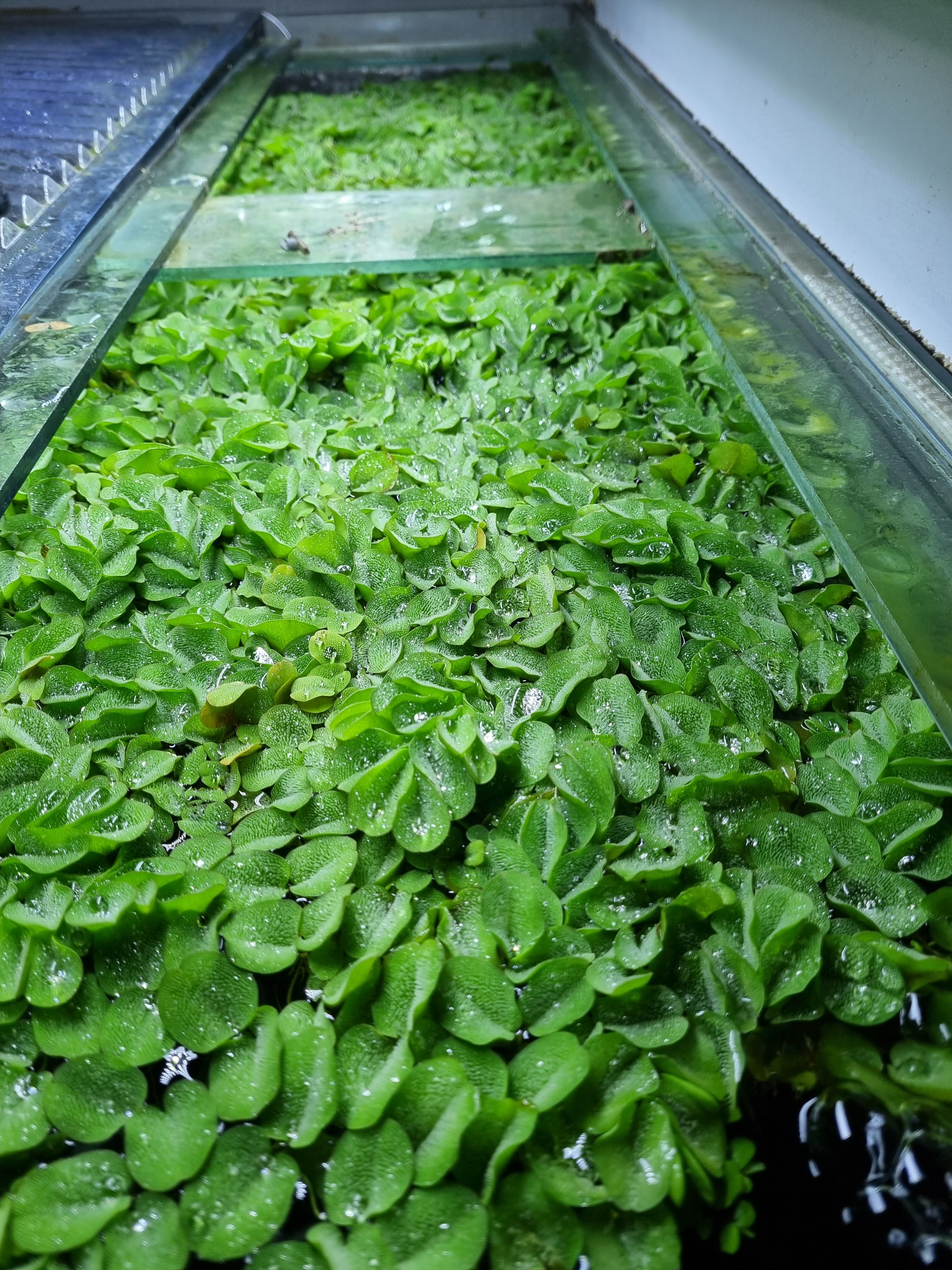
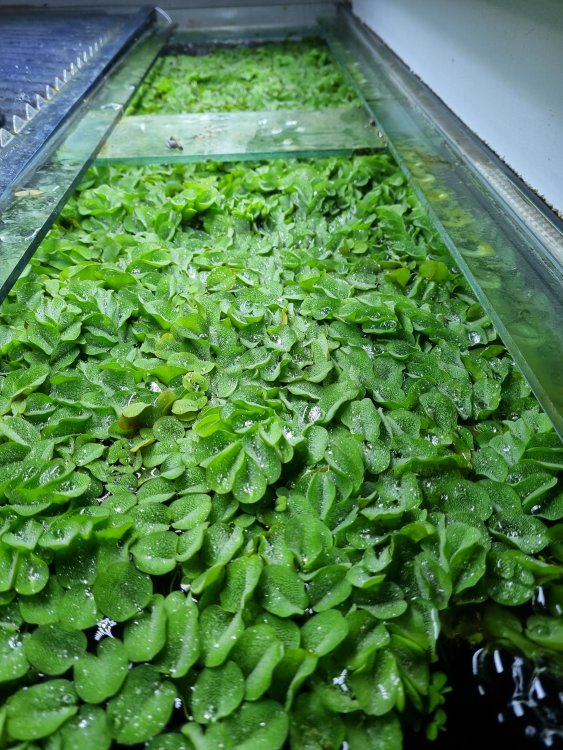
1 pointThank you, i would of never have known what half of these shrimp are . I know the standard taiwans but once you go into the realms of red ruby and red mosura i'm lost until now. Makes sense hopefully all goes to plan and you can get back to keep taiwan bees. The first batch i had i killed and that was due to inexperience but constant 10% water changes and keeping the TDS balanced with dripping it in( i never done this before until now) has helped. The big tank is 170l and i find the parameters don't really move. I had water lettuce in the crystal tank but in the mixed its only been giant salvinia . I love how it looks and every week or two i have to ditch some due to the growth. If you want some let me know and i can ship you some. Excuse the water level in the big tank that was mid water change.
 1 point
 -
1 pointGoing back to your mix of colours and patterns? its what i love about my taiwan/mischling apart from i have more crystal like shrimp than taiwan. I've attached a few below . Excuse the mess of my crystal tank still deciding what to do on the right hand side. My favourite shrimp is the red wine with the one strip next to the bluebolt. ( i think its a red wine) Hopeful you can confirm. Couldn't seem to upload them into here so i've had to do external hope this is ok. https://ibb.co/pWLGp2G https://ibb.co/VpwhQsD https://ibb.co/pvT098D https://ibb.co/sJHMpkL https://ibb.co/F08gr8x https://ibb.co/jRKQKsq1 point