

Leaderboard
-


sdlTBfanUK
Moderators1Points2346Posts -

Shrimpmamaxoxo
New Member2Points2Posts
Popular Content
Showing content with the highest reputation on 04/14/22 in Posts
-
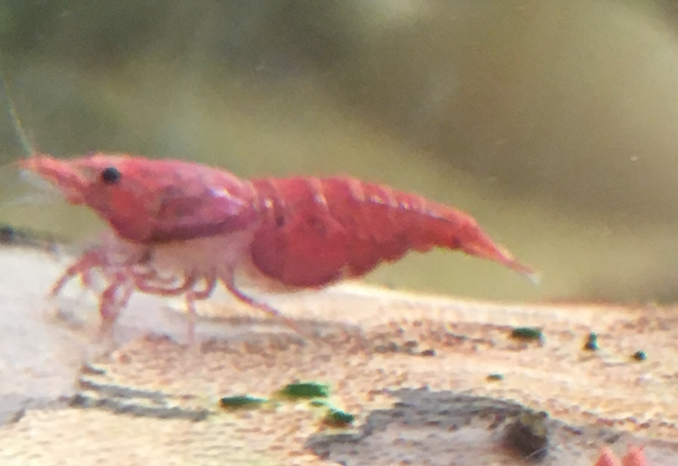
Do you have the water parameters for that tank? I would normally think it is a molting issue but to have several all the exact same seems to indicate otherwise. Is the shell missing or is it just clear in that area (picture a bit low quality to be able to see clearly, it looks like there is a clear area of shell though)? Welcome to the forum!1 point
-
Hi everyone - I've been keeping RCS for about a year. Went away for three months and left them with a friend, came back and they had seriously multiplied! Lots of fun, but I've noticed that three (maybe more but at least three) of the females appear to have a piece of their shell missing. All on their lower front (where their front legs join their body), all on left hand side - it either looks like there is a plate missing or a plate that is shorter than it's meant to be. Is this a genetic defect or is there something environmental at play? All the affected shrimp that I can see are almost adult size, so they would have grown up from tiny babies in this same tank. They seem to be doing totally fine, but it would be good to know if this is genetic so I can put them in a different tank. Thoughts? Picture attached! Thanks so much, xoxo
 0 points