

Leaderboard
-

ineke
HOF Member8Points9026Posts -


sdlTBfanUK
Moderators4Points2346Posts
Popular Content
Showing content with the highest reputation on 06/27/21 in Posts
-
1 pointAfter much help I can finally put up my video - thank you Simon . This is my Aqua One 980 approximately 210 litre oversized 3 foot tank. I have a mixture of Taitibees with pinto, zebra and galaxy genes in here with my rescued Bloody Mary Neos and a couple of blues that got caught accidentally. This will be my mainly black Taitibee tank but it has a number of BlueBolts as well. The big plants are Windelov Java ferns that are about 8 years worth of growth. https://www.dropbox.com/s/3v5eipc0zzgiw08/2021-06-27 16.58.44.mov?dl=01 point
-
1 pointI am so jealous, my thing was the original taiwan bee types and you had loads of those........ Love the yellow neos as well! More lovely clear photos! I think the more you have, the happier they are to come out and show themselves? Simon1 point
-
1 pointYes my tank is vastly under stocked with about 100 shrimp. I’ve had many more in the past in there. Yesterday only a few came out . Here is a picture of an earlier period
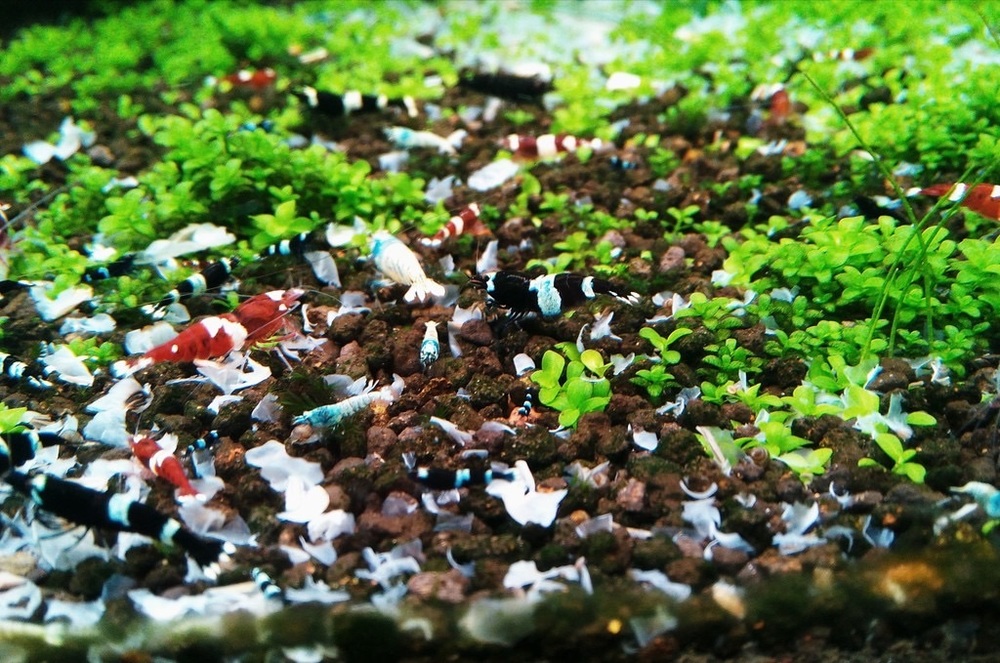
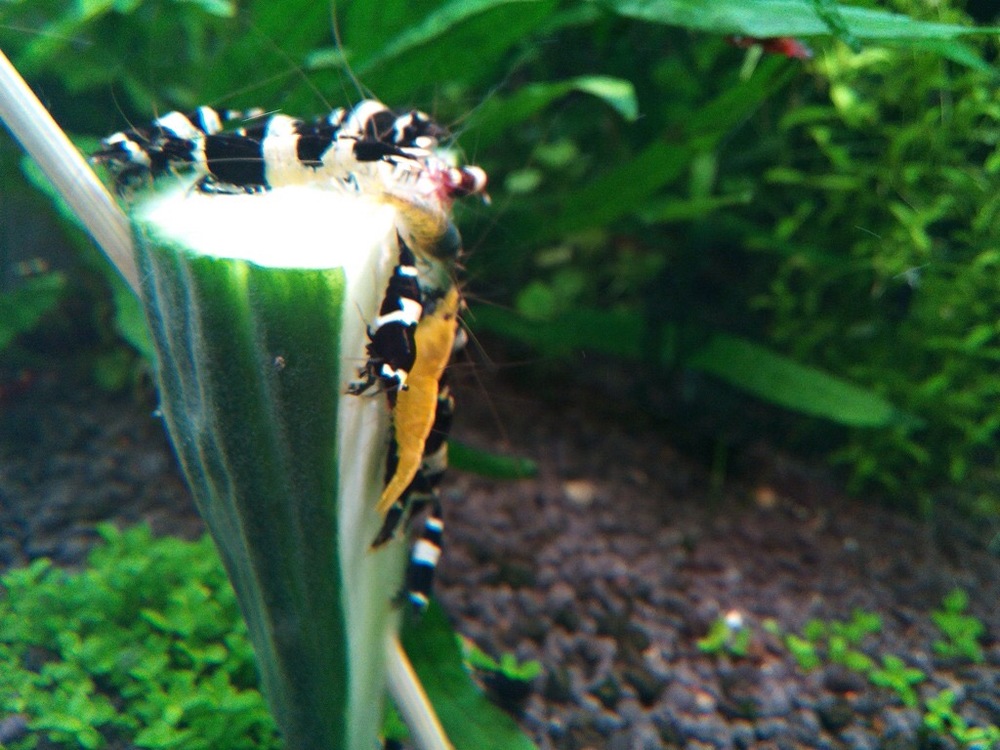
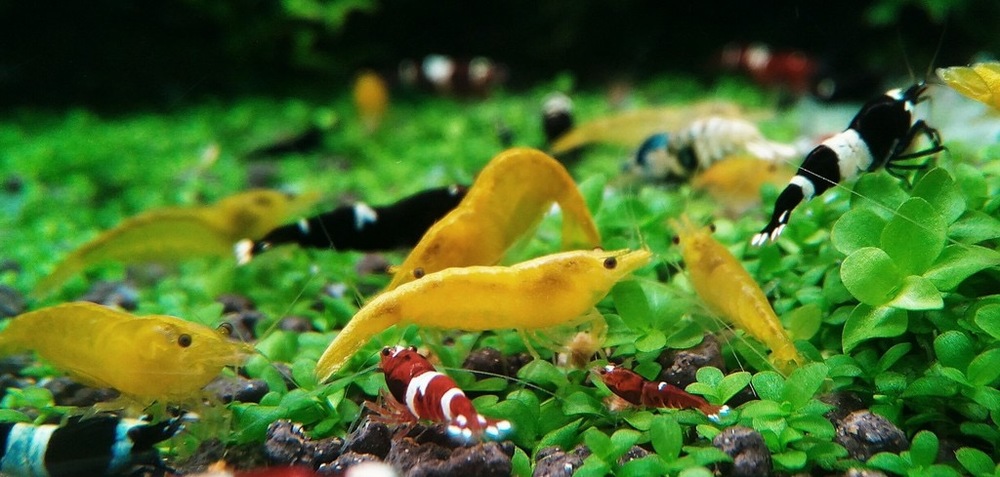
.thumb.JPG.7ea57080c9f07da6a562ce326ee741a9.JPG) 1 point
1 point -
1 pointA great video, the shrimps have plenty of room and the colours are fantastic, I especially like the blue bolts and the bloody mary! I will have to see if I can trace some of that Java Fern Windelov over here as that is much prettier than my standard Java Fern. You have plenty of space for the next generation as well? Simon1 point
-
1 pointNo that’s ok if you can’t see the rest of my pictures and files then it should be safe . I must automatically log on when I use the link. thank you for all your help I appreciate the time you have spent looking into it. Job well done thanks1 point
-
1 pointI clicked on it and it only shows that video, you can probably see more as that site is linked to whatever products/devices you use! It does say login on the right but obviously only you know that, so it is quite safe. You may want to start another thread to put your videos on so you don't have all this attached! Simon ps I can delete the above link if you want me too and you feel better/safer?1 point
-
1 pointSimon when I click on the link it takes me to my Dropbox account and I can see my other files. Will other people see them too? Did you only see the video or the rest of my pictures too if it gives access to all my pictures then I need to remove the link1 point
-
1 pointI think you have it sussed now, try clicking on the attached link (unchanged from the one you sent me) and if it works then that is what you do in future! https://www.dropbox.com/s/3v5eipc0zzgiw08/2021-06-27 16.58.44.mov?dl=0 What a fantastic mixture you have! Simon ps let me know if it doesn't work, or you are not sure on something?1 point
-
1 pointI sent a link to your Gmail. Hope it’s what you need. I’m surprising myself finding out “stuff” LOL1 point
-
1 point
-
1 pointI think the video I sent you last night was from Dropbox. I’m not too fussed anymore photos will do .1 point
-
1 pointWell unfortunately that didn’t work either. I’ve tried the apps but the MP4 format wasn’t accepted. I will just have to take pictures for now and maybe look for my older phone or Nikon camera if I just really want a video. For now I will just get back to shrimp ?1 point


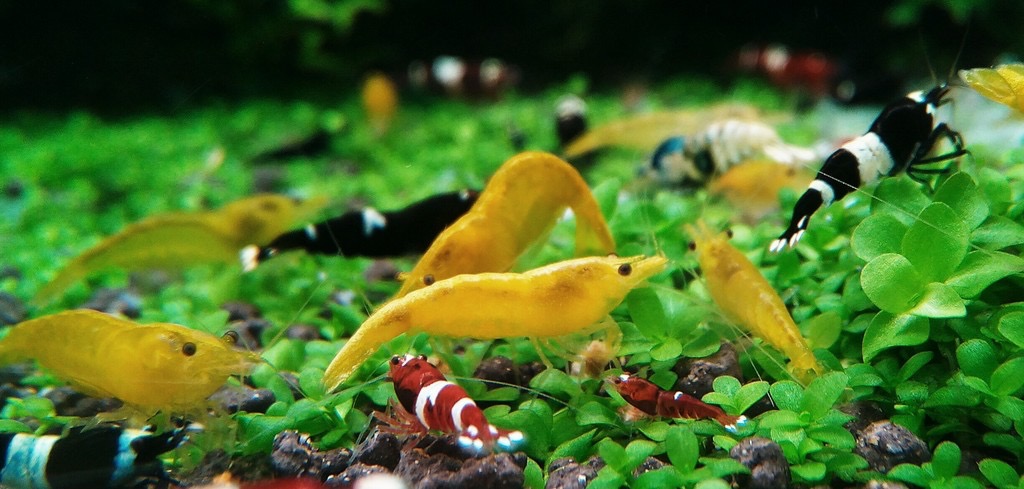
.JPG.fc6535269dd661ce814d3ef9299fed65.JPG)