Leaderboard
-

smicko
Members4Points849Posts -

jayc
Moderators1Points6248Posts
Popular Content
Showing content with the highest reputation on 03/25/20 in Posts
-
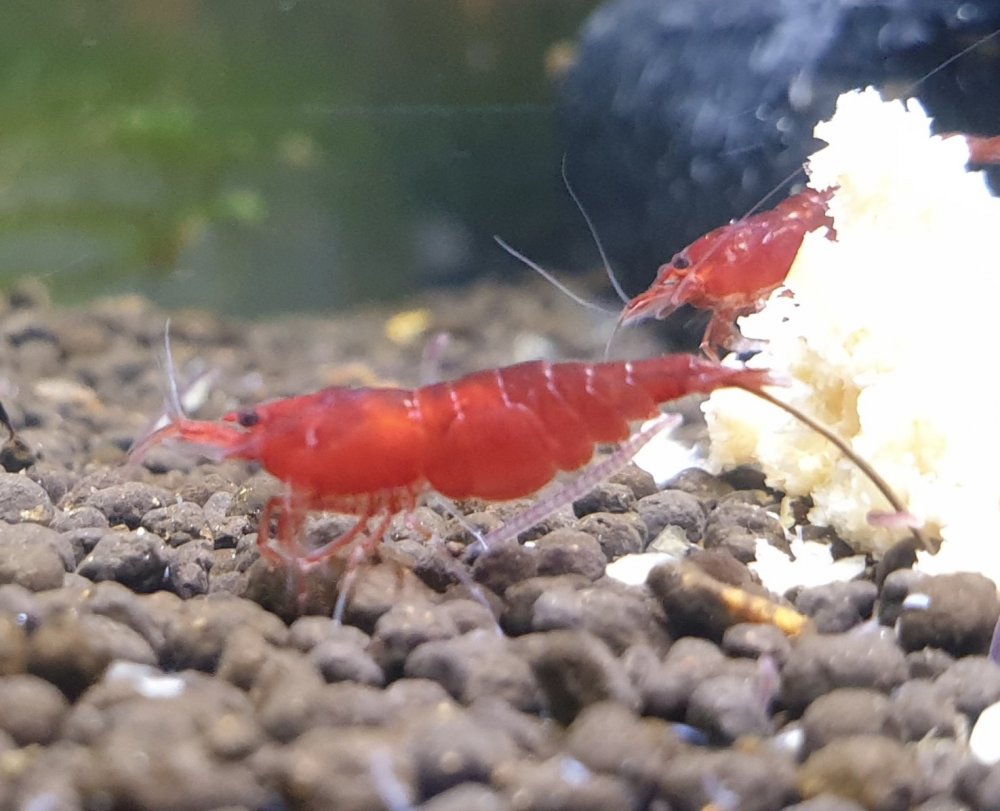
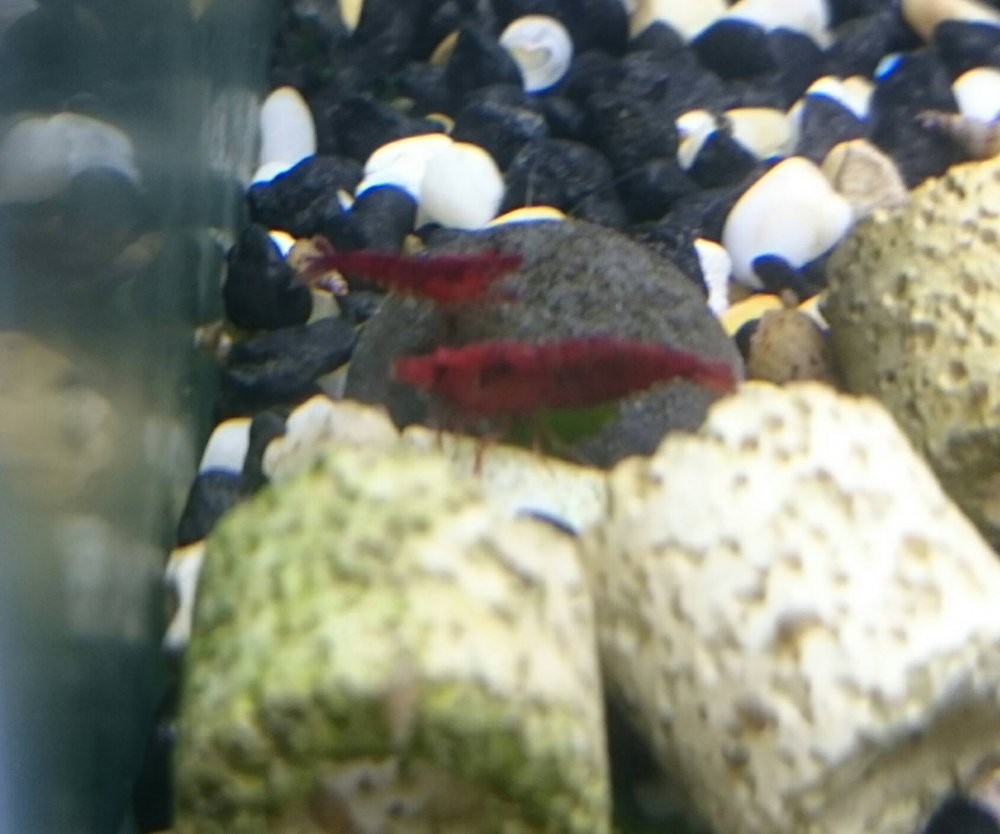
3 pointsHi all, im back, some people may remember me from years ago. I only have a few tanks at the moment but they are multiplying fast lol the first pic is some reds I have been breeding back up from low quality second pic is the reds I used to have back in the day. cheers, mick
 3 points
 -
1 pointHi jayc, I am still in the process of making them consistent but I will let you know when I'm there. I am going to try and hold the bright red this time instead of making them as dark as possible. cheers, mick1 point
-
1 pointWelcome back Mick. I even remember that 2nd picture. The reds you have now are super red ! Are any for sale?1 point