Leaderboard
-

kms
Members2Points334Posts -

Spongy
Members2Points35Posts
Popular Content
Showing content with the highest reputation on 09/01/19 in Posts
-
2 pointsWell, I think our plans are going to change. Once Mum pops, we'll pop her back with her buddy and turn the water in the 11l tank brackish, very slowly. I'm trying to emulate the life cycle. Can't be long now, she can't get much bigger! The survivors will be the first inhabitants of "Shrimptopia". Lol, x2 points
-
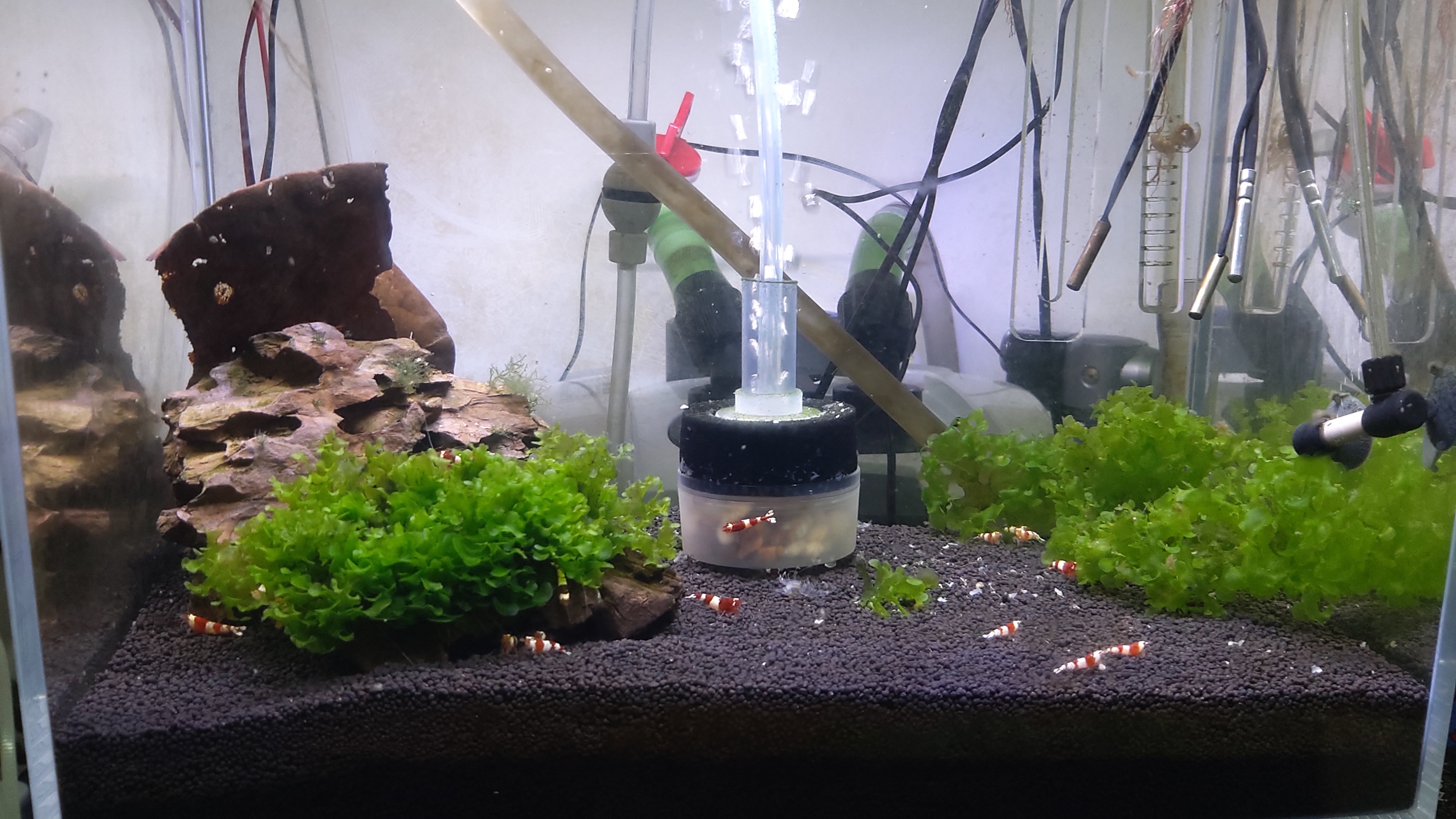
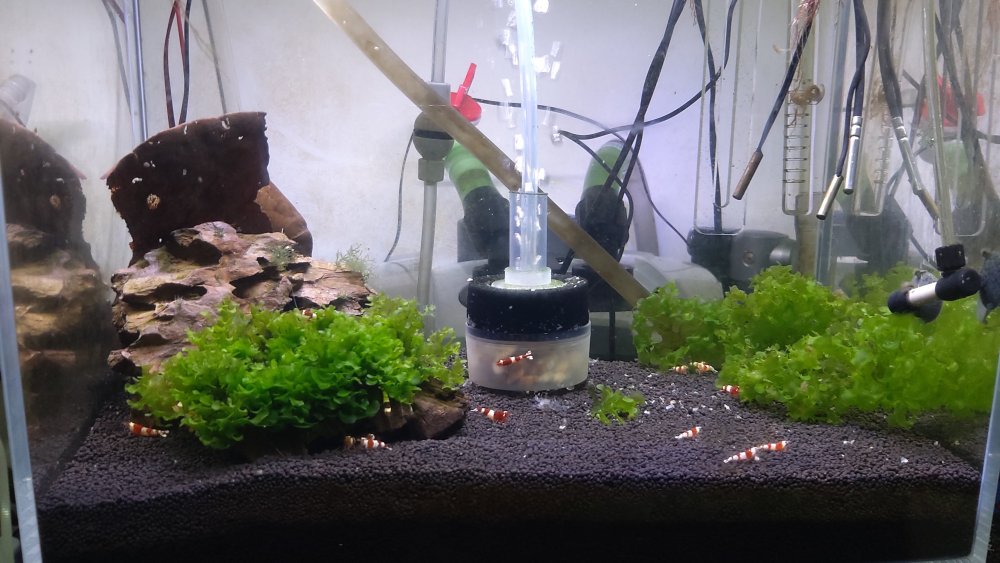
I have these mesh filters, they work better than the sponge, I don't use it now, I used to have it on a hang on filter, now I have a canister filter with a glass tube, you can see it in the photo posted above. I've been using it for a good 3-4 months, haven't cleaned it, and also the filter hasn't been cleaned, I only have shrimps and they don't produce much waste.1 point
-
the mesh filter opening is sold in 3 sizes, and is slightly flexible, so if there is a minor differences it should be able to accommodate it. I forget to mention, if you are using a canister filter, why don't you use a glass inlet tube, I have one and using it, looks good, the holes are small and doesn't clog up, and most important, I haven't had any shrimps get suctup, i'm using a 1000lph canister filter. https://www.amazon.com/POPETPOP-Aquarium-Hydro-dynamically-Designed-15x5x1cm/dp/B07Q752WNJ/ref=sr_1_23?keywords=aquarium+glass+inlet+tube&qid=1567257956&s=gateway&sr=8-23
 1 point