Leaderboard
-

Baccus
Members1Points1365Posts -


NoGi
HOF Member1Points5858Posts -

Squiggle
Members1Points10433Posts -

wot_fan
Members1Points194Posts
Popular Content
Showing content with the highest reputation on 06/30/18 in Posts
-
So after 18mths & a number of different graphic designers, I have finally got the cherry shrimp family tree ready for peer review. I know there is a few additions to be added, like blue gene orange rili & green orange rili, any other suggestions will be gladly added.1 point
-
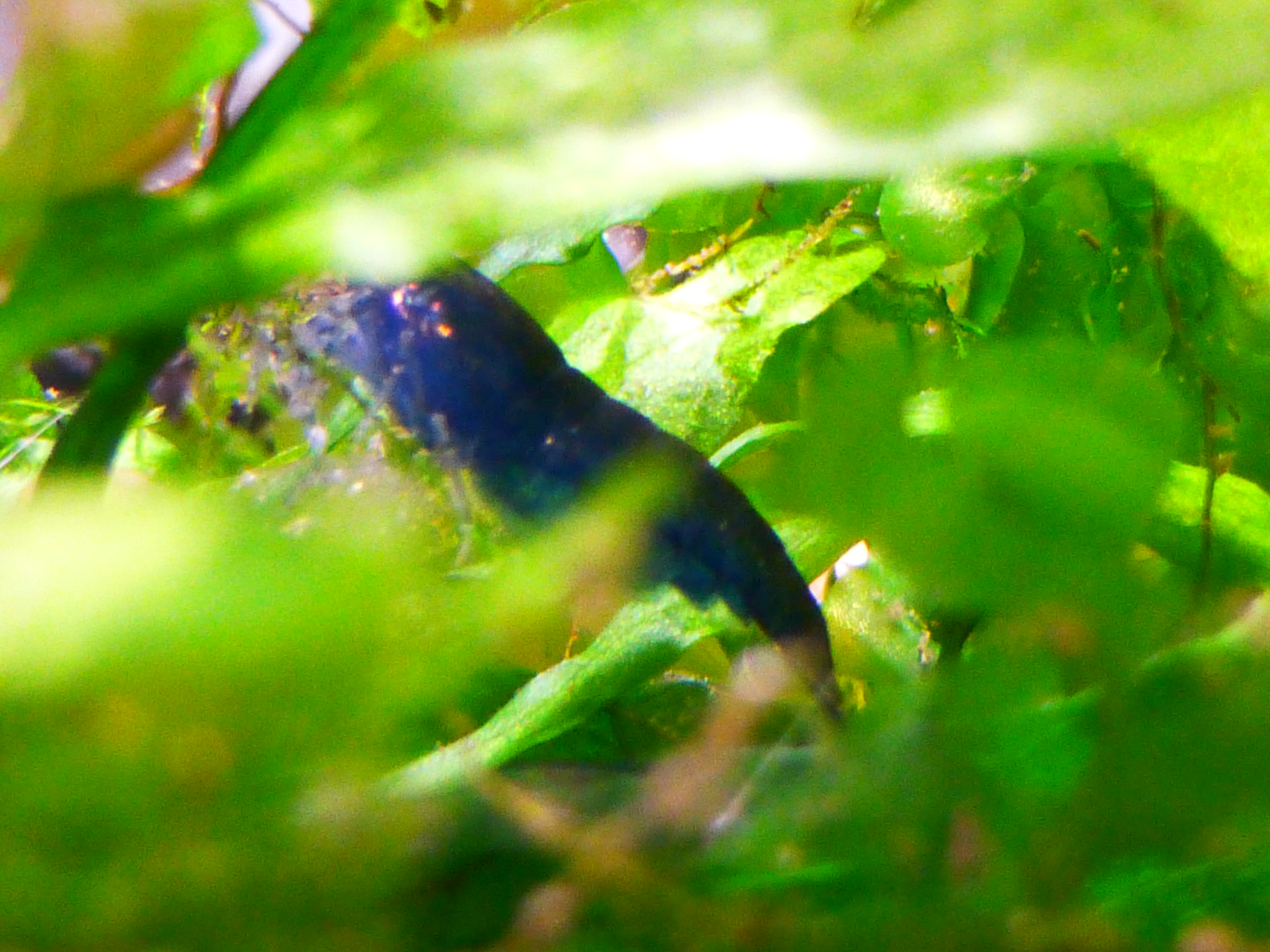
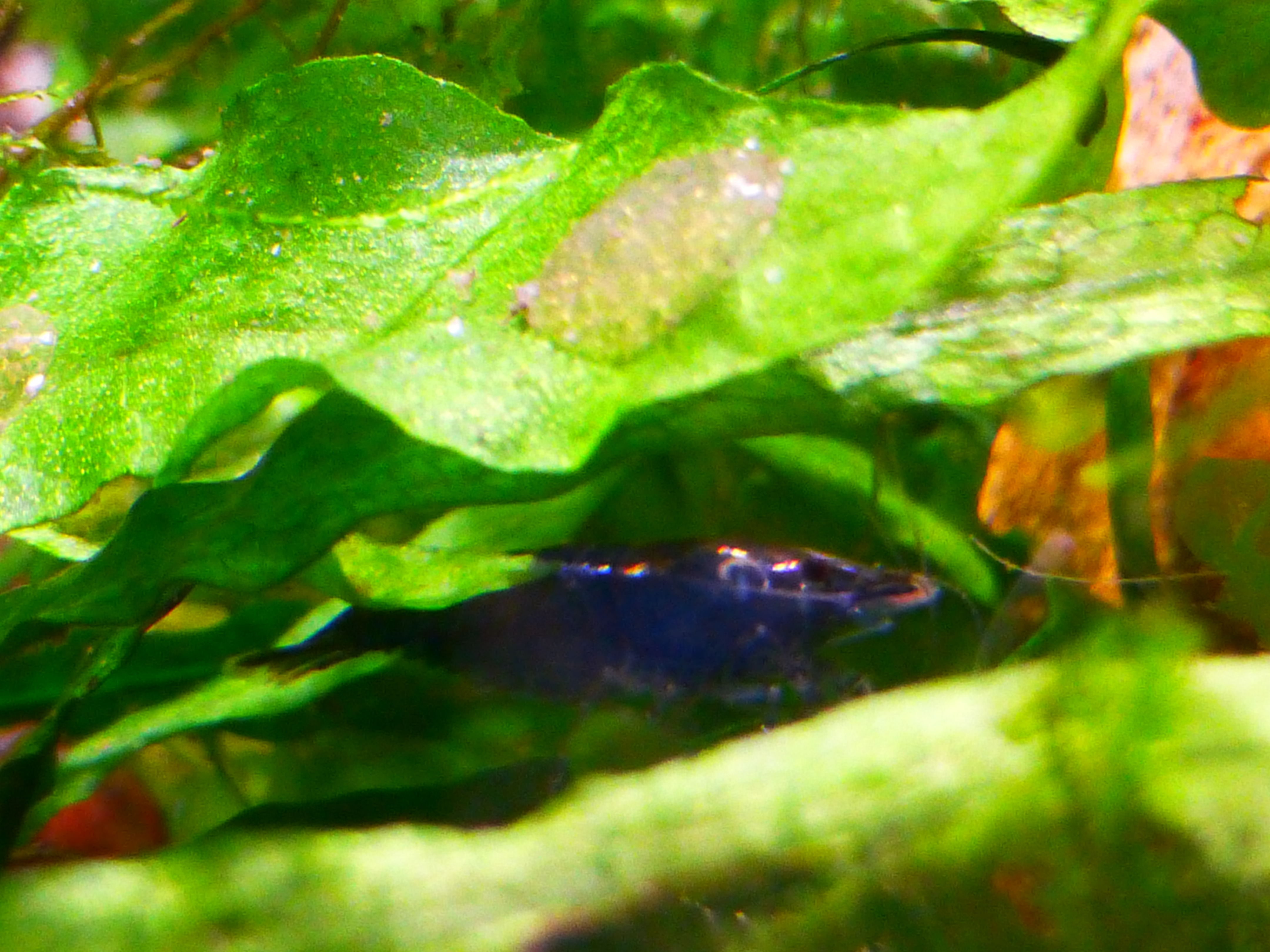
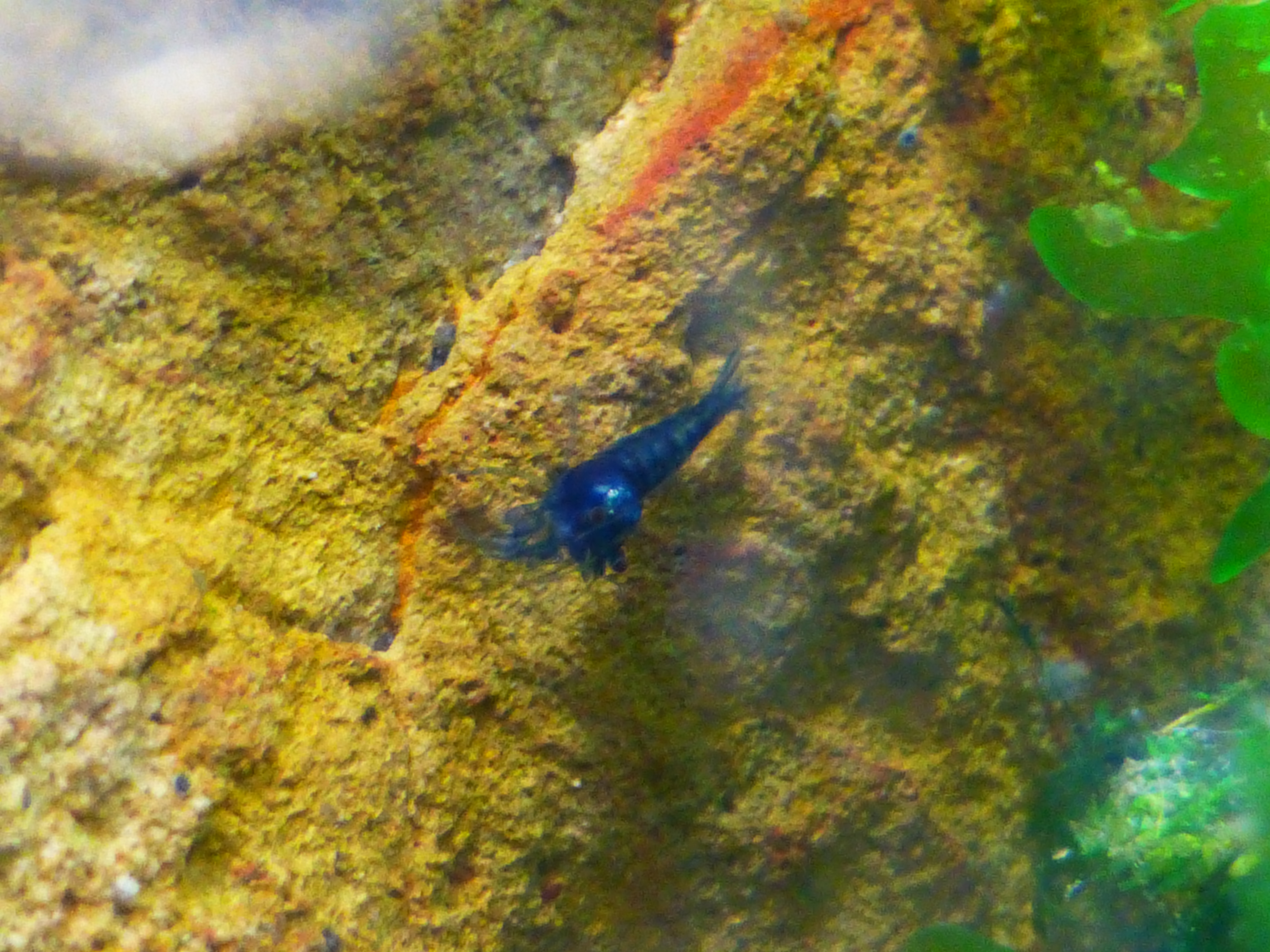
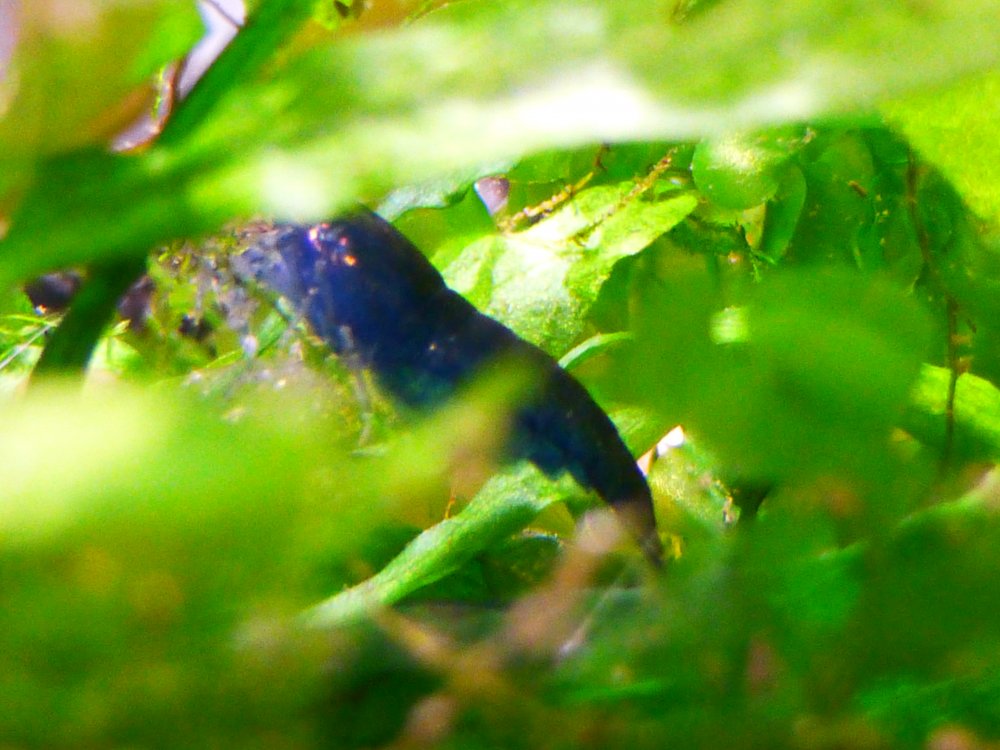
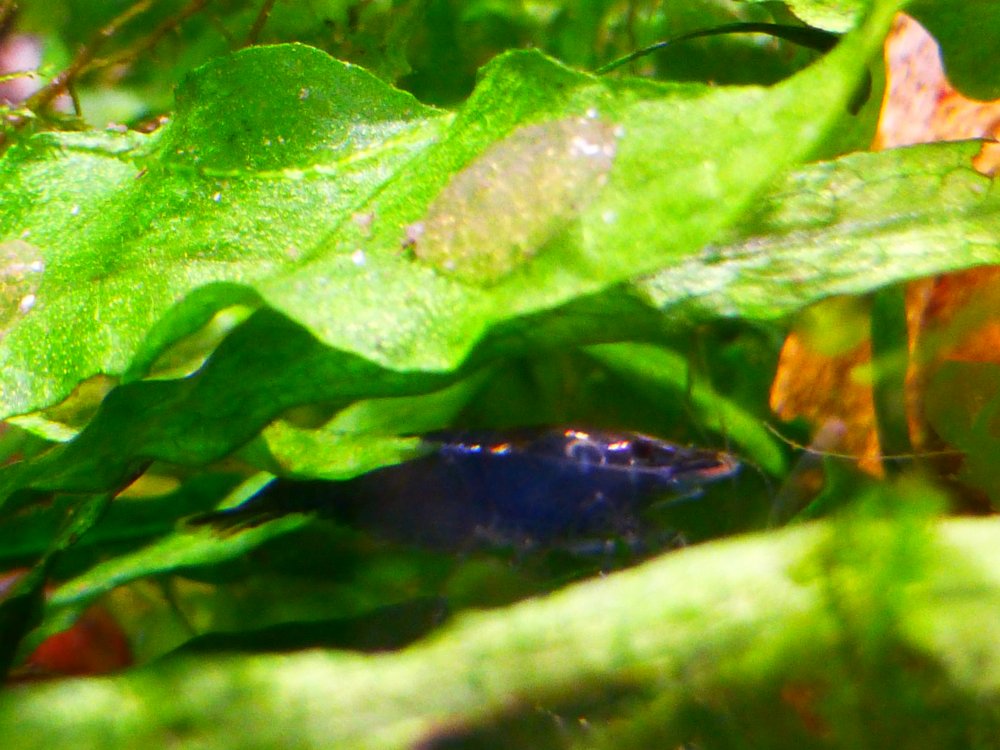
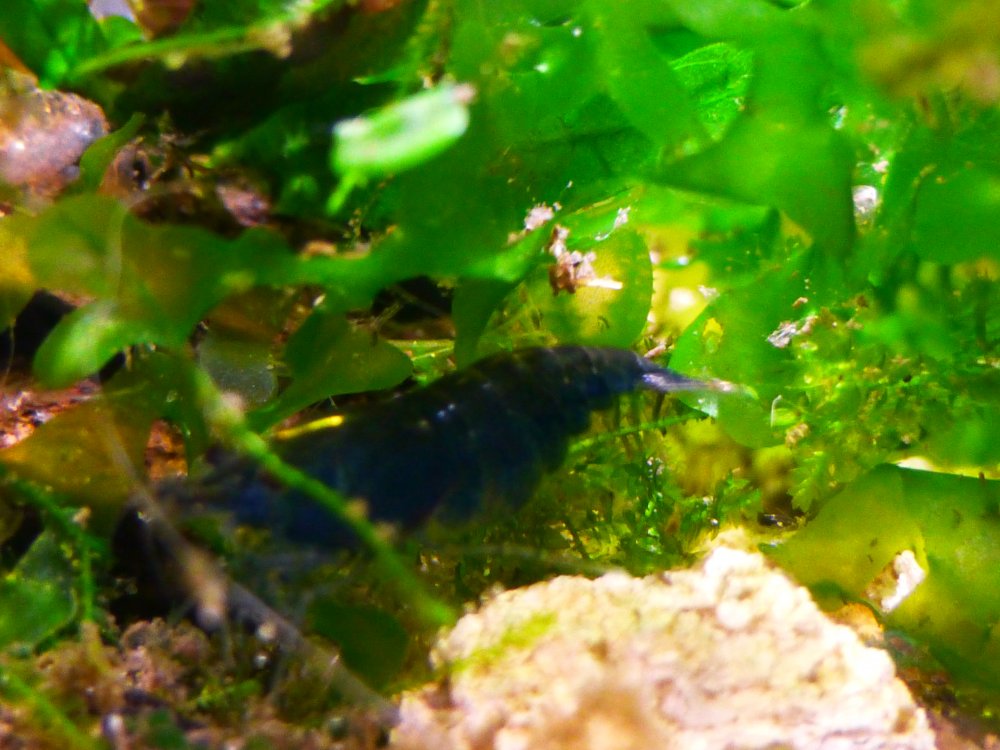
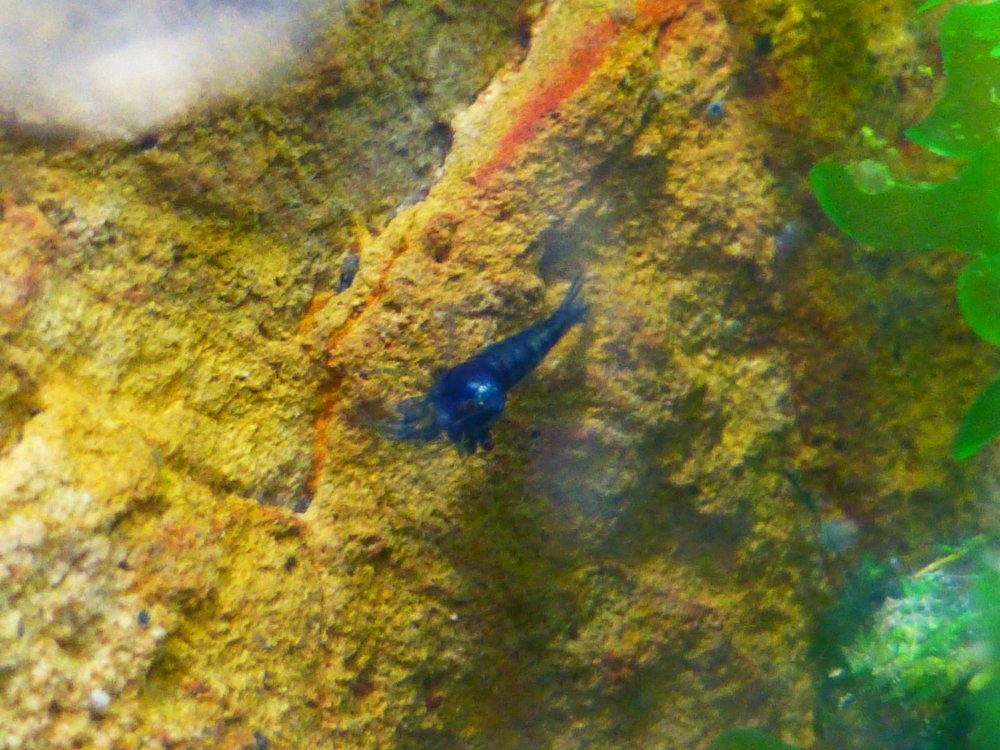
1 pointSo I finally bit the bullet and made a determined effort to sort out my black cherry shrimp. A while ago I removed all the chocolate (really deep dark brown) and yesterday I hunted blues, and any remaining chocolates from the tank. Amazingly I found heaps of Black backed with blue underside Cherry's which I don't plan on putting back with the blacks since they are not full bodied black and also some stunning deep royal blue cherry's. Even tiny shrimplet blues where emerging out of the recesses of the tank as I removed every possible hidey hole during my hunt for shrimp. So here are a couple of shots of the quality of the blues I did remove. The big female wasn't wanting to co-operate for a photo shoot.
 1 point
 -
 1 pointHere's some pics of the orange girl who's now berried & the sunkist group that contains the father. Sent from my Elephone P8000 using Shrimp Keepers Forum mobile app1 point
 -
1 point1 point
Thanks for this!!! It is extremely helpful to newbies like me.1 point