Leaderboard
-

Zebra
Members1Points294Posts
Popular Content
Showing content with the highest reputation on 03/28/18 in Posts
-
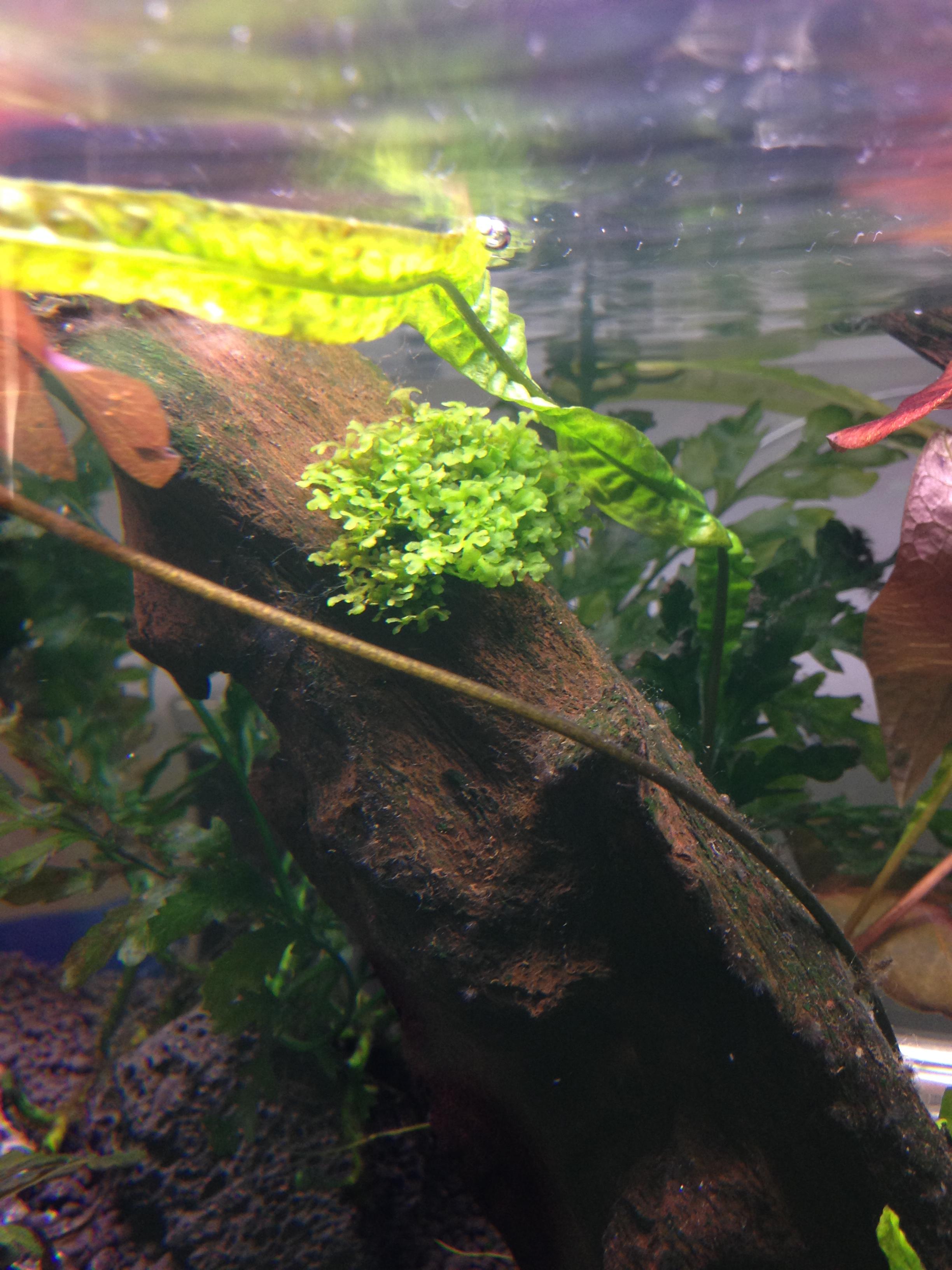
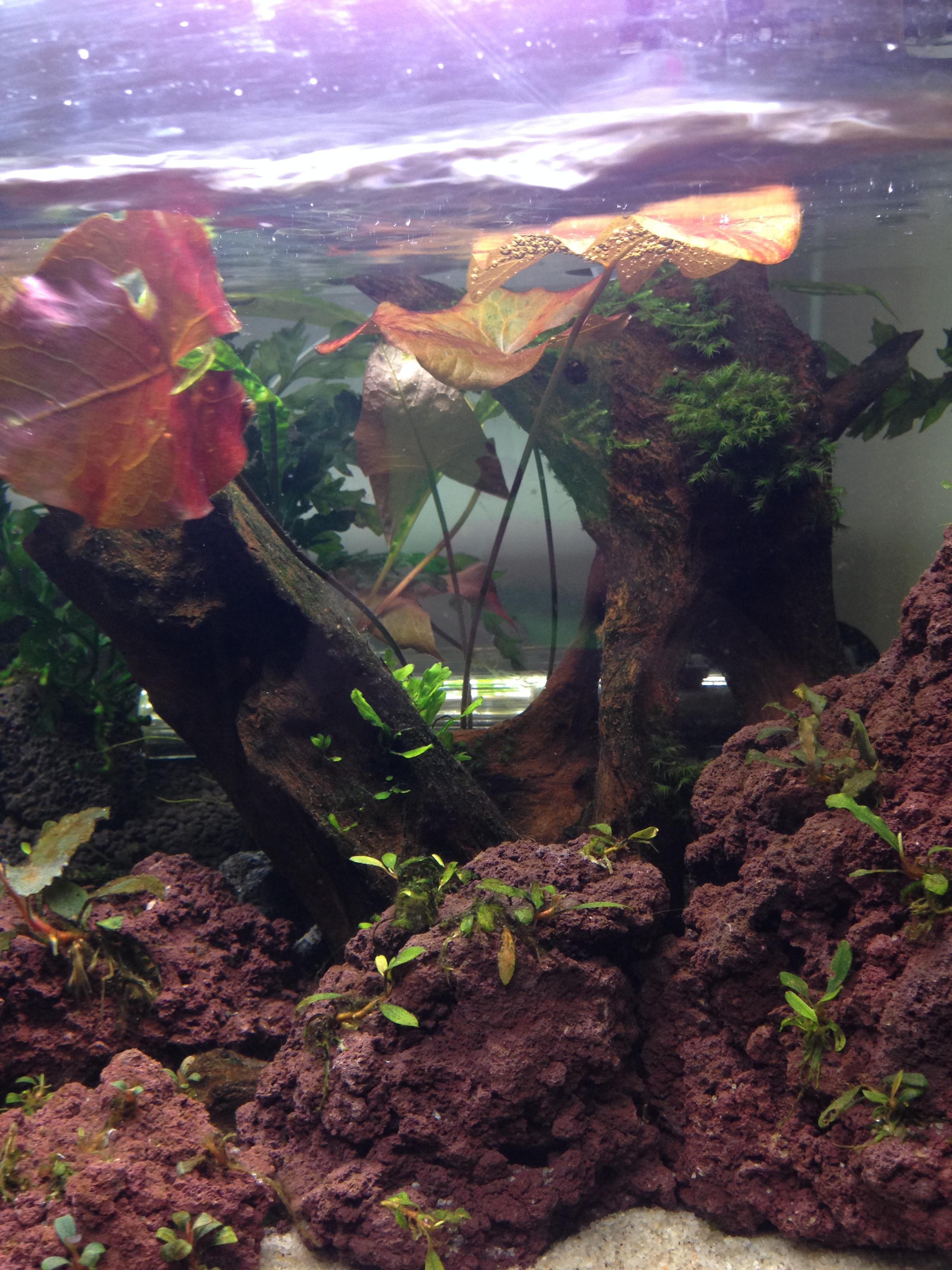
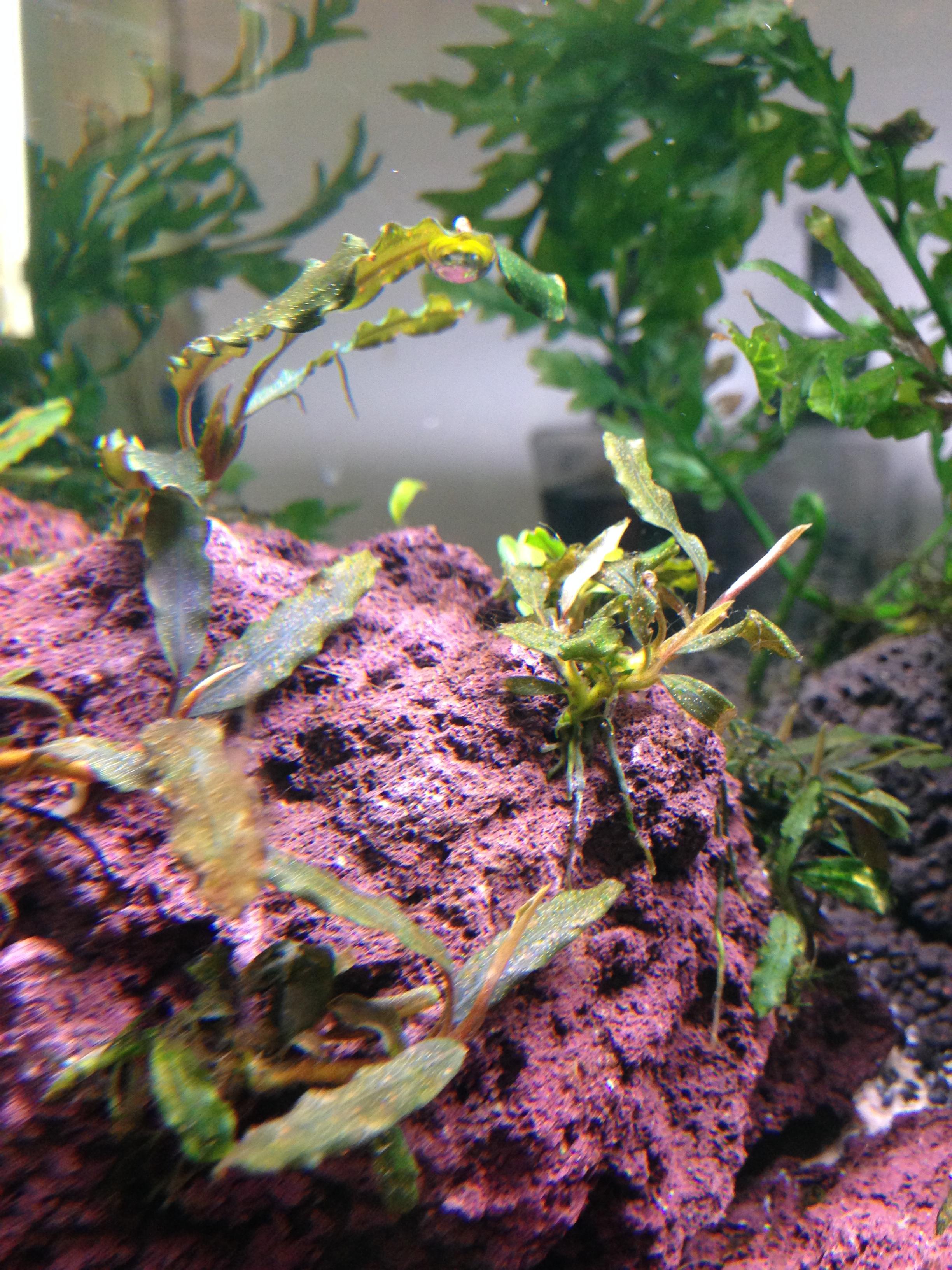
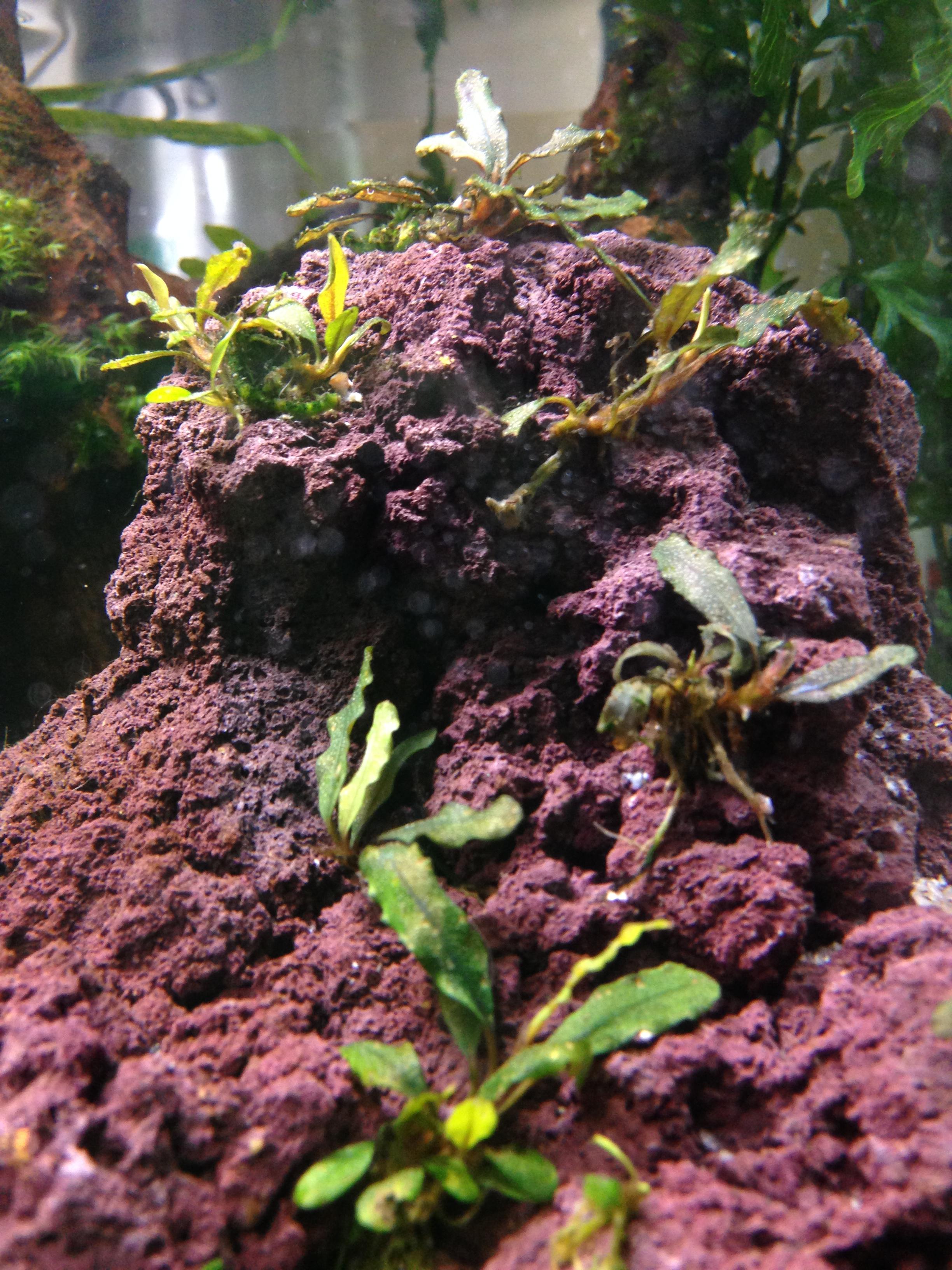
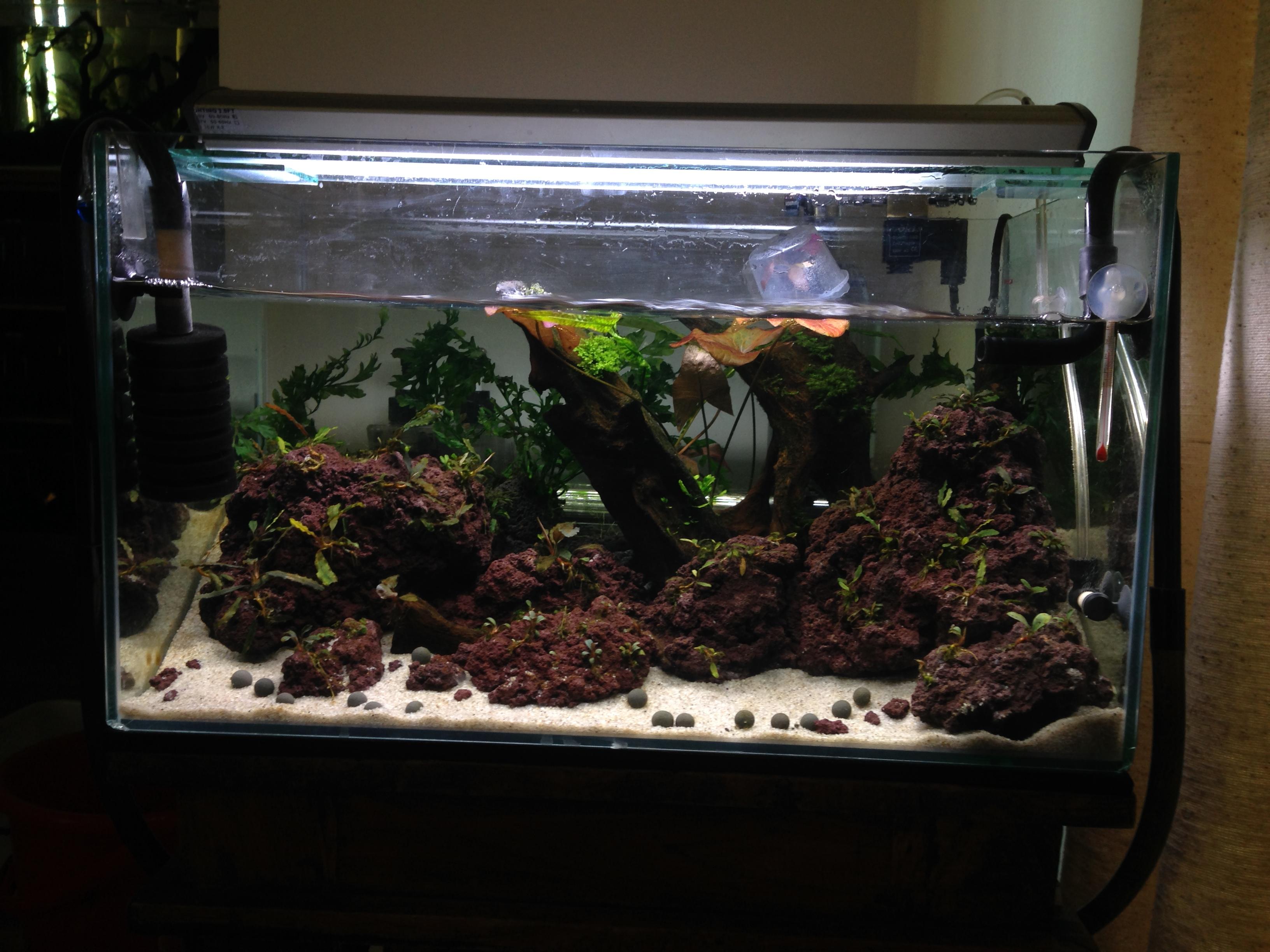
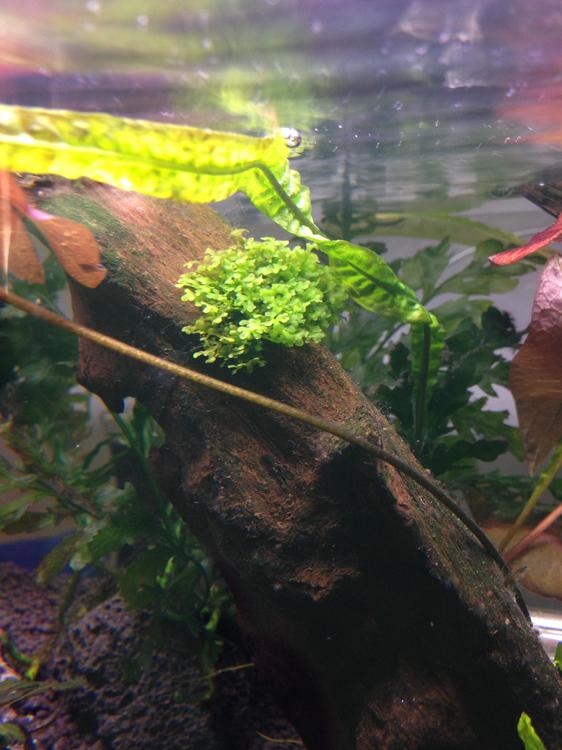
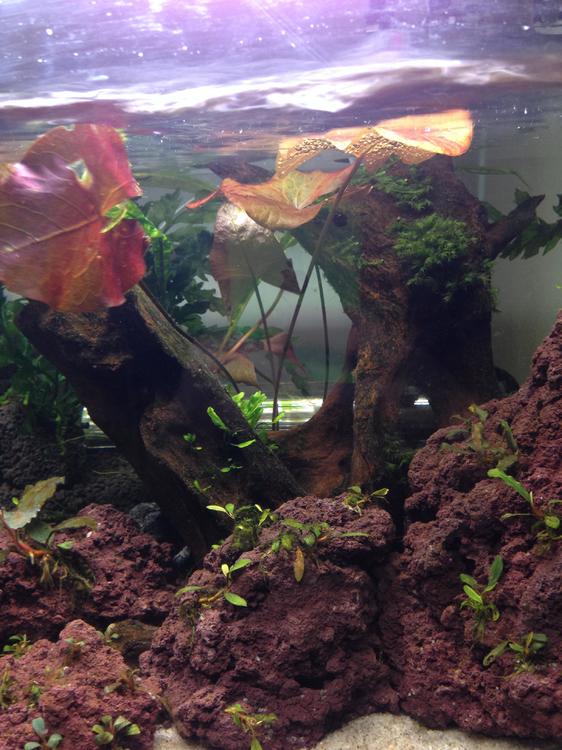
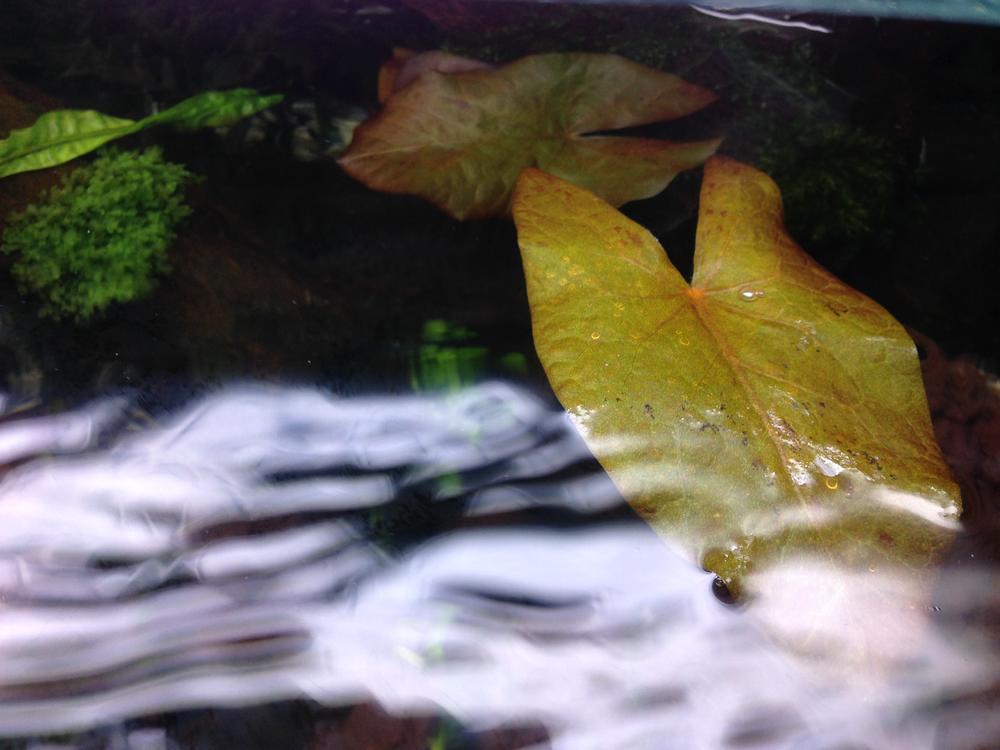
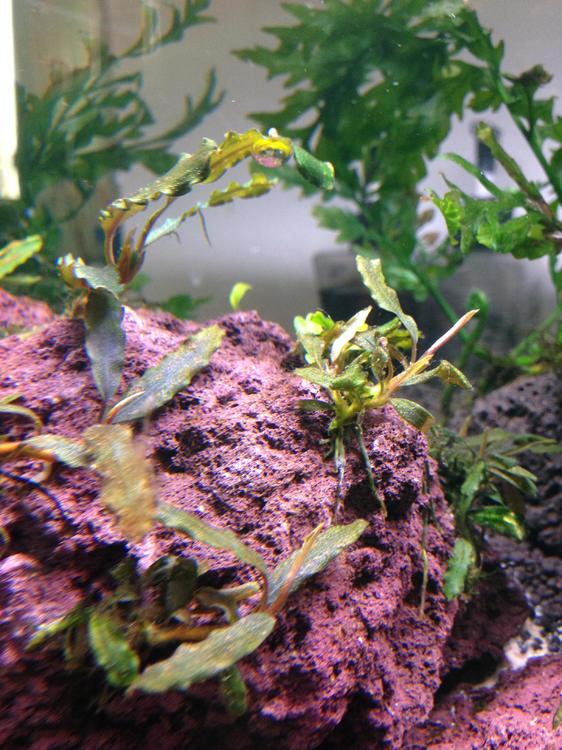
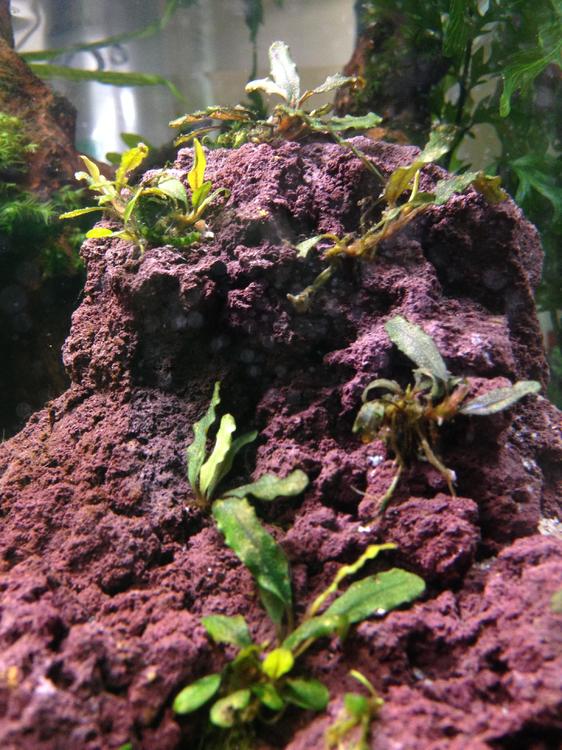
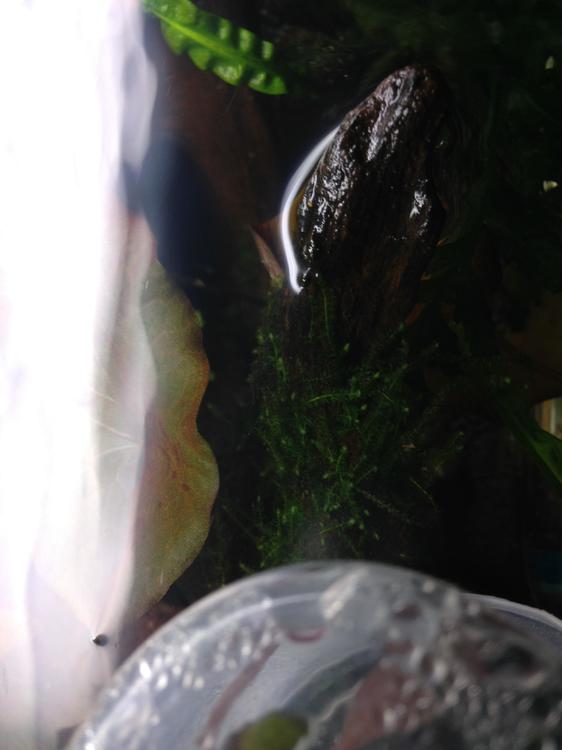
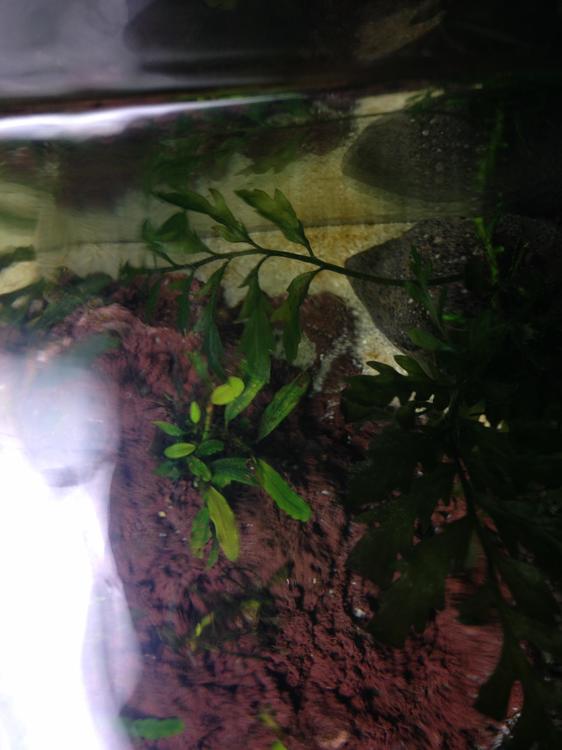
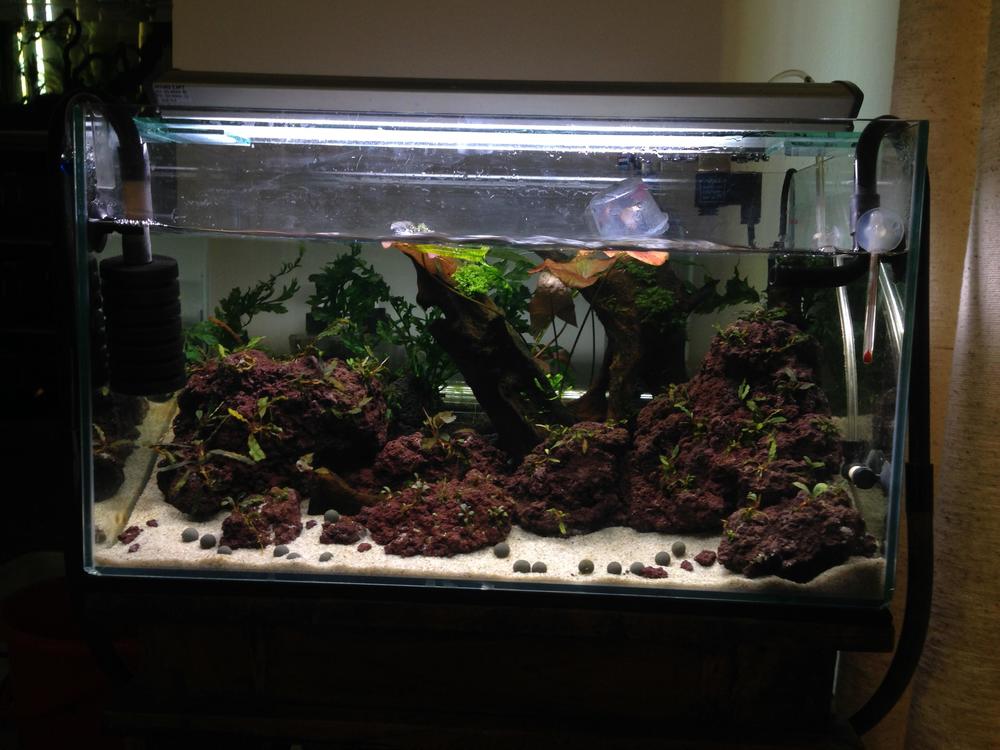
Pics from this morning. Water level is a bit low ATM I ran out of aged water during the last water change, I'll top it off today. Yesterday dosed excel, and trace+ fe Today dosed NPK+ my new secret shrimp shell k supplement, think people are going to love this product when I finally release it, I've been researching it for a long time and trialling it for a little while now with some very promising results in both invertebrate moulting and shell condition/ color, as well as plants nutrient uptake and nutrients bioavailability in water. Lost one of the red nose in there unfortunately, but I've had them for about a year now so could even be old age.
 1 point