Leaderboard
-

GotCrabs
Members1Points1430Posts -

jayc
Moderators1Points6248Posts -

Ronskitz
Members1Points694Posts -

avonsurfernc
Members1Points9Posts
Popular Content
Showing content with the highest reputation on 10/26/16 in Posts
-
 1 pointSKF Aquatics (Shrimp Keepers Forum) welcomes LoneScotsman. Please feel free to browse around and get to know others. If you have any questions please don't hesitate to ask. View Member regards, skfadmin1 point
 -
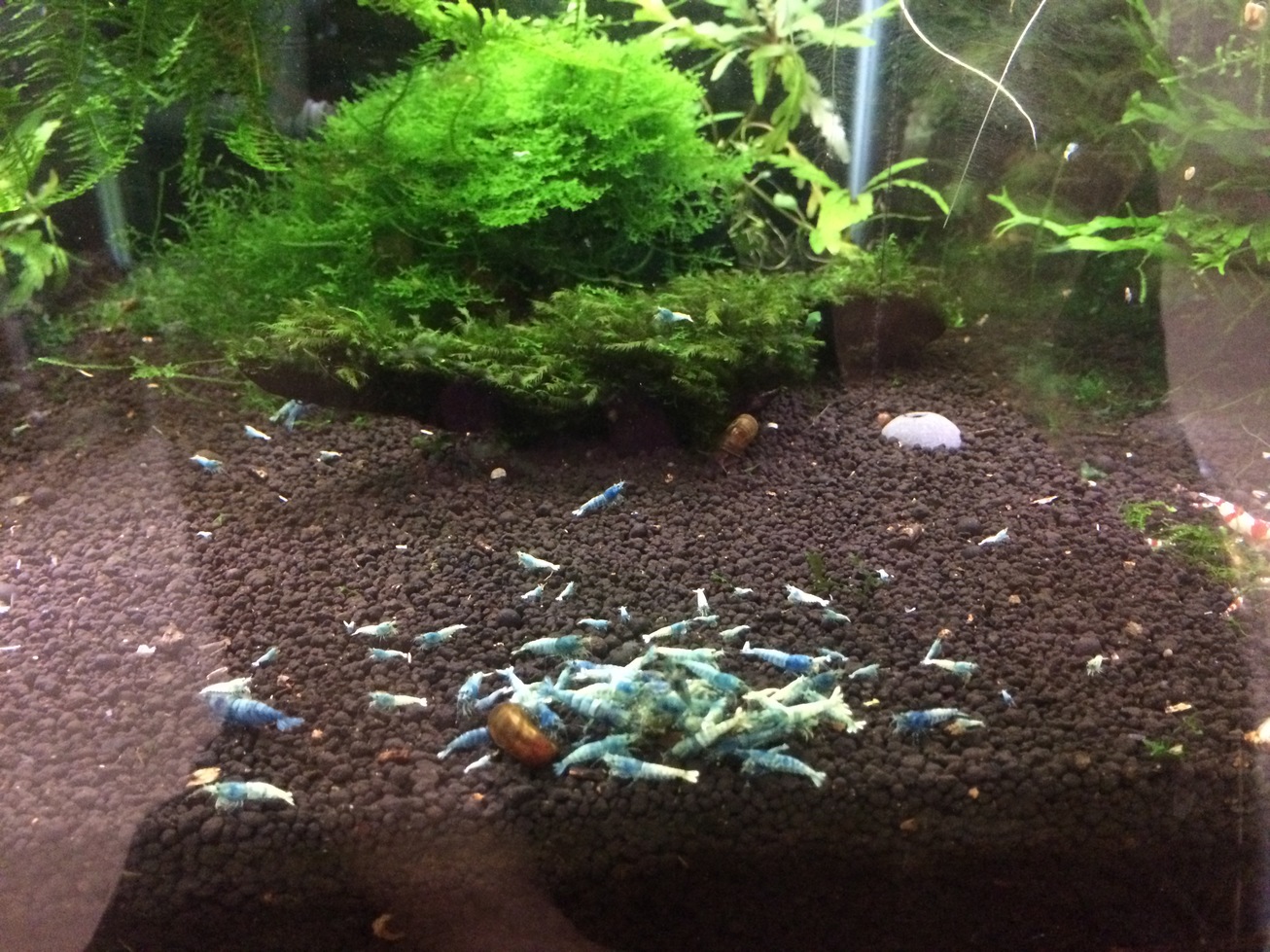
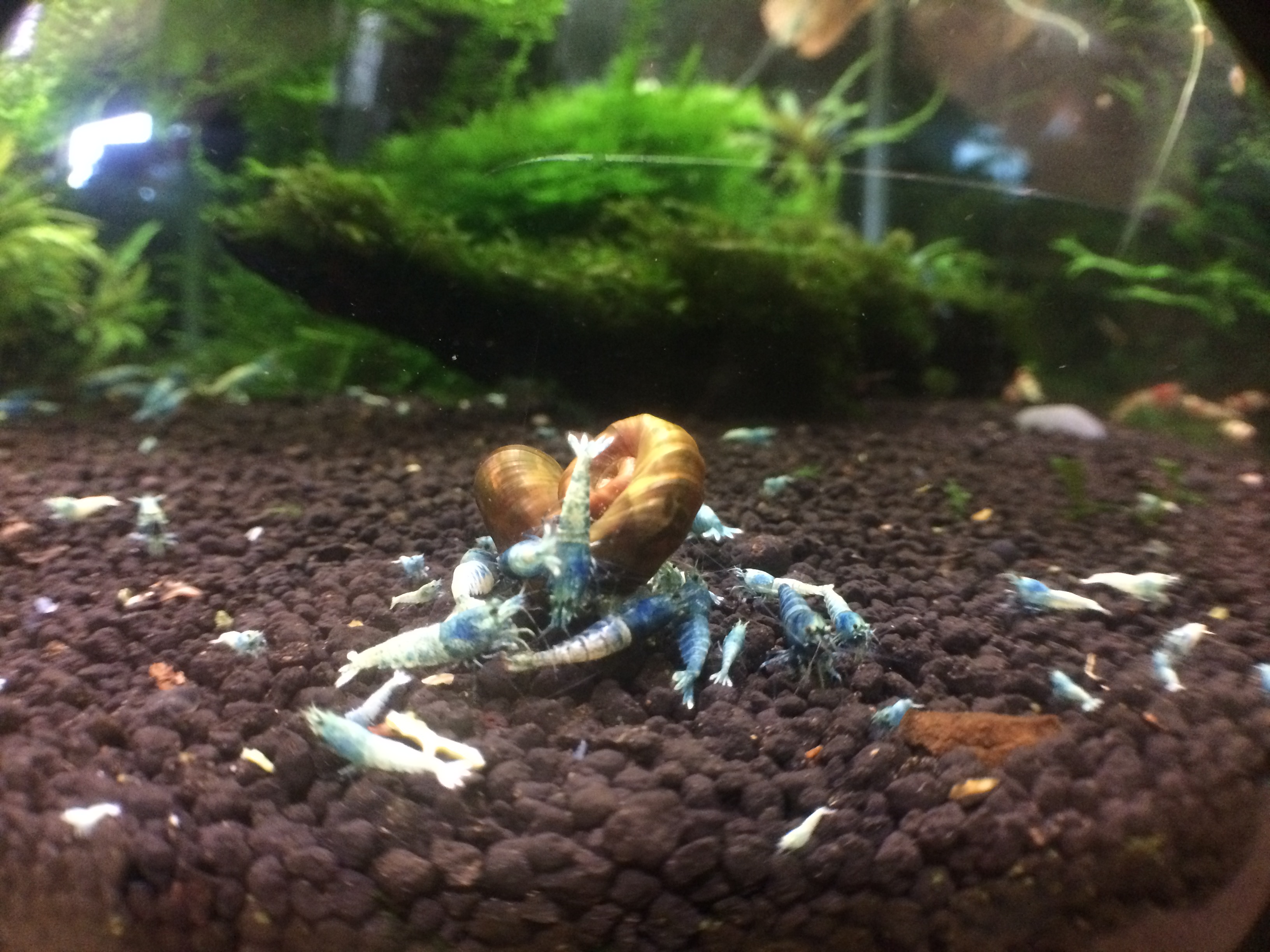
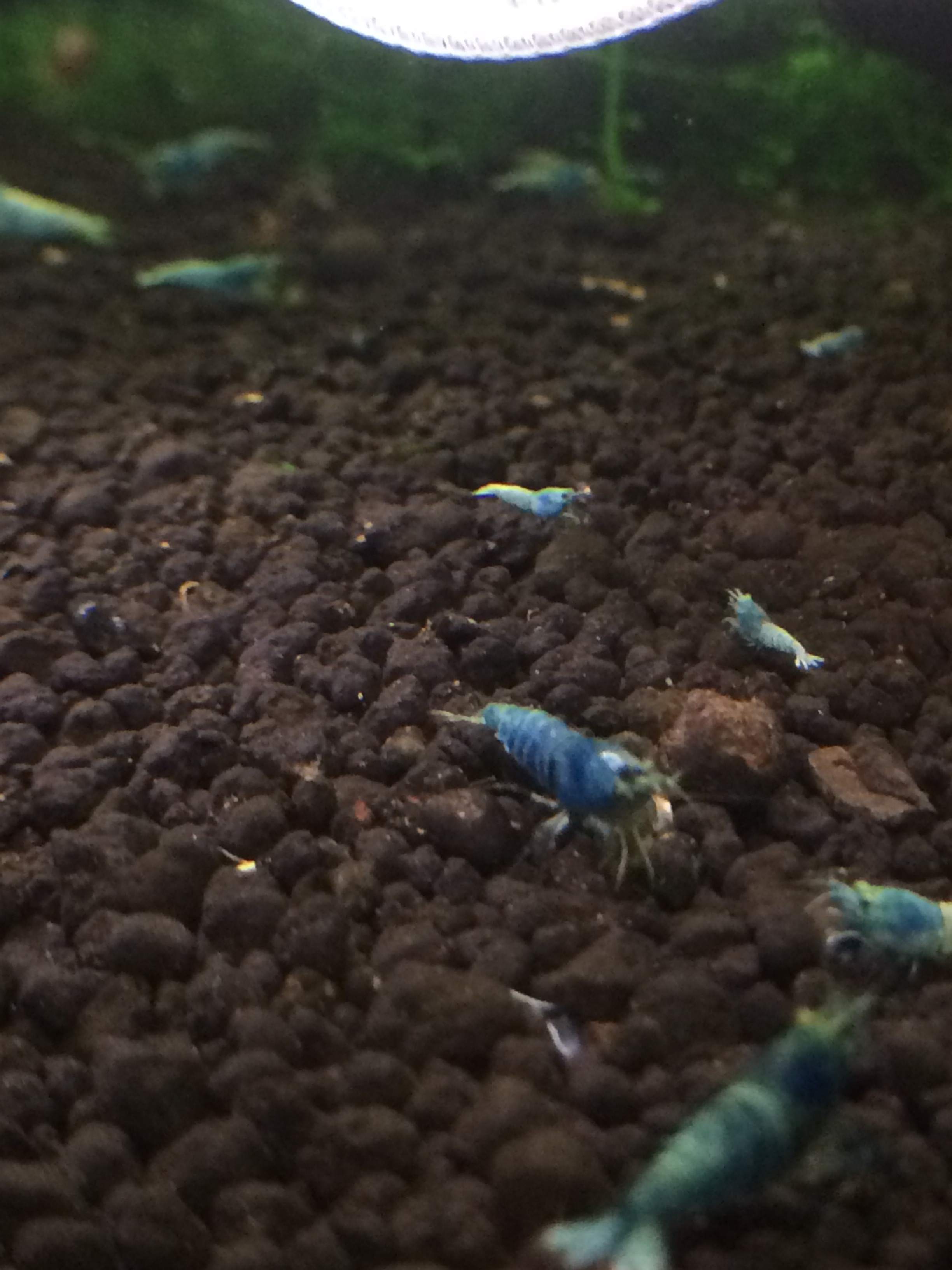
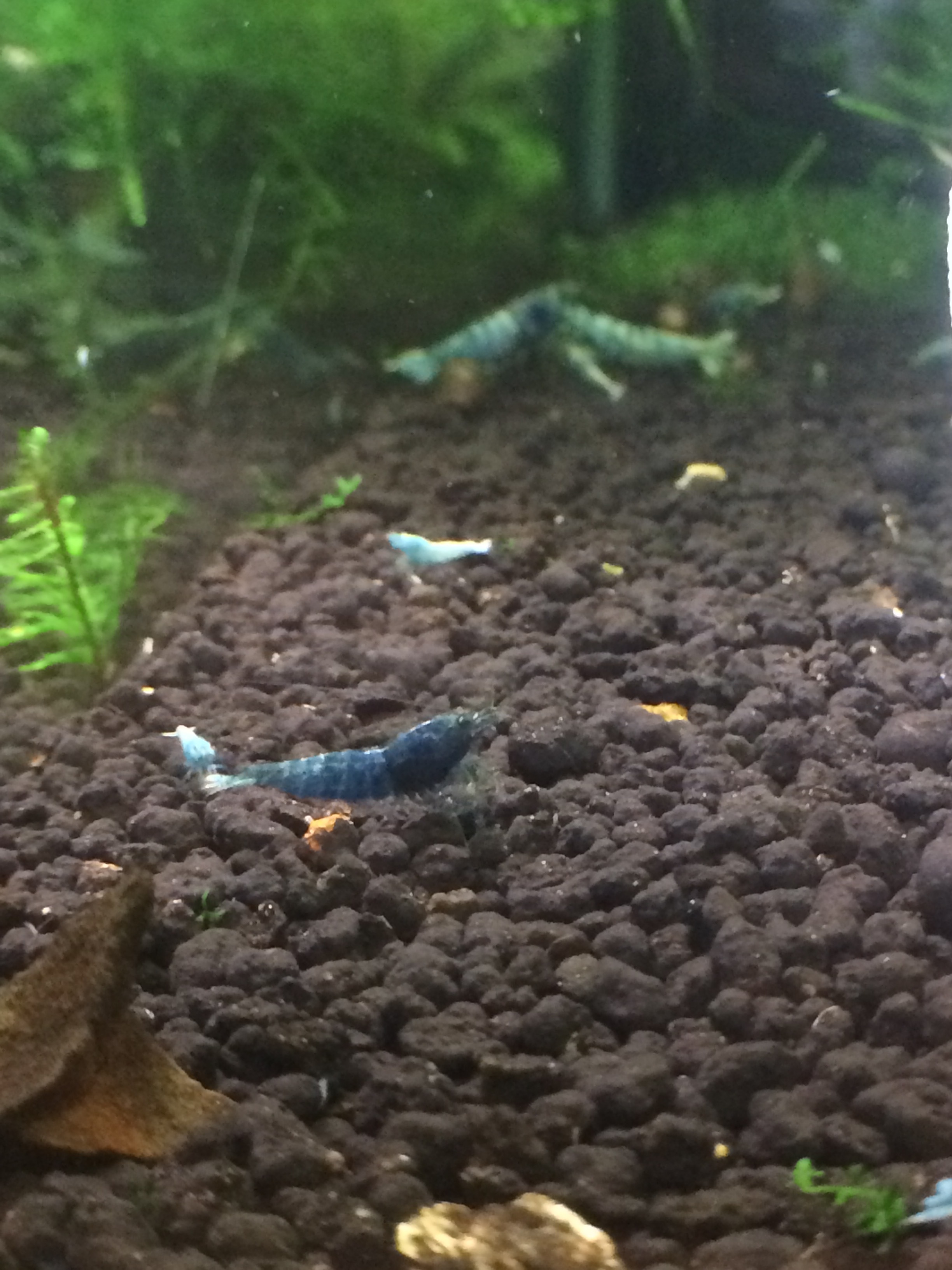
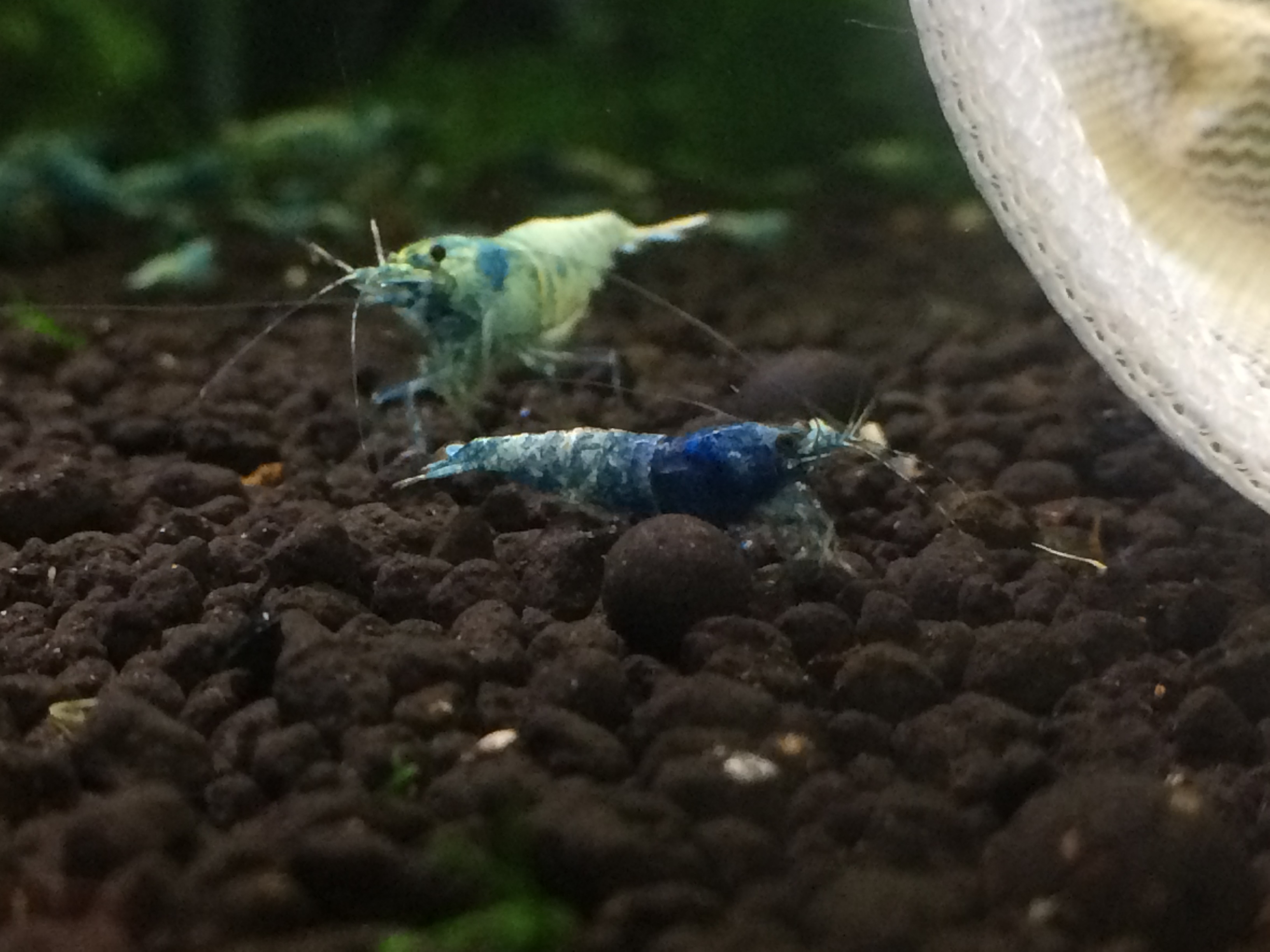
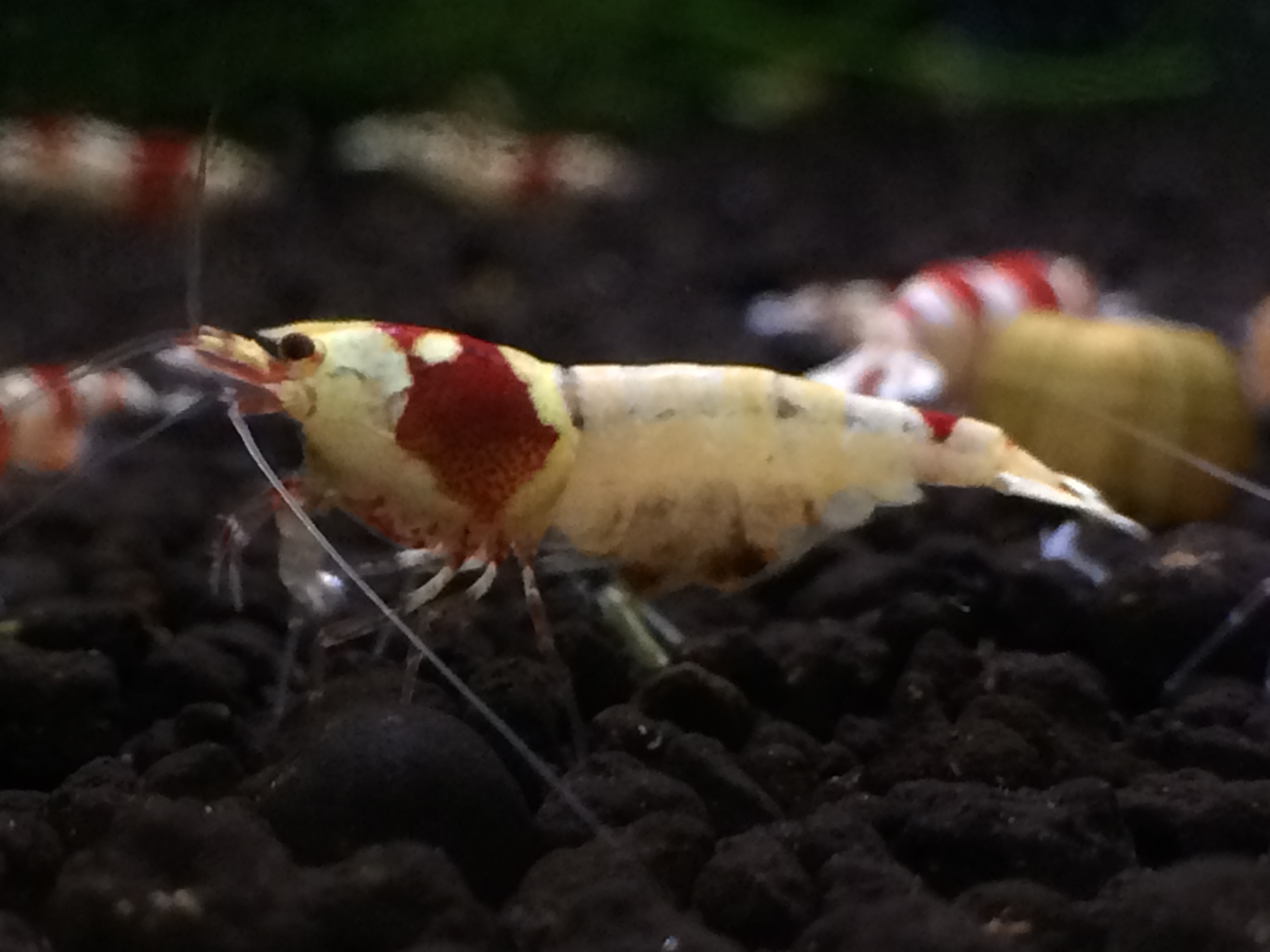
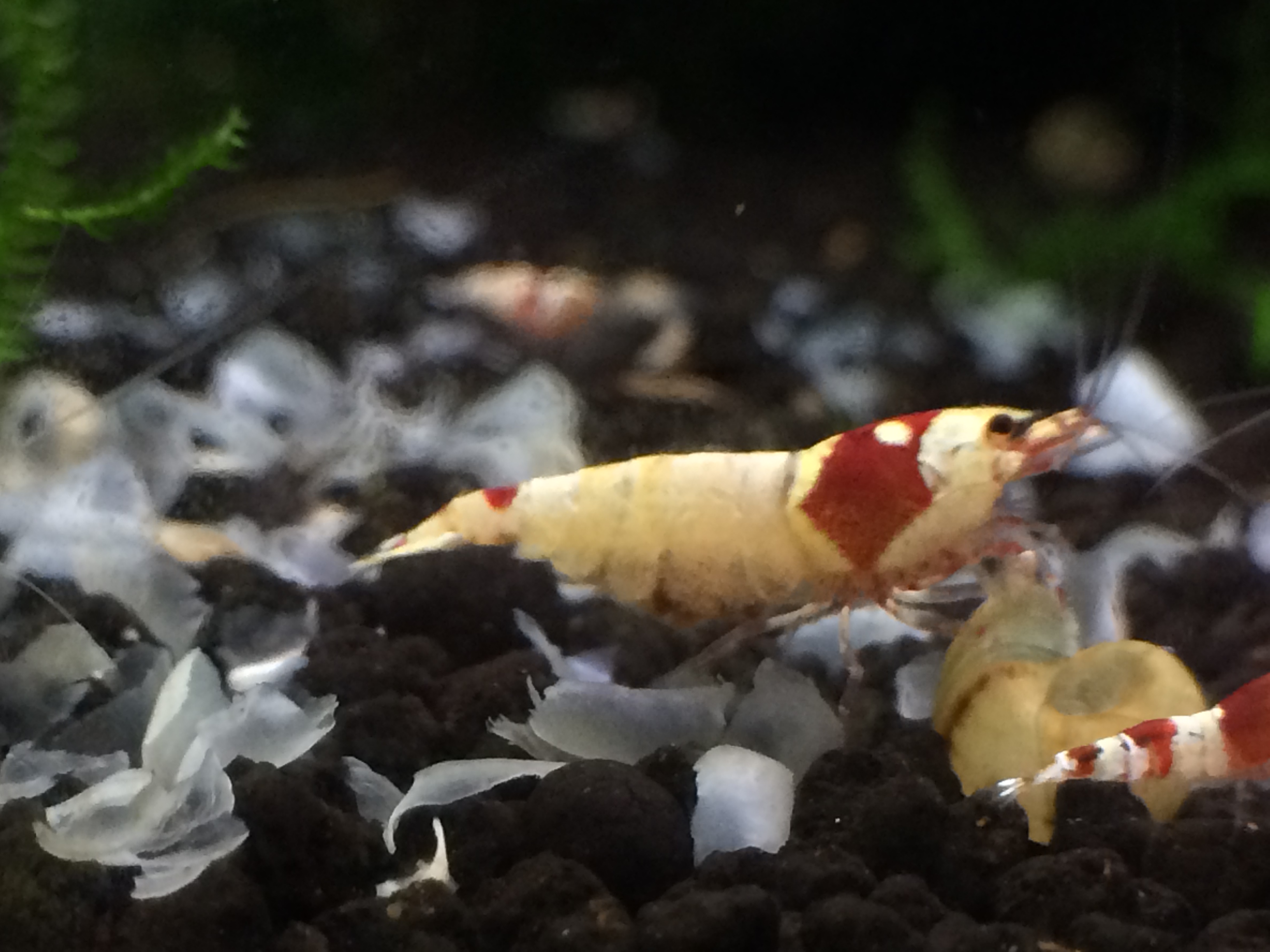
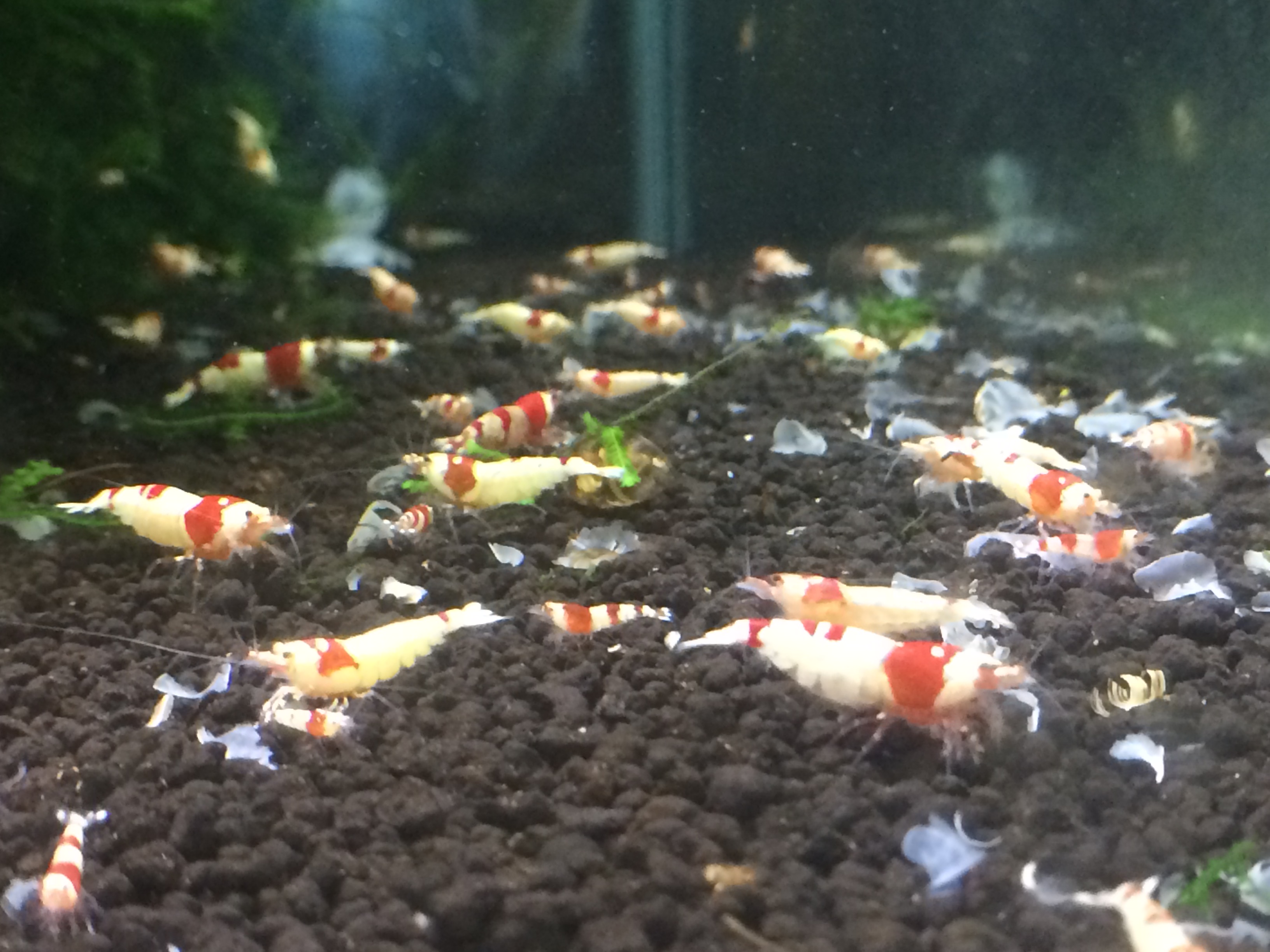
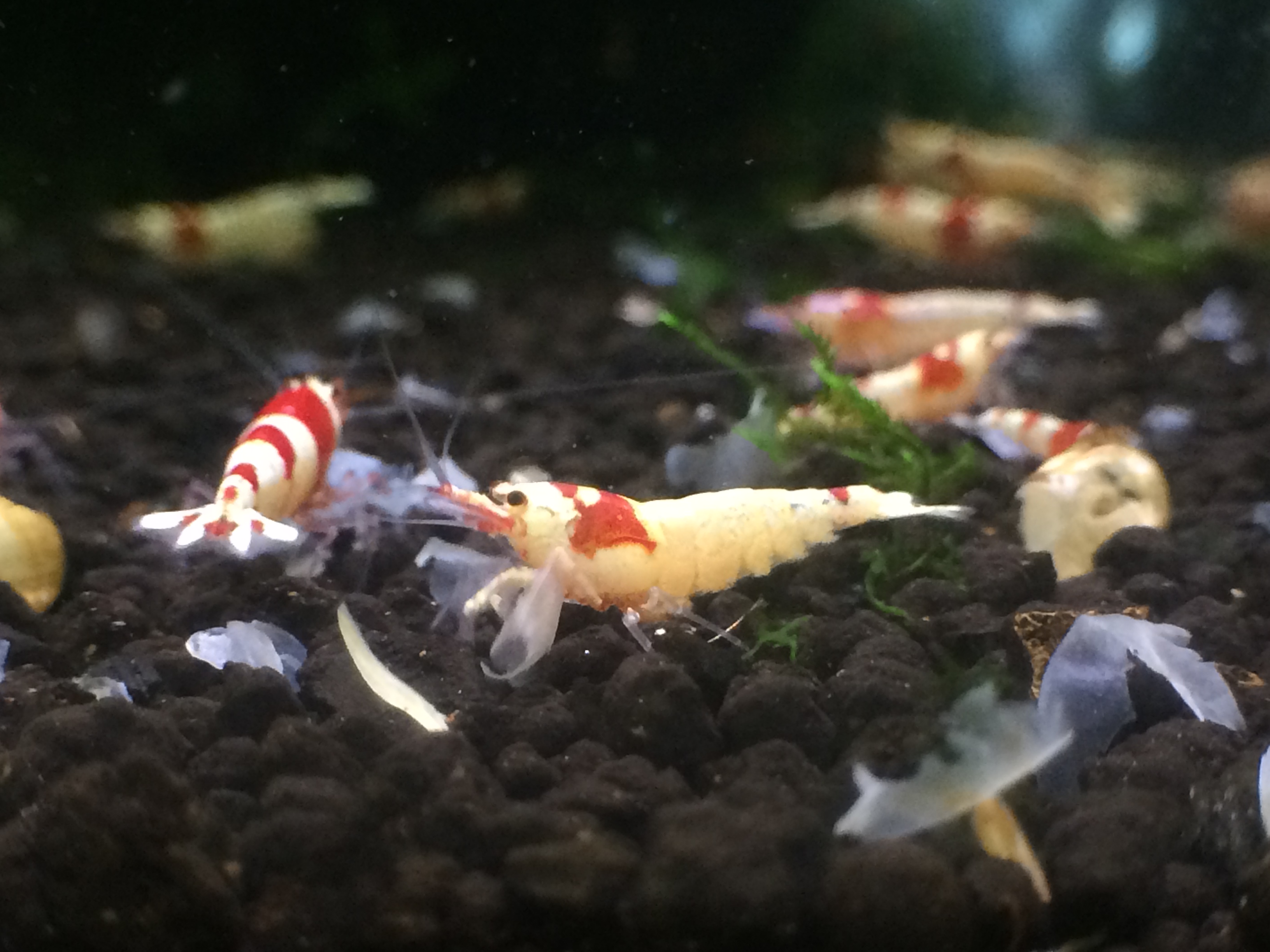
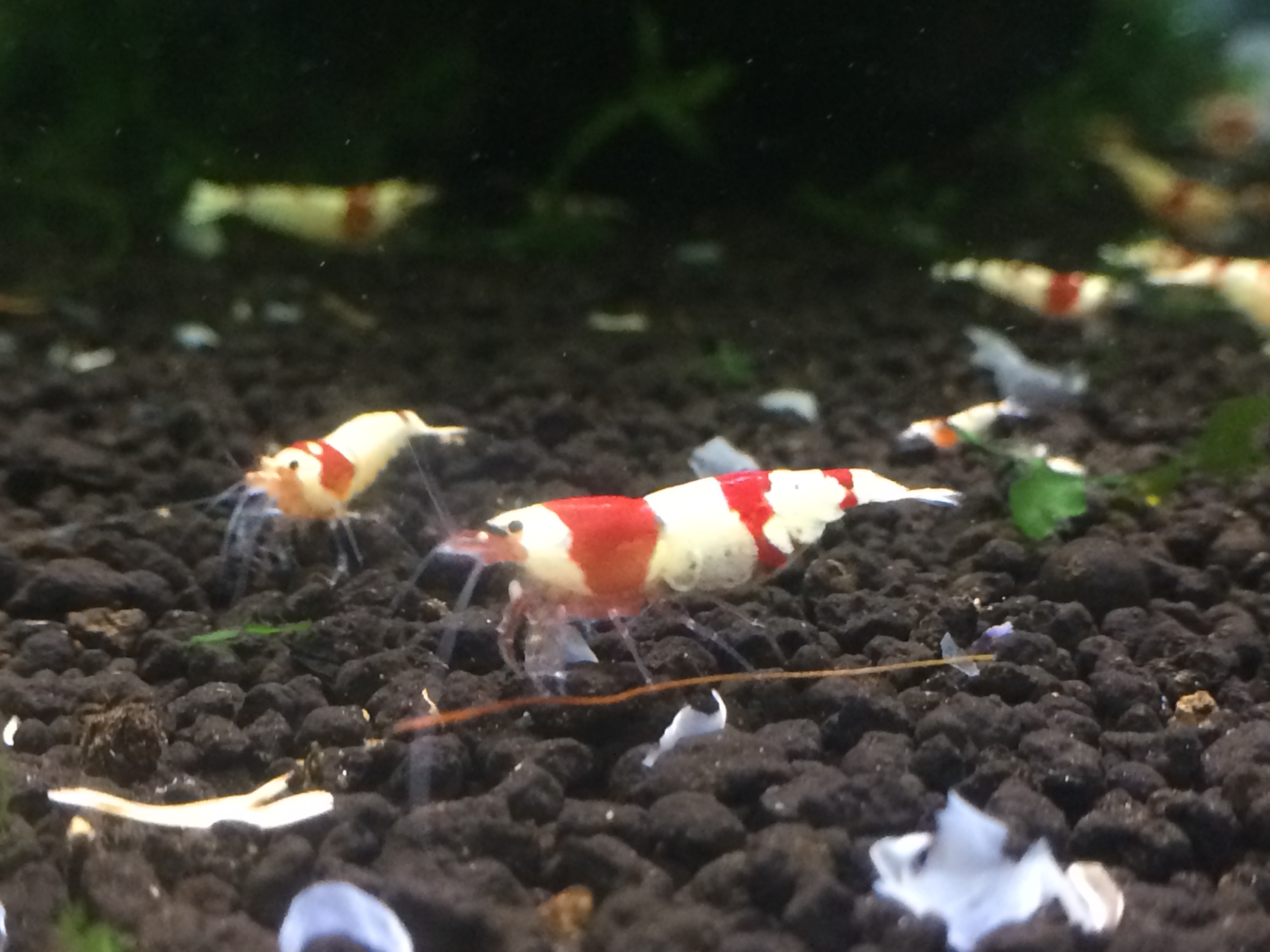
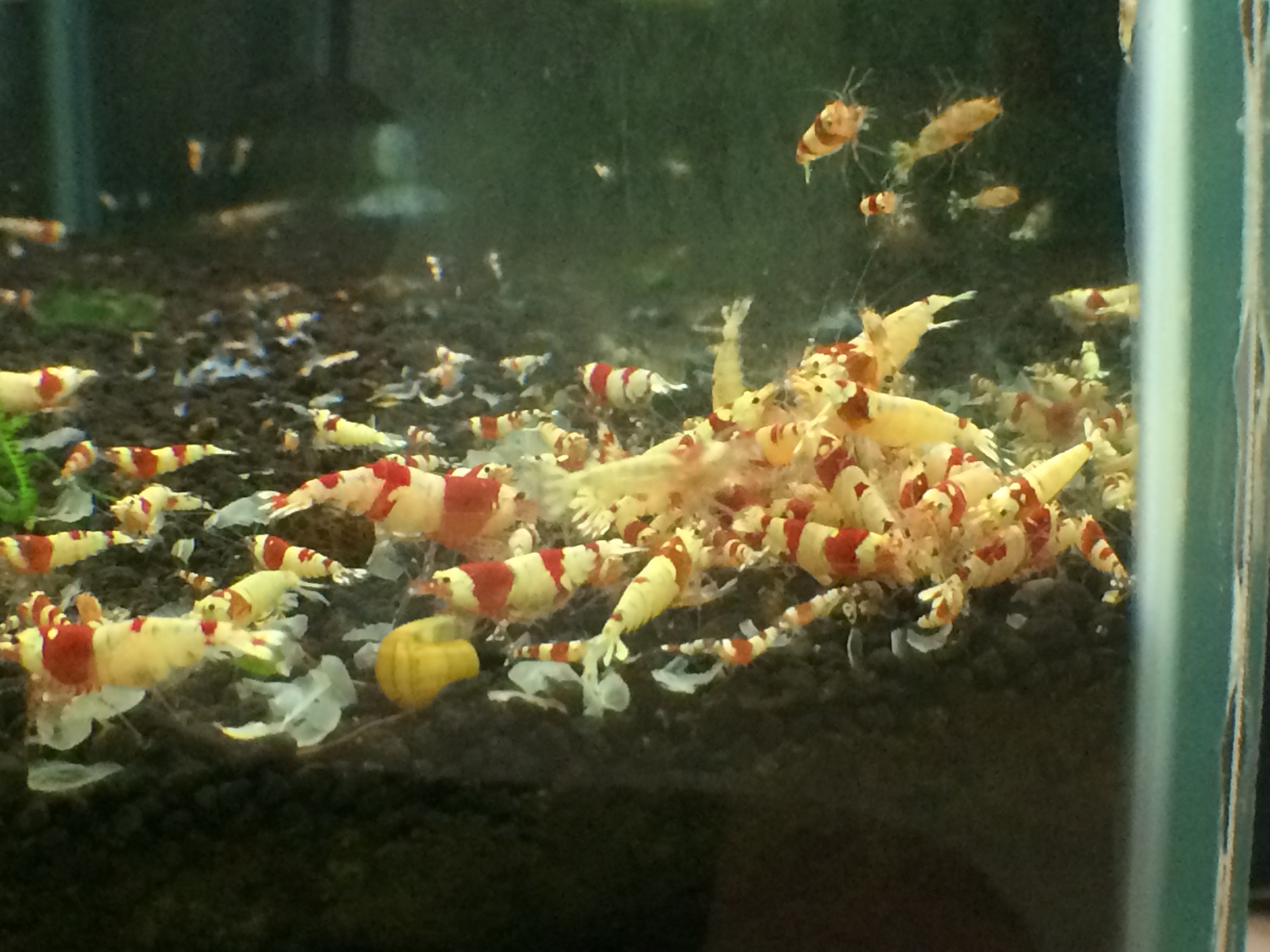
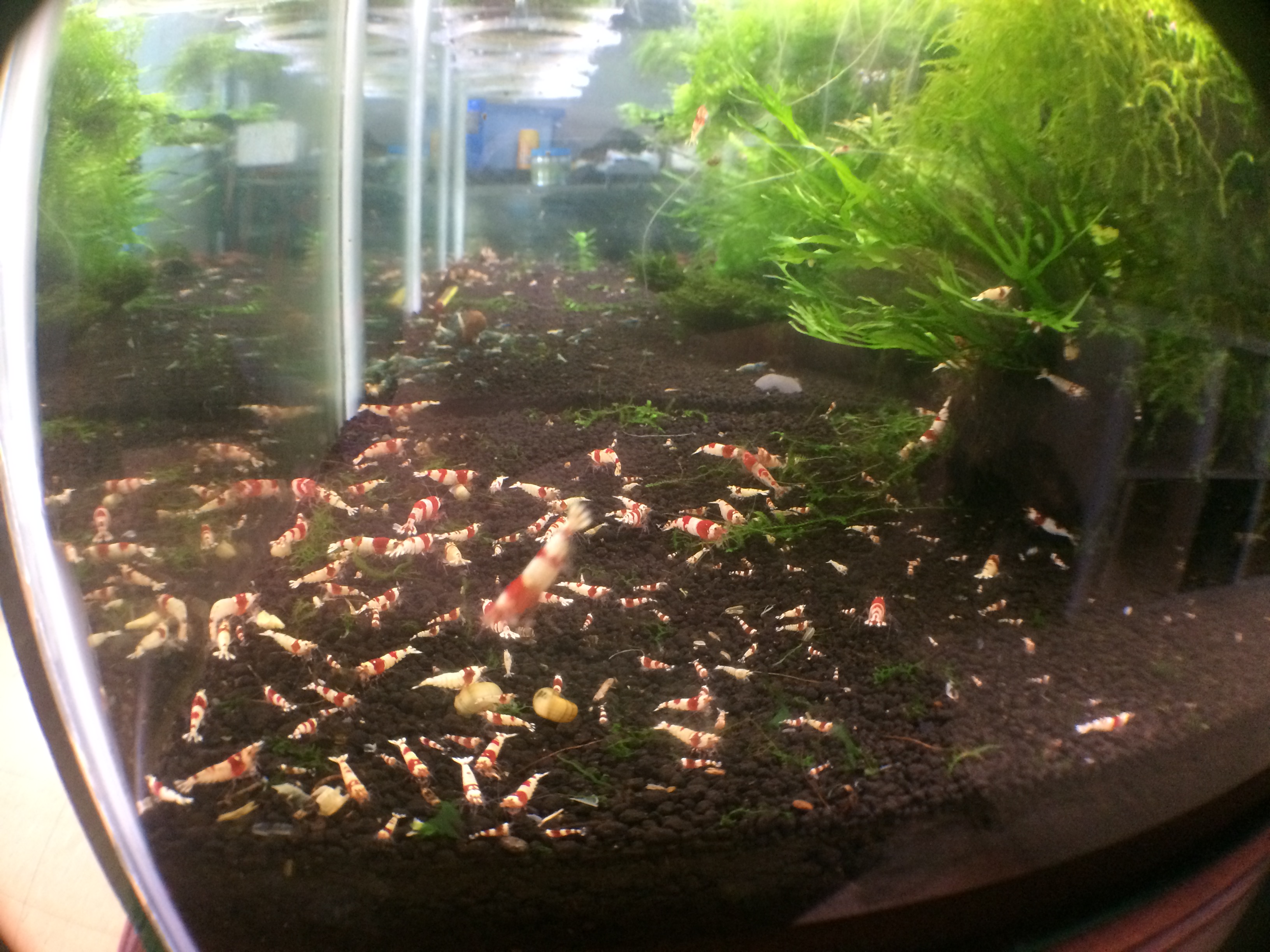
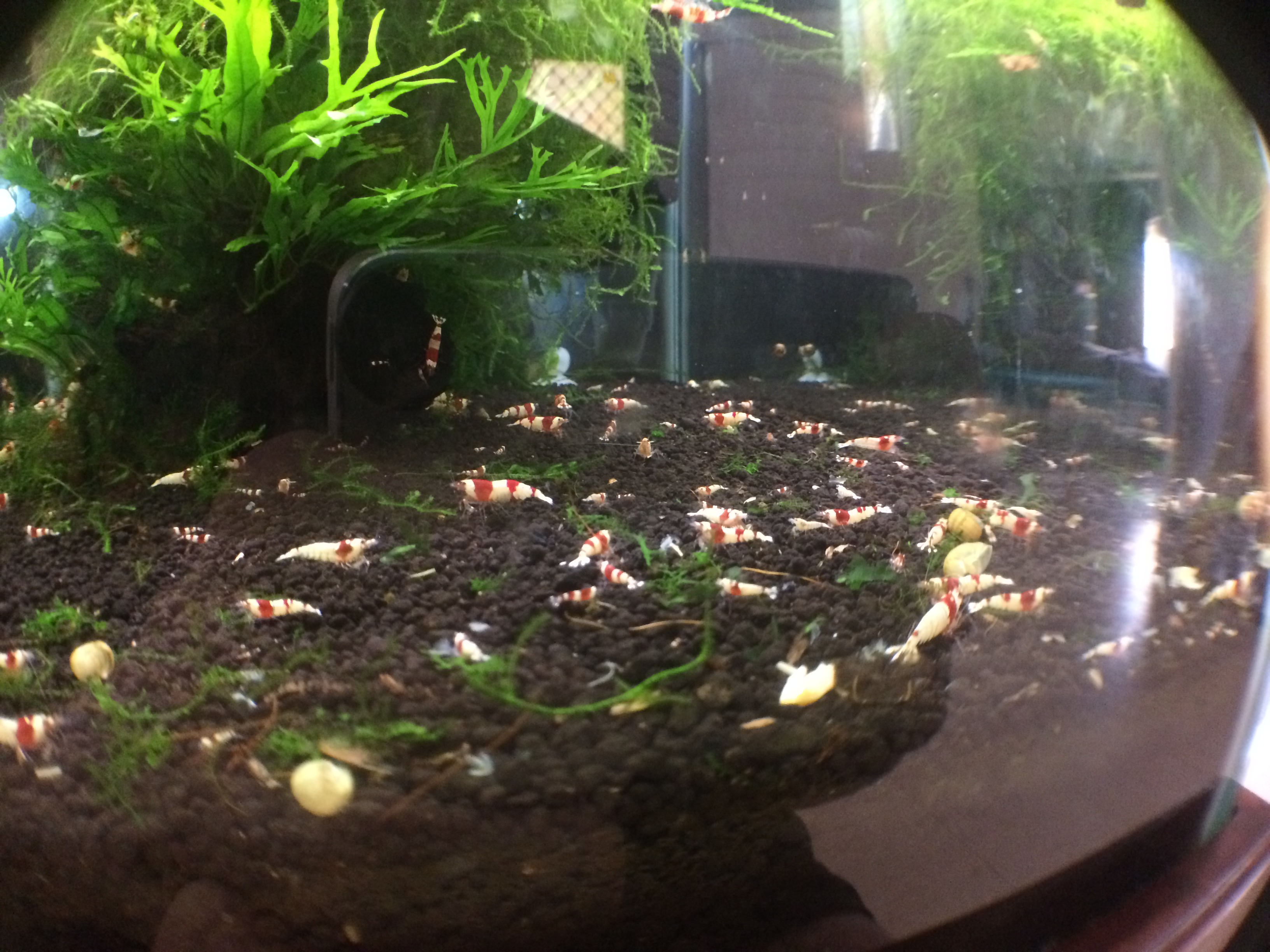
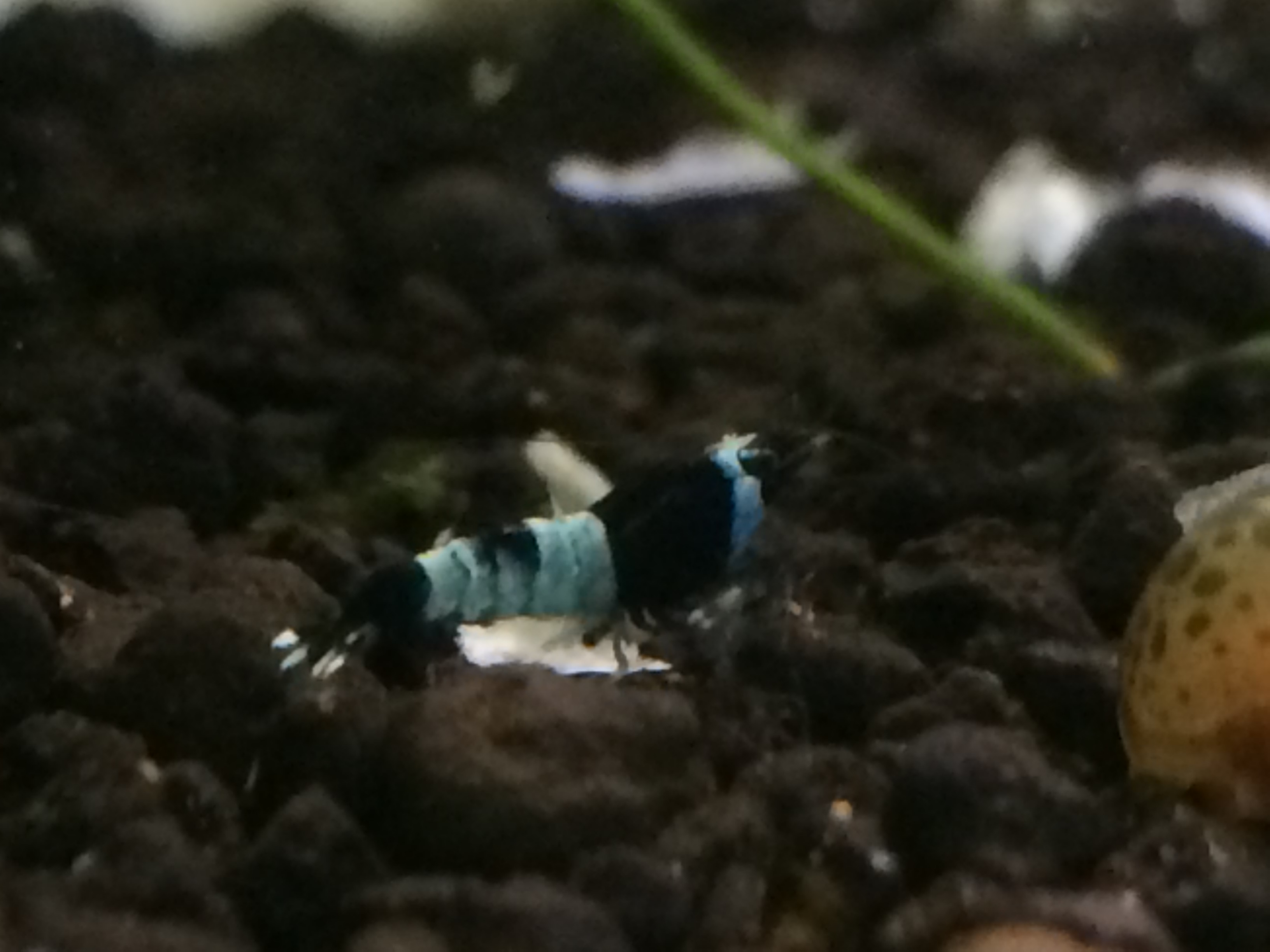
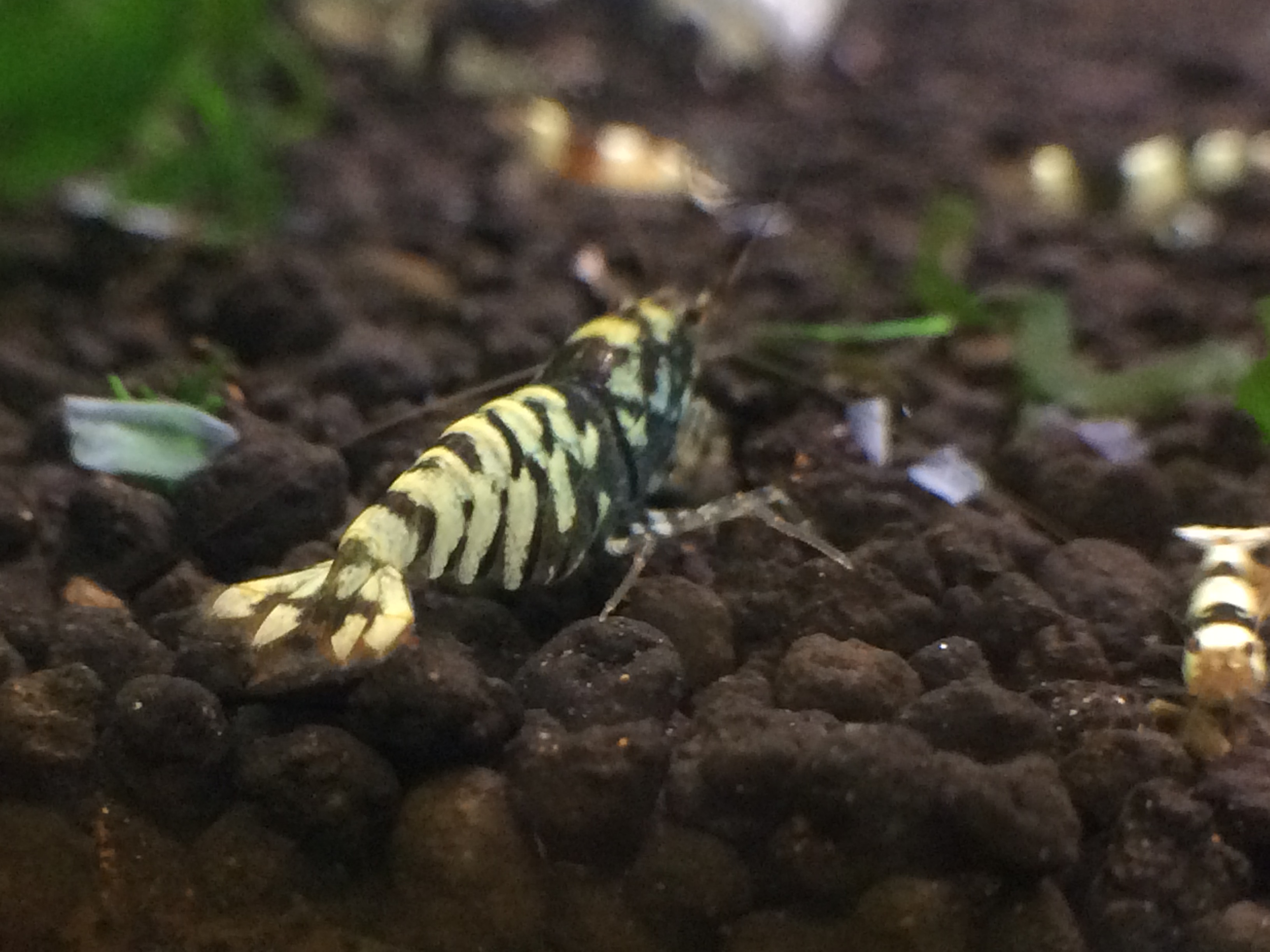
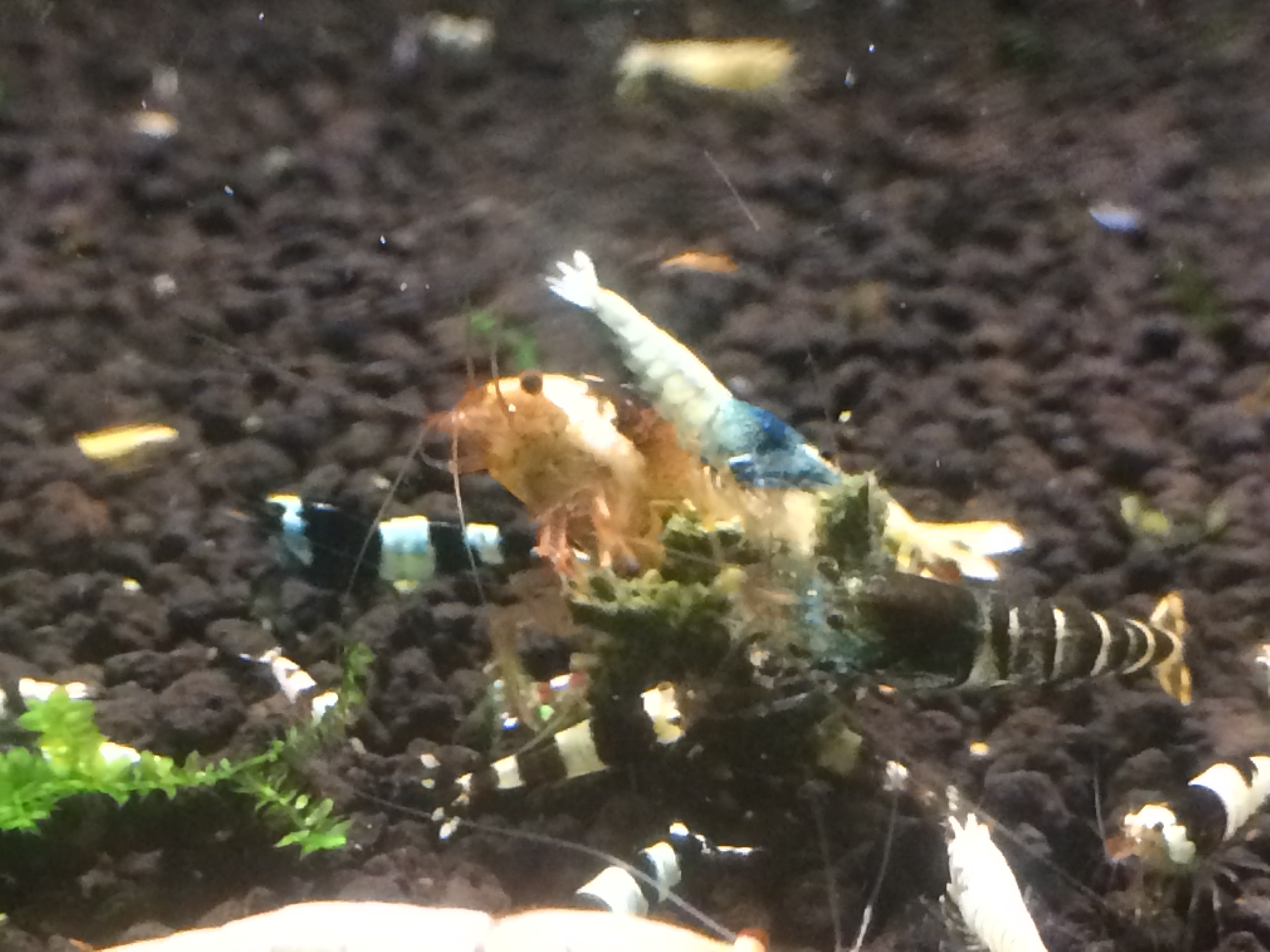
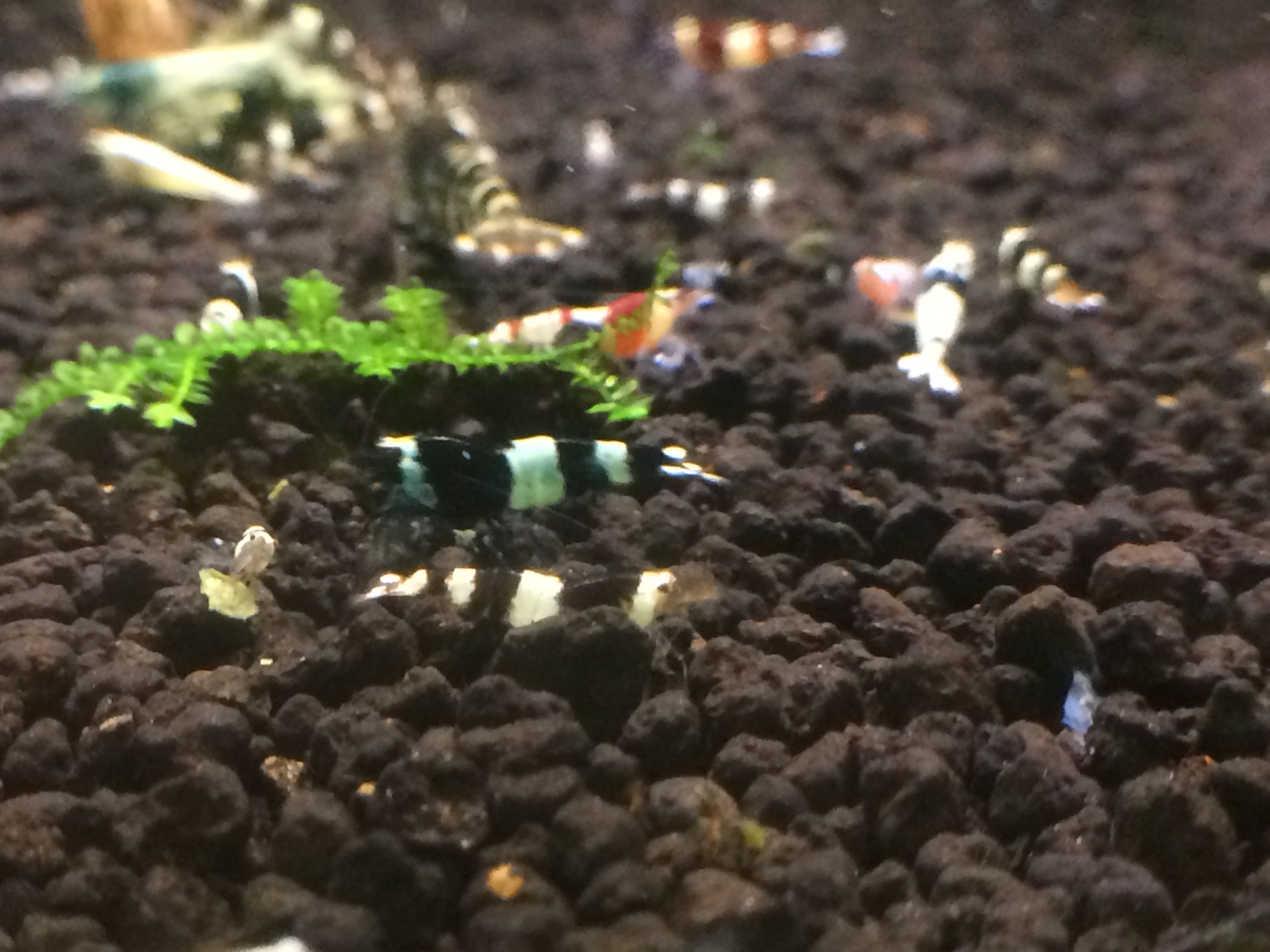
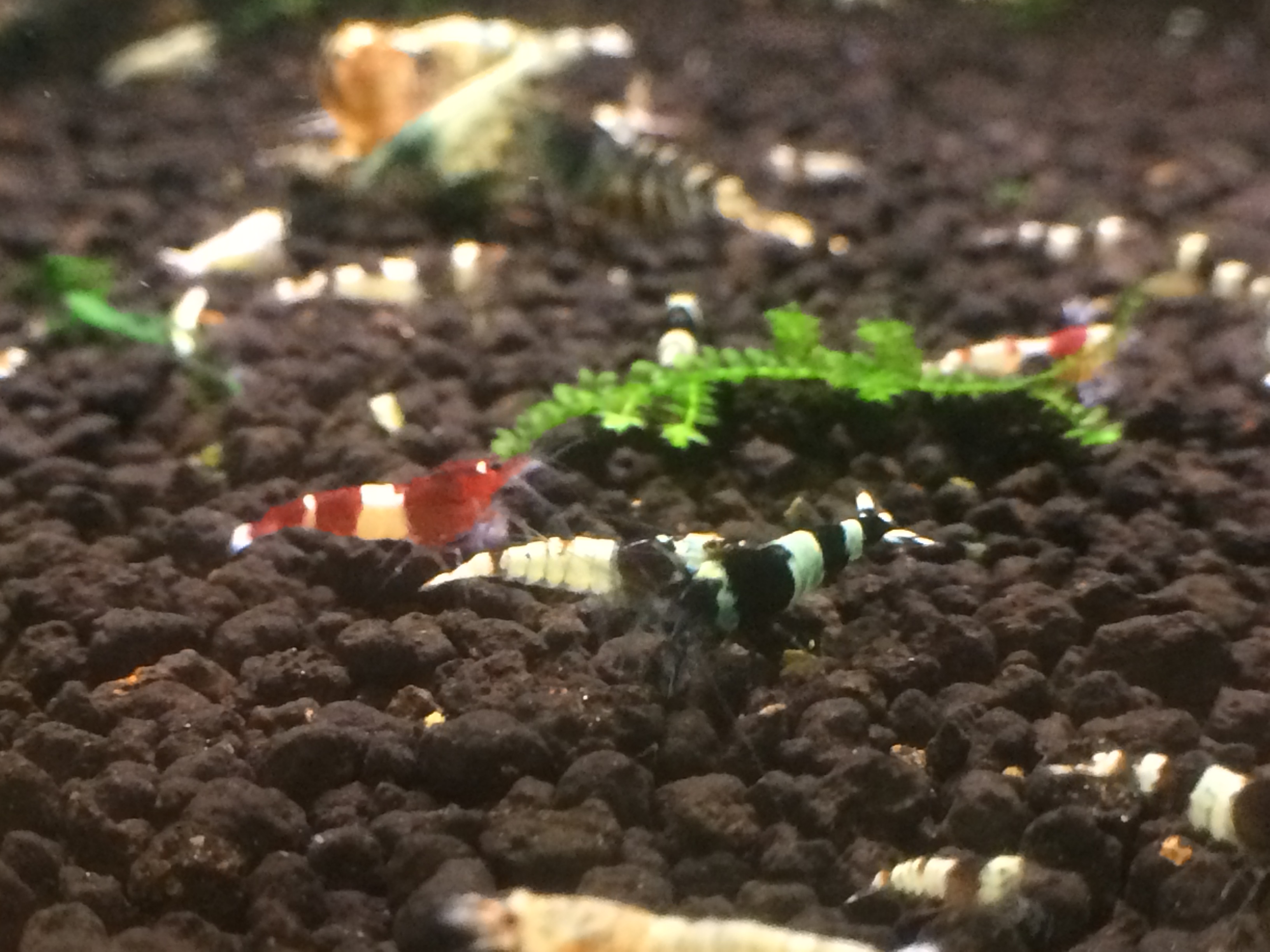
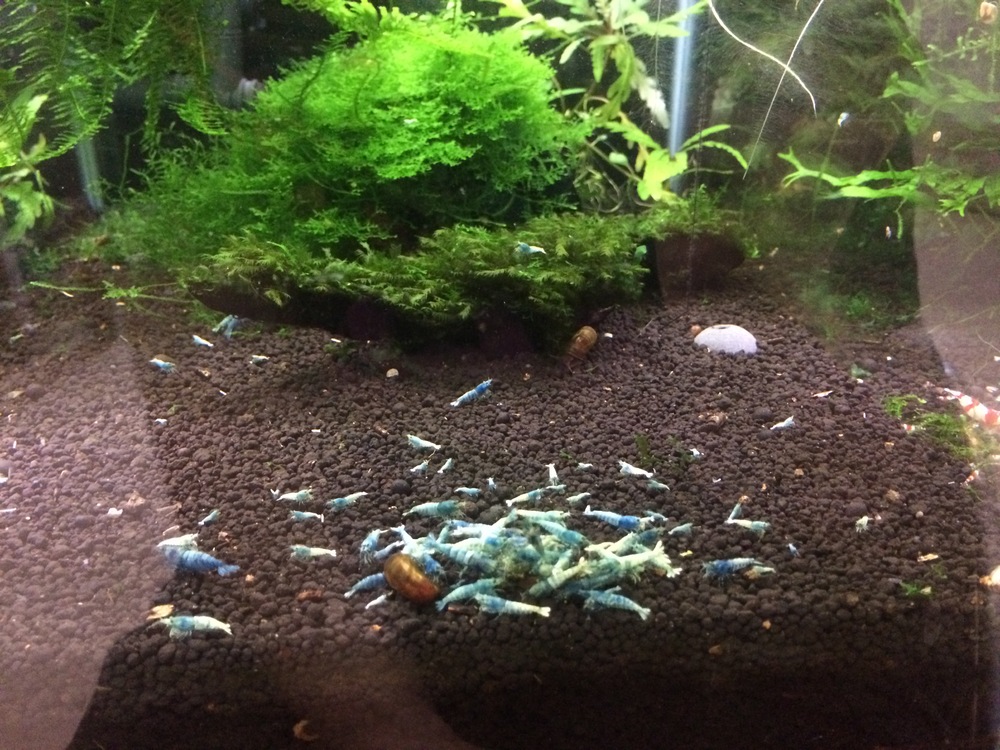
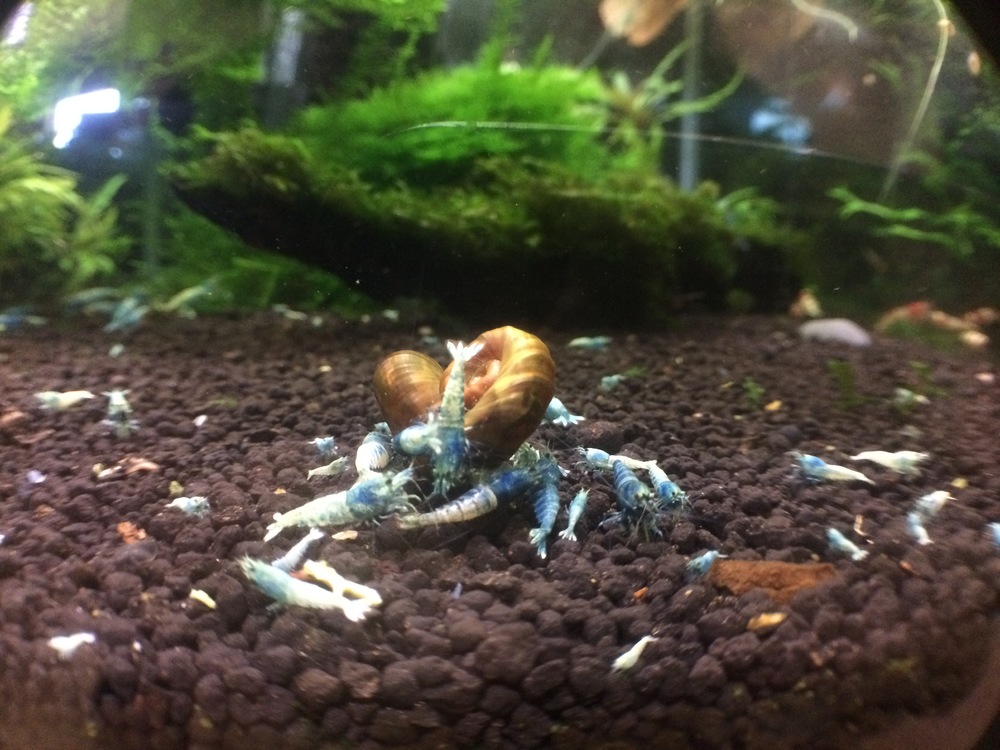
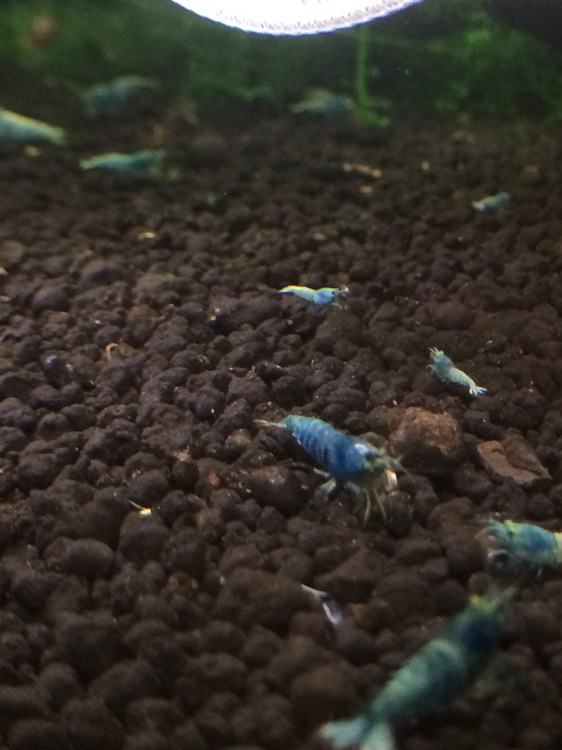
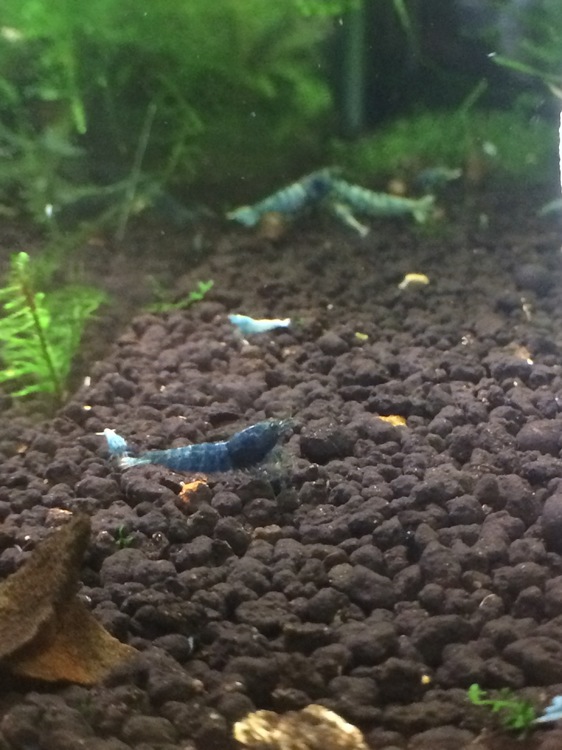
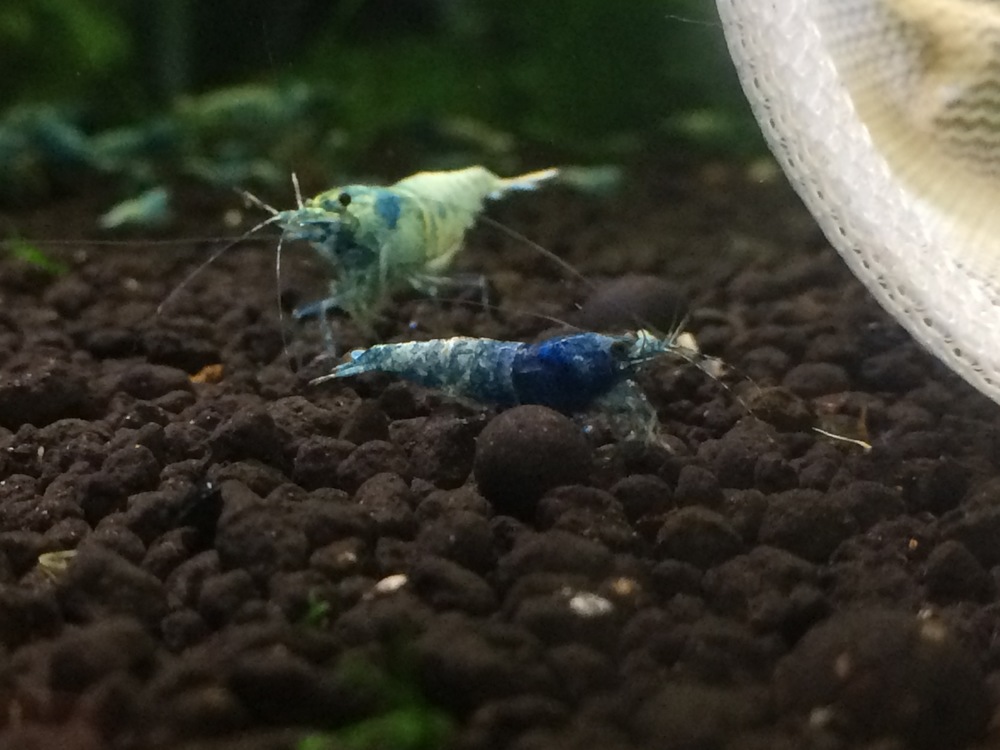
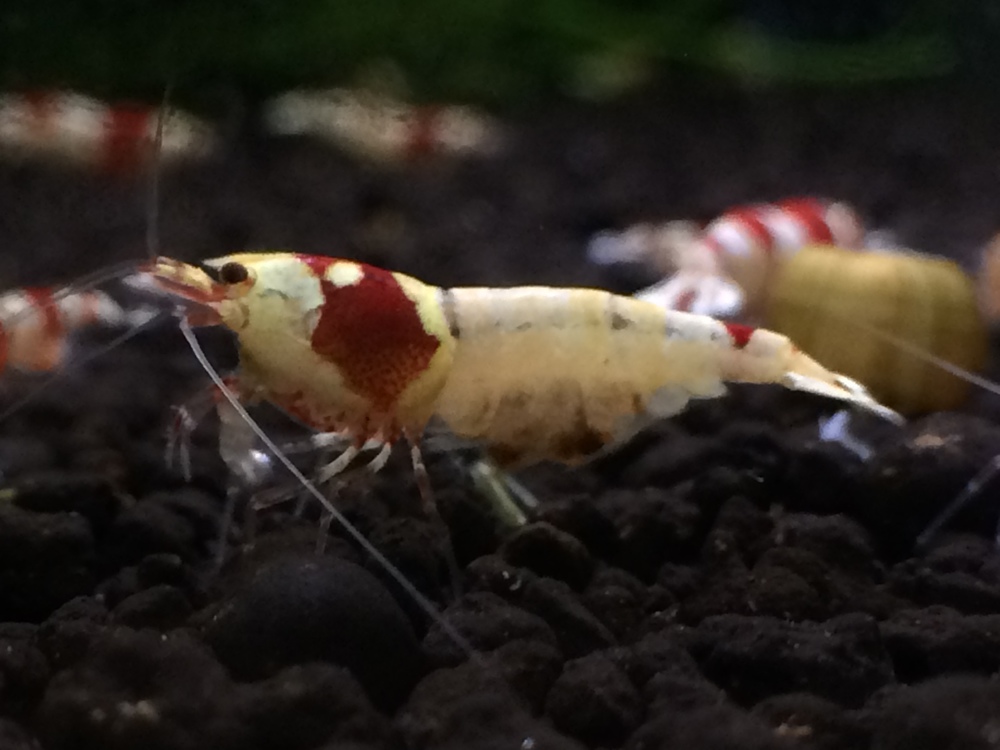
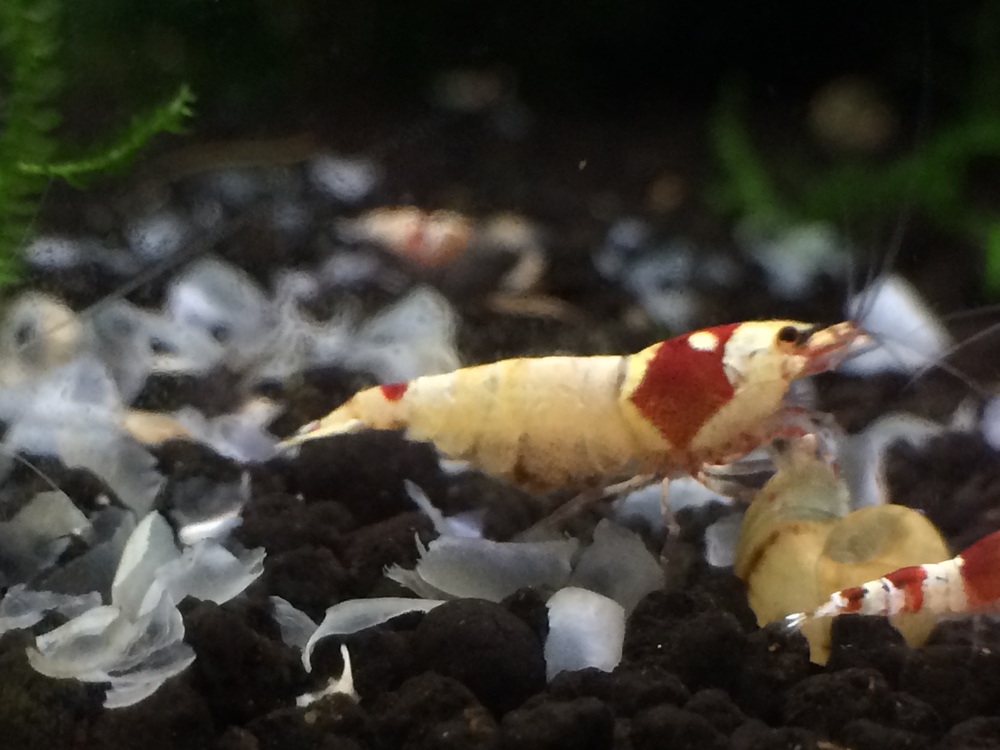
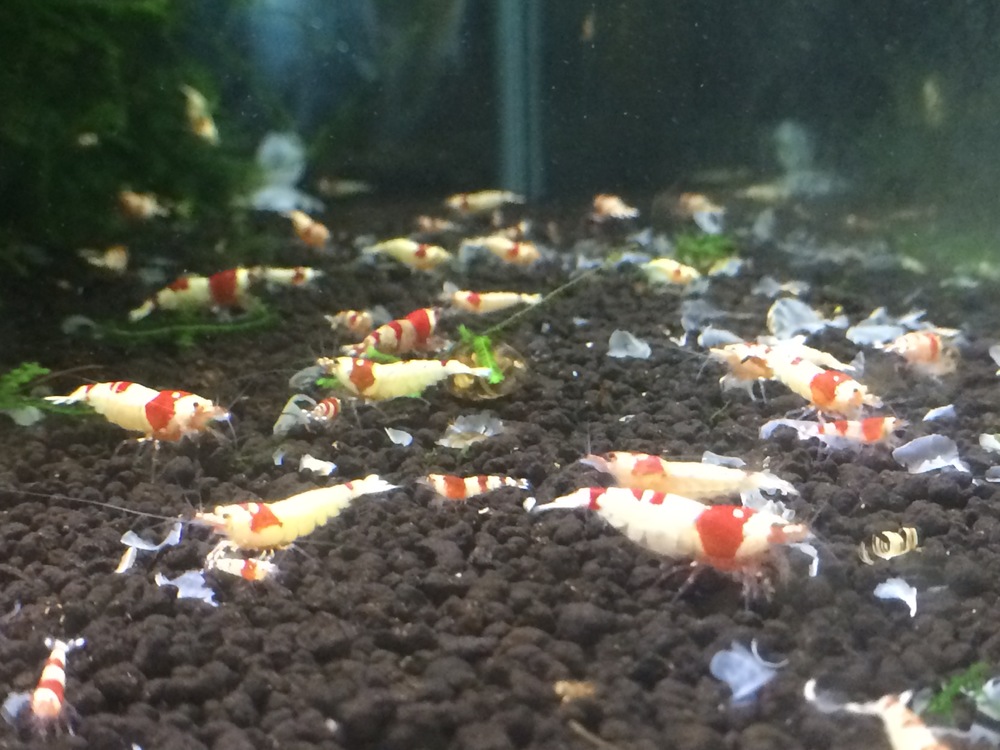
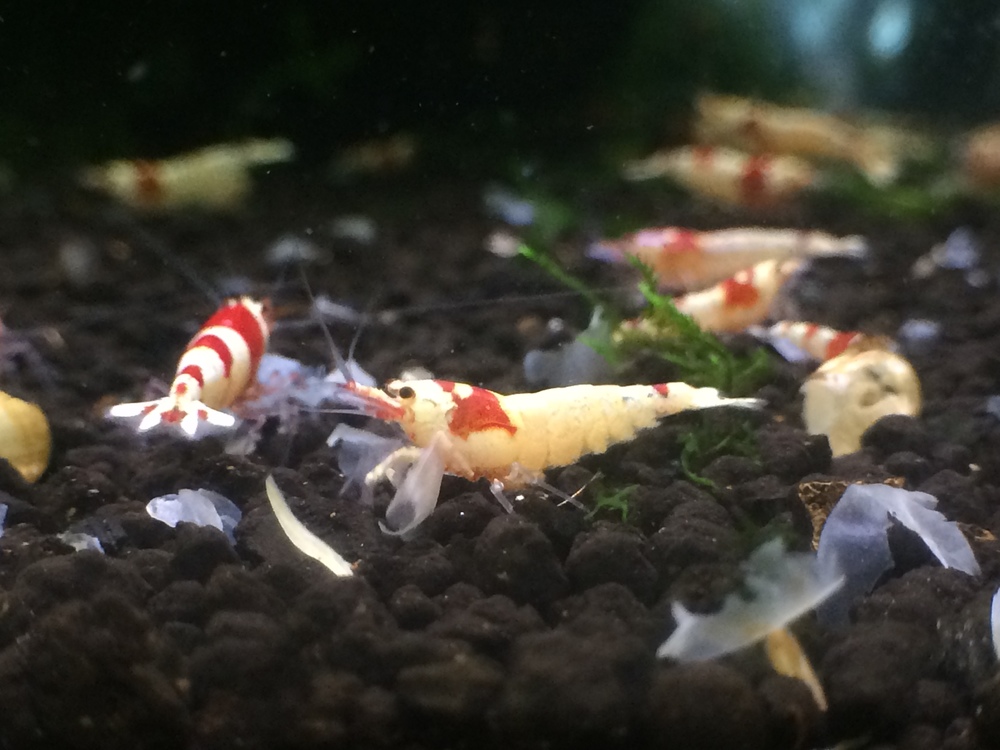
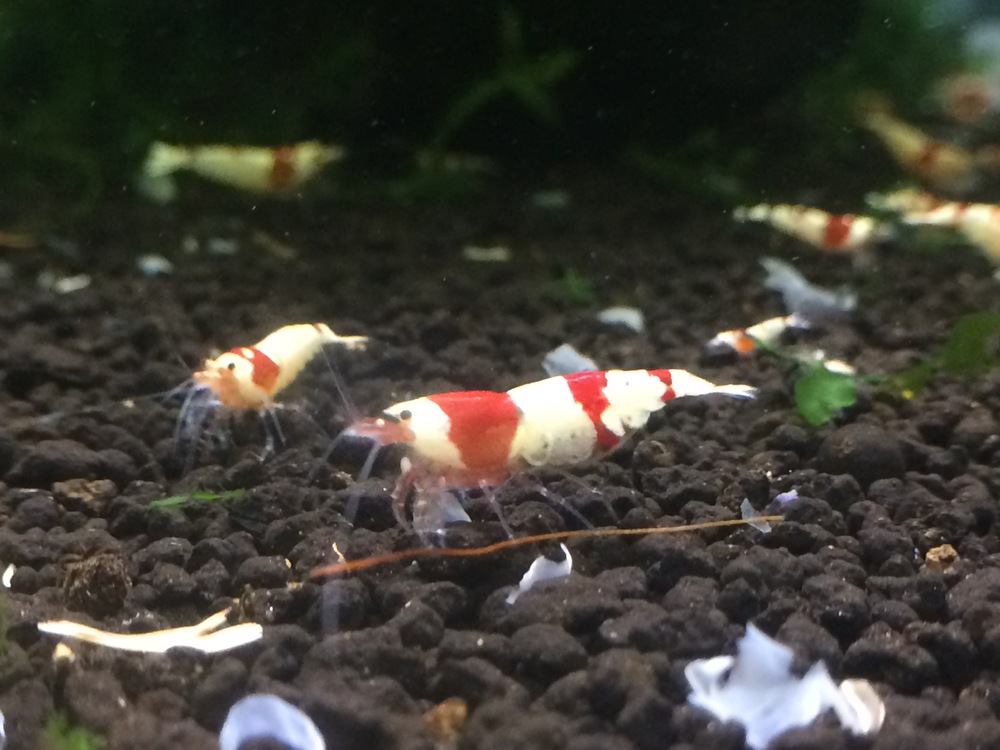
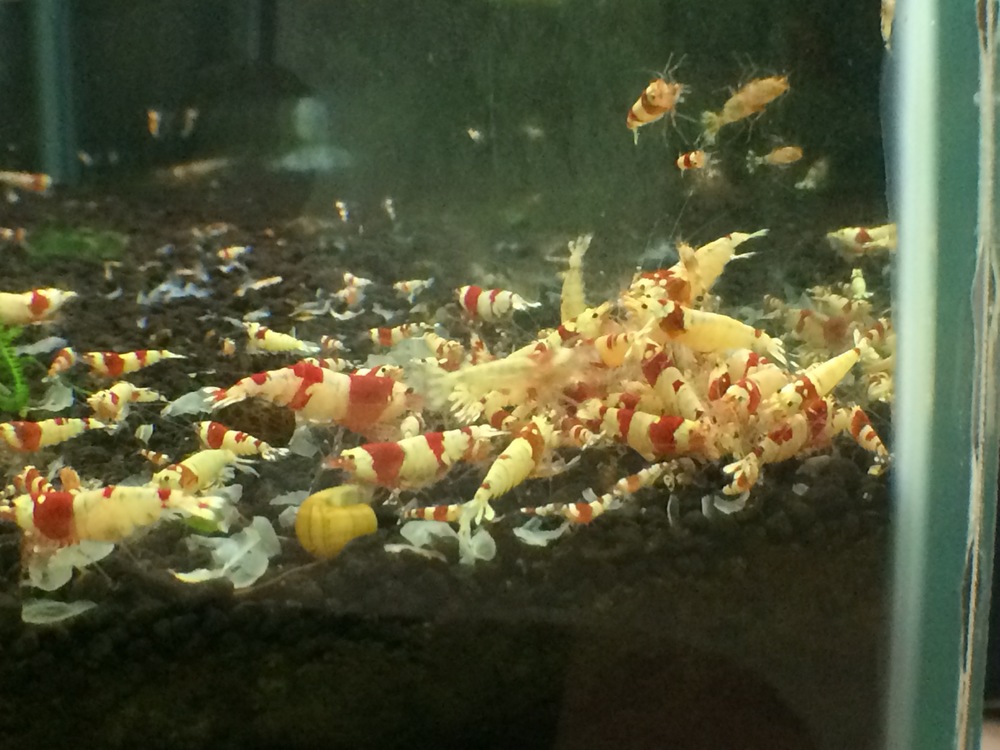
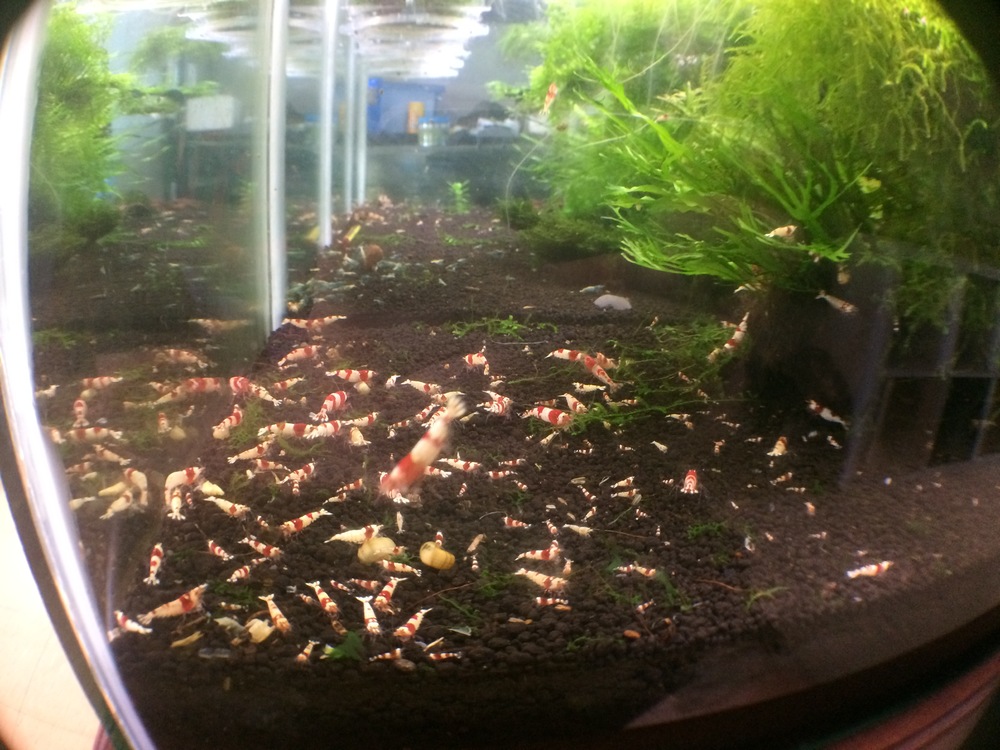
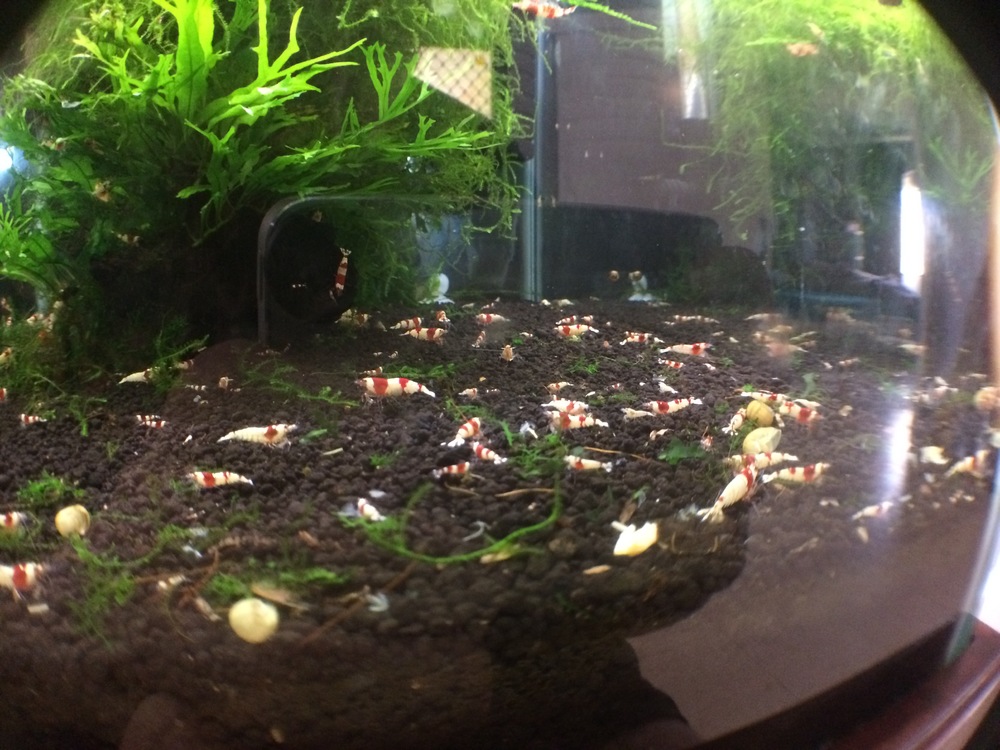
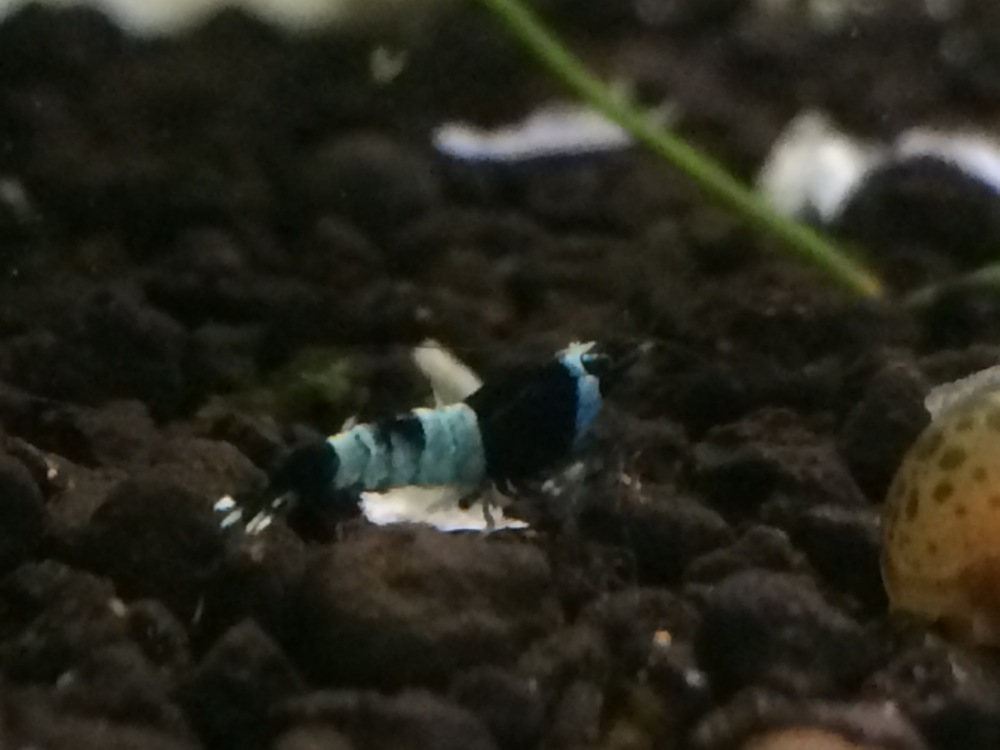
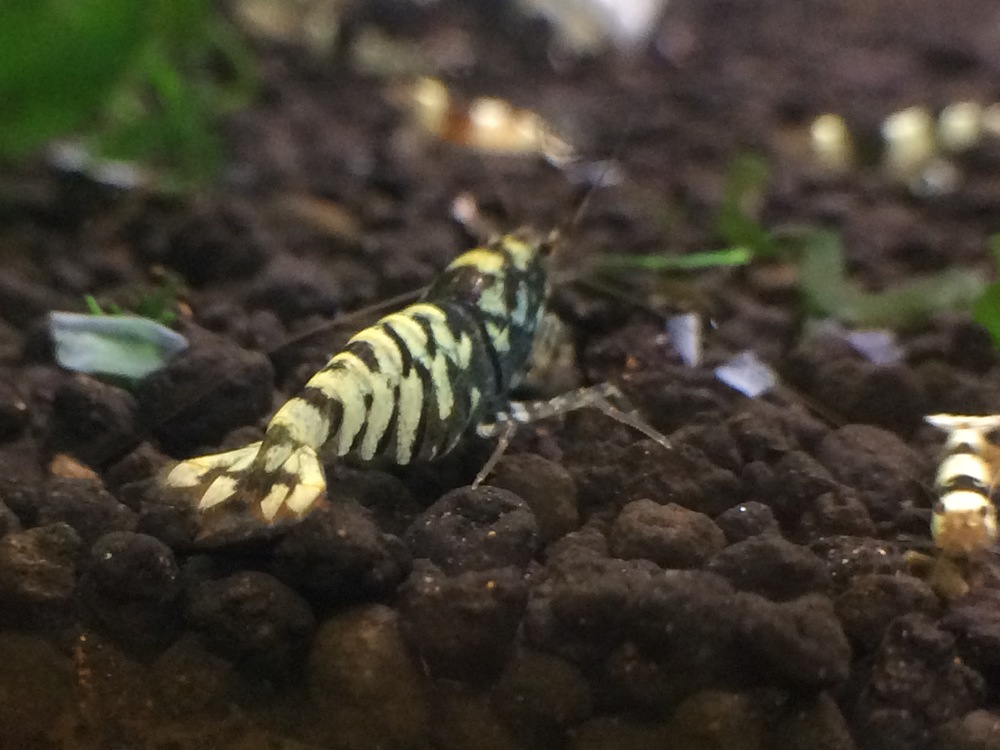
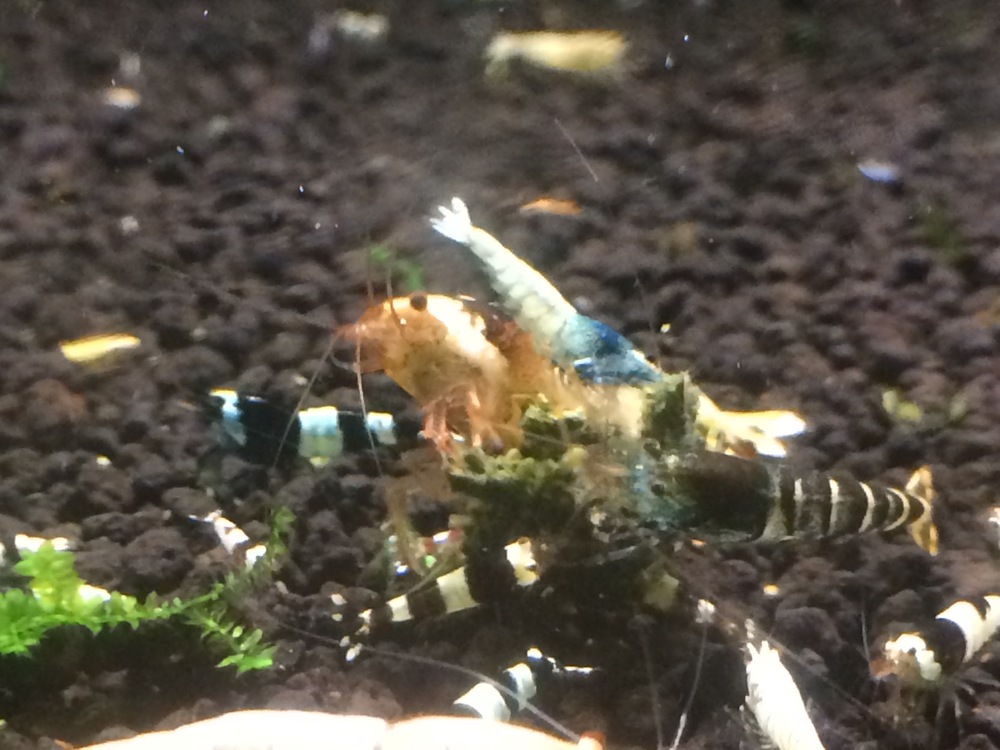
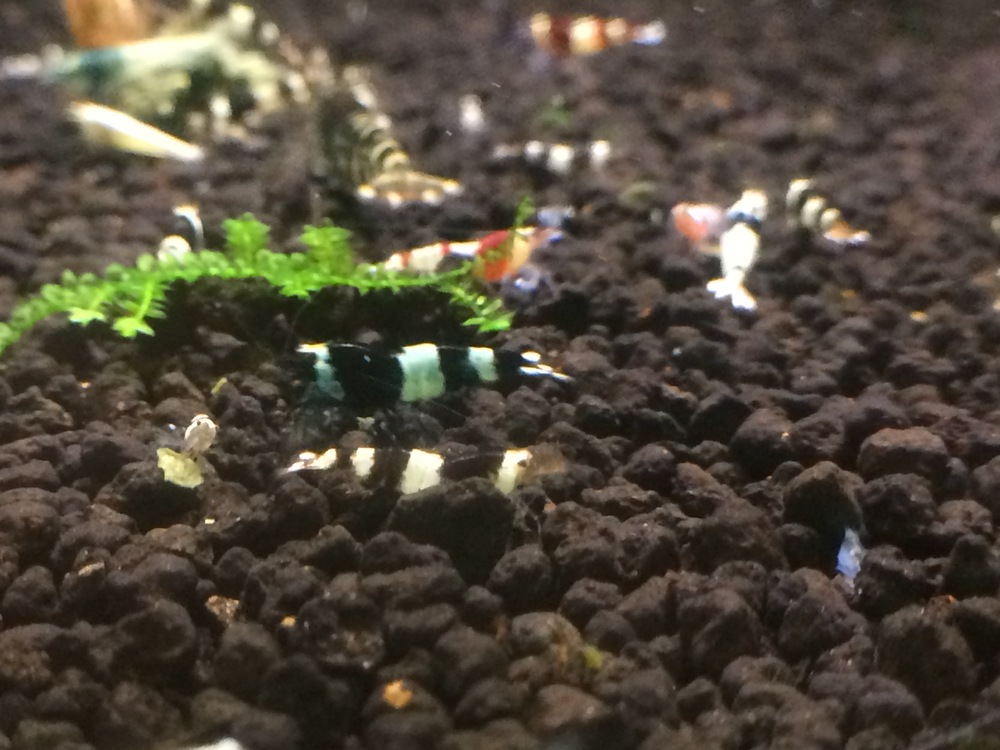
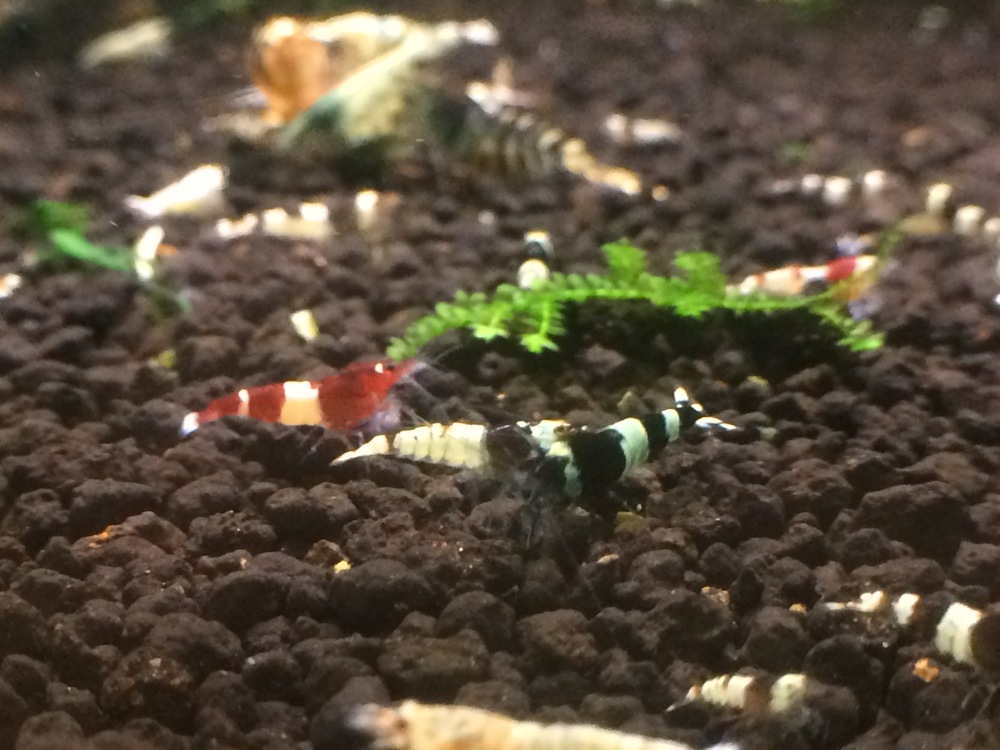
1 pointOk guys thought it was time for an update. The tank is going great guns ATM and im really happy with it so lets get it started the first section on the hit list is the BBs which are going great. I'll let the pics do the talking Next up we've got the CRS which are all for sale and will be on the marketplace later tonight hint hint nudge nudge lol they seem to be breeding quicker than i can sell them Over to the mixed tank got 6 shadow panda, 2 BBs and 7 wr just to name a few
 1 point
 -
1 point
-
1 point
-
1 pointJust an idea, what about getting a nice little package of different foods, alder cone, IAL, powders, caves, I'd be pretty impressed if my step lad gave me that.1 point