

Leaderboard
-

Jarad
Members4Points446Posts -

amgarbes
Members1Points7Posts -
revolutionhope
Members1Points1179Posts -

Zebra
Members1Points294Posts
Popular Content
Showing content with the highest reputation on 10/15/16 in Posts
-
 1 point
 -
 Tall version of the wide version we use here: This one we can use on videos we post to our YouTube account.1 point
 -
 1 pointAll worked out well in the end. No loss of life and I did three water changes over the last week. I will keep an eye on it though. I am due to clean my canister filter now anyway so hopefully I can get rid of whatever went straight into the filter.1 point
 -
 1 point
 -
1 point
-
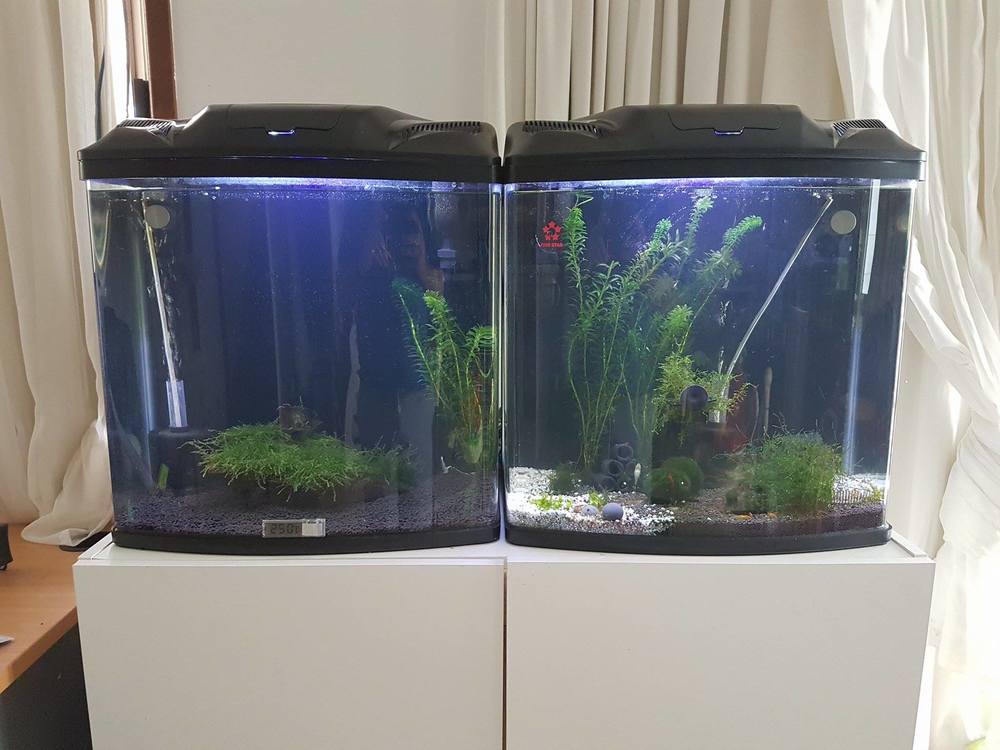
1 pointSo I have tidied up the tanks internal pluming. It looks much nicer but the flow is nowhere near as good as it was. I am expecting this to not be an issue when I get a chiller installed as convection currents will form and ensure the entire bodies of water in the tanks are turned over :)
 1 point
 -
1 point
-
1 point
-
1 point
-
1 point
-
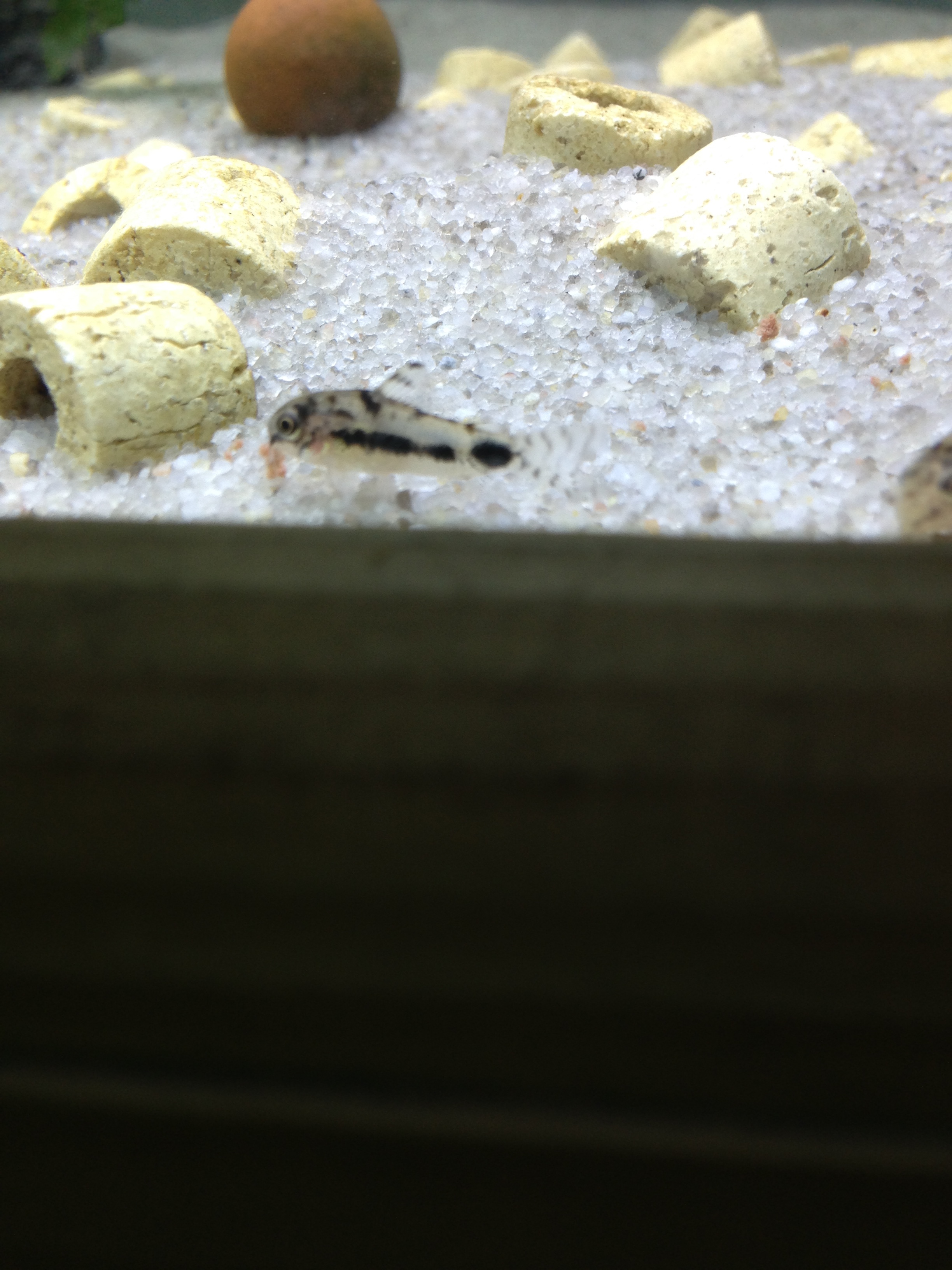
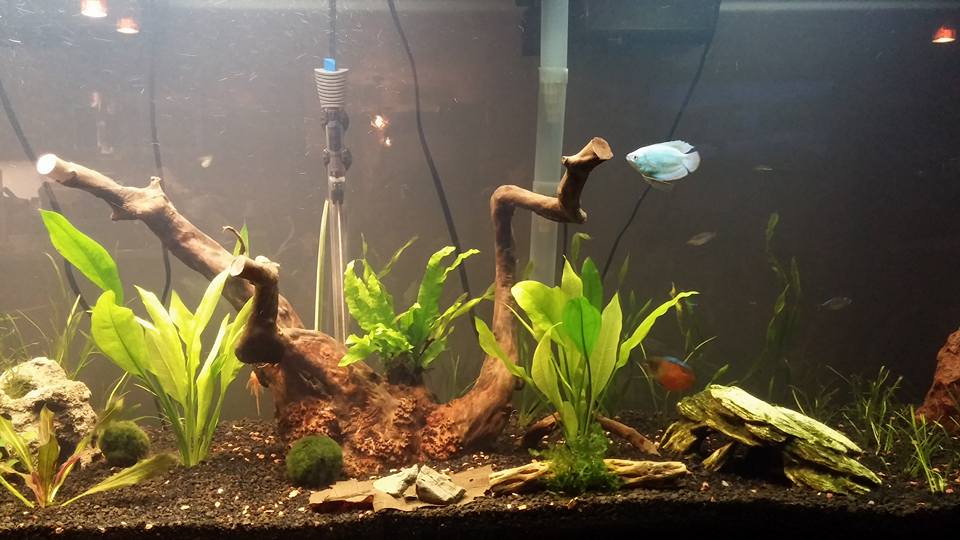
1 pointThank you. Yeah here is a picture, though it isn't much. The plants are still young and I've been working on what works best. And all of the fish seem to be on the outer edges of the tank while I was trying to take a picture of the center. haha It is a bit empty though, I only have 2 bushy, 7 cory, 2 dwarf gourami and 5 dwarf rainbow. I'll be picking up 3 or 4 more rainbow tomorrow though. Been limiting myself to a couple fish each month.
 1 point
