Leaderboard
-
Disciple
Platinum Members2Points2092Posts -

Kaylenna
Members1Points219Posts -


buck
Members1Points758Posts -

DemonCat
Members1Points203Posts
Popular Content
Showing content with the highest reputation on 09/16/16 in Posts
-
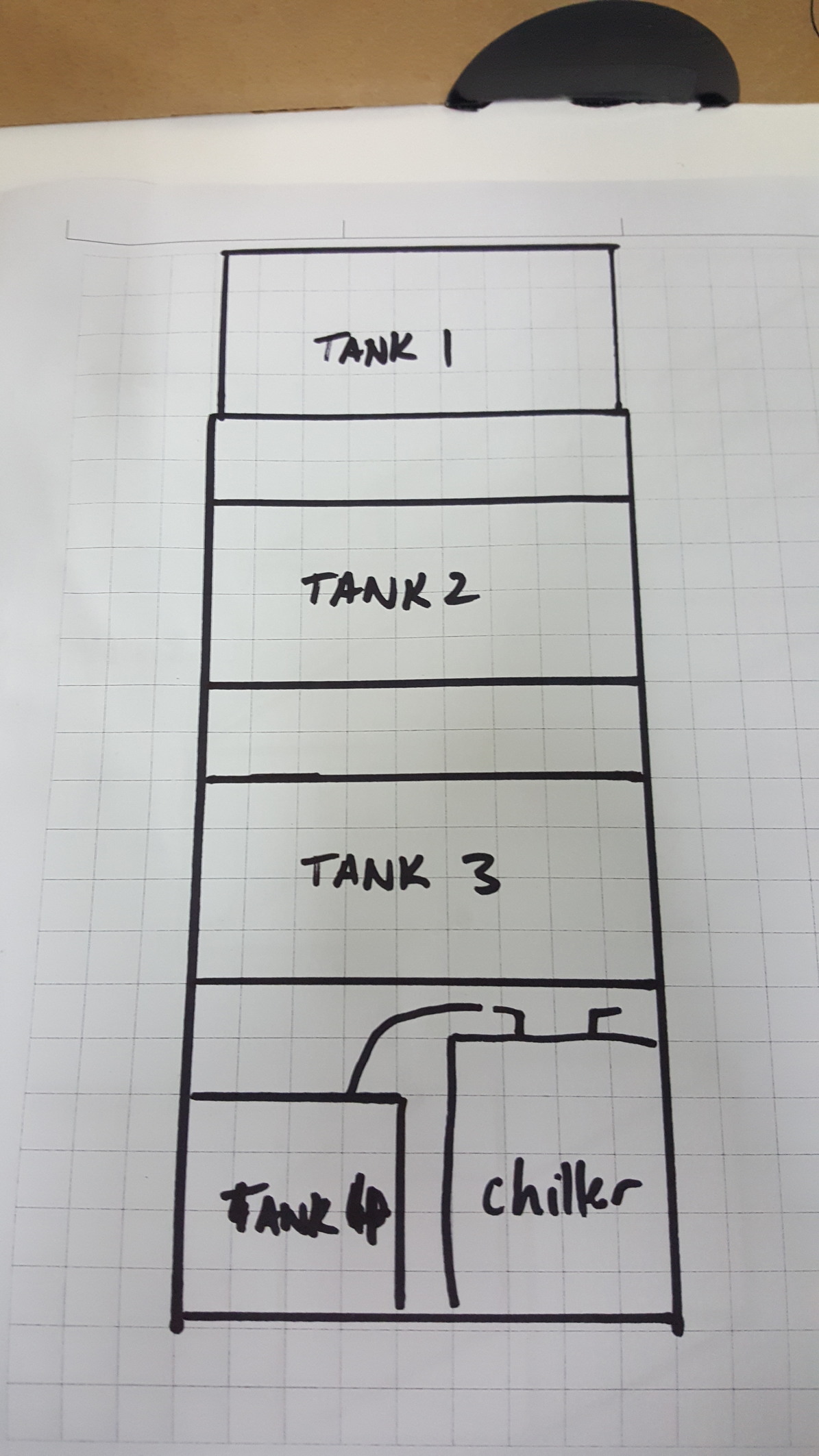
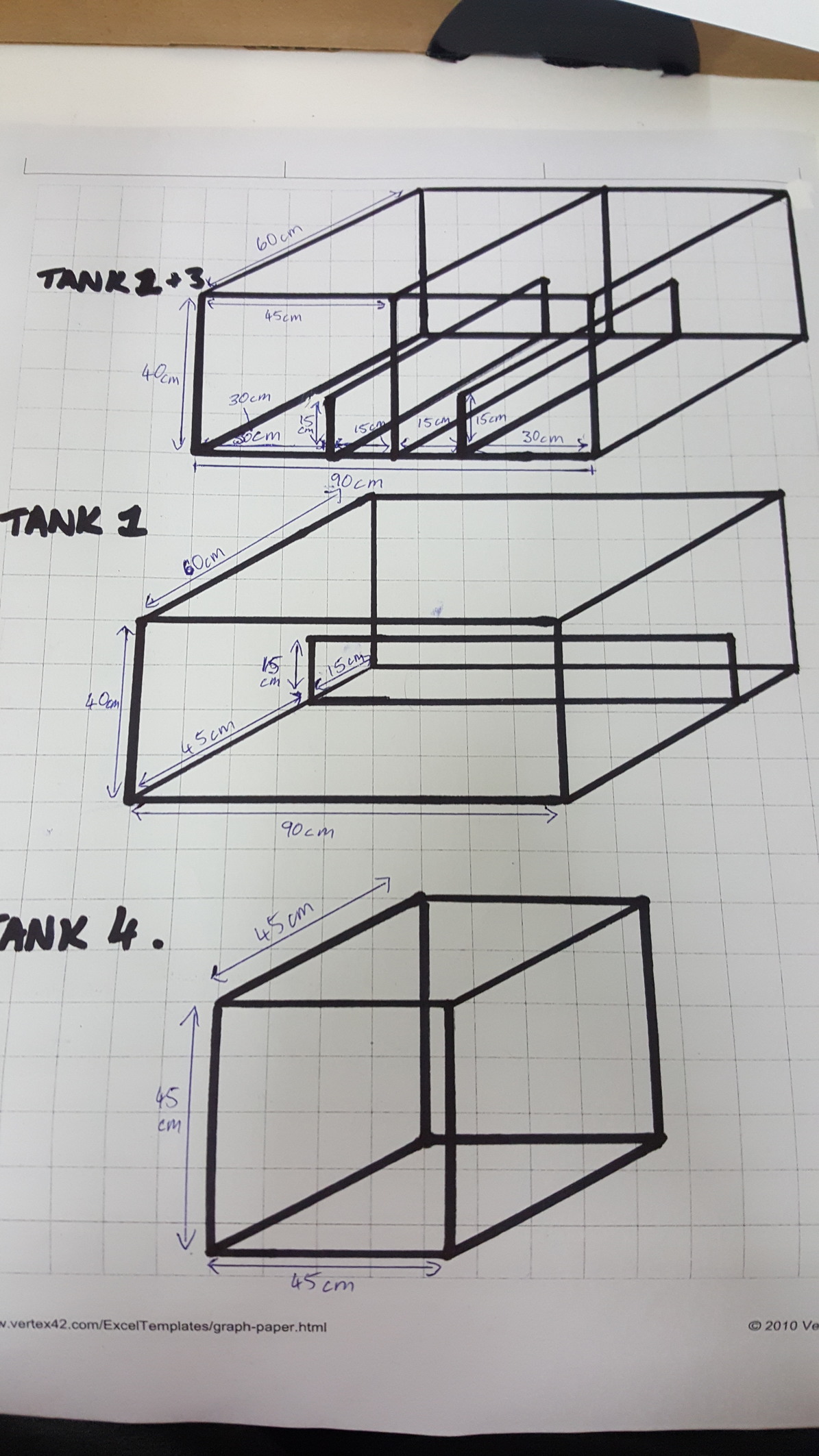
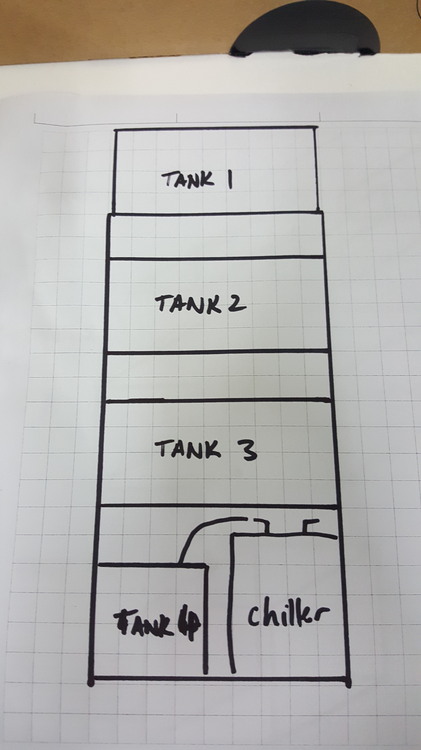
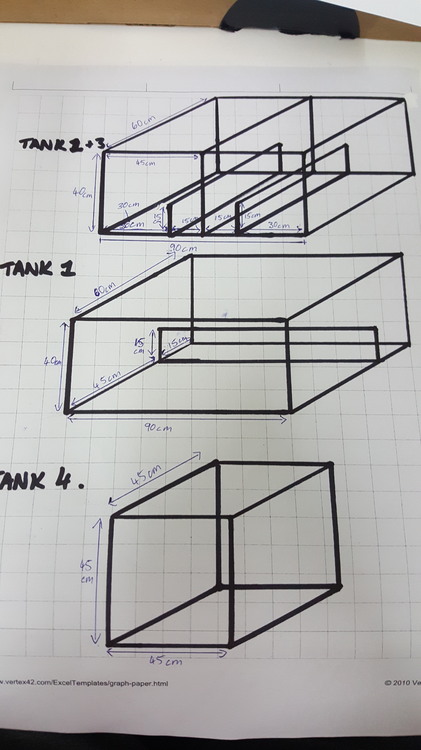
1 pointJust a teaser for my next set up. Further information will be added in future posts
 1 point
 -
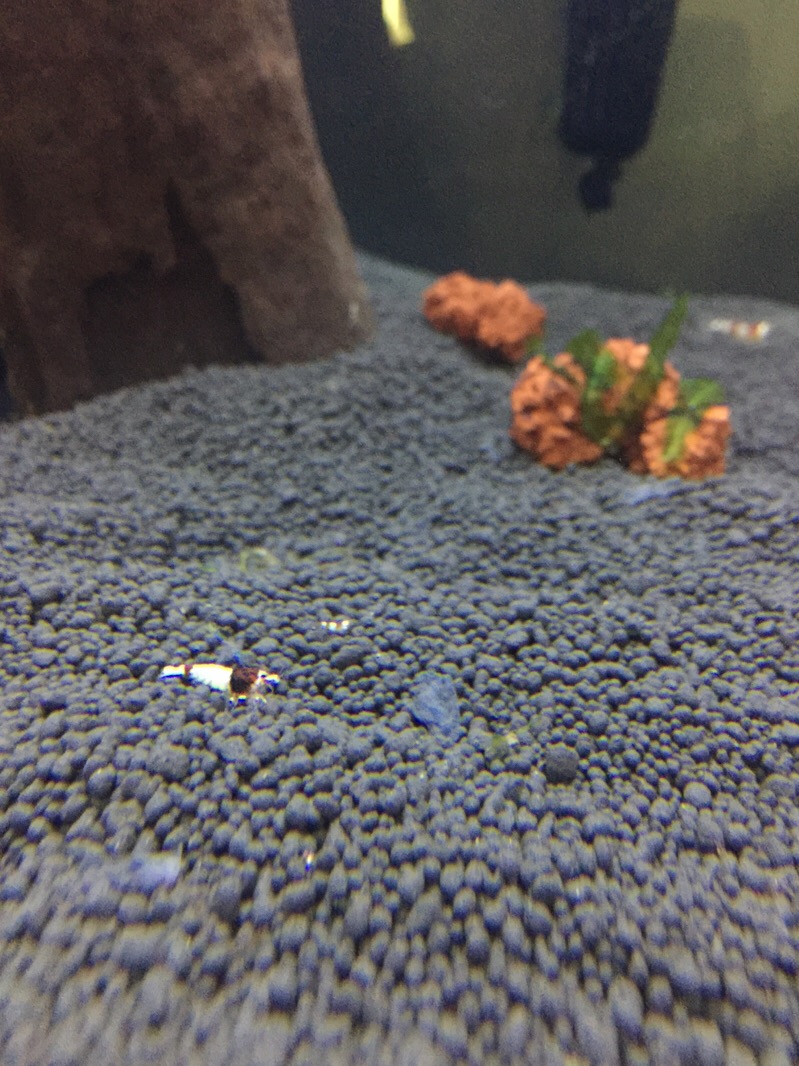
 1 pointCaught this little guy/girl doing some weird ritual with grains of sand. Anyone ever seen this before? Sent from my SM-G925W8 using Tapatalk1 point
 -
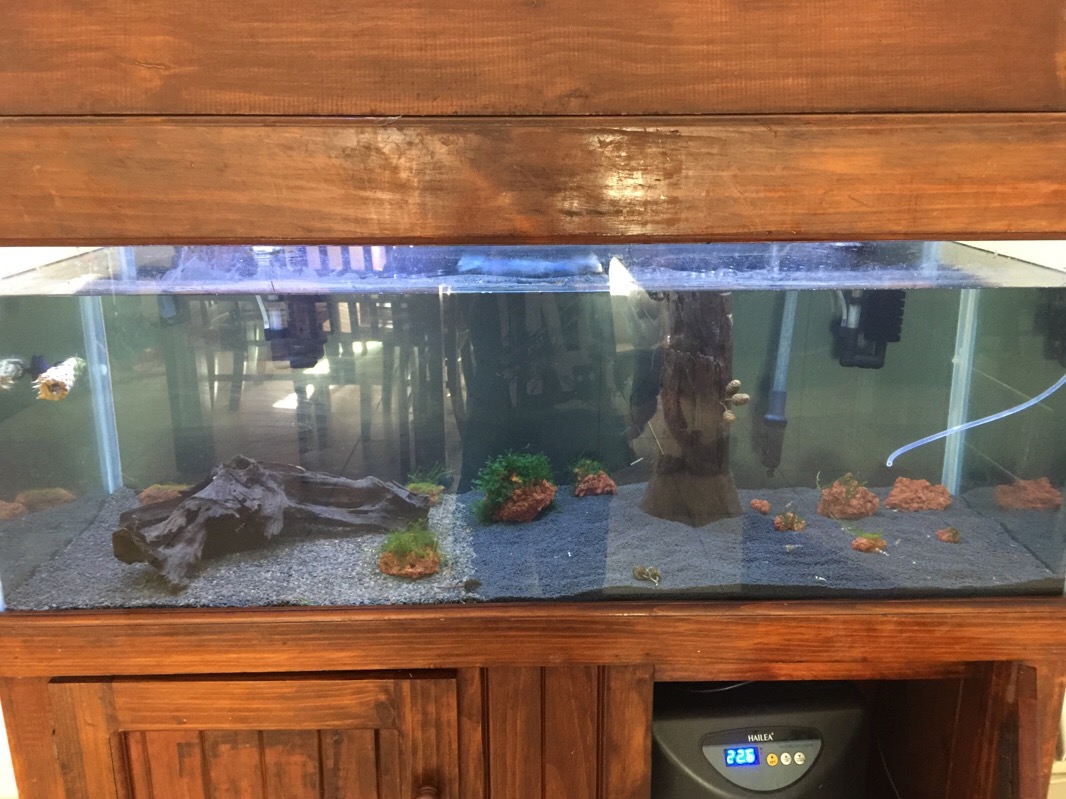
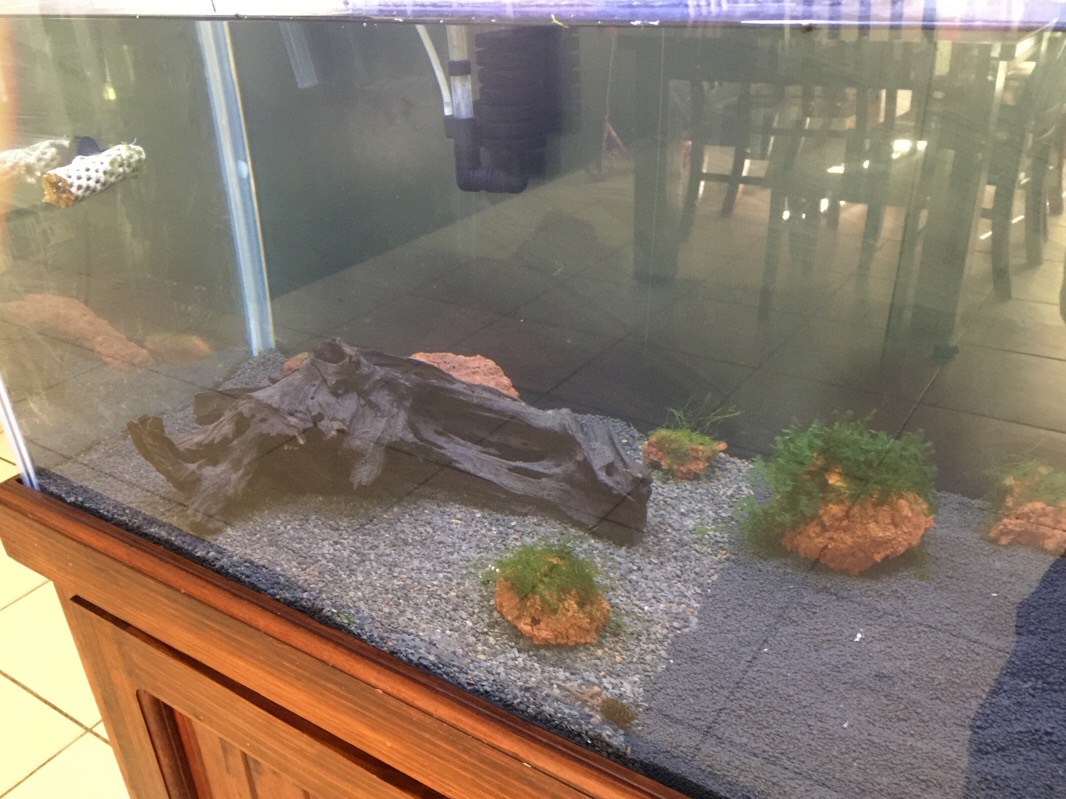
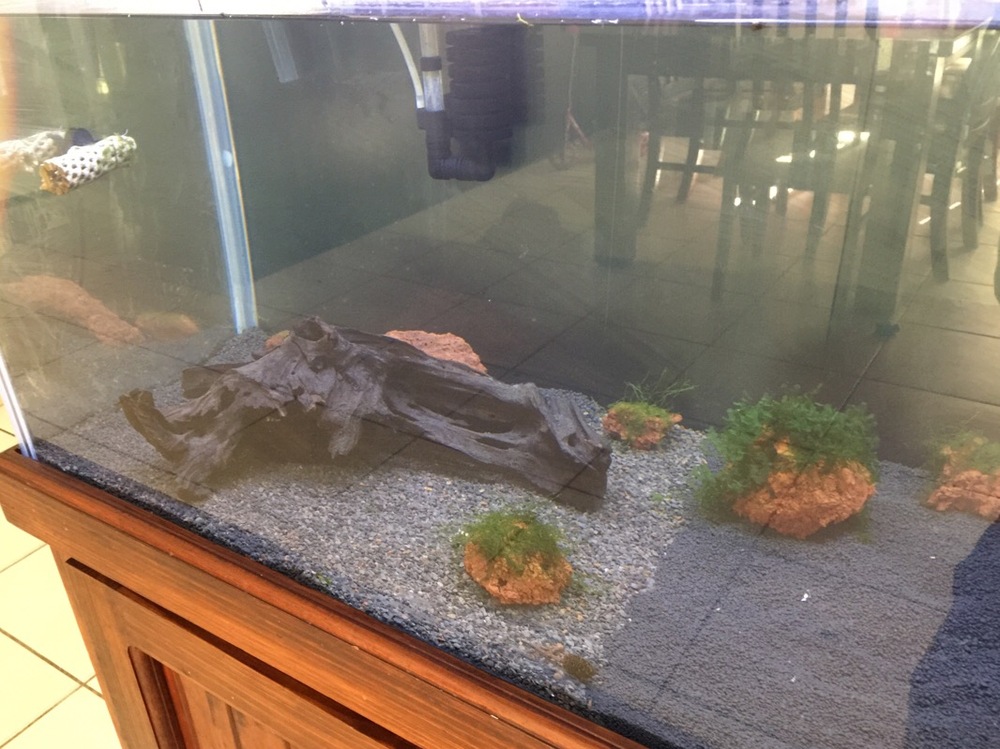
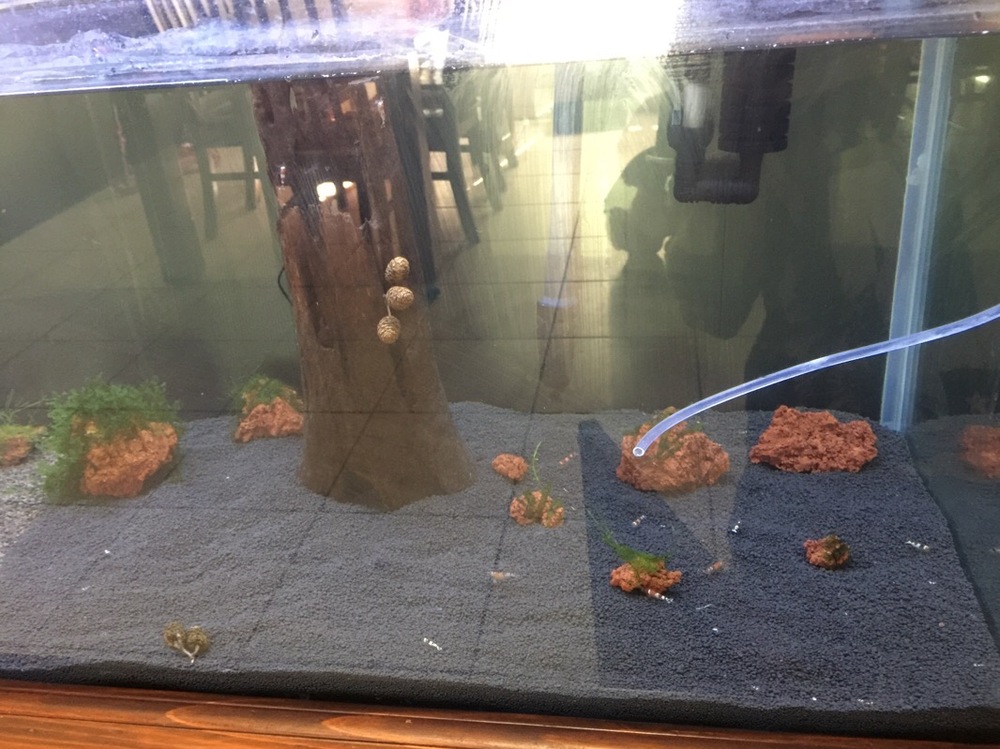
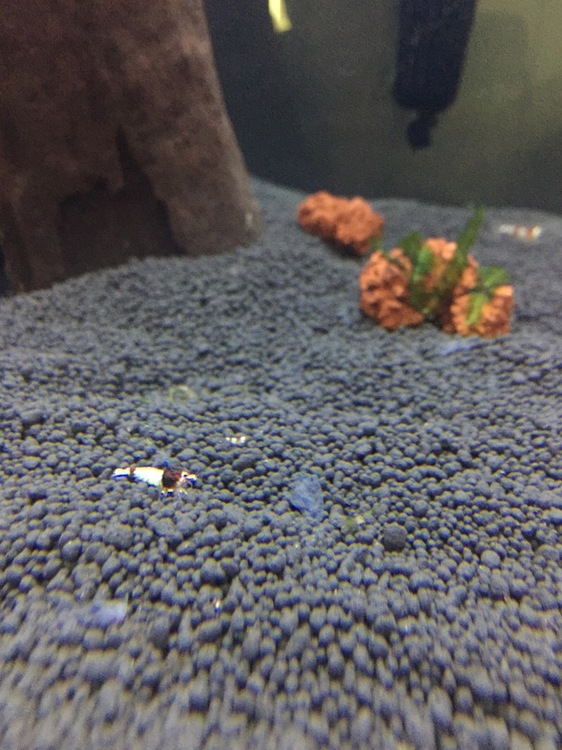
 1 pointHere is some pics of my newly set up tank enjoy and let me know what you guys think.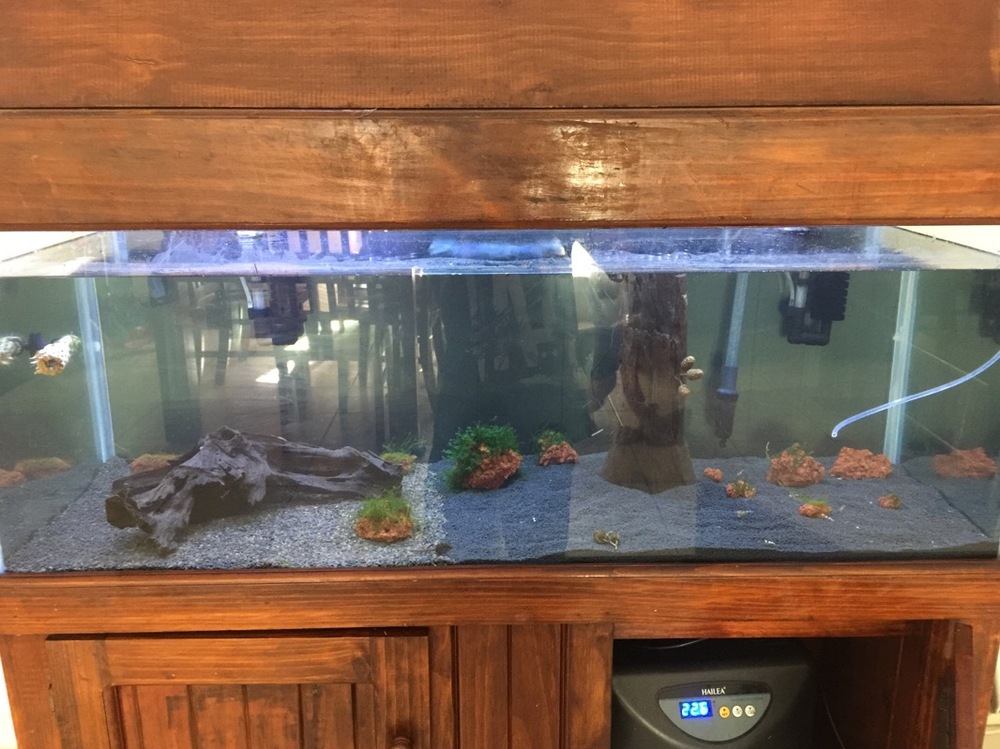
 1 point
 -
1 point
-
 1 point
 -
1 pointHad a bit of help to test, regig, reset everything. The black out really helped! The professional clean has made it look as good as new!1 point
-
1 point"A Pinto is a colour variation and type of Taitibee. " I think the second is a subset of the first, rather than a completely different category.1 point
-