Leaderboard
-

serendi
New Member2Points2Posts -


NoGi
HOF Member2Points5858Posts -
Damien
Members1Points39Posts -
fishmosy
Members1Points4594Posts
Popular Content
Showing content with the highest reputation on 08/03/16 in Posts
-
It's a hard limit I put on to cover development costs on things in the register that I can't do myself, so not one thing specifically but all the items in http://shrimpkeepersforum.com/forum/feature-plan/. For example, things like the watermark feature that puts your username on images uploaded to the gallery was something I had to pay to get developed. There is always something to get developed 8-)2 points
-
2 pointsHi everyone I'm new to shrimpkeeping and don't have much experience with aquariums in general. I just started keeping shrimp with Sakura red cherry shrimp a few months ago. They are a delight. I'm limited in tank space at the moment, but I would love to keep other Neocaridina shrimp in the future, and orange eye blue tigers have caught my eye as well. I'll be lurking and learning around here.2 points
-
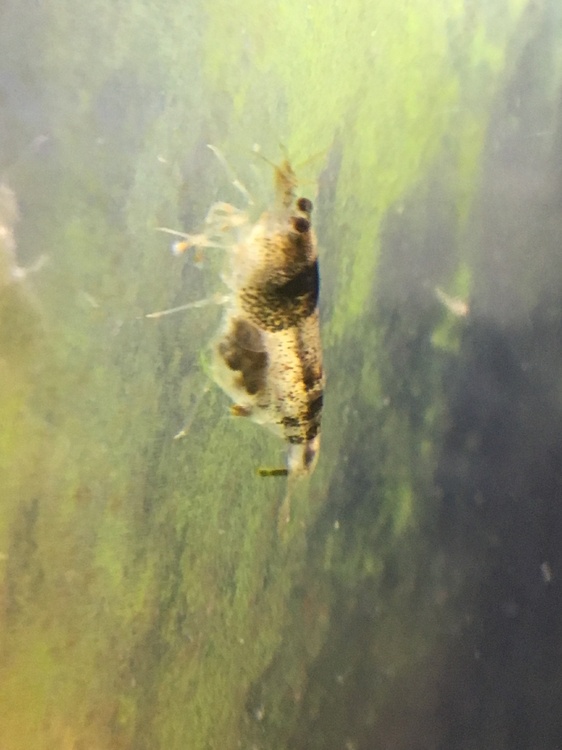
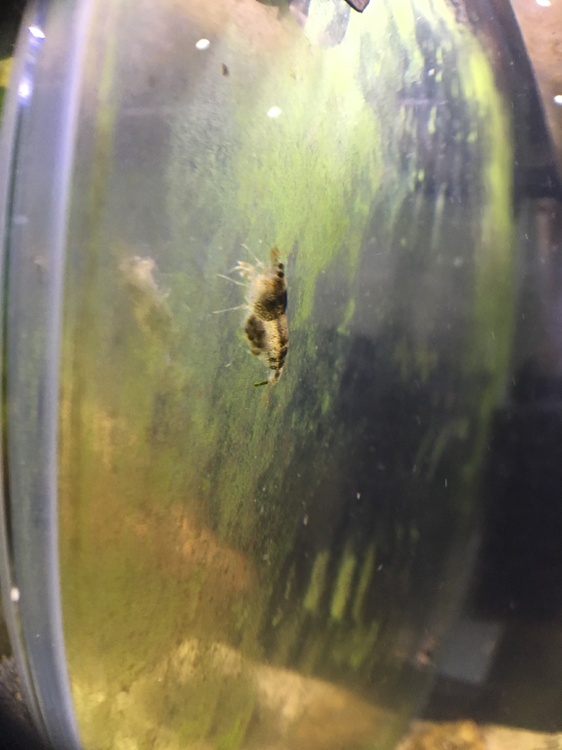
Some updates for this tank: - I added some extra adults to the colony in late June. Also added some moss collected from the natural habitat in June. The new adults have settled in well and the colony is looking great. Perhaps the colony needed higher numbers to encourage breeding? - Newly hatched zebs spotted in late July - today I spotted a newly berried female
 1 point
 -
Thank you for that article, learned a lot :)1 point
-
 The zucchini piece is probably just too big then. It's sitting in the tank too long without being eaten. Just remove the uneaten piece when it grows the fuzz.1 point