

Leaderboard
-

newbreed
Members1Points3152Posts
Popular Content
Showing content with the highest reputation on 06/03/16 in Articles
-
1 point
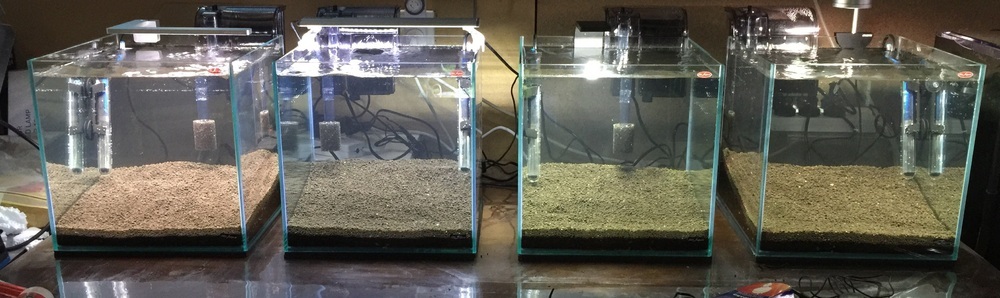 So I had the opportunity Friday to setup some new 30cm cubes, which will be used for guppies (maybe shrimp later on!) I then decided it would be great to run a side by side comparison of the lights we sell online. All tanks have same heaters, filters and substrate (shirakura red bee sand). Left to Right: Aqualighter Nano Aqualighter Pico Up Aqua Y series 18cm ATLEDTiS E6 Left to Right: Flexi Mini Aqualighter Nano Up Aqua Y series 18cm ATLEDTiS E6 Left to Right: Flexi Mini Up Aqua ProZ 30cm Up Aqua Y series 18cm Up Aqua Y seties 25cm Left to Right: Flexi Mini Up Aqua ProZ 30cm Aqualighter Nano ATLEDTiS E6 Very surprised by the blue content in the Y series lights, though these still work well wih mosses and low light plants. Really Pleased with the ATLEDTiS E6 as it probably hd the most natural colour. I knew the Flexi minis were bright, and this is the original version, but when directly compared it outshines all. The ProZ has a nice even white colour to it as expected. Not a very scientific study, but amazing to see the side by side comparison. Hope it helps with any future plans for smaller tank setups. Will definitely give me a better base for recommendations in the future. Also have planted some tissue culture plants in each tank, again same plants across all tanks, so will be fun to watch the growth rates of each. As all other factors are the same, light will be the ultimate factor to growth.1 point