

Leaderboard
-

jayc
Moderators3Points6248Posts -
FMuscle
Members1Points134Posts -

Meep
New Member1Points2Posts
Popular Content
Showing content with the highest reputation on 12/29/15 in Posts
-
1 pointCool ! A New Years project for you. Post up the finish product. If it's glued in, you can cut it off with a saw and just re-drill the hole.1 point
-
1 pointWhat would make it better, is if it could hold the test tube the other way too. Like when you are testing ammonia, and need to leave it for 5 minutes, the rack can hold the test tube. I wonder if you can pull out one row of dowels, and fit the test tube into those holes. If not re-drill the holes slightly bigger to fit the tubes.1 point
-
1 pointAwesome. Just a note though, in my experience the number of spines on the rostrum varies far more than what has been suggested.1 point
-
Turps is an oil based product. You'd have to use detergent. Rinse, then maybe clean it twice. Then make sure you have removed as much of the detergent as possible. Rinse, rinse again, and then maybe one more time. Sorry, I'm not much help. I don't get turps on an aquarium very often. But I use it to clean paint brushes, some times, and lots of detergent works.1 point
-
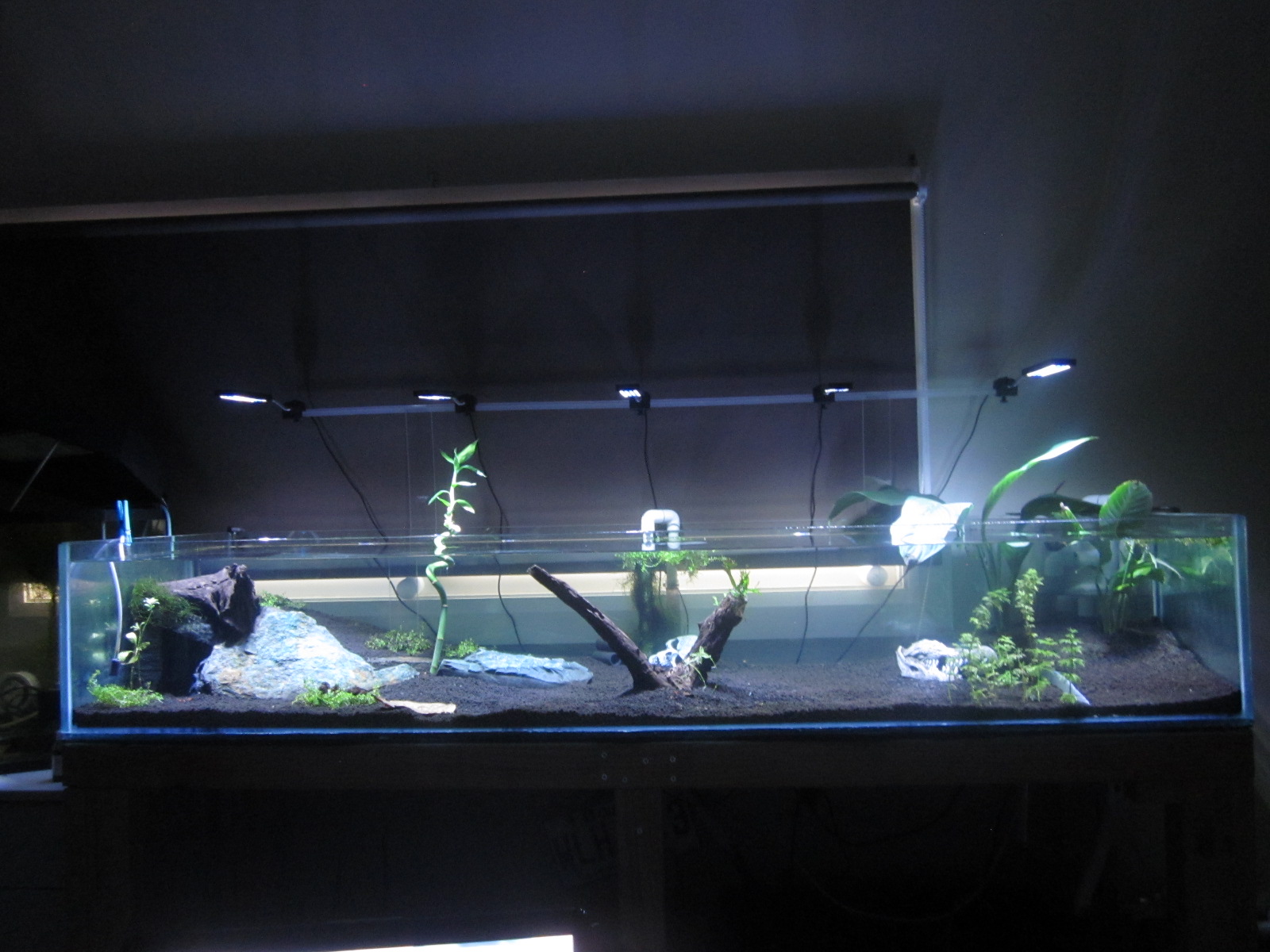
Thanks @jayc, it looks even better now: That. Was. A. Nightmare. Try to slide a 6ft piece of MDF into a 6ft stand when you have only 8ft by 4 ft working space... But it does looks so good now!1 point