Leaderboard
-
inverted
Members1Points605Posts -

newbreed
Members1Points3152Posts -

northboy
Members1Points1978Posts -

Squiggle
Members1Points10433Posts
Popular Content
Showing content with the highest reputation on 06/30/15 in Posts
-
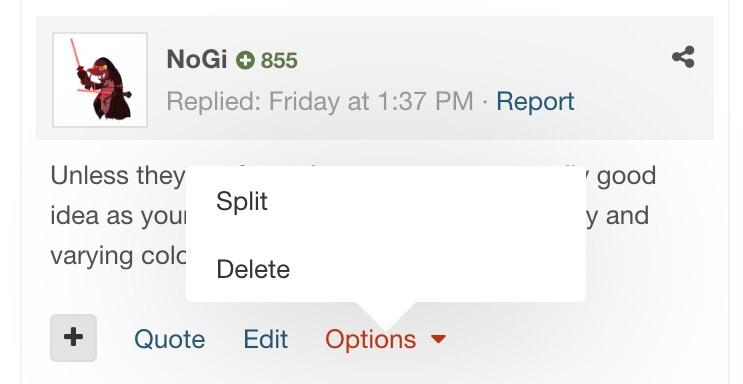
 1 pointOk so treat them as conversations. To delete the entire conversation you simply leave it. To delete only a part of the conversation, delete just that part via options. Just test it on a thread you definitely don't want first. Once deleted it's gone for good.
 1 point
 -
1 pointSo sorry to have sniped the auction. They are the base to so many of the amazing variations bred overseas at the moment I just HAVE to have more of them. I have had a pair going for a few months and they don't stop breeding and are almost indestructible. I am sure Sam will look after you on pricing to. Be sure to let him know you are on SKF too if you haven't already, he used to be active on here.1 point
-
1 pointI've have the good fortune to see these in person & they are every bit as fantastic as the pics. Keep up the good work dude!1 point
-
1 pointI don't have any.....but they apparently breed like cherries. I don't see the attraction personally(probs good Jamie outbid you?) They look like sunkist with spots and are obviously the base to breed yellow kk (which look like yellow cherries) but that's just my opinion?1 point
-