Leaderboard
-
Matuva
Members2Points473Posts -

OzShrimp
Members2Points4102Posts -

lnox
Members1Points5Posts -
Grubs
Members1Points279Posts
Popular Content
Showing content with the highest reputation on 06/25/15 in Posts
-
2 pointsYes, a very big thank! He did his best to allow me to have now some australian typus, riffle and zebra in one of my tank Those little critters are awesome! Again, thanks a million!2 points
-
 Go on then Bob. Have you been climbing the pyramid like you said? Hmmmm? You need to do it to keep up with me. After all, you can't let me catch ALL the crayfish and you get NONE.1 point
 -
 At last a Woman that under stands how deadly MAN flu is, thanks Ineke. Of course even though it was weeks ago I am going blame Ben for it LOL1 point
 -
Hey Guys, i feel warm and welcome to this forum, the information on here has been really helpful. its my first time keeping shrimps but not the first time having an aquarium :)1 point
-
Thats brilliant fellas. I love the idea that new species can still be found.1 point
-
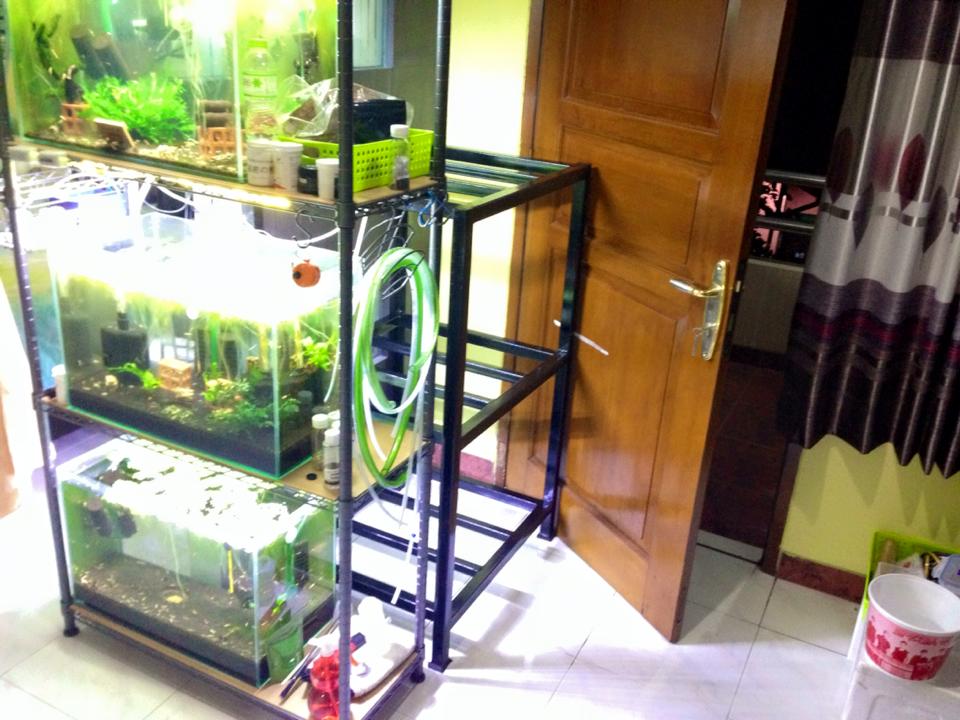
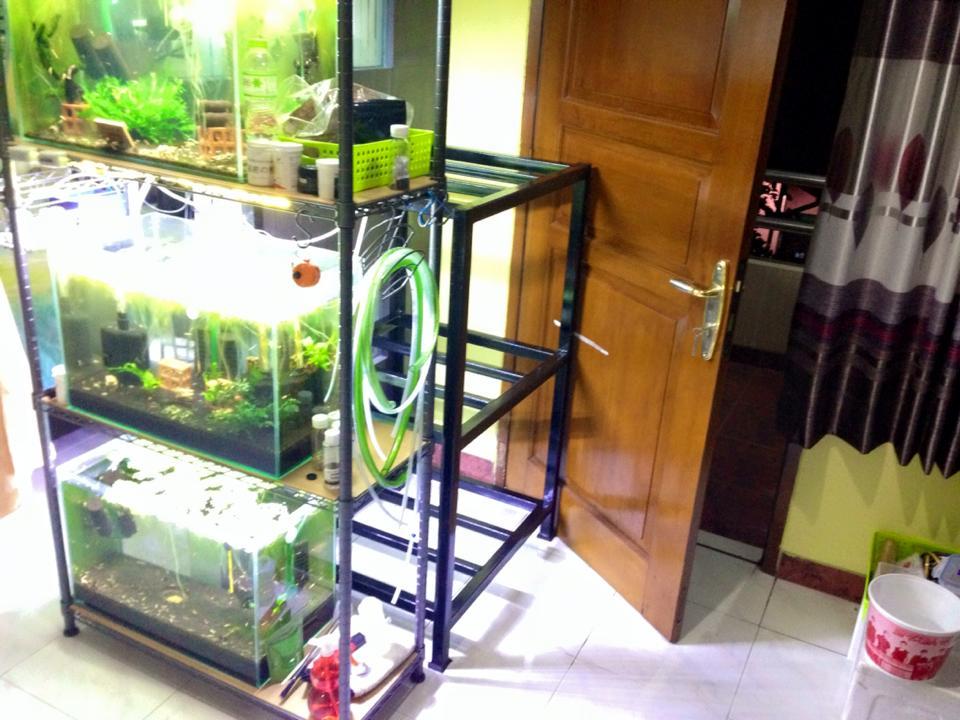
 1 pointi will add new shrimp rack, but the new rack obstruct the doorway to balcony :( change 3 pinto project tank into 1 pinto tank (already got 20-30 pinto shrimplet i think it's enough... unfortunately all shrimplets are blakc color, i still cannot confirm the 3-5 red one,red taitibe or red pinto... change 2 pinto project tank into 2 prl tank add 1 more tank for white bee shrimp tank and 2 tank for taiwan bee total 6 tanks from previously 3 tanks
 1 point