Leaderboard
-
lodo
Members1Points188Posts -
Shrimpy Daddy
Premium Members1Points388Posts -
LarsP
Members1Points14Posts
Popular Content
Showing content with the highest reputation on 04/06/15 in Posts
-
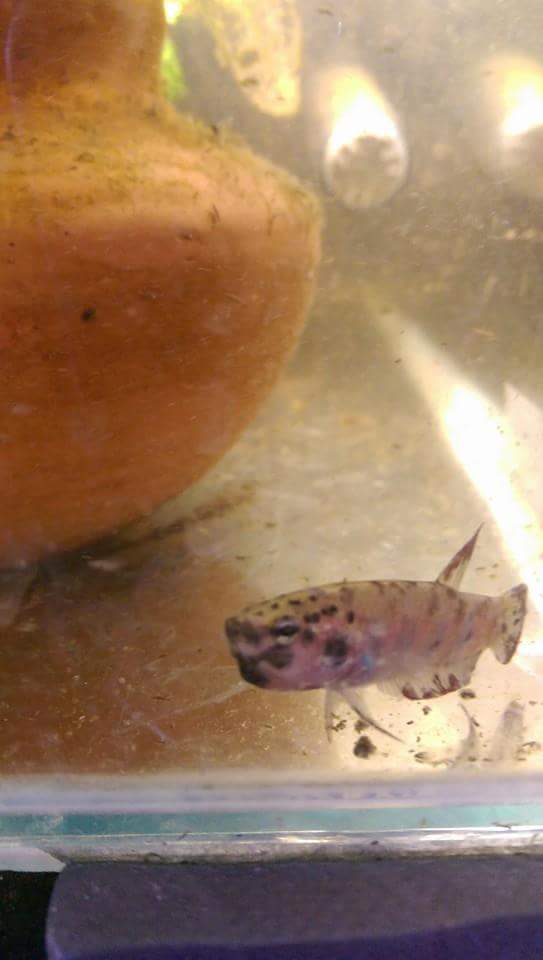
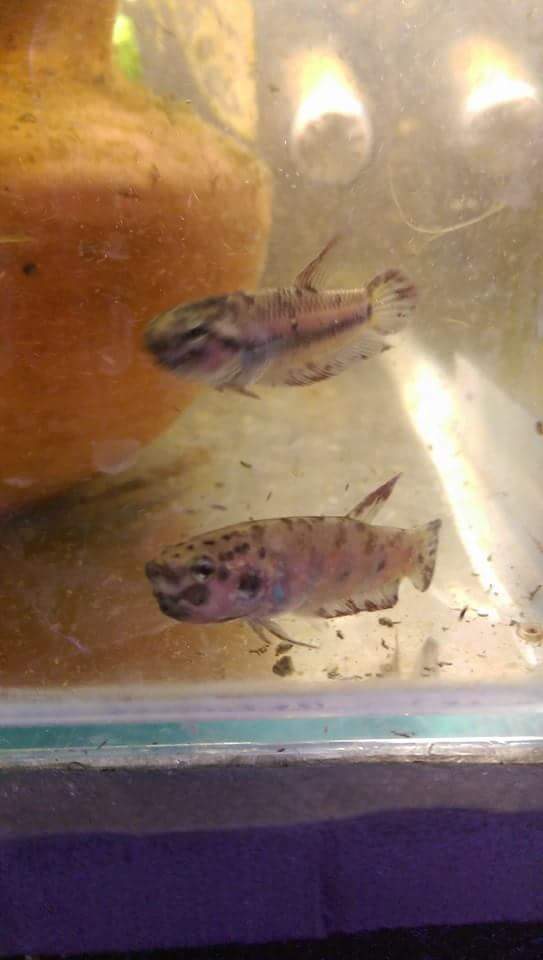
1 pointIt's been long time ago that I showed you my first PRL. Meanwhile, they are divided into four Tanks. The offspring grows . Greeting Lars1 point
-
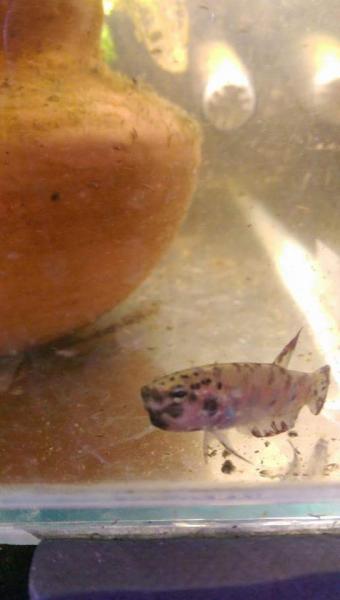
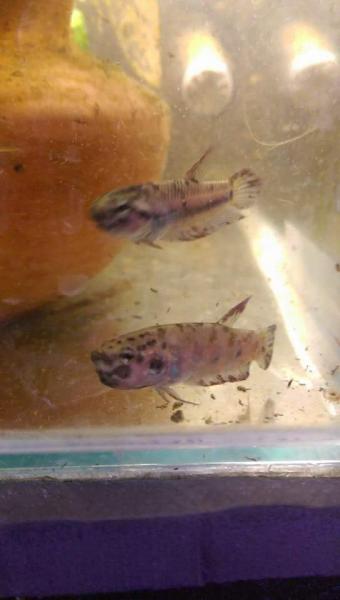
1 pointSo our rubra aceh besar (red rubra) have been getting a bit frisky. boys got a nice mouthful. Hopefully he keeps it up and we see some young ones in the coming weeks
 1 point
 -
As long as you rest your flash on the clip, it should be fine. My flash went "swimming" once, not sure you remember. If that happens, quickly remove all the battery and shake out all the water. Flip the flash straight, pull out the diffuser and let the camera dry by placing it standing up with the hotshoe connector face up.1 point