Skip to content
View in the app

A better way to browse. Learn more.

Shrimp Keepers Forum

A full-screen app on your home screen with push notifications, badges and more.

To install this app on iOS and iPadOS
  1. Tap the Share icon in Safari
  2. Scroll the menu and tap Add to Home Screen.
  3. Tap Add in the top-right corner.
To install this app on Android
  1. Tap the 3-dot menu (⋮) in the top-right corner of the browser.
  2. Tap Add to Home screen or Install app.
  3. Confirm by tapping Install.

Leaderboard

  1. JayShrimp

    JayShrimp

    Members
    4
    Points
    57
    Posts
  2. Gbang

    Gbang

    Premium Members
    4
    Points
    1708
    Posts
  3. ineke

    ineke

    HOF Member
    2
    Points
    9026
    Posts
  4. The Tech Den

    The Tech Den

    Members
    1
    Points
    241
    Posts

Popular Content

Showing content with the highest reputation on 09/19/14 in Posts

  1. Gbang
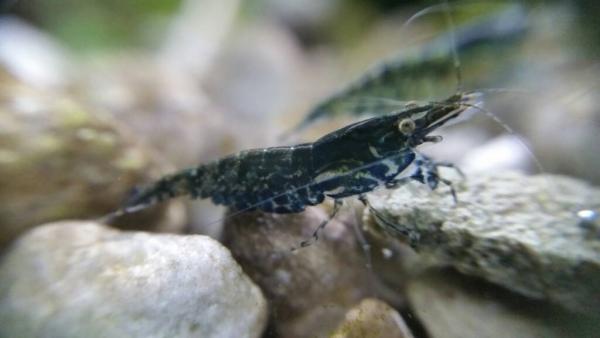
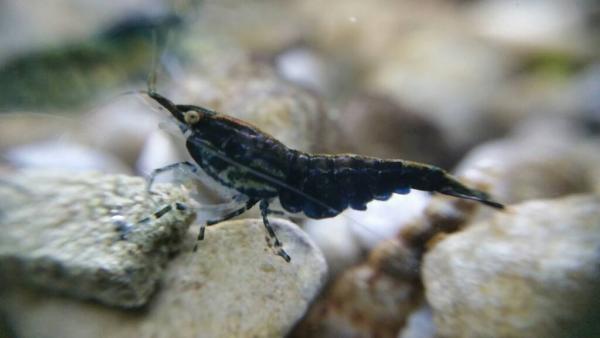
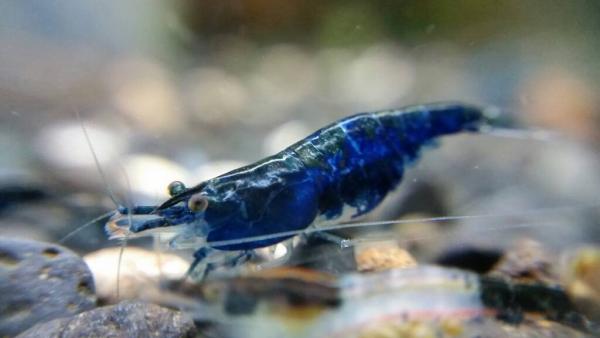
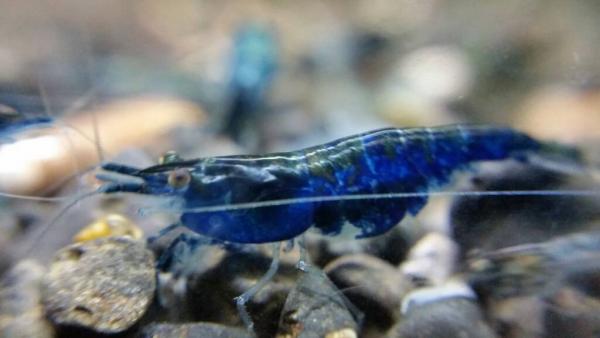
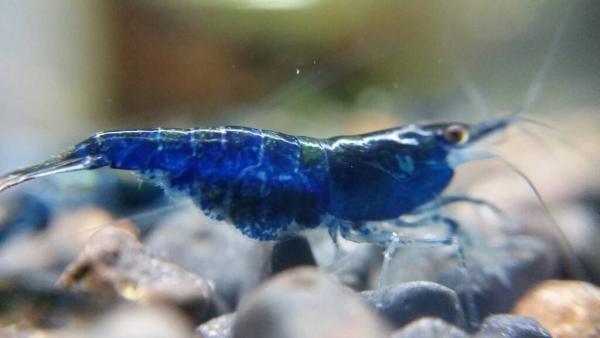
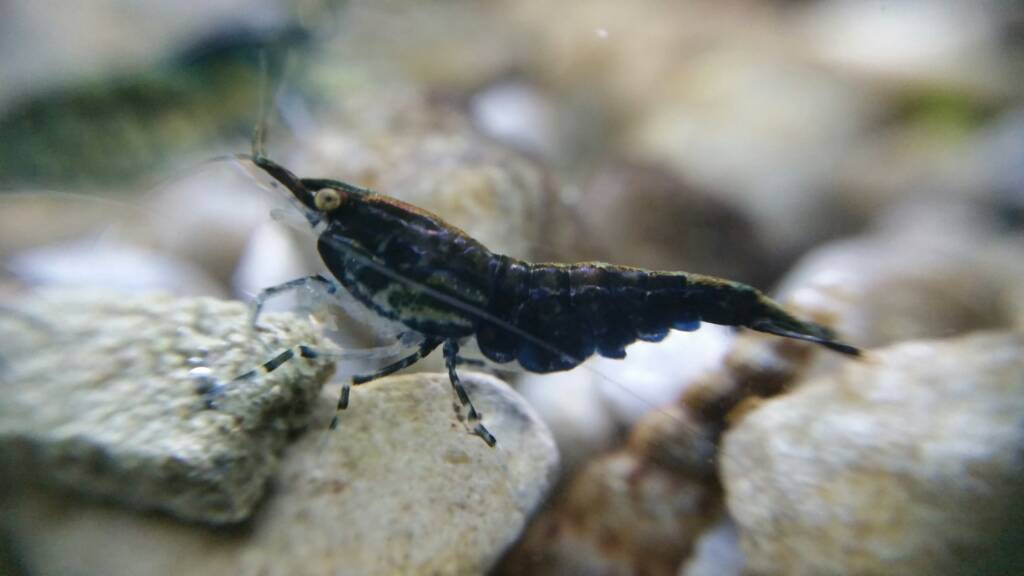
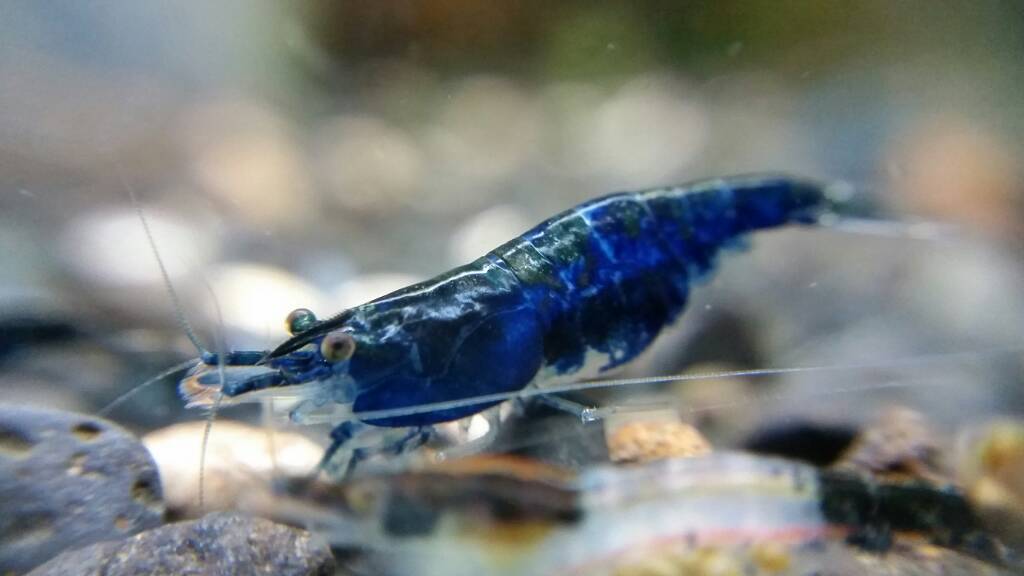
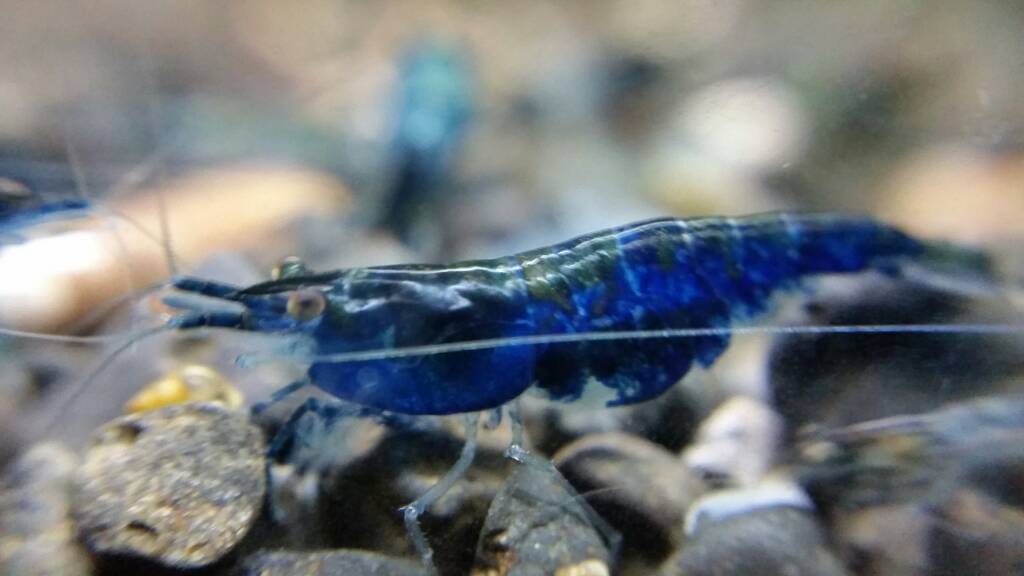
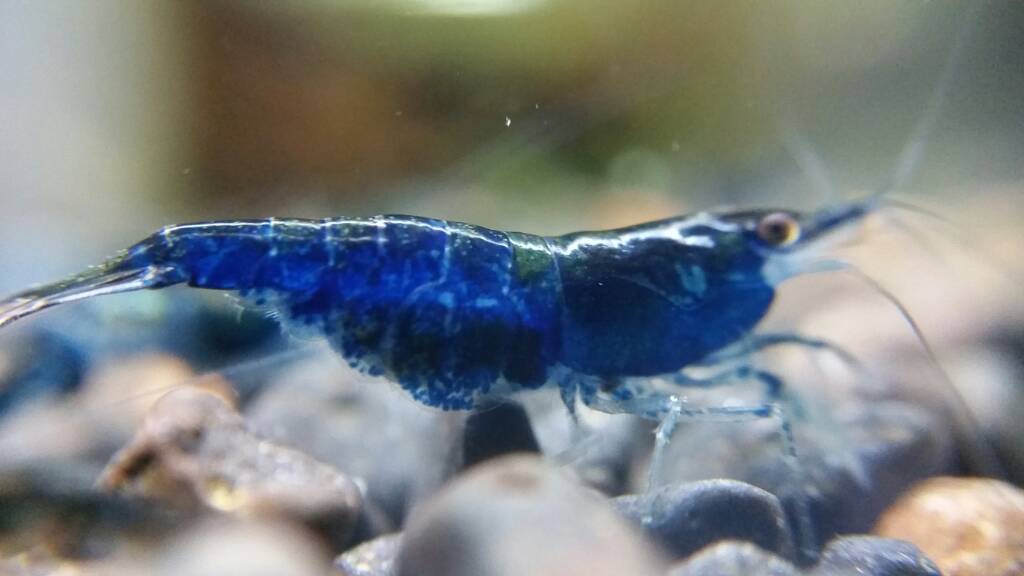
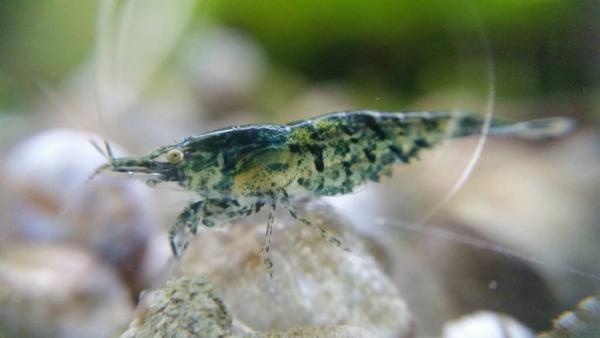
    Eureka!!! The opposite end of the carbon rilli spectrum. Ive said It over and over again. That the key to fire blues are from carbon rilli. To use the culls and create a full blue. A lot of people didnt believe me. Well here you go. This is the 75% result of what I made out of culls after 2 years Insert evil asian scientist laughter
  2. JayShrimp
    Il upload some more soon
  3. Paul Minett
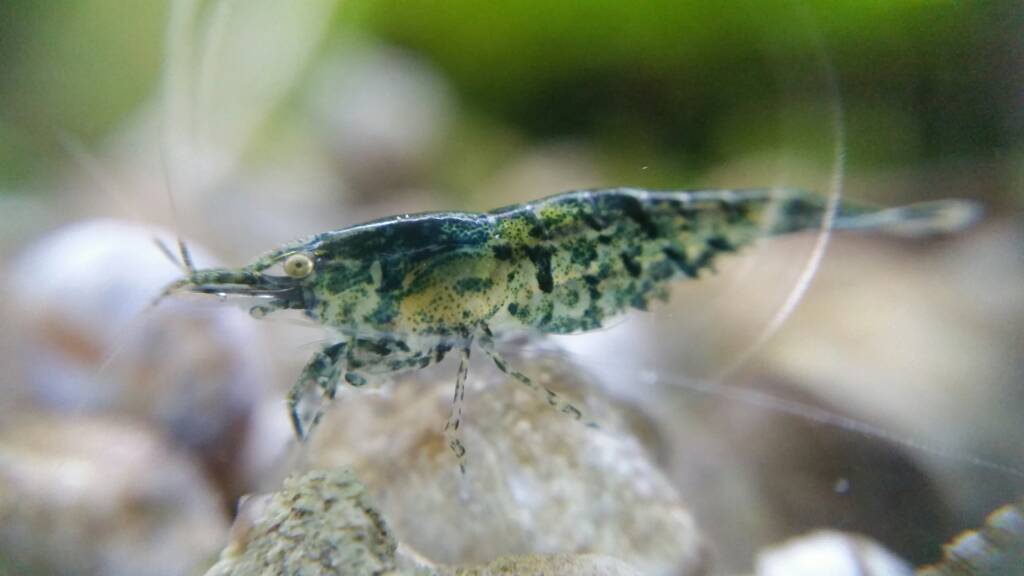
    found this little guy tonight i think its nice what do you all think?
  4. JayShrimp
    Thank you :) aknow people love pics as much as I do :)
  5. JayShrimp
    1 point
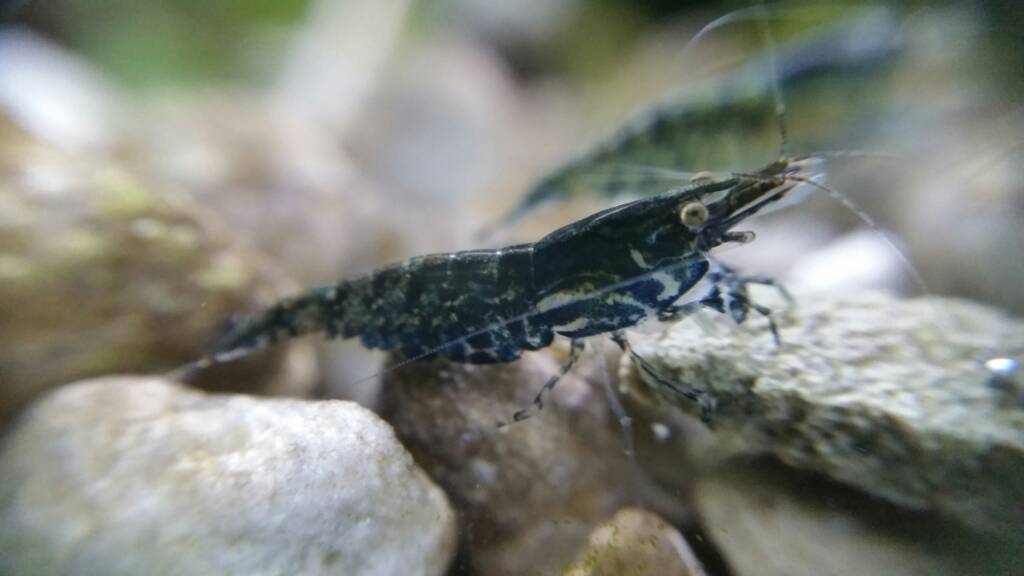
    I've also bred some more pinto red this time :) and also some Taiwanbees with pinto eyes :)
  6. JayShrimp
    1 point
    Also been given another pinto from a friend :) pictured with my own bred below
  7. The Tech Den
    Congratulations Paul. Have sent a PM about the details for you. We have your pic up as a banner for our shrimp section. http://www.thetechden.com.au/Shrimp_Products_s/1893.htm

Account

Navigation

Search

Search

Configure browser push notifications

Chrome (Android)
  1. Tap the lock icon next to the address bar.
  2. Tap Permissions → Notifications.
  3. Adjust your preference.
Chrome (Desktop)
  1. Click the padlock icon in the address bar.
  2. Select Site settings.
  3. Find Notifications and adjust your preference.