Leaderboard
-

OzShrimp
Members5Points4102Posts -

BlueBolts
Members2Points5650Posts -


NoGi
HOF Member1Points5858Posts -

Kev
Members1Points356Posts
Popular Content
Showing content with the highest reputation on 07/01/14 in Posts
-
1 point
-
 1 pointSounds awesome. Come on people, ya gotta be in it to win it!! I'm not going to enter, but this is probably the pic I was going to whack in...........for inspiration!1 point
 -
1 pointThis is my baby... Purchased it while ago as the electrical company were doing mods, and were informed we would be out of power for 24+ hours....so ensured I purchase a generator large enough to power up the fridges etc,..... When the time came, I hooked up all the tanks/racks, then realised 12+ hrs later, that I didn't hook up the fridge/freezer .... lol1 point
-
1 point
-
 1 pointGreat article! Happened across this while googling, the images depicting the morphological traits is a great resource. Well done with the photography too!1 point
 -
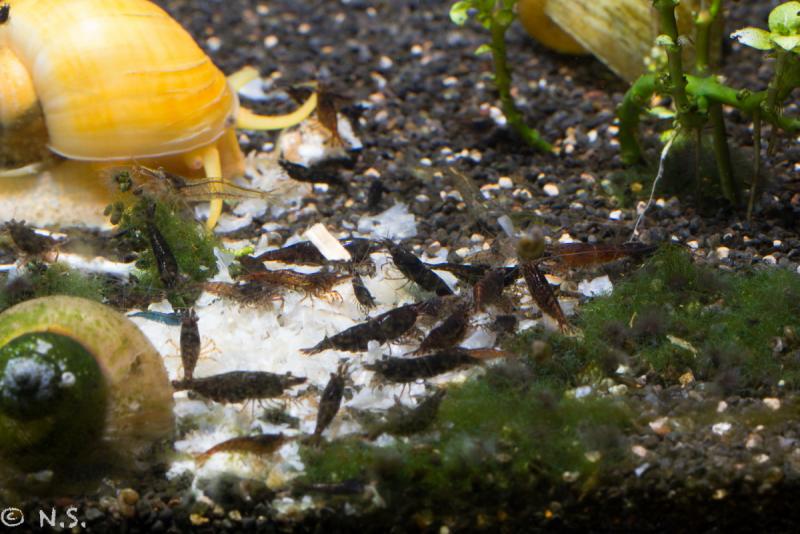
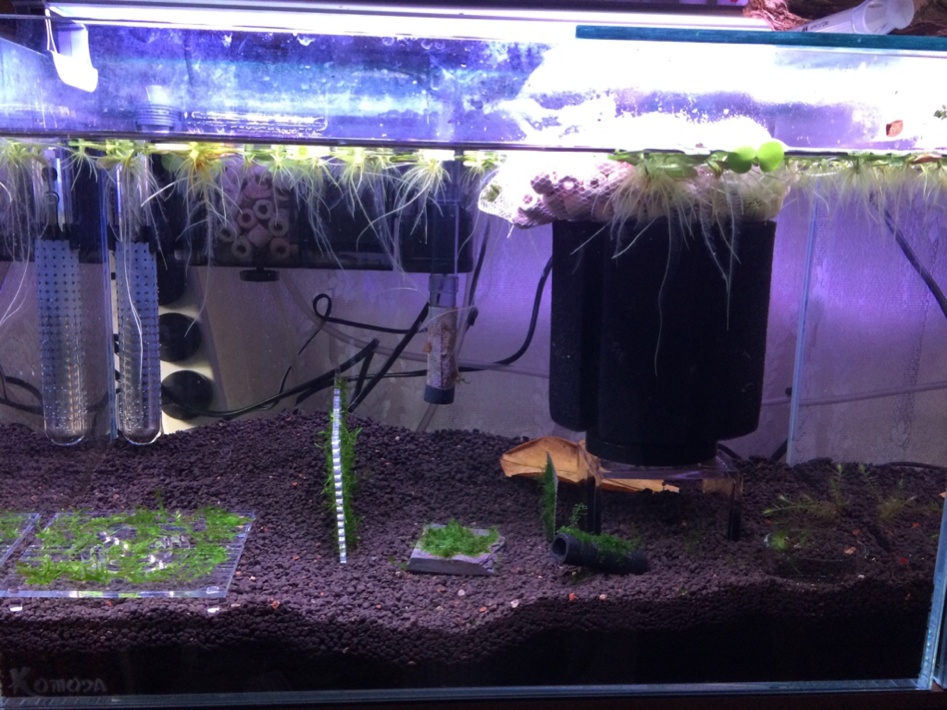
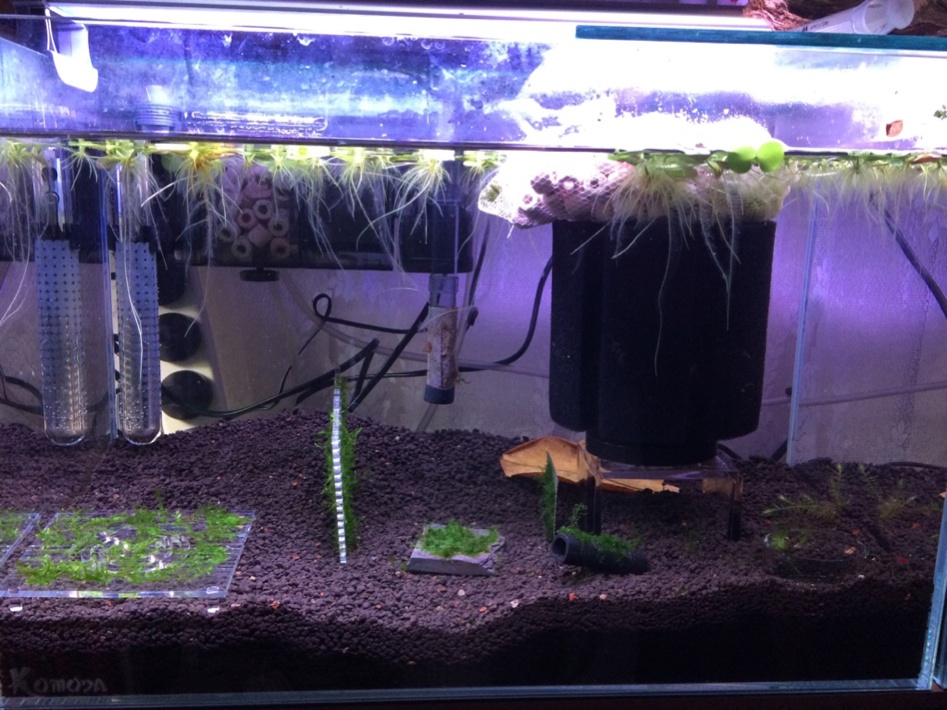
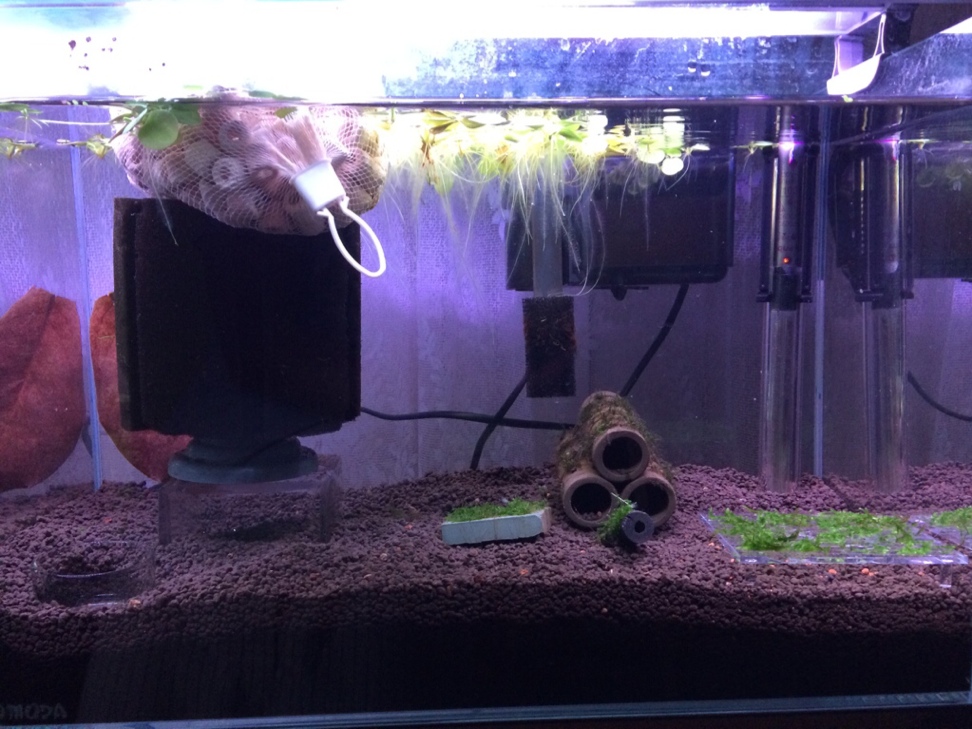
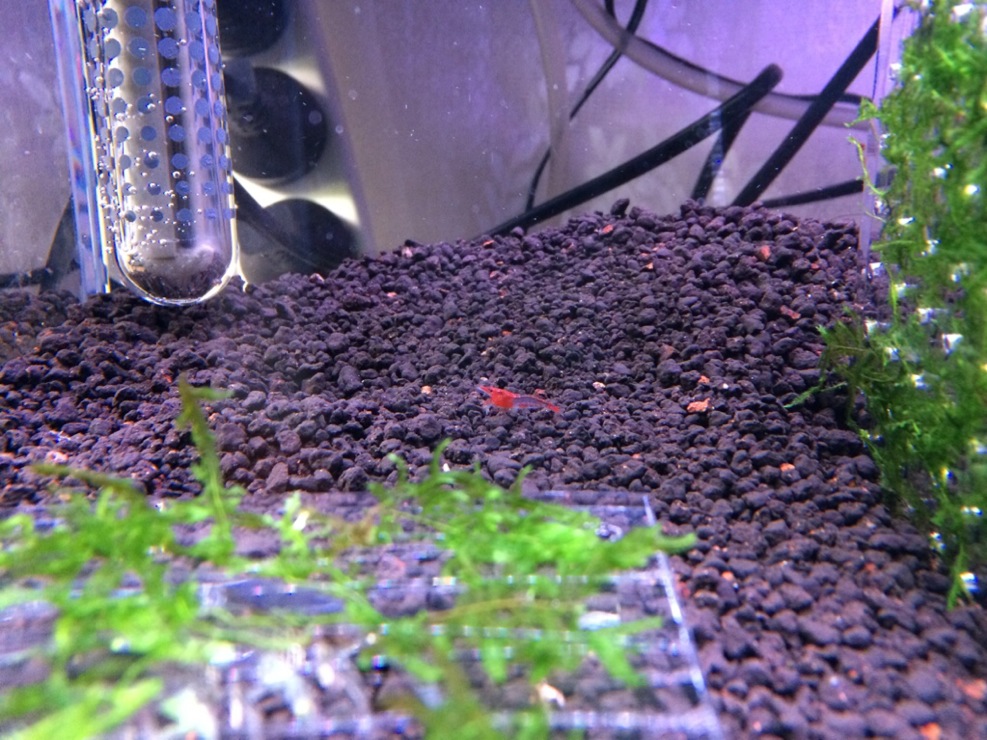
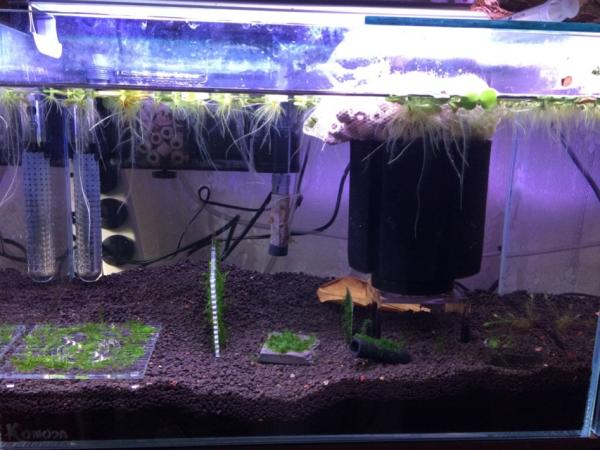
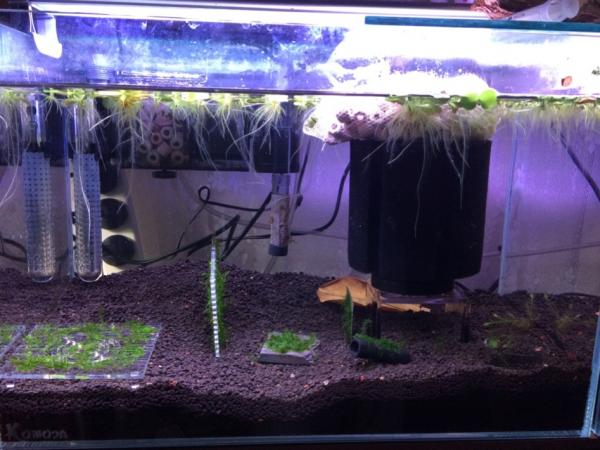
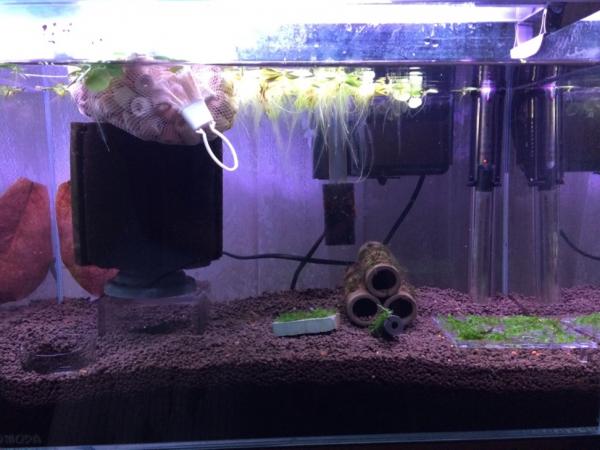
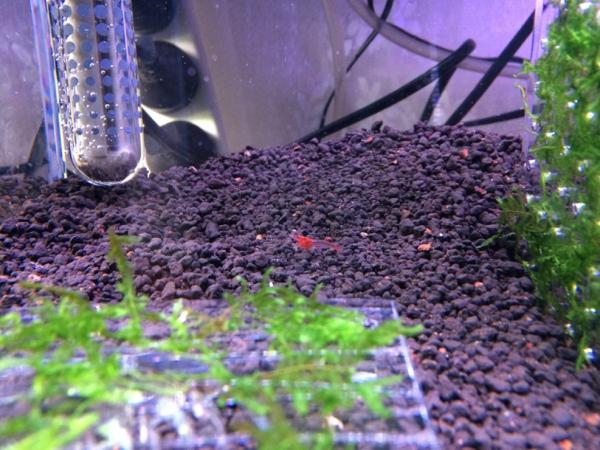
1 pointSo after a few advice to use RO water to reduce my ammonia. I've made 50%WC using RO water. I'll let it go for an week before I test the water again. Mean while I have notices a few small snail in the tank, I've been squishing them again the glass ;) also added a cull rilli to see if it help. Few pic: Cheers
 1 point