Leaderboard
-
slin1977
Members2Points233Posts -
andy-Eco-tank
Members1Points40Posts -

newbreed
Members1Points3152Posts -
ageofaquariums
Members1Points178Posts
Popular Content
Showing content with the highest reputation on 06/28/14 in Posts
-
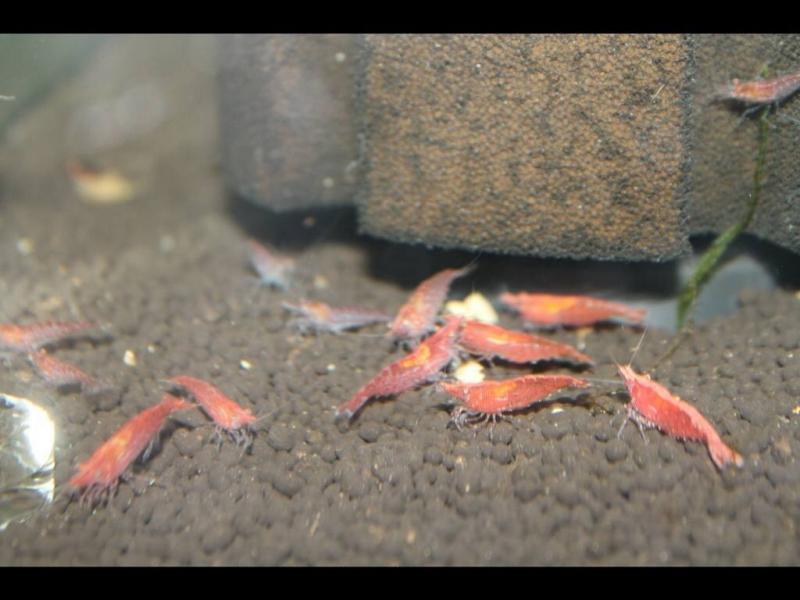
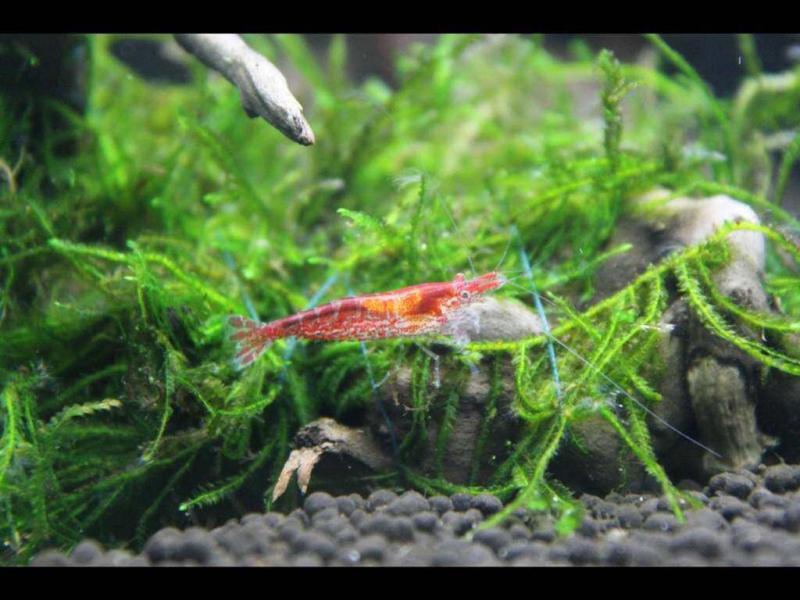
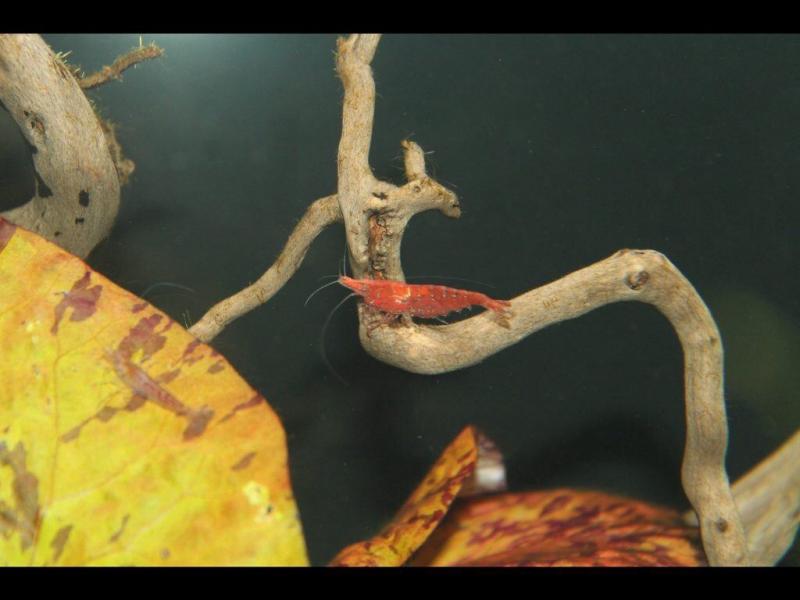
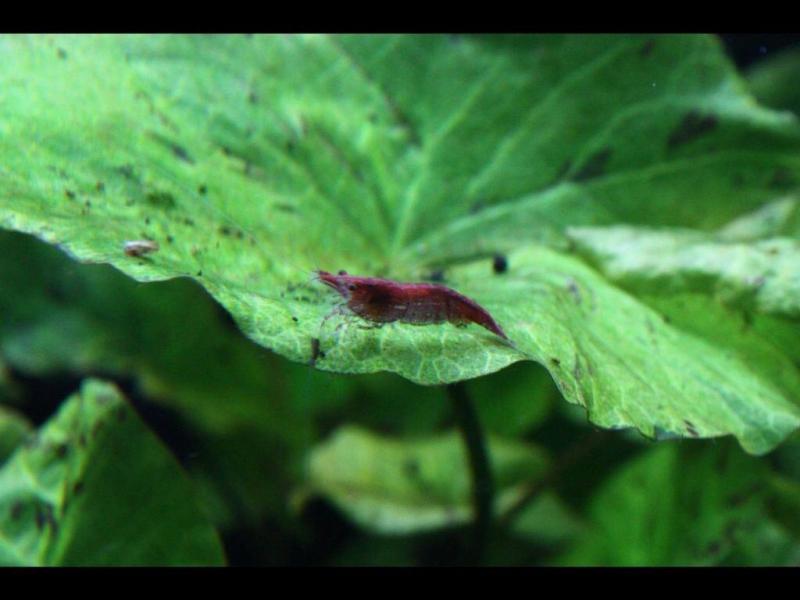
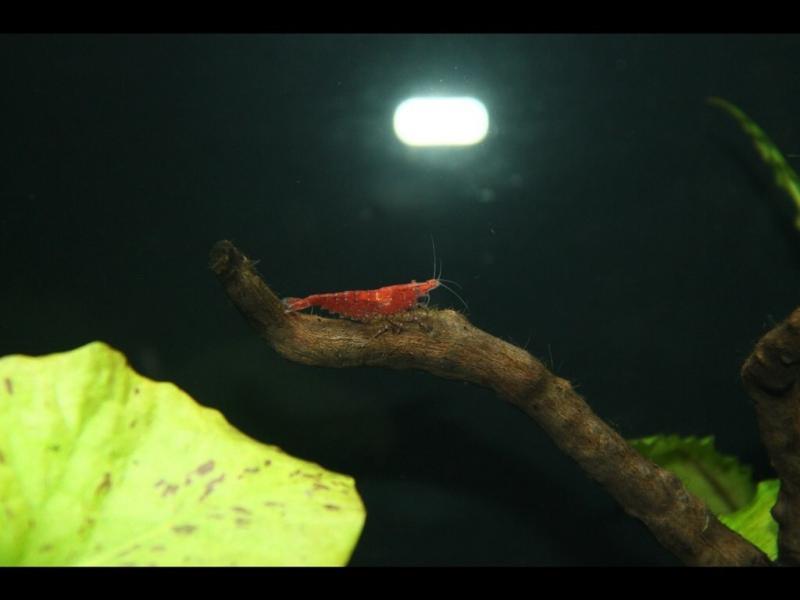
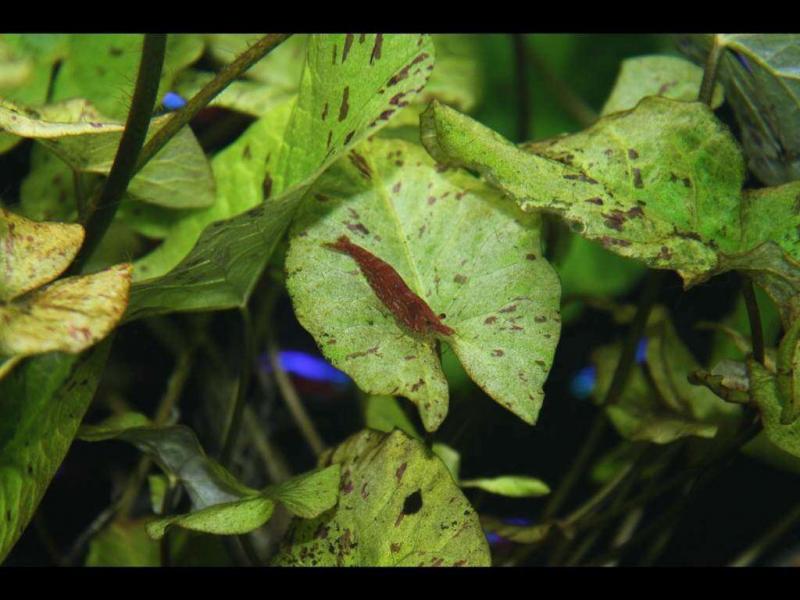
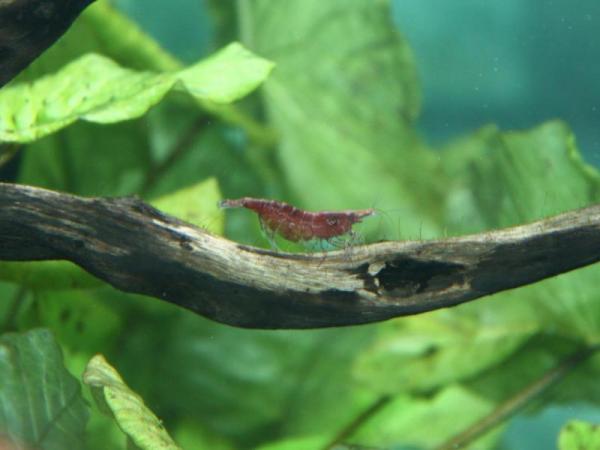
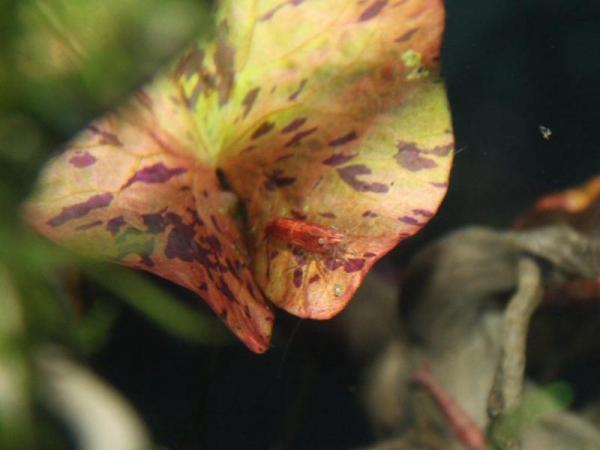
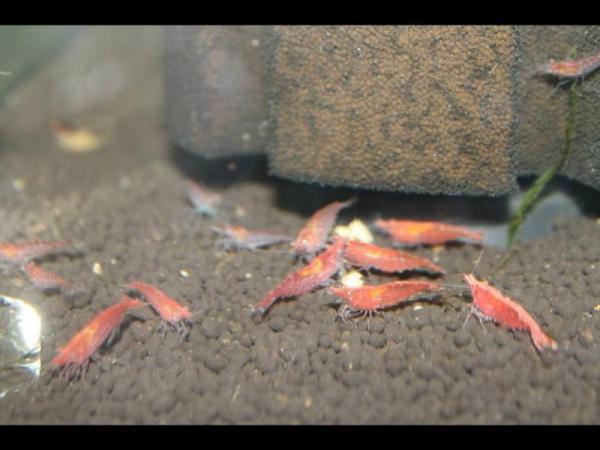
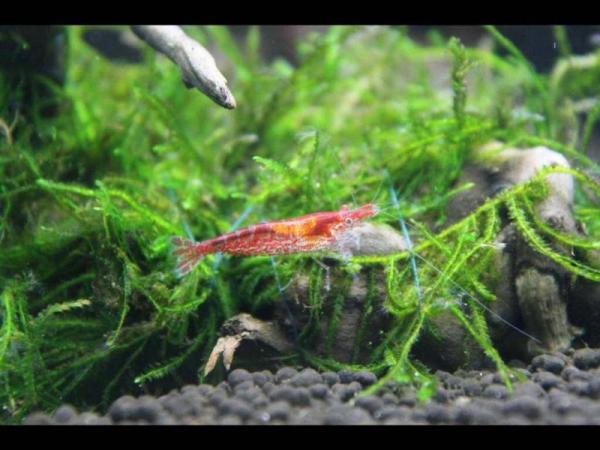
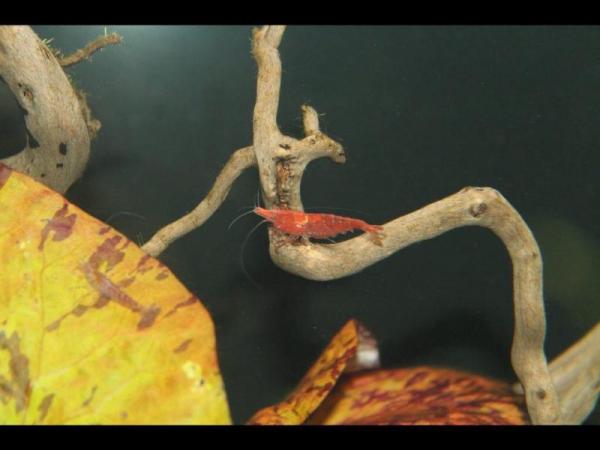
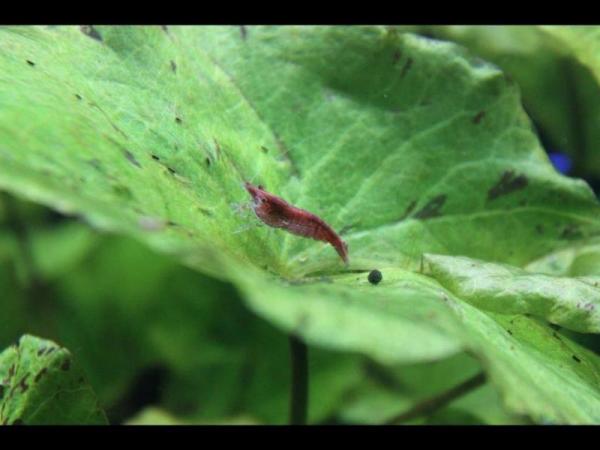
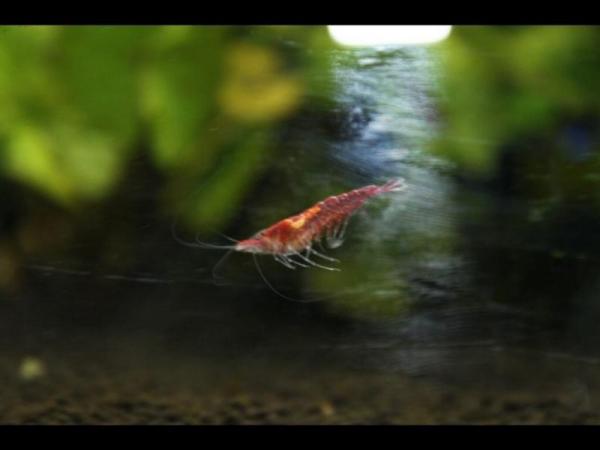
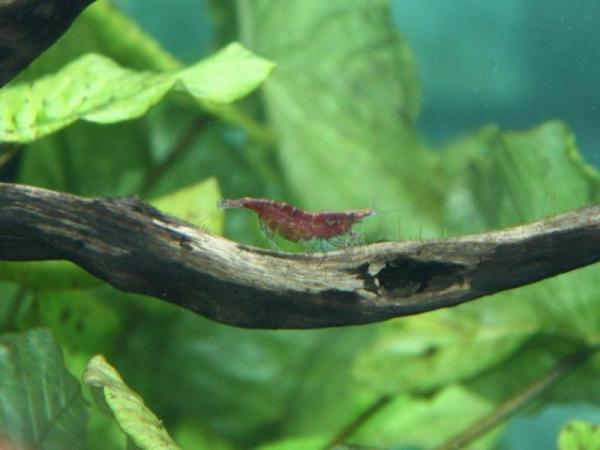
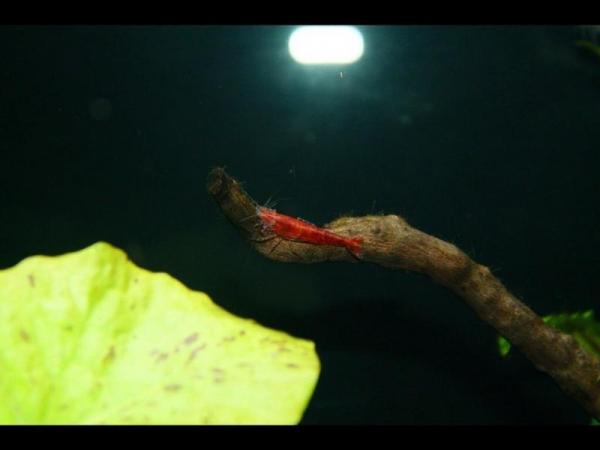
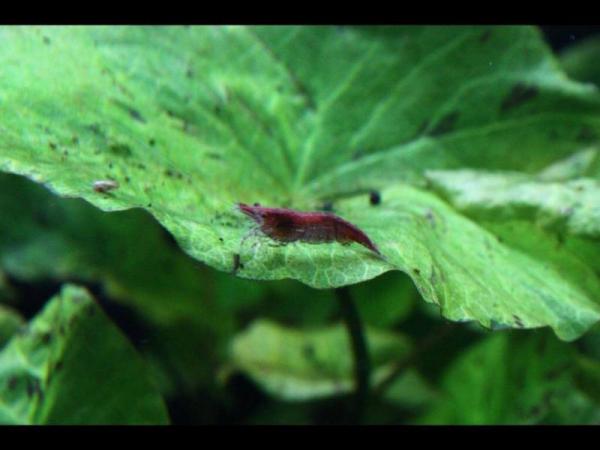
1 pointHey all got some new RCS for my tank yesterday. Some of them are showing some good colour already I'm going to start selective breeding them very soon just need breeding box first. Any way here are some pic's.
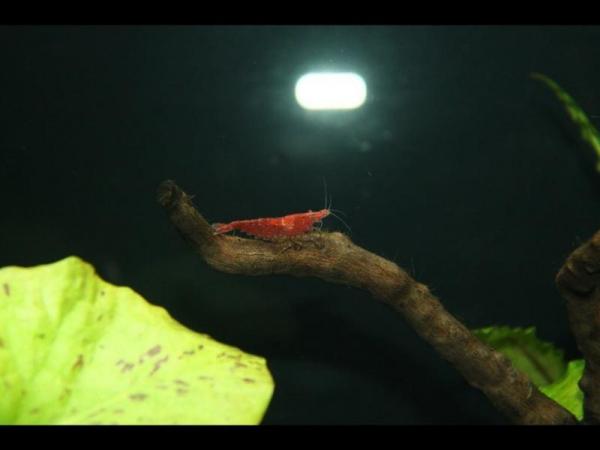
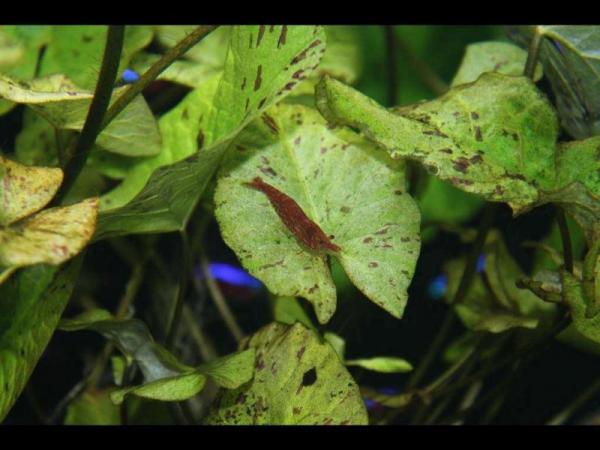 1 point
 -
 1 pointLooks amazing, can't wait to see the plants & shrimp go in, should look stunning all grown in & full of sexy shrimp!1 point
 -
1 pointInspired to put some solid colour into my display I chose only dark red/blue cherrys to go into the Cade. Although not solid red, I really like them. Hope you like them too.1 point
-
 1 point
 -
 1 pointThis looks good....a few features but very open for view and catching shrimp......1 point
 -
1 pointPlenty of nice saddled girls there mate!! Looks like they have a great environment too! Congrats!!1 point
-
1 point