Skip to content
View in the app

A better way to browse. Learn more.

Shrimp Keepers Forum

A full-screen app on your home screen with push notifications, badges and more.

To install this app on iOS and iPadOS
  1. Tap the Share icon in Safari
  2. Scroll the menu and tap Add to Home Screen.
  3. Tap Add in the top-right corner.
To install this app on Android
  1. Tap the 3-dot menu (⋮) in the top-right corner of the browser.
  2. Tap Add to Home screen or Install app.
  3. Confirm by tapping Install.

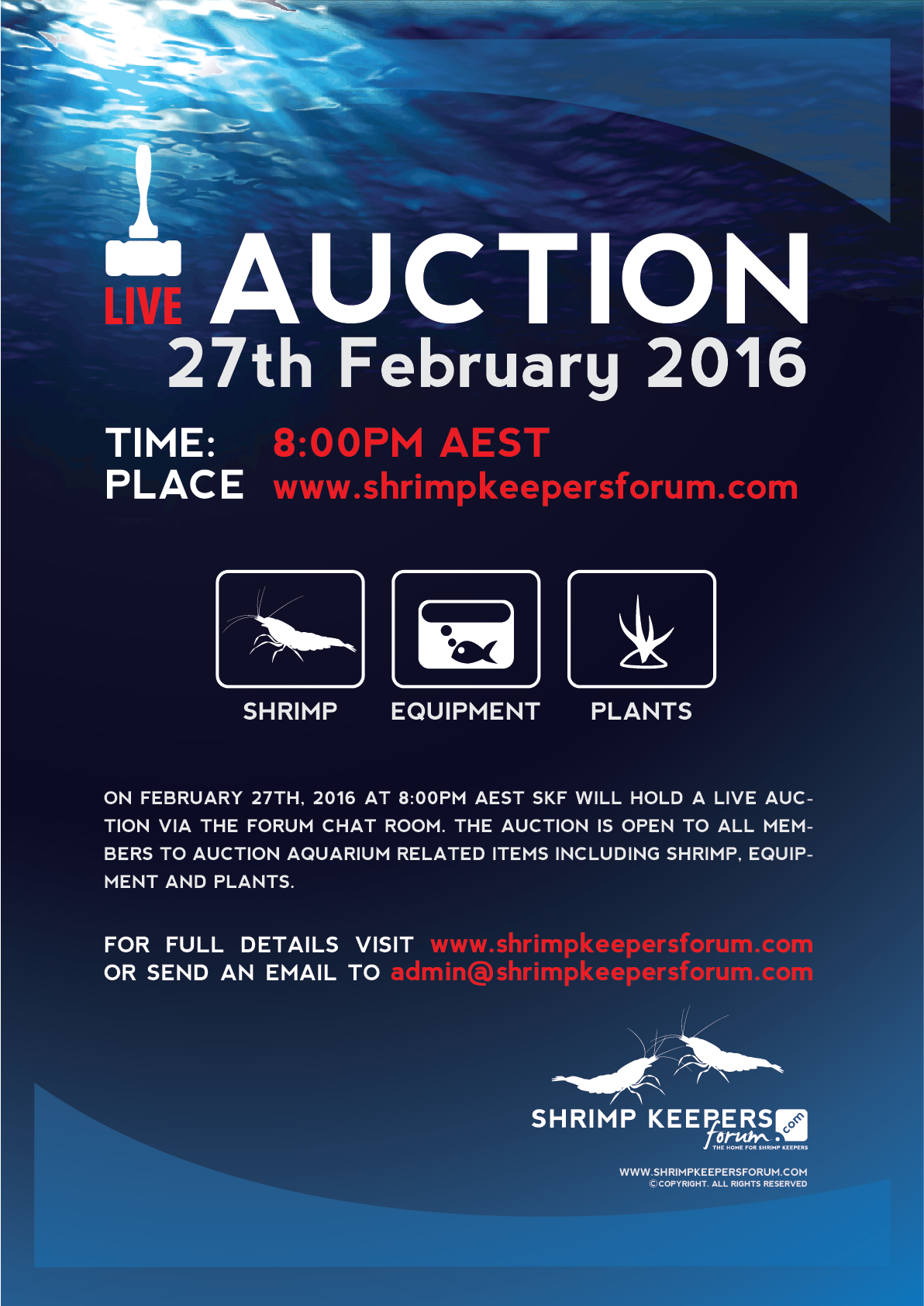
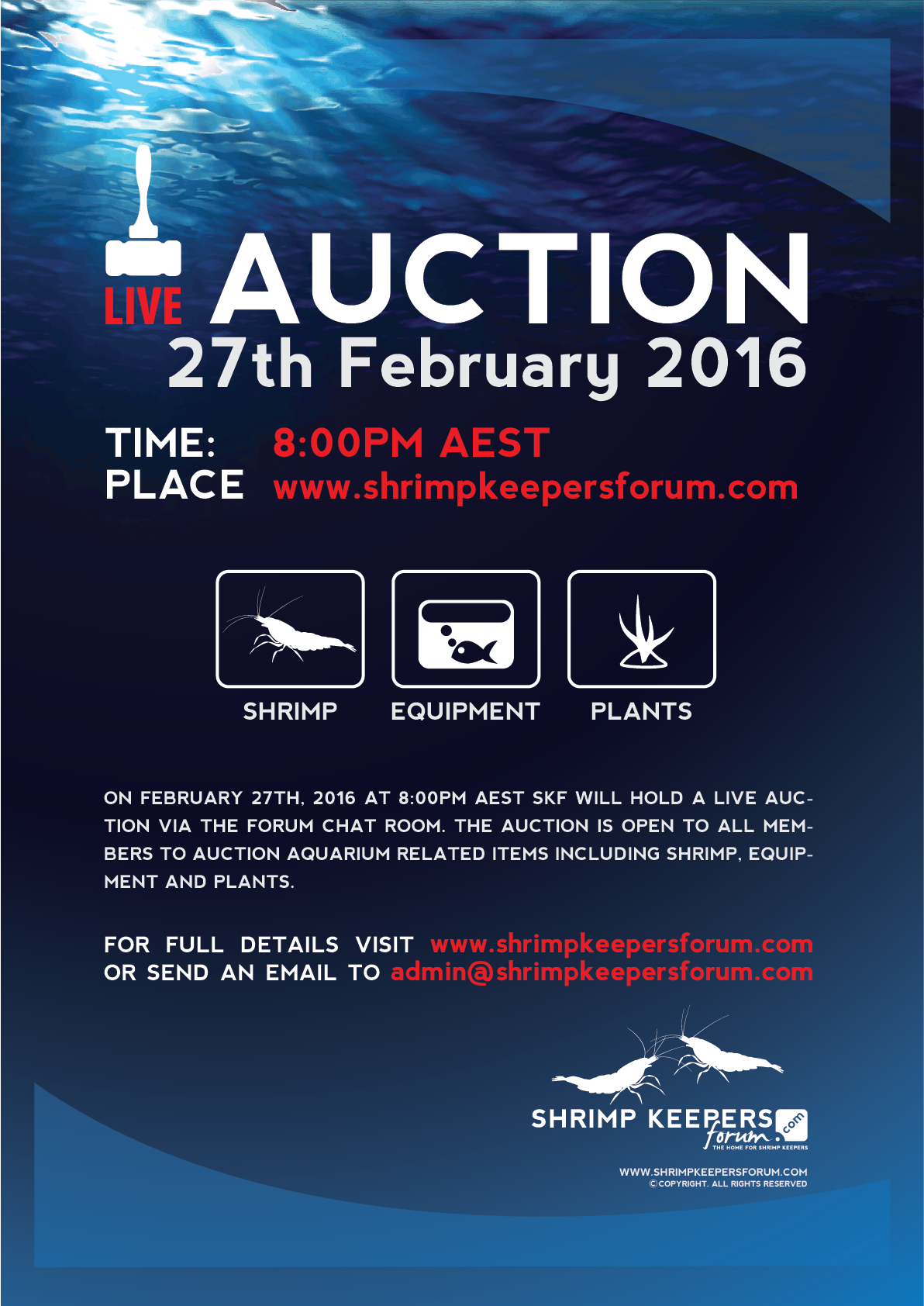
Feb 2016 - SKF Live Auction

SKF-Auction-Poster-Feb-2016.thumb.png.b8

Recommended Comments

Disciple Shrimp Master

Disciple

Platinum Members

Spread the news!

Disciple Shrimp Master

Disciple

Platinum Members

Ok guys just over a week to go.

It would be great to start getting the auction lots up.

Disciple Shrimp Master

Disciple

Platinum Members

Please remember if you are planning on bidding. Could you please register with me before the auction. Cheers.

boofndog Be nice I'm new here

boofndog

Members

5 hours ago, Disciple said:

Please remember if you are planning on bidding. Could you please register with me before the auction. Cheers.

Hi Disciple,

Registering interest. 

b/rgds


Boof

Disciple Shrimp Master

Disciple

Platinum Members

1 hour ago, boofndog said:

Hi Disciple,

Registering interest. 

b/rgds


Boof

No worries 

pm me your name and contact number

boofndog Be nice I'm new here

boofndog

Members

Mark Walder 0416 189 789 

Join the conversation

You are posting as a guest. If you have an account, sign in now to post with your account.
Note: Your post will require moderator approval before it will be visible.

Guest
Add a comment...

Account

Navigation

Search

Search

Configure browser push notifications

Chrome (Android)
  1. Tap the lock icon next to the address bar.
  2. Tap Permissions → Notifications.
  3. Adjust your preference.
Chrome (Desktop)
  1. Click the padlock icon in the address bar.
  2. Select Site settings.
  3. Find Notifications and adjust your preference.